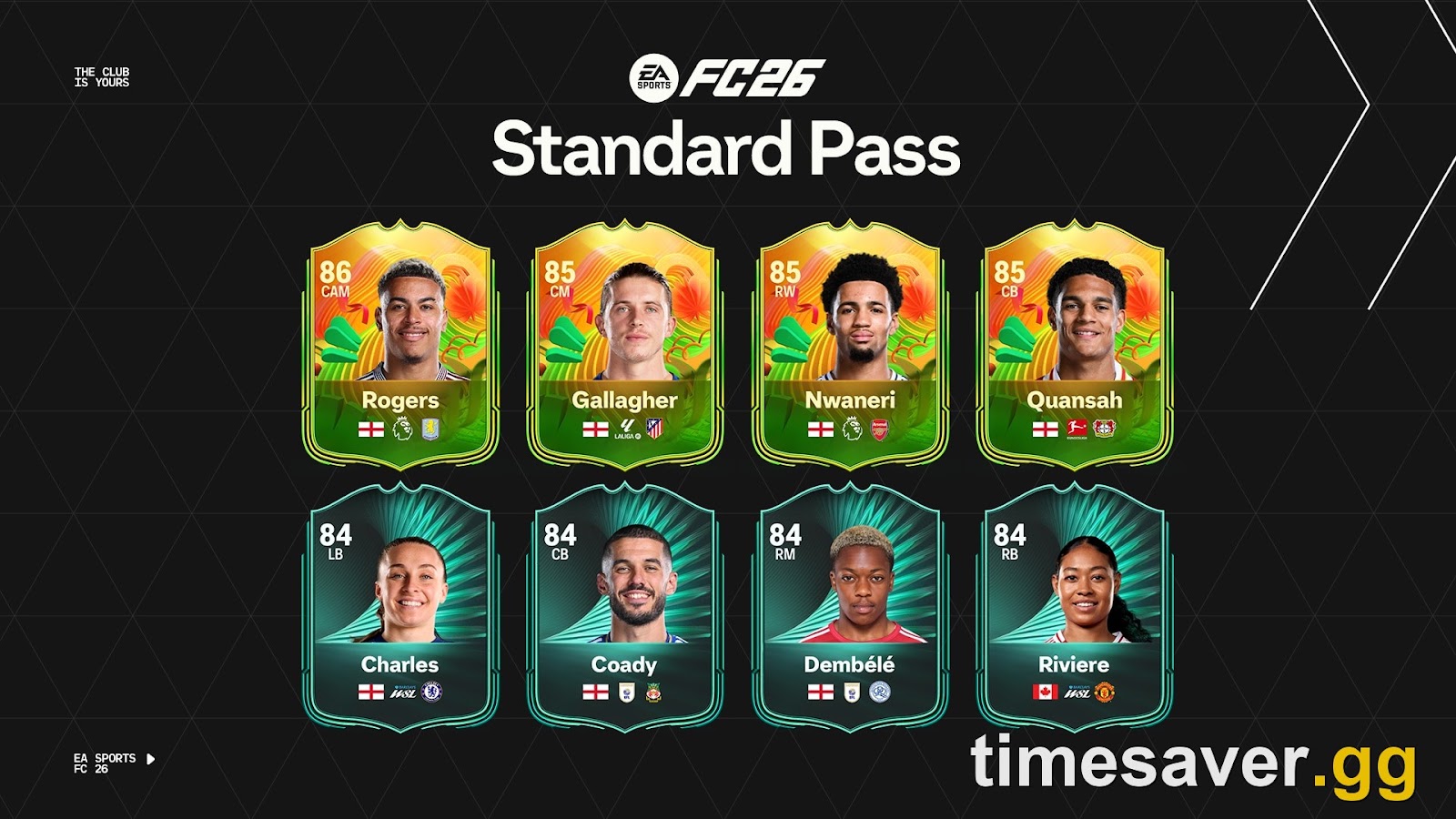
If you load into EA Sports FC 26, open the Season Pass tab expecting to see your XP tick up, and instead get "The Season Pass service is currently unavailable" — or you finish a match, earn the XP, and the bar just… doesn't move — you are not doing anything wrong and your account isn't broken. This is one of the most-reported non-gameplay bugs in FC 26 right now, and it spikes in waves, usually right after a content drop or a server-side event flip. It shows up in a small family of symptoms: "service currently unavailable," the Season Pass tab failing to load, XP not tracking after games, and the last few premium tiers refusing to unlock even when you've hit the level.
This guide gives you the fixes in the order that actually resolves them — fastest and most common first — so you stop relogging into the same dead screen. It separates the "it's EA's servers, wait it out" cases from the "it's your account/app, here's what to reset" cases, covers PC, PlayStation and Xbox, and tells you exactly what to do when nothing works and you're worried about losing a Season 9 reward before the pass expires.
Quick answer (TL;DR): "Season Pass not working" in FC 26 is almost always an EA server-side issue or a session/sync hiccup, not a lost account. Do this in order: (1) Check EA Help server status and the EA SPORTS FC social feed — if the Season Pass service is down for everyone, stop and wait, your XP is being tracked server-side and will backfill. (2) Fully close and relaunch the game (don't just back out of the menu) to force a fresh session handshake. (3) Power-cycle your console/PC and router to clear a stale connection. (4) Play one full match to completion — abandoned/quit matches don't always commit Season Pass XP. (5) Sign out of your EA account and back in to re-sync your entitlements. (6) On PC, repair the EA app; on console, clear the cache. If tiers still won't unlock after the pass has fully synced, file a case with EA Help with a screenshot — missing pass rewards are restored manually. Progress is stored on EA's servers, so a display glitch almost never means lost XP.
Roadmap: is it EA or you → the 60-second reset → play a full match → re-sync your account → PC repair / console cache → the "last tiers won't unlock" bug → don't buy the Premium Pass mid-outage → FAQ.
Short on funds for the market? You can buy EA FC 26 coins from Timesaver with Comfort Trade delivery on PS5, Xbox and PC.
EA Sports FC 26 - Coins
Get up to 1M Coins in 10 minutes
Is it EA's servers or your account?
Before you touch a single setting, spend two minutes working out which problem you actually have, because the fixes don't overlap. A server-side outage is out of your hands — relogging ten times won't help and you just want to wait. A local session/app problem is fixable in a couple of minutes. Getting this wrong is why people spend an hour "fixing" something EA was always going to patch on their end.
Signs it's EA (wait it out):
- The error reads literally "The Season Pass service is currently unavailable" or the tab spins and never loads.
- It's happening to everyone — your friends list, the FC 26 subreddits and the EA forums light up with the same complaint within the same hour.
- It started right after a weekly content refresh (Thursday reward flip) or a new promo/event dropping, when EA's servers are under the most load.
- Other online modes (Ultimate Team, Rivals, Squad Battles rewards) are also lagging or erroring.
Signs it's your side (fixable now):
- Only you have it — friends are earning Season Pass XP normally.
- The Season Pass loads fine but your XP isn't tracking after a specific match (often a quit or disconnected game).
- You just changed network, console, or reinstalled, and it started after that.
- One platform works (e.g. web/companion app) but your console doesn't.
A fast tell: open the EA Help server status page and check EA SPORTS FC on your platform. If it flags a service issue, close this guide — your job is patience, not port forwarding. According to EA's own support responses in the FC 26 technical forums, Season Pass outages are typically server-side and resolved without any action from the player, with earned XP crediting once the service is back. If status is green and it's only you, keep reading.
The 60-second reset that fixes most cases
For everything that isn't a full EA outage, this sequence clears the large majority of "not progressing / not loading" reports. Do all four steps in order — skipping the router step is the most common reason people say "I already restarted and it didn't work."
- Fully quit FC 26 — not to the main menu, all the way to the dashboard/desktop. Backing out of the Season Pass tab doesn't rebuild your session; closing the app does.
- Power-cycle the hardware. Console: hold the power button until it's fully off, wait ~30 seconds, boot back up. PC: quit the EA app from the system tray, not just the game window. This clears a stale online session that can leave the Season Pass tab desynced.
- Restart your router if the tab was failing to load at all — unplug it for 60 seconds. A dropped or half-open connection to EA's services is a classic cause of a Season Pass screen that won't populate.
- Relaunch and go straight to the Season Pass tab before doing anything else, so you can see whether it now loads and reflects your real level.
If the tab now loads but your level looks lower than it should, that's a display-sync lag, not lost progress — play one match (next step) and it corrects itself as the server pushes your true total back to the client.
Why isn't my Season Pass XP tracking after matches?
This is the "it's your side" version of the bug, and it has a specific, boring cause: matches you don't finish cleanly don't always commit Season Pass XP. If you rage-quit, get disconnected, or close the game the instant the whistle blows, the XP for that match can fail to write.
The fix is deliberate: play one full match all the way through the results screens — let the post-match menus load completely before you back out. Squad Battles or a Rivals game both work. Watch the XP bar update at the summary screen; if it moves, your tracking is healthy again and the earlier "stuck" reading was a sync issue, not a lost tier.
A few things that quietly cost people XP:
- Backing out during the "saving" spinner. Let it finish — that spinner is the game writing your progress.
- Assuming every mode gives Season Pass XP at the same rate. XP comes from playing matches and completing objectives; idling in menus earns nothing.
- Chasing the last tiers with no time left. FC 26 Season 9 runs until August 13, 2026, when Season 10 begins — check the in-pass countdown so you're not grinding a pass that's about to roll over.
Re-syncing your EA account (the entitlement fix)
When the Season Pass loads but rewards you've unlocked aren't appearing — a claimed player, a pack, or the Premium tiers showing locked despite hitting the level — the problem is usually your account entitlements not syncing, not the pass itself. Two steps clear this:
- Sign out of your EA account in-game and sign back in. On console this is in the FC 26 settings/online options; it forces the game to re-pull your entitlements from EA's servers. This is the single most effective fix for "I unlocked it but it's not there."
- Check the same account on the Web/Companion App. If the reward shows there but not on console (or vice-versa), it's a client-sync issue and a relog or cache clear resolves it — your progress is safe on the server either way.
If you own the Premium Pass (500,000 UT coins or 1,000 FC Points) and its tiers show locked after you've clearly reached the level, that's the entitlement bug specifically — the relog above fixes most cases; if not, it's the manual-restore situation covered further down. For more, check our EA FC 27 closed beta fix.
Platform-specific fixes: PC, PlayStation, Xbox
| Platform | Fix | Why it works | |
|---|---|---|---|
| PC (EA app / Steam / Epic) | Repair the game: EA app → FC 26 → Manage → Repair. On Steam, Verify integrity of game files. | Rebuilds corrupted local files that can break menu services like the Season Pass tab. | |
| PlayStation 5 / 4 | Full power cycle (hold power till it beeps twice, not Rest Mode); then Rebuild Database in Safe Mode if it persists. | Clears the console cache and a corrupted UT/menu state without touching your saves. | |
| **Xbox Series X\ | S / One** | Hold the Xbox button → Restart console, or unplug for 30s to hard-clear the cache. Clear "Reserved space" for FC 26 if available. | Wipes the temporary cache that can leave online tabs stuck. |
| All platforms | Update FC 26 to the latest title update and your platform's latest system software. | EA ships stability fixes for menu/service bugs in patches — an outdated client re-triggers fixed bugs. |
On PC specifically, the Repair step resolves a surprising share of "Season Pass won't load" reports, because a half-patched or corrupted install shows up first in the online-service menus. Do it before anything more drastic like a reinstall.
EA Sports FC 26 - FUT Champions Boost
Get FUT Champions wins in 10 minutes
The "last tiers won't unlock" bug — and how it gets fixed
A distinct, nastier variant: you've hit the level, the pass shows the tier as reached, but the final rewards refuse to unlock — some players report the game acting as if it needs negative XP to complete the tier. This is a known display/entitlement glitch, not you losing progress.
Here's the order to handle it:
- Relog your EA account (above) and reload the pass — this alone fixes a chunk of cases once EA's servers re-sync your true level.
- Give it a weekly reset. Some tier-unlock desyncs correct themselves on the next Thursday content refresh when the pass state recalculates.
- File an EA Help case with a screenshot of the reached-but-locked tier. Missing or un-granted Season Pass rewards are restored manually by EA — this is the same process used for missing Division Rivals rewards. Include your platform, the season (Season 9), and the exact tier.
The important part: your XP total is stored server-side. A tier that shows reached but locked is a granting bug, and EA can and does credit those rewards after review — you are not permanently locked out of a card you earned.
Should I buy the Premium Pass during an outage?
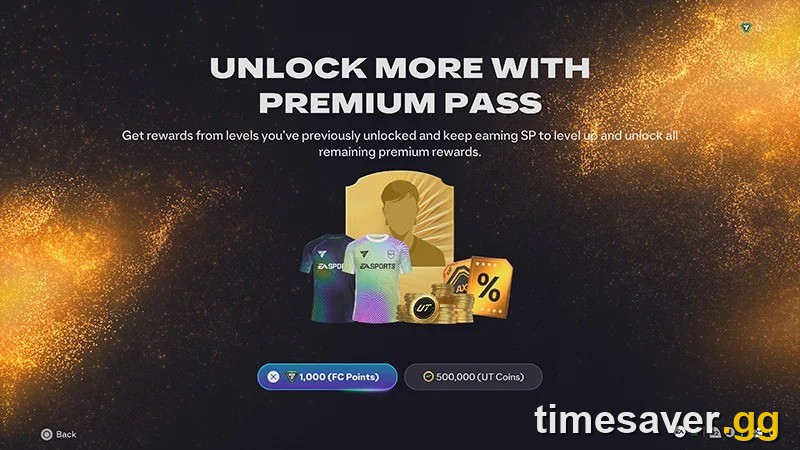
No — wait until the service is confirmed stable. If the Season Pass is erroring for everyone, buying the Premium Pass (500,000 coins / 1,000 FC Points) mid-outage risks the purchase not registering cleanly, which turns a display bug into an entitlements headache. Buy it when the tab loads normally and reflects your real level.
That said, the Premium Pass math is worth knowing so you're not spending coins blindly: at 500,000 coins for the premium track, the value comes from the player items, packs and — in Season 9 — the Generic Premium Pass Token you can earn at Level 22 of the Regular Pass and redeem in Season 9 or 10. If you're short on coins to grab the Premium track before the pass rolls over on August 13, that's a coin-supply problem, not a bug — and it's the one thing on this page you can solve instantly.
Skip the grind — get match-ready fast on timesaver.gg:
- EA FC 26 Coins — fast & safe — best rate, no ban risk. Enough to grab the Premium Pass (500k) or build the squad you actually want.
- FUT Champions Boost — hit Elite with pro players while EA sorts the servers out.
- All EA FC 26 services — coins, boosts and more in one place.
Once your coins are sorted, our guide on the smartest ways to spend FC 26 coins shows where the Premium Pass ranks against SBCs and the market.
Still broken after everything?
If you've checked server status, relogged, power-cycled, played a full match and repaired the client and the Season Pass is still not working, you're in one of two situations:
- It's a live EA outage that hasn't hit the status page yet — the FC 26 forums and social feeds will confirm it within the hour. Wait; your XP is safe and backfills.
- It's an account-specific entitlement bug — file an EA Help case with screenshots. This is the manual-restore path and it's the correct fix for anything reward-related that a relog didn't solve.
What you should not do: reinstall the game as a first resort (it rarely fixes a server-side or entitlement bug and costs you an evening), or spend coins/FC Points on anything pass-related while the service is erroring.
FAQ
Is the FC 26 Season Pass "service unavailable" error my fault? Almost never. It's overwhelmingly an EA server-side issue — check the EA Help server status page; if it's flagged, everyone has it and your only job is to wait. Your earned XP is tracked on EA's servers and credits once the service is back.
Will I lose my Season Pass XP if it's not tracking? No. Season Pass progress is stored server-side, so a bar that looks stuck or lower than it should is a display-sync glitch, not lost progress. Play one full match to completion and it re-syncs to your true total.
Why did I unlock a tier but the reward isn't showing? That's an entitlement-sync bug. Sign out of your EA account in-game and sign back in to re-pull your entitlements; if the reward still doesn't appear, file an EA Help case with a screenshot — missing Season Pass rewards are restored manually by EA.
How long does an FC 26 Season Pass outage last? Server-side Season Pass issues are usually resolved within a few hours once EA acknowledges them, often bundled into the next reset. There's no fixed SLA, so watch the status page and social feeds rather than repeatedly relogging.
When does FC 26 Season 9 end? Season 9 (World Tour: Spain, Portugal & Morocco '30) runs until August 13, 2026, when Season 10 begins. Check the in-pass countdown and make sure you claim everything — including any Premium Pass Token earned at Level 22 — before it rolls over.
Should I buy the Premium Pass while the Season Pass is erroring? No. Wait until the tab loads normally. Buying the Premium Pass (500,000 coins or 1,000 FC Points) during an outage risks the purchase not registering cleanly. If you just need the coins to afford it before the season ends, that part is easy to sort on timesaver.gg.