Quick Answer
Server hopping in Fallout 76 means leaving your current server (via the main menu) and rejoining the game on a fresh server where containers, ore veins, and vendor stock have not yet been looted by you. Each public server runs its own independent spawn state — so when you hop, everything resets for you on the new server. In Season 26, server hopping is the single most efficient method for farming Legendary Modules from Purveyor Murmrgh, Vault Steel from the same vendor, and high-yield resource routes like Sugar Grove screws or Ski Pole corridor aluminum.
Bethesda confirmed in The Slasher release notes (September 15, 2026): "Players now have the ability to change Legendary mods on any of the 80+ uniquely named weapons found across the Wasteland." That system runs on Legendary Modules — which means the demand for server-hop farming of Murmrgh stock is higher in Season 26 than at any prior point in the game.
TL;DR:
- Quit to main menu → Join (or Public World) → you are on a new server with fresh spawns
- Wait 20–30 seconds after quitting before rejoining for a higher chance of landing a different server
- What resets: containers, ore veins, junk piles, vendor stock (Murmrgh, Regs, Minerva)
- What does NOT reset: your weekly Gleaming Depths raid completion, your own daily caps and scrip limits, active nuke silo cooldowns on your character
How Does Server Hopping Work in Fallout 76?
Fallout 76 runs on shared public servers, each populated with multiple players. Every server has its own independent instance of the world — containers, ore veins, junk nodes, and vendor inventory all have their own state per server.
When you join a server, you see that server's state. When you hop to a different server, you arrive in a fresh world where those same locations have not been looted (by you or, often, by other players).
To server hop:
- Press Escape (or Options/Menu on console) and select Quit
- At the main menu, choose Join (or Play > Public World)
- The game drops you into the nearest available server — usually a different one each time
- Wait 20–30 seconds at the main menu before rejoining. Reconnecting immediately has a higher chance of landing on the same server, especially during off-peak hours.
There is no official in-game "Change Server" button separate from quit-and-rejoin. The process is as above across all platforms.
What Resets When You Server Hop?
Understanding the reset rules is the key to using server hopping efficiently.
What resets (server-side state)
| Item type | Resets? |
|---|---|
| Containers (boxes, safes, dressers) | ✅ Yes — fresh loot |
| Ore veins and mineral deposits | ✅ Yes — full ore counts |
| Junk piles and world junk nodes | ✅ Yes — respawn on new server |
| Vendor Bot stock and caps (all bots) | ✅ Yes — full inventory |
| Purveyor Murmrgh (module/Vault Steel stock) | ✅ Yes — 100 modules + 5 Vault Steel per server |
| Public Events (Eviction Notice, Scorched Earth, etc.) | ✅ Yes — each server has its own event cycle |
| Enemy spawns at fixed locations | ✅ Yes — respawn on new server |
What does NOT reset (character-side state)
| Item type | Resets? |
|---|---|
| Your daily Legendary Scrip cap (500/day) | ❌ No |
| Your daily Gold Bullion cap (400/day, 1,700/week) | ❌ No |
| Your weekly Gleaming Depths raid completion | ❌ No |
| Nuke silo launch cooldown (your character's) | ❌ No |
| Quest and challenge progress | ❌ No |
| Items already looted from your Stash | ❌ No |
| Your C.A.M.P. and workshop claims | ❌ No (you must reclaim) |
Important caveat on containers: There is a per-character loot cooldown of approximately 20 minutes. If you loot a container on Server A, hop to Server B, and go directly to the same container within 20 minutes, the game will treat it as already looted by you and show an empty container. Wait 20 minutes or move to a different loot route before cycling the same container.
What Are the Best Server Hop Routes by Resource?
Legendary Modules — Purveyor Murmrgh (Berkeley Springs Station)
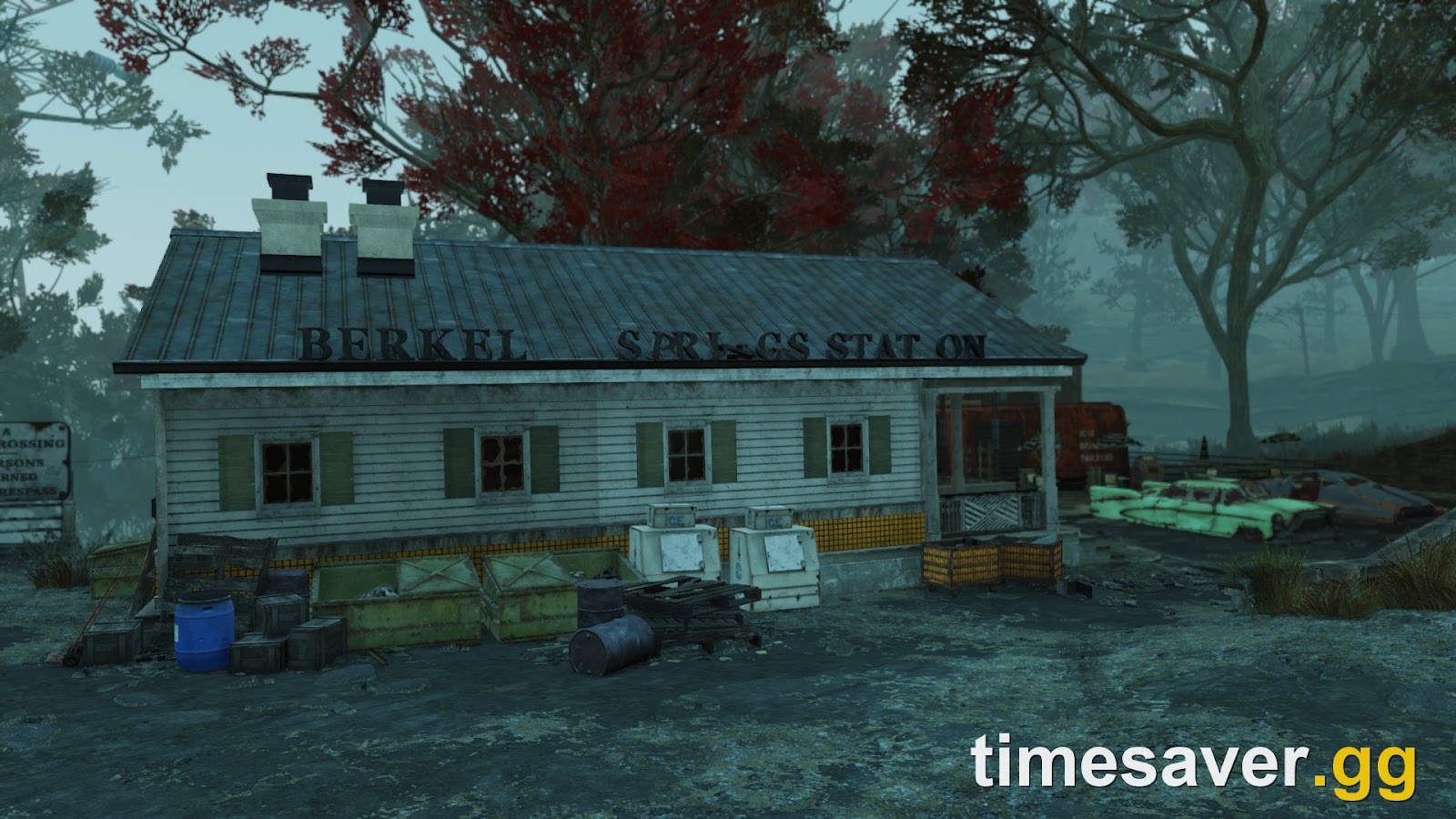
The highest-priority server hop route in Season 26. Purveyor Murmrgh holds up to 100 Legendary Modules per server at 100 Legendary Scrip each. When her stock empties, hop to the next server.
Route: Fast-travel to Berkeley Springs Station → sell unwanted legendaries (resets her scrip spending budget) → buy all available modules → quit and rejoin → repeat.
The practical limit is your daily Scrip cap of 500 per day. At 100 scrip per module, you can buy 5 modules per day directly. To maximize, sell high-tier legendaries to raise your scrip balance before buying. Vault Steel (5 per server, 10 scrip each) is also available from Murmrgh — server hop to stock up before crafting.
Screws — Sugar Grove (Savage Divide)
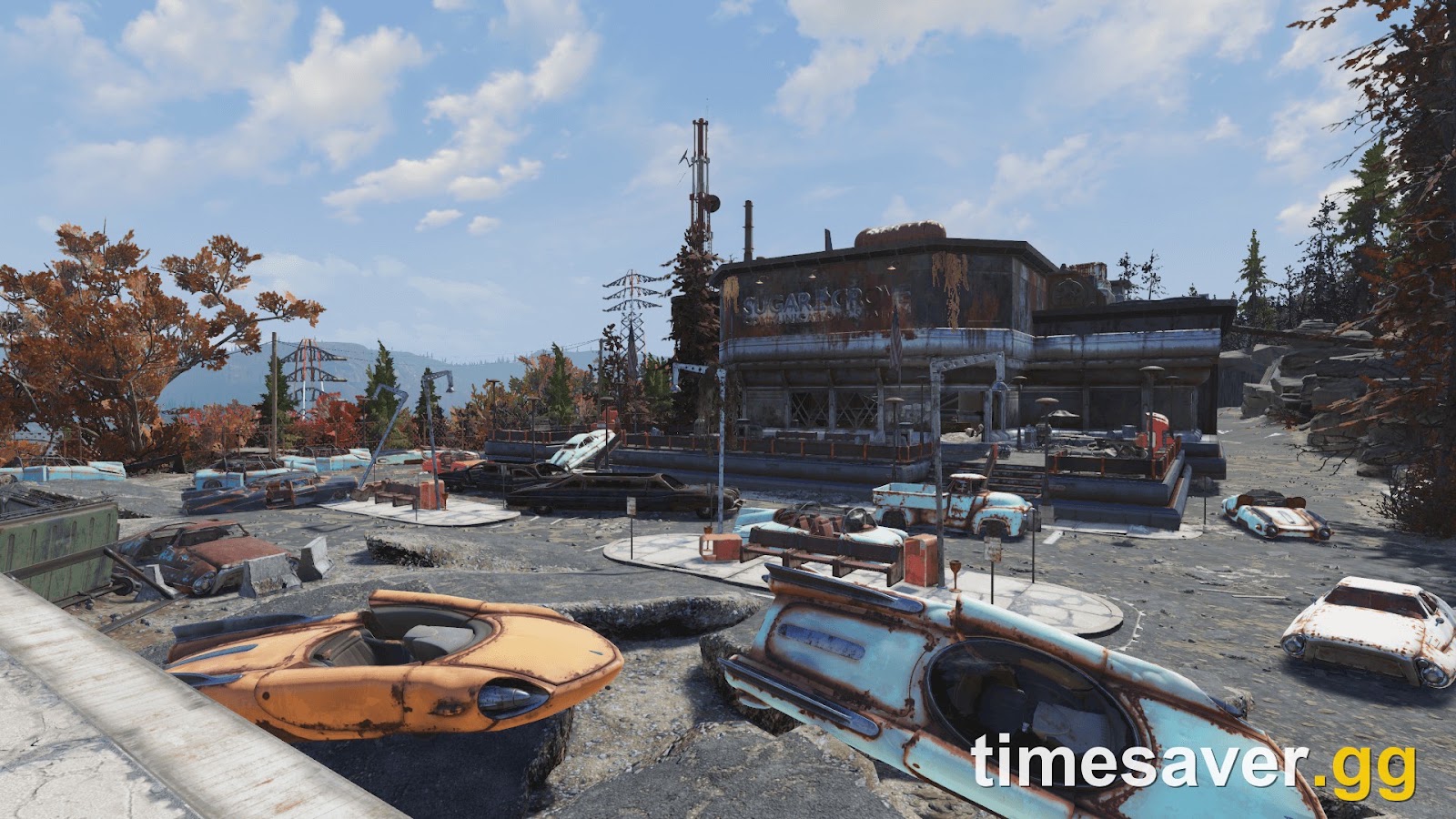
Sugar Grove Naval Radio Station holds approximately 68–70 screws per server hop (community-reported) from a fixed concentration of desk fans, typewriters, and loose springs near the entrance. It is the most efficient screw farming route in the game per most farming guides.
Route: Enter Sugar Grove → loot the front offices (typewriters + desk fans) → exit → quit and rejoin → repeat. Roughly 4–5 minutes per full run.
Aluminum — Ski Pole Corridor (Savage Divide) + Mine Shaft 1 (Ash Heap)
Ski Pole Corridor: The path from South Cutthroat Camp south through Pleasant Valley Ski Resort to Skullbone Vantage contains 86 ski poles, yielding 172 aluminum per server hop from poles alone (183–197 when cabin kitchen junk is included).
Mine Shaft 1 (Ash Heap, west-northwest of Welch): 14 aluminum ore veins confirmed. With Excavator Power Armor torso (×4 multiplier on ore veins only), a single run yields 56–84 aluminum ore. Server hop resets the mine; 4–6 minute clear time per run.
Lead — Lucky Hole Mine (Savage Divide)
Lucky Hole Mine contains 25–30 Lead Ore Veins in interior passages (community-approximate). The full circuit takes roughly 6–8 minutes. Excavator PA torso applies the same ×4 vein multiplier here.
Important: Excavator's bonus applies to Ore Veins only — not to Ore Deposits at workshops. Server hopping mine routes is more efficient than workshop farming for lead.
Springs — Sugar Grove and Whitespring Resort
Sugar Grove's typewriter and desk fan population overlaps screw and spring yields (springs often come from the same junk). For dedicated springs, the Whitespring Resort service tunnels contain a high density of loose clipboards and typewriters. See the Gold Bullion Farming Guide for the full Whitespring vendor circuit you can pair with a spring run.
Which Vendors Restock on a Server Hop?
Every vendor bot in Fallout 76 has a per-server cap limit on how many caps they'll pay for items (typically 1,400 caps per vendor per server). When a vendor bot is capped out, server hop and return to sell to a fresh bot.

Key vendor locations and their reset value
| Vendor | Location | Primary use |
|---|---|---|
| Vendor Bot Responder | Morgantown Airport / Flatwoods | General sell route, early caps |
| Reginald Stone (Regs) | Vault 79 (Savage Divide) | T-65 plans, SS Armor plans (Gold Bullion) |
| Vendor Bot Phoenix | Watoga Shopping Center | Various plans including Tesla Rifle (level 40+) |
| Giuseppe Della Ripa | The Whitespring Resort | Expedition Stamps exchange |
| Purveyor Murmrgh | Berkeley Springs Station | Legendary Modules, Vault Steel |
Minerva (Big Sale: Foundation, Crater, Fort Atlas, Whitespring) does not reset on server hop mid-sale — she runs for 2 days per location and sells the same discounted inventory until the sale ends.
How to Use Server Hopping for Public Events
Public events do NOT need to be server-hopped for rewards — each event rewards you once per completion and the caps/XP scale with difficulty regardless of server. However, server hopping is useful when:
- The current server has no Eviction Notice or Moonshine Jamboree starting soon (both award 2–3 Legendary Modules per run)
- You want to farm the Scorched Earth event (nuke Fissure Site Prime for Scorchbeast Queen and prime plans) on a server where a player group is already running nukes
- The current server has active PvP players you want to avoid
Do not server hop mid-event — leaving the server forfeits your event participation and rewards.
Season 26 Priority Loop: The Slasher Server Hop Strategy
With The Slasher (September 15, 2026) adding the Unique Item Crafting system — where crafting a 3-star unique weapon costs 30 Legendary Modules and a 4-star costs 65 Modules — server hopping Murmrgh has become the core farming loop for endgame progression.
Recommended daily loop:
- Sell unwanted legendaries at Murmrgh to fill Scrip balance (500/day cap)
- Buy 5 modules from Murmrgh (all your daily scrip goes here)
- Buy Vault Steel: 5 per server hop × as many hops as needed
- Run Eviction Notice (2–3 modules per event, no daily cap) until event cycle ends
- Server hop for a server running the next Eviction Notice or Free Range cycle
This loop targets the two uncapped module sources (Murmrgh restocks + event drops) against the 500 scrip/day cap as the only bottleneck.
Mischief Night Server Hop (Active Through Late October 2026)
The Mischief Night event at Rapidan Camp (Skyline Valley) can reward Legendary Modules as part of its completion loot. Server hopping between active Mischief Night events is efficient if the current server's event just ended.
What to do:
- After completing Mischief Night, stay in the area — additional Pint-Sized Phantoms can appear for bonus loot
- If no Mischief Night event is active on your server, server hop to find one in cycle
- Run Disturbed Graves (use a shovel on glowing grave mounds in Skyline Valley, part of The Slasher's "Secrets to the Grave" weekly quest) for the rare Severing 4-star mod drop (2% chance per Phantom killed)
Common Server Hop Mistakes and How to Fix Them
"I keep landing on the same server." Wait 20–30 seconds at the main menu before rejoining. Immediate reconnects have a high probability of returning to the same server.
"Containers are empty on the new server." You hit the 20-minute personal loot cooldown. The same container on a new server will show as empty if you looted it within the last ~20 minutes. Either wait it out or use a different route during that window.
"My Gleaming Depths raid isn't resetting." Correct — Gleaming Depths resets weekly per account, not per server. Server hopping cannot bypass the raid's weekly lockout.
"Purveyor only has a few modules." Other players on the same server have already bought from her. Server hop immediately.
"The nuke silo won't reset." Nuke silo launch cooldowns are per-character, not per-server. You cannot use server hopping to bypass the launch cooldown. The cooldown follows your character.
Frequently Asked Questions
Is server hopping allowed or will I get banned? Server hopping is a normal game feature — you are simply changing to a different public server. Bethesda has never banned players for server hopping and their support documentation acknowledges multiple server options exist. It is not an exploit in any policy sense.
Does server hopping work on private worlds? No. Private worlds (Fallout 1st) are single-instance — you are always in the same world. Server hopping only applies to public world servers.
How long does server hopping take? Loading times vary by platform. On PC with an SSD, a full quit-and-rejoin cycle takes 60–90 seconds. On console, allow 2–3 minutes. Factor this into your per-hour yield calculations for resource routes.
Can I server hop to find a specific world boss like the Wendigo Colossus? World bosses like the Wendigo Colossus spawn in specific locations and can spawn on different servers. You can server hop to check the spawn location (for example, the area in Watoga) until you find a server where the boss is present. This is community-confirmed but not officially documented — boss spawn presence is random per server.
Does Minerva's inventory reset when I server hop? No. Minerva runs a multi-day sale with fixed inventory until her next rotation. Server hopping during an active Minerva sale gives you access to another instance of the same sale — her stock is not depleted by other players, so there is no benefit to hopping for Minerva items.
What is the maximum Legendary Modules I can farm per day? Your theoretical daily maximum: 5 modules from Murmrgh (500 scrip daily cap) + unlimited from events (Eviction Notice ~2–3 per run, no daily cap on event modules) + 10 from Gleaming Depths raid (2 per encounter × 5 encounters; weekly reset, no daily cap). Active players report 20–40 modules per day on a consistent event-and-hop loop.
Looking for more on how to use your Legendary Modules once you have them? Timesaver.gg covers all the related systems: