Quick answer
If Madden NFL 27 shows "Our servers cannot process your request at this time" every time you click Lineup in Ultimate Team, check your roster for a Most Feared Evo first. It's the most common cause right now. EA confirmed on October 16, 2026 that the 85 OVR Most Feared EVO and the 86–89 OVR Monster Swap EVO break the lineup screen on players that use dynamic upgrade paths. The official workaround is three steps: remove the Evo item from the player, finish that player's upgrade path, then re-apply the Evo. If the rest of MUT loads normally, you're most likely looking at this Evo bug rather than an outage.
Key takeaways
- In most reports the error hits the Lineup tile only; packs, the Auction House and other menus usually still load.
- EA's MaddenNFLDirect account acknowledged it on October 16, 2026 and named the 85 OVR Most Feared EVO and 86–89 OVR Monster Swap EVO as the cause.
- Fix: remove the Evo → upgrade the player's dynamic path → re-apply the Evo, and repeat that order whenever you change upgrades.
- As of October 20, 2026, we found no permanent-fix announcement from EA; the workaround is the reliable route back into your lineup.
- It applies to Madden NFL 27 MUT, late Season 2 and the Most Feared program (October 15 – November 5, 2026).
This guide covers the current Madden NFL 27 live build during late MUT Season 2 (EA lists Season 2 as September 9 – October 20) and the Most Feared program (October 2026). Live-service bugs change fast, so check EA's Madden NFL 27 news page and EA's MaddenNFLDirect account before assuming the workaround is still needed.
Madden NFL 27 - MUT Coins
Get up to 20,000,000 MUT Coins
What does "Our servers cannot process your request" mean in Madden 27?
Despite the wording, this message doesn't usually mean EA's servers are down. It's a generic failure message: the MUT server rejected one specific request. In the current wave of reports, that request is loading or saving your lineup.
That's why the symptoms are so specific. Players on r/MaddenUltimateTeam describe the same pattern again and again:
- You can open packs, run Solo Challenges, browse the Auction House and claim rewards normally.
- The moment you select Lineup (or Adjust Lineup), you get "Our servers cannot process your request at this time. Please try again later", or the game loads for a second and drops you back to the main menu.
- Restarting the game, the console or your router changes nothing.
One player summed it up on Reddit: "I can do literally everything else except view/alter my lineup." That isolated failure points to this bug. A real server outage usually takes out matchmaking, the store and the Auction House as well, so check those before you start removing Evos. For crashes outside MUT, see our Madden 27 crashing and freezing fix guide.
Why is my Madden 27 lineup not loading? (the Most Feared Evo bug)
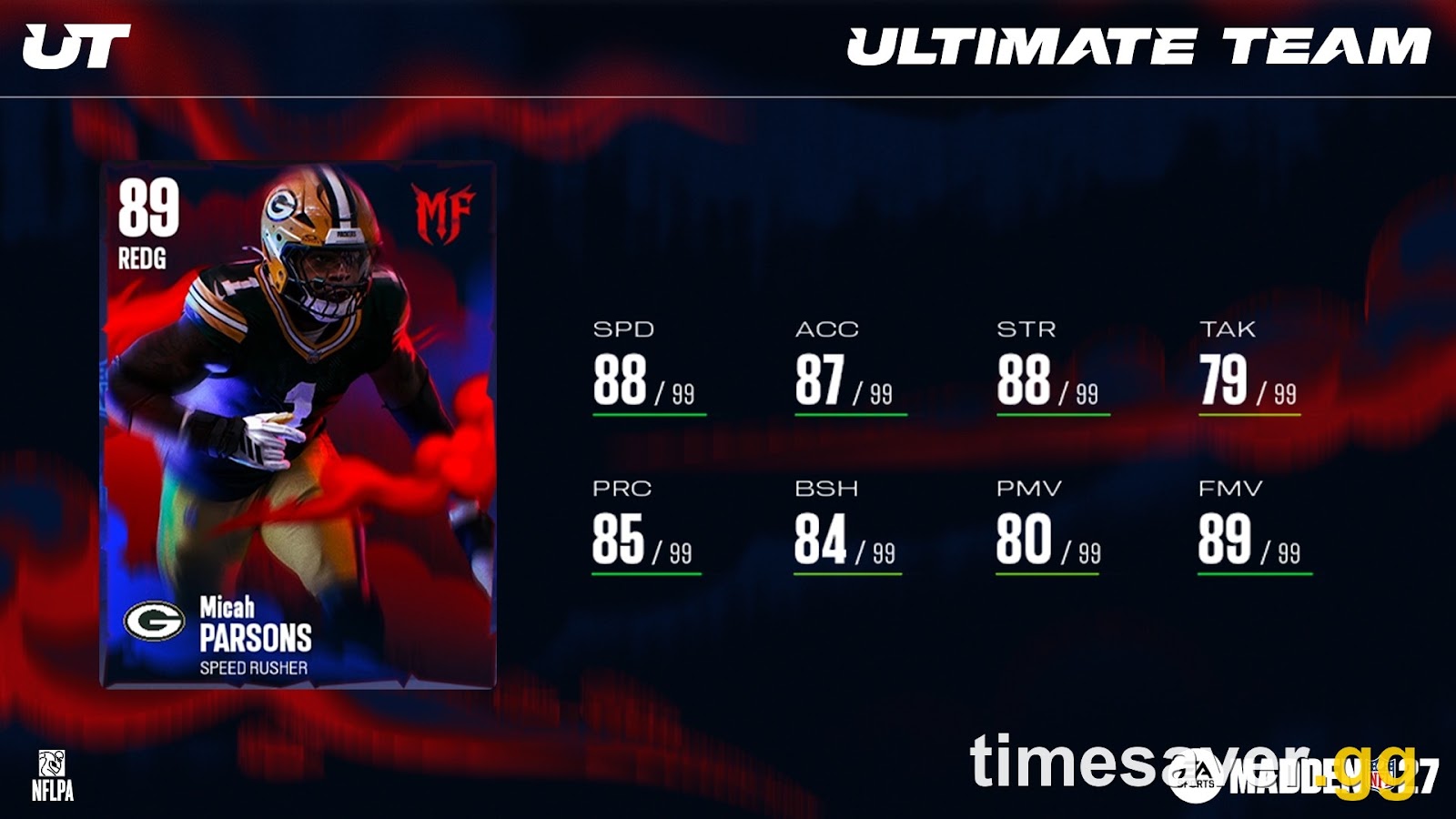
The trigger is the Most Feared program, which went live on October 15, 2026 at 1:30 p.m. ET. Most Feared brought two kinds of Evo that touch the program's Monster player items:
| Evo | How you get it | What it does |
|---|---|---|
| Most Feared EVO (85 OVR) | Free at Level 7 of the Most Feared Field Pass; a Premium copy costs 300 Madden Points or 35,500 Coins | Takes an 80–84 OVR Most Feared player up to 85 OVR using Skill Points and swaps his locked Scary Chem slot for a choice of any of the three factions |
| Monster Chem Swap EVO | Most Feared Store, 300 Madden Points or 35,500 Coins | Targets 86–89 OVR Most Feared items and swaps the locked 1x Scary Chem bucket for a choice of three, without changing OVR |
Source: EA's Madden NFL 27 Most Feared MUT Program Gridiron Notes, October 15, 2026.
Many Most Feared items are what EA calls Dynamic Upgrade player items: cards whose ratings climb along an upgrade path (for example, EA says the free Za'Darius Smith Welcome Pack item reaches 89 OVR through Candy Bar Upgrade Items). When one of those players carries one of the two Evos above and you change his upgrade path, the lineup request fails server-side. EA's official statement, posted by @MaddenNFLDirect on October 16, 2026:
"We are aware and investigating an issue with the 85 OVR Most Feared EVO and the 86-89 OVR Monster Swap EVO causing lineup errors on Dynamic Upgrade player items. While our team works toward a permanent fix, please use the following workaround to restore lineup access."
The bug lines up with the timing on Reddit. The first "lineup screen is glitched" threads appeared on October 16, the day after Most Feared launched. By October 18–19 the top reply in one r/MaddenUltimateTeam thread was "Try removing your MF EVOS," and the same advice led another thread. Several players replied that it worked.

How do you fix the Madden 27 lineup error? (EA's official workaround)
This is EA's three-step workaround, with practical notes from players who used it.
Step 1: Remove the Most Feared Evo item from the player. Find every Most Feared player you've put an 85 OVR Most Feared EVO or a Monster Chem Swap EVO on. You can't do this from the Lineup screen, because that's the thing that's broken. EA's Evo guide says Evos are managed by inspecting a player item and opening its "Upgrades" tab, so open the card from any screen outside the Lineup that lets you inspect it. EA's Evo Store also sits under Marketplace → Evolutions on the MUT main menu. EA hasn't published an exact menu path for this workaround, so the route can vary slightly by screen. Remove the Evo item from that player. If you've stacked Evos on more than one Most Feared card, remove them all. The Reddit fixes that worked removed every MF Evo, not just one.
Step 2: Upgrade the player's dynamic path to the setup you want. With the Evo off, go into the player's Upgrades menu and spend your Skill Points or Candy Bar upgrades the way you want them. This is the step that de-syncs when the Evo is attached, so get the build finished now.
Step 3: Re-apply the Evo item. Put the Most Feared EVO or Monster Chem Swap EVO back on the same player. Your lineup should load again.
The rule going forward: EA says "If you want to adjust any upgrades in the future, please ensure you remove the EVO item first, make your adjustments, and then re-apply the EVO item." Each time you touch that player's upgrades with the Evo attached, you risk locking yourself out again.
Will I lose my Evo or my Skill Points?
Possibly, so screenshot the player's upgrade path before you start. EA's Evo guide says some Evos are removable and some lock to a player once applied, and "there may also be a cost to remove an Evo." Read the removal prompt before you confirm it, and stop if it shows a coin or Points cost you didn't expect. The Upgrades screen also warns that Skill Points spent on archetypes or attributes that get removed are not refunded, and at least one player replying to EA's post said their upgrades reset. EA hasn't confirmed exactly what the affected Most Feared cards keep, so don't assume every spent point survives.
If you need to redo a build, Madden 27 lets you refund Skill Points for coins at a fixed 150 coins per Skill Point (EA's launch rate). That gets expensive on a fully upgraded card, so plan the build before you re-apply the Evo. Our Madden 27 Skill Points guide covers what's worth spending them on.
What if removing the Evo doesn't fix it?
The Most Feared Evo bug causes most current reports, but it isn't the only way to break the lineup screen. Work down this list.
1. You sold or quick-sold a player who was in your lineup
One October 16 thread opened with: "I sold a player out of my lineup and now I can't play the game since I can't update my lineup." Selling a starter or a backup can leave the saved lineup pointing at a card you no longer own. In earlier Madden titles the community fix was to put a player into the empty slot from a menu that still works. A Madden 23 player wrote that they "added him to an empty spot in my lineup and now it works." If you can reach any pre-game lineup or substitution prompt (for example, before a Solo Challenge), fill the empty slot there. Treat this as a community fix, not an EA-documented one.
2. An Evo player is stuck in a specialist slot
An EA Forums report from Madden 27 describes being unable to "access or create new lineup due to the 85 evo player being in a specialist position." If your Most Feared Evo card sits at KR, PR or another specialist role, the Evo-removal workaround above is still the fix. Take the Evo off, and the game should let you reload and move him.
3. EA's servers really are down
If everything in MUT fails (store, Solos, Auction House, matchmaking), not just the lineup, an outage is the more likely cause. Check EA's official status page at help.ea.com/en/server-status and wait it out. Nothing on your side will fix a server outage.
4. Nothing works: contact EA Help
If you've removed every Most Feared Evo and checked for empty slots and the lineup still won't open, contact EA through help.ea.com. Give your platform, EA ID, the exact error text and which Evos you used. EA said it is "investigating" this exact issue, so a specific report gets routed faster than "MUT is broken."


Madden NFL 27 - Head-to-Head Wins
Get your Head-to-Head wins banked
Should you still use the Most Feared Evos?
Yes, as long as you change the order you do things in. The Most Feared EVO is still one of the best free upgrades in the program: Level 7 of the free Field Pass gets you an 85 OVR Monster with a flexible faction slot. Here's the safe way to run it until EA ships a permanent fix:
- Plan the full upgrade path first. Decide where the Skill Points and Candy Bar upgrades go before you attach anything.
- Upgrade with the Evo off, then attach it last. That's EA's workaround, done in advance.
- Don't edit upgrades while the Evo is on. If you need to change something, remove → edit → re-apply, every time.
- Earning Skill Points with the Evo on looks safe, but isn't confirmed. One player noted you can "still apply the evo to earn your skill points or apply MF chems." EA's post only ties the bug to upgrade changes. If your lineup breaks anyway, use the same remove → edit → re-apply order.
Remember the deadlines too. Most Feared runs until November 5, 2026 (1:30 p.m. ET), and EA says unspent Candy converts into coins when the program ends on November 12, 2026. Our Most Feared program guide covers the rest of the program, and Madden 27 Evos explained covers how Evos chain and stack.
How much does this bug cost you?
For most players, the real cost is lost time. How much depends on what still works for you. If you can't edit your lineup, you can't swap in new Most Feared cards or put a Monster where you need him for the Trick or Treat CPU event (new doors open weekly), Most Feared objectives or the H2H House Rules event. Every day stuck on an old lineup during a short program puts you further behind on Candy and the Field Pass.
Some numbers to keep in mind:
- 35,500 coins for each Premium Most Feared Evo, the coin cost of the item causing the bug.
- 150 coins per Skill Point to refund upgrades you got wrong.
- 16,700 Candy available across the free and Premium Most Feared Field Passes combined, and you can only earn it while you can actually play.
The best way to catch up is still in-game. Once your lineup loads again, clear the weekly Trick or Treat doors and the Most Feared Solo Challenges first; they pay Candy, Candy Bar Upgrade Items and player packs. Our Evo re-roll guide shows where to save coins along the way.
Want to skip part of the grind? Note that EA's Madden rules prohibit buying coins from third parties, and EA can penalise accounts that do. Read EA's Madden rules before you decide.
- All Madden NFL 27 services — every Madden 27 service in one place.
- Madden NFL 27 Coins — MUT coin packages.
Is EA fixing the Madden 27 lineup error?
Yes, but there's no date. EA's October 16 post says the team "works toward a permanent fix" and that it "will provide an update here once a permanent fix is in place." As of October 20, 2026, we found no permanent-fix announcement on EA's news page or the MaddenNFLDirect account. EA also hasn't said whether the fix will come as a server-side change or in a title update. Until EA confirms it, assume the remove → upgrade → re-apply order is still required.
Frequently Asked Questions
Why does Madden 27 say "our servers cannot process your request at this time" when I open my lineup? In October 2026 the most common cause is a Most Feared Evo. EA confirmed that the 85 OVR Most Feared EVO and the 86–89 OVR Monster Swap EVO cause lineup errors on Dynamic Upgrade player items. If the rest of MUT loads, the lineup request is failing rather than the whole server.
How do I fix the Madden 27 lineup error? Follow EA's workaround: remove the Most Feared Evo item from the player, upgrade that player's dynamic path to the setup you want, then re-apply the Evo. From then on, always remove the Evo before changing upgrades.
Will removing the Most Feared Evo delete my upgrades? It might. EA hasn't confirmed what the affected cards keep, and the Upgrades screen warns that points spent on removed archetypes or attributes aren't refunded. Screenshot the upgrade path first, and read the removal prompt for any cost before you confirm.
Can I still use the 85 OVR Most Feared EVO? Yes. Finish the player's upgrades first and attach the Evo last. EA ties the bug to upgrade changes made while the Evo is attached, so always remove it before you edit.
I don't use any Most Feared Evos. Why is my lineup still broken? Check whether you recently sold a player who was in your lineup and left an empty slot, or whether an Evo player is stuck in a specialist slot like KR or PR. If everything in MUT fails, not just the lineup, check help.ea.com/en/server-status for an outage.
Has EA released a permanent fix? We found no announcement as of October 20, 2026. EA said on October 16 that it is working on one and will post an update on its MaddenNFLDirect account when it's live.