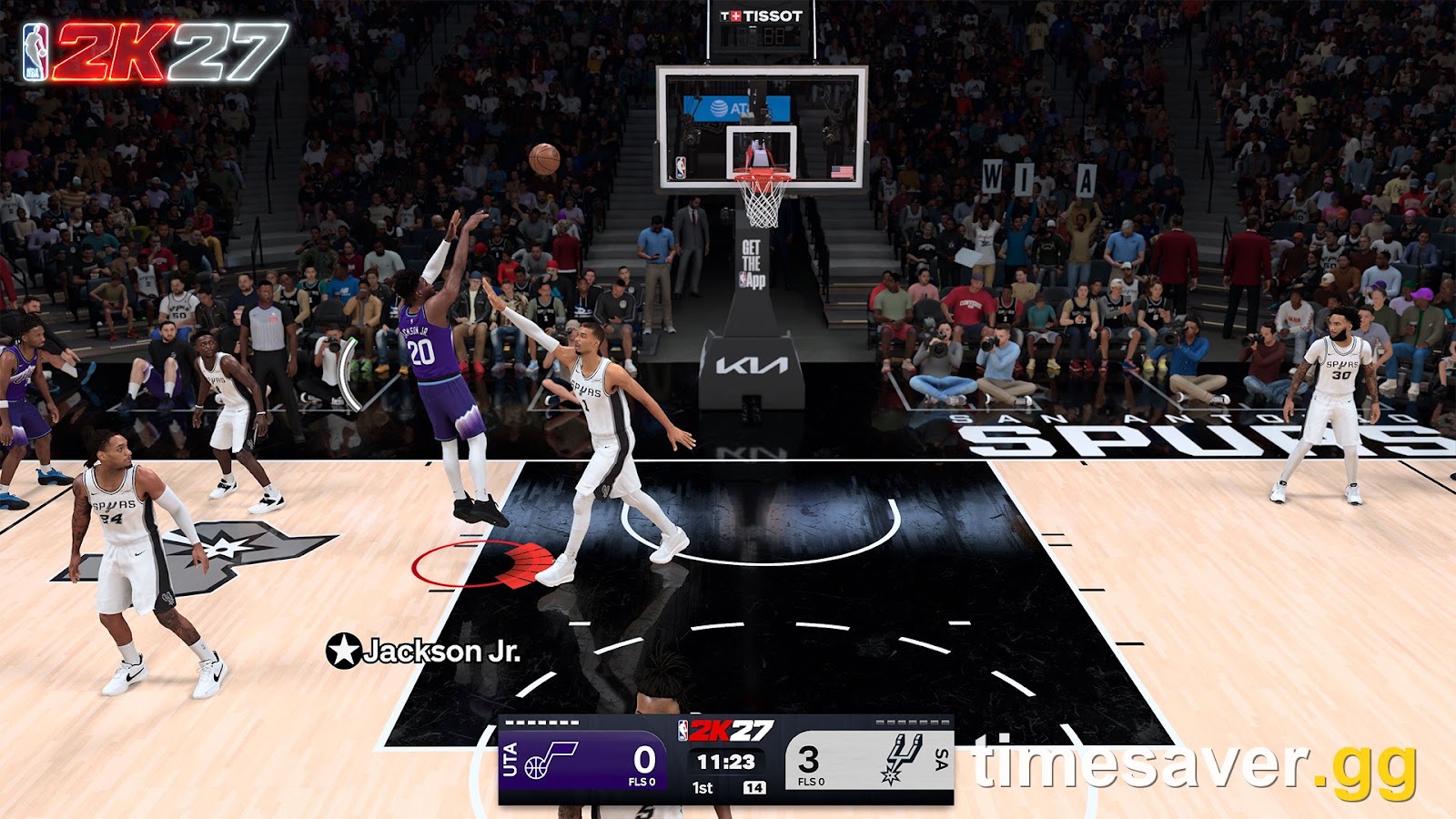
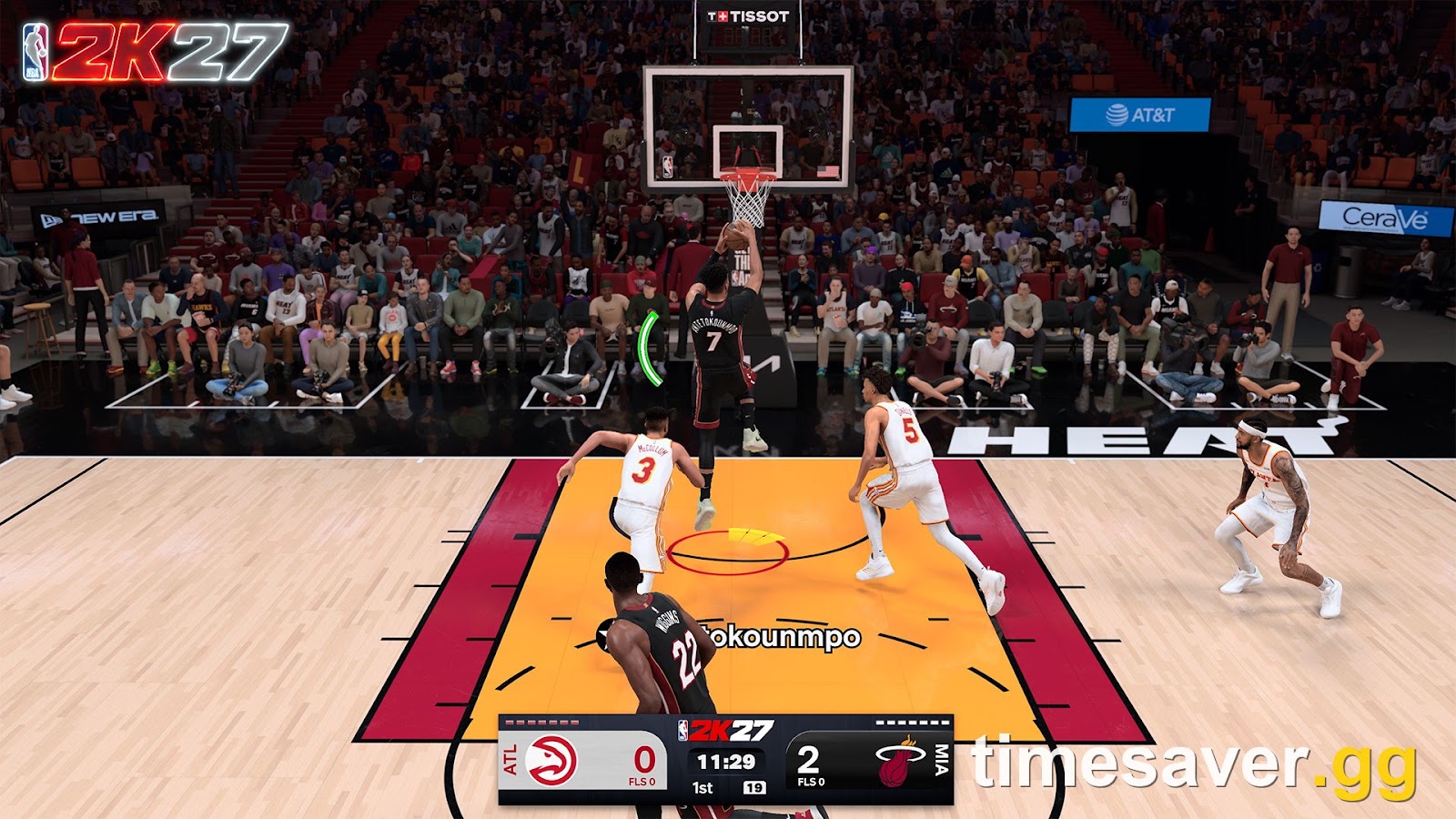
Shooting is the single most-argued mechanic in NBA 2K27's early access, and almost every complaint comes down to one thing: the green window is smaller this year, so a jumper that felt perfect still rims out. The good news is that none of it is random. This guide explains exactly how shooting works in NBA 2K27 — the green window, meter on vs off, rhythm vs button shooting, the settings that actually move your timing, and how to practise — using what 2K's gameplay director has confirmed and what testers have measured in the first days of play.
Quick answer: In NBA 2K27 you make a shot by releasing inside your jumper's green window — a fixed timing zone, often under 20 milliseconds wide, that is a pass/fail threshold, not a dice roll. 2K gameplay director Mike Wang has stated there is no RNG factor in shooting: release perfectly every time and you make every shot. The window is smaller than in 2K26, which is why timing feels harder. Higher shooting ratings and badges widen that window; the shot meter helps you learn the timing, and turning it off grants a larger green window once your cue is anchored. There is no single "best jumpshot" — you pick a base and releases whose visual cue matches your reaction time, then practise it. (Applies to NBA 2K27 early access / launch, Season 1, verified September 3, 2026.)
Key takeaways
- The green window is a threshold, not a probability. Inside it, the ball goes in; outside it, it can't. A miss tells you your timing was early or late — it is information, not luck.
- Windows are tighter in 2K27 than 2K26. This is the root of the "shooting feels broken" wave in early access. It's a difficulty change, not a bug.
- Ratings buy forgiveness, not a bigger perfect window. The pure green window barely changes with rating (~±3.1 ms at 65 vs ±3.6 ms at 99), but the near-miss "shoulder" that still makes ~70% widens from ±5.8 ms to ±13.9 ms — about 2.4× more forgiveness at high ratings.
- Release Window grade and release speed are the two dials. Release Window grade scales your window roughly A+ ≈ +10% to F ≈ −10%; a Very Quick release costs −10%, Quick −5%, slower gives a small boost.
- Meter on to learn, meter off to cash in. The meter is the best teacher; turning it off gives back a larger green window once you know your animation's rhythm.
- There is no universal best jumpshot. The right one is the base + releases whose visual cue you can read consistently for your build's shooting ratings.
How shooting works in NBA 2K27: the green window
Every jump shot in NBA 2K27 has a green window — the span of time during which releasing the shoot button counts as a perfect make. It is measured in milliseconds because the timing really is that precise. According to shooting-lab testing published during early access, a typical "pure" window is only about 15–20 milliseconds wide — roughly a fiftieth of a second — before any boosts are applied.
The critical thing to understand is that the window is a pure threshold, not a percentage. As the testing site NBA2KLab puts it, "Release inside it and the ball goes in, every single time. There is no hidden roll waiting to take a perfectly timed shot away from you." That means a miss is diagnostic: it tells you the release landed on the early or late side of the window, and the only question worth asking is which side.
This lines up with what 2K gameplay director Mike Wang (known to the community as "Beluba") said about the system in his pre-launch shooting breakdown, tracked by the shooting-lab NBA2KLab. Wang stated: "There's no RNG factor that will make you randomly miss shots. If you release your shot perfectly every time, you will make every shot." He added that 2K26-level shooting percentages are "absolutely achievable" in 2K27, but that most players "are going to need a lot of practice" to hit them — because shot speed varies with stamina, defensive pressure, the type of catch, pulling up off the dribble versus shooting out of triple threat, and your Signature Shot grades.
That variance is the skill gap. It's also why the window feeling "inconsistent" is usually the animation starting from a slightly different spot — a different gather, foot plant, or catch — rather than the game cheating you.
Why does shooting feel harder in NBA 2K27?
Because the window is smaller than last year. Across r/NBA2k in the first week of early access, the most common refrain — echoed in dozens of threads — is that "the shooting window is tighter in 27," and that the release-point-to-green feels different from 2K26. One frequently upvoted player summary put it bluntly: the animation isn't speeding up or slowing down at random; it's the release point to green that's less forgiving this year, so shots that would have greened in 2K26 now clip the edge.
Two practical consequences:
- Clean catches shoot faster. If you catch a pass completely in rhythm from a good playmaker while already set, the ball is in your shooting pocket sooner, so the release comes quicker. Off a hard closeout, a bad gather, or fatigue, that same jumper is slower. Pay attention to how you got into the shot, not just the meter.
- Copying a streamer's jumpshot won't fix it. Because the windows are tighter, a jumper that looks good on a leaderboard can still feel awful if its visual cue doesn't match your reaction time. Matching the cue matters more than chasing a "meta" release.
What widens your green window
Here is where 2K27 gets specific — and where the numbers matter. Wang confirmed the two biggest dials on your green window are your jumpshot's Release Window grade and its release speed, and both are quantified.
Release Window grade is a direct multiplier on your window. Of the four jumpshot grades — Release Height, Defensive Immunity, Release Speed, and Release Window — the Release Window grade has the biggest effect on greening. Per Wang, it scales roughly from A+ ≈ +10% window at the top to F ≈ −10% at the bottom, with the grades in between scaling across that range. When you build a jumper, protecting the Release Window grade is the single most important trade-off.
Release speed trades away window for quickness. The faster your release, the smaller your green window — a straight trade:
| Release speed | Effect on green window |
|---|---|
| Very Quick | −10% |
| Quick | −5% |
| Normal | No change |
| Slow | Small boost |
| Very Slow | Small boost |
So a "Very Quick" jumper gives defenders less time to contest but costs you 10% of your window versus Normal — a real reason not to chase maximum speed if you can't hit the tighter timing.
Your shooting rating buys forgiveness, not a bigger core. This is the most misunderstood part. Shooting-lab testing found the core pure window barely changes with rating — about ±3.1 ms of room at a 65 rating versus ±3.6 ms at a 99. What ratings dramatically expand is the "shoulder" — the zone just outside pure-green where shots still fall around 70% of the time — which widened from ±5.8 ms at a low rating to ±13.9 ms at a high one, roughly 2.4× more forgiveness. In plain terms: a 99 shooter doesn't get a much bigger perfect window, but their slightly-off shots go in far more often. Ratings also gate which bases and releases you can equip at all, so raising your Three-Point and Mid-Range unlocks better jumpers and more forgiveness at once. That makes your primary shot rating one of the highest-leverage attribute buys on a shooting build. (See our guide on the fastest legit ways to stack VC for those upgrades.)
Badges and meter-off stack on top. Shooting badges add further forgiveness, and turning the meter off grants a larger green window than leaving it on — a long-standing 2K trade that returns in 2K27. None of these removes the need to time the shot; they widen the target you're timing to.
Shot meter on or off in NBA 2K27?
This is the most common shooting question in the game, and the answer is a sequence, not a side:
- Meter ON while you learn. With the windows tighter this year, the meter is the fastest way to internalise where each of your animations releases. Community consensus in early access — from players who normally shoot meter-off — is to leave it on for the first several days on a new jumper. As one widely-agreed r/NBA2k comment put it, keep it on to "learn your animations for a few days and then turn it off."
- Meter OFF once your cue is anchored. Turning it off gives back a larger green window, and it lets you watch your player's actual release instead of reacting to a bar. That's the long-term win: you shoot to the animation, not to the meter.
Whichever you choose, tune it. In the settings menu you can adjust the shot meter's size, speed, opacity, and on-screen location, plus the visual shot cue style. A meter that's too small or too fast makes consistent timing nearly impossible; make it big and readable while you're learning, then shrink or remove it later.
A note on "settings recipes" you'll see elsewhere. A lot of sites are publishing exact slider "recipes" and specific base/release names as the best jumpshot for 2K27. Treat those with heavy skepticism — many come from coin-selling sites, the exact millisecond figures are still being tested, and a jumper is only "best" if you can read its cue. Build to your own timing.
Rhythm shooting vs button shooting
NBA 2K27 keeps two ways to shoot:
- Button shooting — press and hold the shoot button, release inside the green window. Precise, consistent, and the choice of most competitive players because your timing is entirely in your hands.
- Rhythm shooting — flick the right stick to match the shot's rhythm. It can feel more natural and reads the pace of the animation, but the input is a little less surgical than a button hold.
Neither is objectively "correct." Button shooting rewards players who want to drill one repeatable release; rhythm shooting suits players who read the animation's flow. Pick one and commit — bouncing between them resets the muscle memory you're trying to build, which is the opposite of what tighter windows reward.
The jumpshot creator: base and releases
In the custom jump shot creator you assemble a jumper from a base and up to two releases, then blend them with a release-speed slider. Every jumper is scored on four grades — Release Height, Defensive Immunity, Release Speed, and Release Window — and, as covered above, the Release Window grade is the one that most directly sizes your green window. Your Three-Point and Mid-Range ratings decide which bases and releases you're allowed to equip, so a higher-rated shooter simply has more, and better, options.
Two rules that survive every 2K:
- Pick for the cue, not the leaderboard. The right jumper is the one whose set point and release you can identify at a glance, every time — a clear, distinct visual beat. A "faster" jumper you can't read greens less than a slower one you can.
- Protect Release Window before chasing Release Speed. A quicker release gives defenders less time to contest, but Very Quick costs you 10% of your window and a poor Release Window grade costs another 10%. If you're bricking wide-open looks, favour the Release Window grade and dial the speed back until you're greening, then speed up gradually.
How to actually get better: practise the window
Because the window is pure, practice is deterministic — you're not grinding luck, you're finding a fixed target. The fastest path in early access:
- Go to a practice environment (the practice facility / freestyle) where you can shoot uncontested reps with instant feedback.
- Meter on, one jumper. Take the same shot — say, a stationary catch-and-shoot three — over and over until the timing is automatic. Don't rotate jumpers while learning.
- Read your feedback. Note whether your misses are "early" or "late" and nudge accordingly. Consistent "slightly early" means anchor your release a hair later.
- Add game context. Then practise off-the-dribble pull-ups and shots off a screen — the meter height and speed change with the shot type, so a catch-and-shoot cue won't transfer perfectly to a stepback.
- Turn the meter off once you're greening consistently, and shoot to the animation for the wider window.
Do this on the jumper you'll actually use, on the build you'll actually play, and your percentage climbs because the target never moved — you just learned where it was.
FAQ
Is shooting random in NBA 2K27? No. 2K gameplay director Mike Wang has stated there is no RNG factor in shooting — if you release inside your jumper's green window every time, you make every shot. Testing confirms the window is a pass/fail timing threshold, not a hidden probability. Misses mean your release landed early or late, not that the game rolled against you.
Should I turn the shot meter on or off in NBA 2K27? Leave it on while you learn a new jumper's timing, then turn it off once your release cue is anchored. Turning the meter off grants a larger green window and lets you time your player's actual release instead of reacting to a bar. Most early-access players recommend keeping it on for the first several days on a new shot.
Why does shooting feel harder than in NBA 2K26? Because the green window is smaller in NBA 2K27. Shots that would have greened last year now clip the edge of a tighter window. It's a deliberate difficulty change, not a bug — Mike Wang confirmed 2K26-level percentages are achievable, but that most players will need more practice to hit them.
What is the best jumpshot in NBA 2K27? There isn't a single best one. The right jumper is the base and releases whose visual cue you can read consistently, chosen within what your Three-Point and Mid-Range ratings let you equip. Be skeptical of "recipe" jumpshots posted elsewhere — the exact timing numbers are still being tested and a jumper is only good if you personally can time it.
Does a higher Three-Point rating make me green more? Not by much in the perfect window — testing shows the pure green window is roughly ±3.1 ms at a 65 rating versus ±3.6 ms at a 99. What a higher rating really buys is forgiveness on near-misses: the "shoulder" zone that still makes about 70% widens from around ±5.8 ms to ±13.9 ms, roughly 2.4× more room. Ratings also gate which bases and releases you can equip, so on a shooting build your primary shot rating is still one of the highest-value attribute upgrades you can buy.
Is rhythm shooting or button shooting better in 2K27? Neither is objectively better. Button shooting is more precise and is preferred by most competitive players; rhythm shooting (right-stick) reads the animation's pace and feels more natural to some. Pick one and stick with it — switching resets the muscle memory that tighter windows reward.
Related NBA 2K27 guides
Keep building your MyPLAYER:
- NBA 2K27 MyPLAYER Builder: Badge Tokens, Synergy & how building changed
- NBA 2K27 Build Specialization: all six disciplines and every quest reward