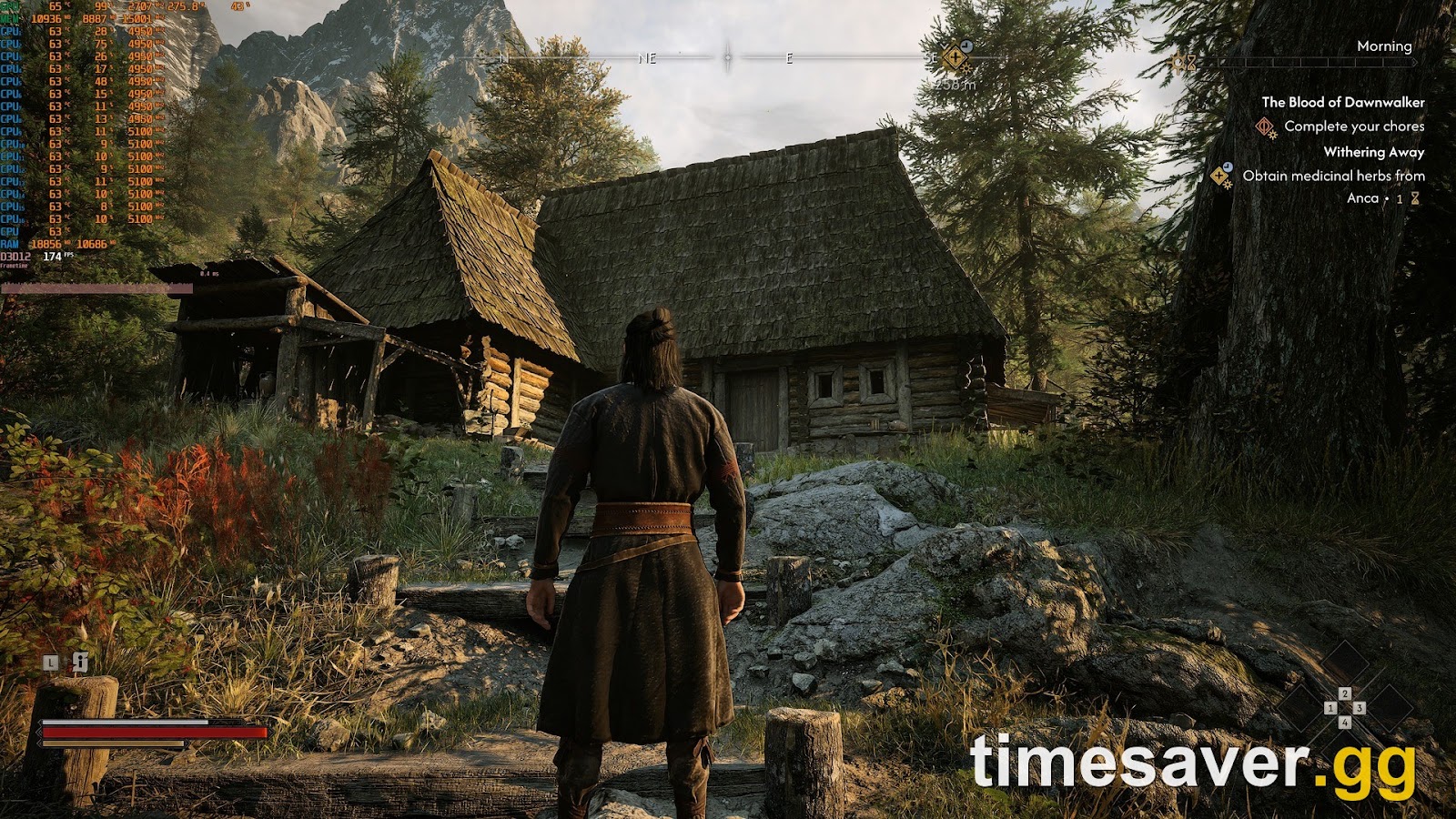
DLSS 5 is the most talked-about graphics feature on PC this autumn, and The Blood of Dawnwalker keeps showing up in DLSS 5 benchmark videos. That has left a lot of players asking a simple question: can you turn it on in the game's menu? You can't. This guide explains what the game officially supports, how players are running DLSS 5 anyway, what it does to frame rate and power draw, and which settings stop it from making faces look oily. Everything below is current as of October 20, 2026.
Quick answer: No, The Blood of Dawnwalker does not officially support DLSS 5. DSOGaming put it plainly: "The Blood of Dawnwalker does not have official DLSS 5 support." The game officially ships with DLSS, FSR and XeSS upscaling plus DLSS and FSR Frame Generation, but not DLSS Multi-Frame Generation. Players run DLSS 5 through the community DLSS Unlocked mod, which is built on OptiScaler. On an RTX 5080 at 4K/Ultra, DSOGaming got 47 FPS with DLSS Performance before Frame Generation. A Dawnwalker benchmark reported by GameGPU showed an updated DLSS 5 model running 16% to 32% faster than the old one. Officially, DLSS 5 targets RTX 50 series GPUs.
Does The Blood of Dawnwalker support DLSS 5 officially?
No. As of October 20, 2026, neither Rebel Wolves nor Nvidia has announced DLSS 5 for The Blood of Dawnwalker.
Three things confirm it:
- DSOGaming's hands-on test (September 14, 2026) says it outright: "The Blood of Dawnwalker does not have official DLSS 5 support." Their test used a mod.
- Nvidia's DLSS 5 schedule doesn't include it. Nvidia's October 13 GeForce update listed the next DLSS 5 dates: a faster model for NBA 2K27 on October 16, RTX Remix on October 23, Hogwarts Legacy on November 5, and Where Winds Meet later (Nvidia GeForce News). Dawnwalker isn't on that list or on eTeknix's wider list of announced DLSS 5 games.
- The Update 1.1 feature card doesn't mention it. The card Rebel Wolves posted on October 16 promises a "FrameGen update" with dedicated settings, camera and targeting fixes, and over 1,100 other improvements. It says nothing about DLSS 5. We break down the rest of that patch in our October patch guide.
If official support is added later, it will come through a game patch or an Nvidia announcement. Neither has happened yet.
What upscaling and Frame Generation does the game officially support?
What you can switch on from the in-game menu is the standard DLSS suite, not DLSS 5:
| Feature | Officially supported? | Notes |
|---|---|---|
| NVIDIA DLSS Super Resolution | Yes | Upscaling on RTX cards |
| NVIDIA DLSS Frame Generation | Yes | Single generated frame |
| NVIDIA DLSS Multi-Frame Generation | No | DSOGaming: "there is no support for DLSS Multi-Frame Gen" |
| NVIDIA DLSS 5 (Neural Rendering) | No | Mod only, see below |
| AMD FSR + FSR Frame Generation | Yes | Works on any GPU |
| Intel XeSS | Yes | Works on any GPU |
This matches our best settings and performance guide. In that guide, GameGPU measured about 41% more FPS with DLSS Quality than at native resolution. For most players, ordinary DLSS or FSR is still the bigger performance win.
What is DLSS 5, and which GPUs can run it?
DLSS 5 isn't an upscaler. Older DLSS versions rebuild data the game has already rendered, such as a higher resolution or extra frames. DLSS 5 adds what Nvidia calls 3D-Guided Neural Rendering. As the last step before the image reaches your screen, an AI model generates more realistic lighting and materials. It mostly affects skin, hair and ambient shadowing. In Nvidia's words, DLSS 5 "takes the next step by using AI to generate the rich lighting" that games usually have to simplify to run in real time.
Hardware is the main limit:
- DLSS 5 launched in NBA 2K27 for "all GeForce RTX 50 Series GPUs" and laptops, plus GeForce NOW (Nvidia, September 2026).
- RTX 40 support is planned but has no date. Nvidia has said RTX 40 cards will get DLSS 5 once RTX 50 performance is tuned further (TechTimes, citing The Verge). RTX 20 and 30 cards aren't on the official roadmap.
- AMD and Intel GPUs aren't officially supported. DLSS 5 is an Nvidia feature. Community tools have tried to run DLSS 5-style effects on other hardware, but that's entirely unofficial.
- PS5, Xbox Series X and Series S don't have it. Console players can't use DLSS of any kind. Their options are the console modes covered in our best settings guide.

Left: DLSS 5 via the DLSS Unlocked mod. Right: vanilla. Skin texture and ambient occlusion change the most. Captures: DSOGaming, RTX 5080.
How are players running DLSS 5 in The Blood of Dawnwalker?
Players use a community mod. The setup DSOGaming tested is DLSS Unlocked, a PC mod hosted on Nexus Mods and built on OptiScaler, a widely used open-source tool for swapping upscalers. It includes an option to apply DLSS 5 Neural Rendering before Super Resolution. DSOGaming says this option "can greatly improve DLSS 5 performance" and that on an RTX 5080 "you have to use" it at 4K.
What to know before you try it:
- Officially, DLSS 5 targets RTX 50 series GPUs. DSOGaming tested on an RTX 5080 with driver 616.92. Players report getting the mod running on some RTX 40 cards, but nobody supports that.
- Get the mod only from its official Nexus Mods page. Don't download "DLSS 5 DLL packs" from unofficial sites. Some of the earliest DLSS 5 experiments in August used files leaked from the NBA 2K27 install, and you shouldn't run those.
- Expect to spend time tuning. DSOGaming's tester said it "took me a couple of hours until I could find the ideal settings."
- Neither Rebel Wolves nor Nvidia supports this setup. If something breaks, the mod's own page is your only help.
- Turn the mod off before you install Update 1.1. That patch changes the game's FrameGen code. Patches that touch the rendering path often break injection mods until the mod is updated. Remove the mod before the patch lands and reinstall it once the mod author confirms it works with 1.1.
The Blood of Dawnwalker is single-player only, with no online modes, so a graphics mod only changes your own game.
How much FPS does DLSS 5 cost or gain in The Blood of Dawnwalker?
Two numbers often get mixed up here. DLSS 5 on its own costs performance, because it is extra AI work on top of the frame. Nvidia's newer DLSS 5 model costs much less than the September version. So the honest answer depends on which version and which settings you test.
| Test | Hardware | Result | Source |
|---|---|---|---|
| Early leaked DLSS 5 files, native 4K, review build | RTX 5090 | 55 → 40 FPS (−27%), power 484 → 551 W | GameGPU, Aug 31, 2026 |
| DLSS Unlocked mod, 4K/Ultra, DLSS Performance, "apply before Super Resolution" | RTX 5080 + Ryzen 9 7950X3D | 47 FPS before Frame Generation | DSOGaming, Sep 14, 2026 |
| Old vs updated DLSS 5 model, open world while moving | Not stated | 38 → 50 FPS (+32%), 169 → 162 W | YouTube benchmark reported by GameGPU, Oct 17, 2026 |
| Old vs updated model, static scene | Not stated | 39 → 48 FPS (+23%), 165 → 147 W | Same |
| Old vs updated model, interiors and dialogue | Not stated | 43 → 50 FPS (+16%), 169 → 131 W | Same |
GameGPU's October report on an independent YouTube benchmark puts the updated algorithm's gain at "over 20%." The test setup isn't published, and outside NBA 2K27 any DLSS 5 model in Dawnwalker is running unofficially. The result still fits Nvidia's own October claim that the new model is about twice as fast as September's, with a 24% smaller footprint and 20% less VRAM use at 4K. If you tried DLSS 5 in Dawnwalker in September and gave up on the frame rate, the newer model is worth another test.
For context, here is how the unmodded game runs on the fastest card, as summarised by NeoTeo from a first-village benchmark: an RTX 5090 averages 93 FPS at 1080p/Ultra, 74 FPS at 1440p/Ultra and 53 FPS at native 4K/Ultra. Dropping 4K to High raises that to 64 FPS. The game isn't light even without DLSS 5. On anything below an RTX 5080, treat DLSS 5 as a graphics upgrade you pay for in frames, not a free one.
Why does DLSS 5 make faces look oily, and how do you fix it?
This is the most common complaint. DSOGaming found that "the default DLSS 5 settings cause an 'oily' look on the faces of all characters." Skin ends up looking shiny and wet.
The fix is to lower the DLSS 5 intensity settings in the mod's overlay instead of running the defaults. DSOGaming said that with reduced settings "the oily look is gone," and the gains to faces, environments and ambient occlusion remained. A tuning approach that follows their findings:
- Start from the mod defaults, then lower the DLSS 5 intensity settings step by step until skin looks natural on a close-up face. Dialogue scenes are the easiest test.
- Check a night scene too. Coen does much of his vampire fighting at night, so make sure your settings look right in dark scenes as well as daylight.
- Leave "apply before Super Resolution" on at 4K if you're on an RTX 5080 or lower. DSOGaming called it necessary at that resolution, but noted it has "a noticeable impact on image quality."
- Turn Frame Generation on last, once your base frame rate is stable.

Outdoor daylight scene, DLSS 5 via mod on the left and vanilla on the right. Captures: DSOGaming.
Is DLSS 5 worth using in The Blood of Dawnwalker?
On an RTX 5080 or 5090: yes, if you care about faces and lighting more than frame rate. DSOGaming's verdict was that the game "looks noticeably better with DLSS 5" but that it "will not transform it into a next-gen title." Their test showed better ambient occlusion and noticeably more detailed skin. That matters a lot in a game this heavy on dialogue.
On an RTX 5070 or lower: probably not yet. The cost is real, and the game is already demanding at native resolution. Get a stable frame rate with standard DLSS first.
On RTX 40 or older, AMD or Intel: not officially. RTX 40 support is planned but undated. Until then, use standard DLSS, FSR or XeSS.
Keep expectations right on one more point: DLSS 5 doesn't fix stutter. NeoTeo's roundup notes that "traversal and camera stutters remained visible" even on a Ryzen 9 9950X3D with an RTX 5090. Frame pacing is a separate problem from image quality. Update 1.1's FrameGen and camera changes are more likely to help with stutter than DLSS 5.
Does DLSS 5 cause flickering in The Blood of Dawnwalker?
Flickering complaints in Dawnwalker started at launch, long before anyone was running DLSS 5. PC players were reporting shimmering lights and flickering surfaces on the launch build in early September. If you see flicker after adding the DLSS 5 mod, isolate the cause in this order:
- Turn off Frame Generation and restart the game. Frame Gen is the most common source of flicker in UI and on thin geometry.
- Turn off the DLSS 5 Neural Rendering pass in the mod overlay but keep the mod loaded. If the flicker stops, lower the DLSS 5 intensity settings.
- Remove the mod completely. If the flicker is still there, it's the base game. Wait for Update 1.1's FrameGen update rather than piling more mods on top.
What else should you check before turning on DLSS 5?
- Your settings first. DLSS 5 doesn't fix a badly tuned preset. GameGPU's per-setting tests found that Reflection Quality and Effects Quality are the biggest FPS costs, at about 16% and 12%. Our settings guide walks through all of them.
- VRAM. NeoTeo reports the game uses about 10 to 12 GB of VRAM with maxed textures. DLSS 5 needs memory on top of that, so 12 GB cards are tight at 4K.
- Your hardware tier. Compare your PC with the official spec sheets in our system requirements guide. Remember that the official site and Steam list different requirements.
- Difficulty is a separate setting. If your goal is easier fights rather than better visuals, Update 1.1 will add a new Story preset. Our difficulty settings guide covers all the modes.
FAQ
Does The Blood of Dawnwalker have DLSS 5? Not officially, as of October 20, 2026. The game supports DLSS Super Resolution, DLSS Frame Generation, FSR and XeSS. DLSS 5 only works through community mods such as DLSS Unlocked (built on OptiScaler). Nvidia hasn't listed Dawnwalker among its upcoming DLSS 5 games.
How do I enable DLSS 5 in The Blood of Dawnwalker? There is no in-game toggle. PC players, officially on RTX 50 series cards, use the DLSS Unlocked mod from Nexus Mods, which can apply DLSS 5 Neural Rendering before Super Resolution. Neither Rebel Wolves nor Nvidia supports it, so download it only from the official mod page.
Can I use DLSS 5 on an RTX 4090 or RTX 4080? Not officially. DLSS 5 launched for RTX 50 series GPUs. Nvidia has said RTX 40 support is planned, but as of October 20, 2026 there is no date. Use standard DLSS Super Resolution and Frame Generation, which the game fully supports.
Does DLSS 5 increase FPS in Dawnwalker? No. DLSS 5 costs frames because it adds an AI rendering pass. GameGPU measured 55 → 40 FPS at native 4K on an RTX 5090 with early files. Newer DLSS 5 models are much cheaper: a benchmark reported by GameGPU showed 16% to 32% more FPS than the old model in the same game.
Will Update 1.1 add DLSS 5? The official 1.1 feature card doesn't mention DLSS 5. It lists a FrameGen update with dedicated settings, camera and targeting changes, the Draught of Mind Rebirth respec item and over 1,100 fixes. Remove any DLSS 5 mod before installing 1.1, then reinstall it once the mod author confirms compatibility.
Is DLSS 5 available on PS5 or Xbox? No. DLSS 5 is an Nvidia PC feature. On PS5, PS5 Pro and Xbox Series X, the game offers Performance (60 FPS), Balanced (40 FPS) and Quality (30 FPS) modes. Xbox Series S runs one 30 FPS mode.
Playing The Blood of Dawnwalker on PC? Get the rest of your setup right with our other guides: