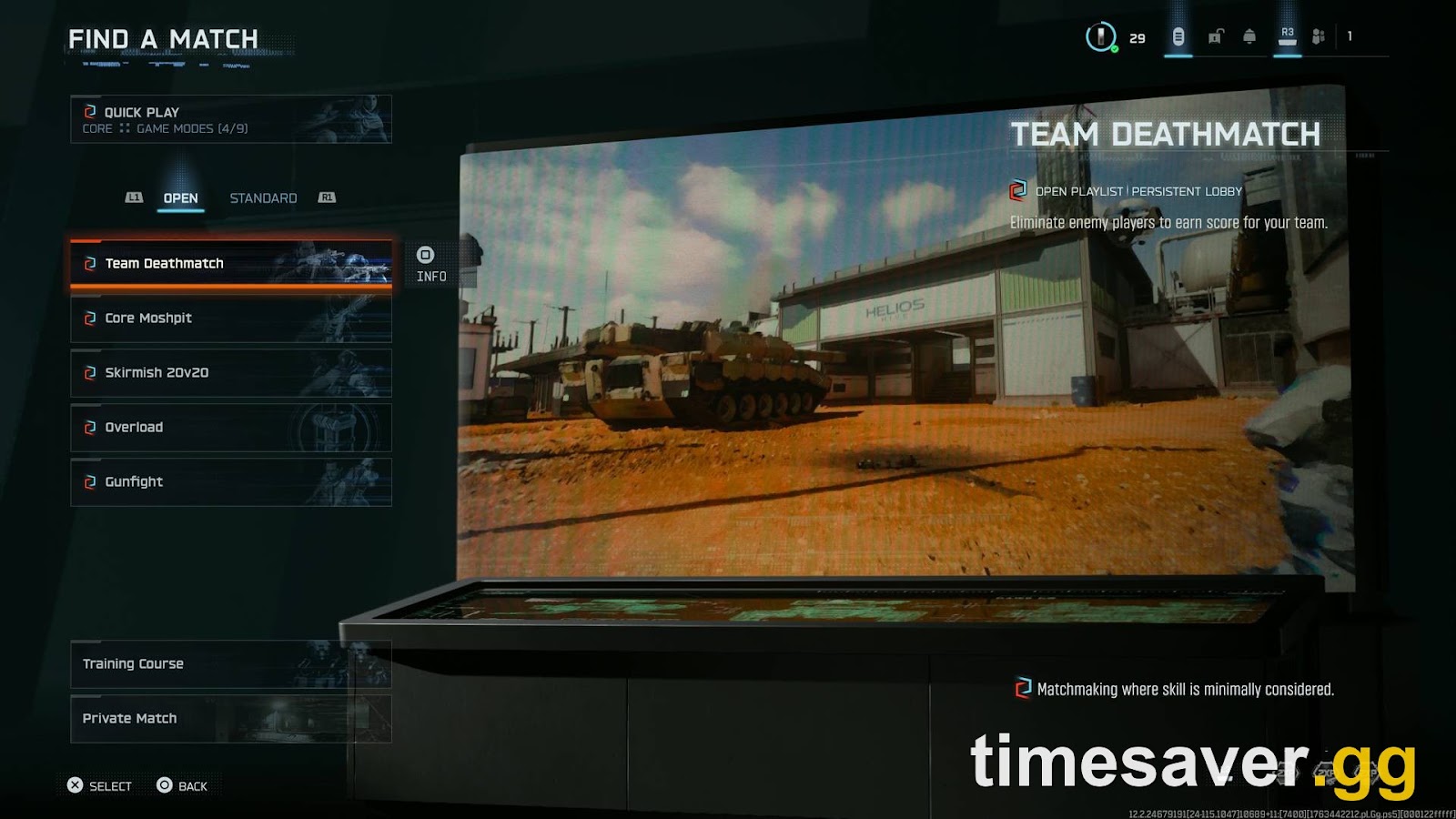
Black Ops 7 matchmaking not working after the Season 5 update? You're not alone — and in most cases it's fixable in under five minutes. Season 5 went live Thursday, July 23, 2026, at 9 AM PT / 12 PM ET / 5 PM BST, and like every new-season drop, the launch window floods Activision's servers and breaks matchmaking for a wave of players. Here's how to tell whether it's the servers or your setup, and exactly what to do about each. See also our Black Ops 7 Season 5 Matchmaking Explained guide. For more context, check out the warzone loadouts not saving guide.

Call of Duty - Bot Lobby
Get bot lobby in 10 minutes
Quick answer: how to fix BO7 matchmaking (do these in order)
Here's the fix. Work top to bottom and re-test after each step — most players are back in a lobby by step 4:
- Check the server status first. Open the official Activision Online Services page. If Black Ops 7 is flagged offline or limited, it's not you — wait it out.
- Fully close and relaunch the game. A hard restart re-does the server handshake that so often hangs during a Season launch. On console, close the app from the dashboard, not just the menu.
- Enable Cross-Play and widen your playlist. Settings → Account & Network → turn Cross-Play ON, and queue a popular mode (not a niche/featured one) to grow the matchmaking pool.
- Fix your connection. Get your NAT type to Open or Moderate, use a wired connection, and reboot your router.
- PC login timeout ("Quit to desktop")? Delete the `players` folder in `Documents → Call of Duty → players`, then relaunch.
- Still stuck? Check for a shadowban / limited matchmaking, verify the game is fully updated, and try again at a peak-population hour.
Is it you or the servers? Check this first
Every new season overloads Call of Duty's backend within minutes of going live, so before you touch a single setting, rule out a server-side outage. Activision runs an official status board at support.activision.com/onlineservices that lists Black Ops 7 (and Warzone) alongside each platform's own network. Third-party trackers like Downdetector spike hard during a launch and are a fast sanity check for a wider outage.
If the status page shows Black Ops 7 as offline, degraded, or "limited," matchmaking will hang no matter what you do locally — the honest fix is to wait 15–30 minutes and re-queue. If everything reads online and you're still stuck searching, the problem is on your end, and the steps below will clear it. (Bo7 Scorestreaks Not Working)
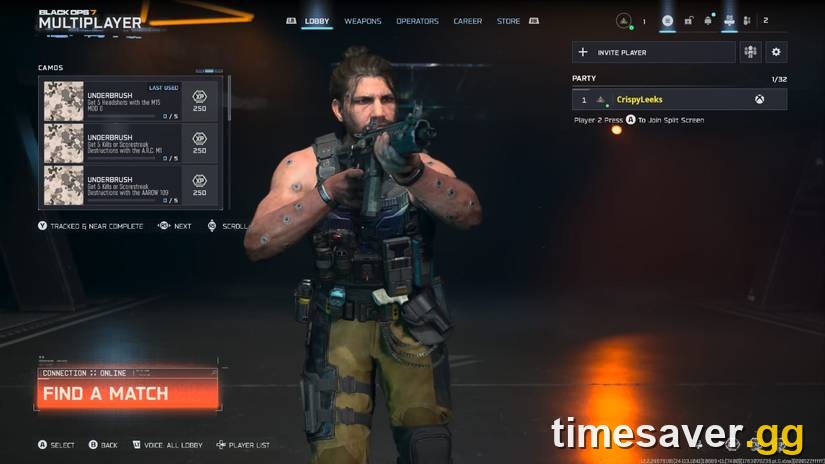
Why is Black Ops 7 matchmaking stuck after the Season 5 update?
"Stuck searching for match," endless wait times, "matchmaking cancelled," or "no lobbies found" almost always trace back to one of six causes:
- Server overload — the #1 cause on launch day. A new season pushes a huge concurrent player spike; queues stall until the infrastructure catches up.
- Cross-play disabled or a niche playlist — a smaller matchmaking pool means longer waits or no matches, especially off-peak.
- Network / NAT problems — a Strict NAT type, packet loss, or an unstable connection makes matchmaking time out or cancel.
- A launch-day bug or version mismatch — patches occasionally introduce a matchmaking bug, or your client hasn't fully updated to the Season 5 build.
- Shadowban / limited matchmaking — an account penalty or anti-cheat flag that quietly restricts who you can match with.
- PC login/connection errors — timeout, "Quit to desktop," or 0x errors that stop you before matchmaking even starts.
Figure out which bucket you're in, then apply the matching fix.
How do I fix the "stuck searching for a match" bug?
For the plain server-overload version — the one that hits everyone on launch day — the reliable sequence is:
- Hard-restart the game. Fully quit (close the application on console, not just back out to the menu) and relaunch. This is the single most effective step during a Season launch because it re-runs the server handshake.
- Enable Cross-Play. Settings → Account & Network → set Cross-Play to On. This is the biggest lever for pool size — with it off, you're matching against a fraction of the player base.
- Widen your search. Queue a high-population core mode instead of a featured/limited-time one. Featured playlists thin out fast off-peak.
- Re-queue during peak hours if it's the middle of the night in your region — population directly drives match speed.
How do I fix BO7 matchmaking network and NAT problems?
If restarting doesn't do it, your connection is the next suspect. Activision's own connecting guide points to the same fundamentals:
- NAT type: Aim for Open (best) or Moderate (fine). Strict NAT is a common matchmaking killer — enable UPnP on your router or forward Call of Duty's ports to fix it.
- Wire in. A wired Ethernet connection beats Wi-Fi for packet stability; drops and jitter cause matchmaking to cancel mid-search.
- Reboot the router/modem to clear a stale connection, and close bandwidth hogs (downloads, 4K streams, other updates) running in the background.
- Restart your platform's network too — Xbox, PSN, Battle.net, Steam, or Epic can each have their own hiccup that blocks the game's matchmaking.

Call of Duty - Ranked Boost
Get ranked boost in 10 minutes
PC players: fix the login timeout and 0x errors first
On PC, matchmaking can fail because you never fully connect in the first place. Activision's Known Issues page tracks two that block a lot of players right now, straight from the source:
"An issue causing some PC players to receive a time out error — such as 'Quit to desktop' — when logging in to the game is under investigation." — Activision Support, Black Ops 7 Known Issues
The official workaround for that login timeout: delete the `players` folder located at `Documents → Call of Duty → players`, then relaunch. (You may need to reset a few in-game settings like keybinds afterward — don't delete anything else in that folder.)
If you're on Xbox-on-PC and hitting a 0x error, Activision says to repair the app: Start → Settings → Apps → Installed apps → Call of Duty → ⋯ → Advanced options → Terminate, then Repair. If it persists after a repair, a reinstall is the last resort.
Console players: clear the cache and check your account limits
- Clear the console cache / cold-reboot. On Xbox, hold the power button for 10 seconds for a full restart; on PlayStation, power down fully (not rest mode) and restart. This clears a corrupted match session.
- PC Game Pass "NOT AVAILABLE. Purchase Black Ops 7…" message? That's usually a Microsoft Store device limit, not a purchase problem — check your Microsoft Store device management and remove old devices if you're over the cap.
- Verify you're on the Season 5 build. A version mismatch bounces you out of matchmaking — let the update finish downloading and installing before you queue.
Could a shadowban or "limited matchmaking" be the cause?
If matchmaking is slow and lonely rather than broken for everyone, and it started before Season 5, you may be in limited matchmaking — a penalty/anti-cheat state that restricts your lobbies and blocks XP/challenge progress. It's separate from the launch-day overload. Check your account standing through Activision support; if you believe it's in error, use the official ban-appeal flow. Do not buy "unban" services — they don't work and risk a permanent ban.
Still broken? The last-resort checklist
If you've done everything above and matchmaking still won't cooperate:
- Report it with the Black Ops 7 Bug Report form and, for PC crashes, the PC Crash Report — attaching your error code speeds up the fix.
- Scan and repair game files (Battle.net / Steam) to fix a corrupted Season 5 download.
- Give it time. On launch day, the most common "fix" really is a server-side patch — check the status page and the official channels before assuming it's your rig.
Once you're back in and want to make the most of a fresh season without grinding through the pain, that's where we come in:
Skip the launch-day chaos and level up the moment servers stabilize:
>
- CoD Bot Lobbies — easy lobbies, level weapons fast
- CoD Account & Weapon Leveling (BO7) — skip the grind with pro players
- All Call of Duty services — camos, ranked, Zombies and more
FAQ
Why is my Black Ops 7 matchmaking not working after the Season 5 update? The most common cause on launch day is server overload — Season 5 went live July 23, 2026, and the concurrent-player spike stalls matchmaking until Activision's infrastructure catches up. Check the official server status first; if it's online, a hard restart, enabling Cross-Play, and fixing your NAT type resolve most cases.
How do I know if Black Ops 7 servers are down? Open the Activision Online Services page, which lists Black Ops 7 and each platform's network status. If it shows offline or limited, the issue is server-side and you'll need to wait. Downdetector is a useful second opinion during a launch spike.
How do I fix "stuck searching for a match" in BO7? Fully close and relaunch the game to redo the server handshake, turn Cross-Play on, queue a high-population core mode rather than a niche playlist, and re-test. If it persists, get your NAT type to Open or Moderate and reboot your router.
What is the PC "Quit to desktop" login error and how do I fix it? It's a known login timeout Activision is investigating. The official workaround is to delete the `players` folder at `Documents → Call of Duty → players`, then relaunch — you may need to reset keybinds afterward. Don't delete any other files in that folder.
Is my slow matchmaking a shadowban? Possibly, if it's slow and isolated rather than broken for everyone and it predates the Season 5 launch. Limited matchmaking restricts your lobbies and blocks progression. Check your account standing via Activision support and use the official appeal process — never a paid "unban" service.