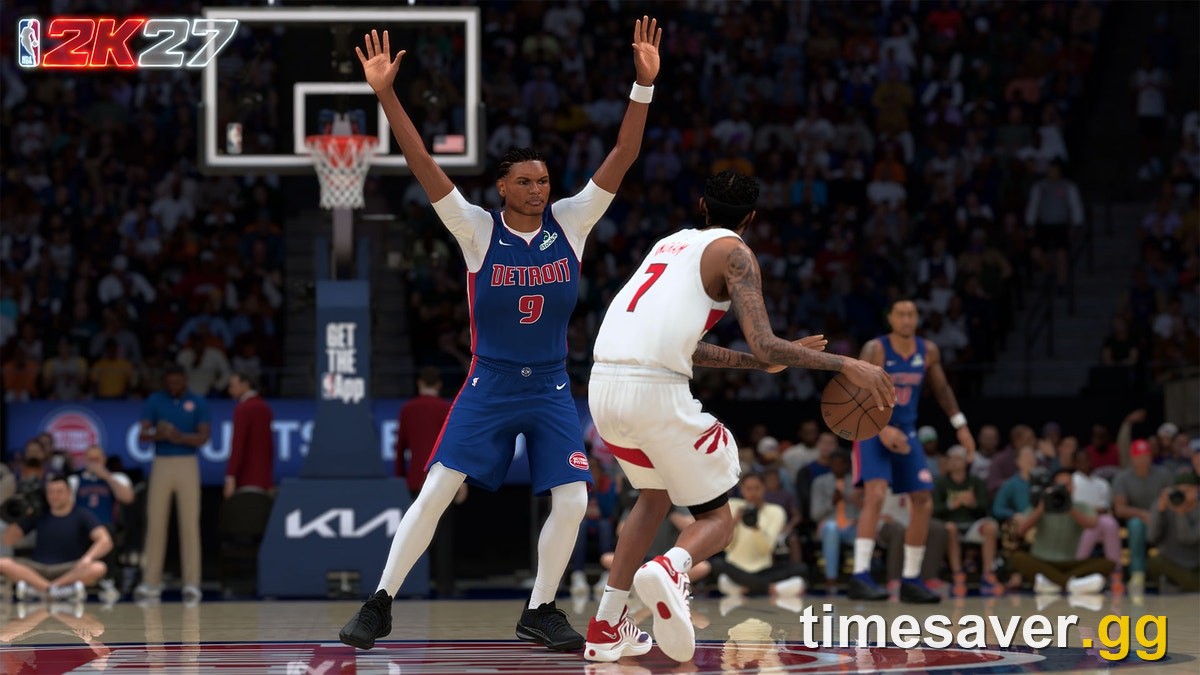
Quick answer: To run NBA 2K27 on PC you need at minimum a Core i5-9400 / Ryzen 5 1400, 8 GB RAM, a GTX 1060 (5 GB) / RX 5500 XT (4 GB) / Intel Arc A580, DirectX 12, and 110 GB of free space on an SSD. 2K's recommended build is a Core i5-10600 / Ryzen 5 3600X, 16 GB RAM, and an RTX 2070 (8 GB) / RX 5700 (8 GB) / Intel Arc A770. Two hard gates trip people up: your CPU must support AVX2, and the game only runs from an SSD — a hard drive won't work. These are 2K's official numbers, pulled straight from the NBA 2K Support page for the PC build (Steam, AppID 4356430).
| NBA 2K27 launches worldwide on September 4, 2026 (PS5, Xbox Series X | S, PC via Steam, and Nintendo Switch 2), with early access from August 26 at 9:00 AM PT for Deluxe and Ultra buyers. On PC that means the smart move is to check your rig now — before you pay for a Deluxe or Ultra Edition expecting to jump in on day one. This guide breaks down every official requirement, explains the three specs the aggregator sites bury (SSD, AVX2, DirectX feature level 12.0), and shows you exactly how to confirm your PC can run it. |
|---|

NBA 2K27 minimum PC requirements
These are the specs 2K lists as the floor. Meet them and the game will run; you'll be playing on lower settings, but it will boot.
| Component | Minimum |
|---|---|
| OS | Windows 10 64-Bit (latest update) |
| Processor | Intel Core i5-9400 or AMD Ryzen 5 1400 |
| Memory | 8 GB RAM |
| Graphics | NVIDIA GeForce GTX 1060 (5 GB) or AMD Radeon RX 5500 XT (4 GB) or Intel Arc A580 |
| DirectX | Version 12 |
| Network | Broadband internet connection |
| Storage | 110 GB available space — SSD required |
| Extras | AVX2-capable CPU; GPU supporting DirectX feature level 12.0; dual-analog gamepad recommended |
The takeaway: this is not a monster-rig game. A GTX 1060 launched in 2016, and the CPU floor is a 2019-era mid-range chip. If you built or bought a gaming PC in the last six or seven years, you almost certainly clear the minimum — as long as you're on an SSD (more on that below).
NBA 2K27 recommended PC requirements
This is the tier 2K points to for a smooth, higher-settings experience.
| Component | Recommended |
|---|---|
| OS | Windows 11 64-Bit (latest update) |
| Processor | Intel Core i5-10600 or AMD Ryzen 5 3600X |
| Memory | 16 GB RAM |
| Graphics | NVIDIA GeForce RTX 2070 (8 GB) or AMD Radeon RX 5700 (8 GB) or Intel Arc A770 |
| DirectX | Version 12 |
| Network | Broadband internet connection |
| Storage | 110 GB available space — SSD required |
| Extras | AVX2-capable CPU; GPU supporting DirectX feature level 12.0; dual-analog gamepad recommended |
The jump from minimum to recommended is modest by 2026 standards: one CPU generation up, double the RAM (8 GB → 16 GB), and a step from a GTX 1060 to an RTX 2070-class card. An RTX 2070 or RX 5700 was a solid mid-range GPU back in 2019, so plenty of five-year-old machines land in the recommended bracket rather than just scraping the minimum.
The three specs everyone misses
Most "can you run it" pages copy the CPU/GPU/RAM line and stop there. NBA 2K27 has three requirements that will actually block you even if your headline specs look fine.
1. You must install on an SSD — a hard drive will not work
Both the minimum and recommended spec sheets list "SSD Required" as a hard note, not a suggestion. NBA 2K games stream a huge amount of data — arenas, crowds, animations, MyPLAYER assets — and 2K27 is built around SSD read speeds. If you try to run it off a traditional spinning hard drive, expect stutter, broken streaming, or the game refusing to launch properly. Budget a 110 GB SSD partition with headroom for updates on top.
2. Your CPU must support AVX2
Straight from 2K's support page: "In order to play NBA 2K27 on PC, you need a processor capable of supporting AVX2 and a graphics card capable of supporting DirectX feature level 12.0." AVX2 is a CPU instruction set that most chips from roughly 2015 onward include — but some budget and older low-power processors don't. This is the single most common reason a PC that "looks" fast enough still won't launch the game. If you're on an ancient or ultra-budget CPU, verify AVX2 support before you buy.
3. Your GPU needs DirectX feature level 12.0
Same line from 2K: the graphics card has to support DirectX feature level 12.0. Every GPU in the official minimum list (GTX 1060, RX 5500 XT, Arc A580) clears this, so if your card is that tier or newer you're fine. Very old cards that predate full DX12 feature support are the ones to watch.
How much space does NBA 2K27 take on PC?
2K lists 110 GB of available space for both the minimum and recommended configurations, and it must be on an SSD. That's the base install figure; expect day-one patches and seasonal updates to push real-world usage higher over the game's life, so leave extra room. NBA 2K27 is a big, roster-and-mode-heavy title, and 110 GB is in line with what modern sports games demand.
Can your PC run NBA 2K27? How to check
You have two reliable ways to confirm before you spend money:
- Use 2K's own PC Compatibility Checker. The NBA 2K Support page for PC system requirements links a first-party PC Compatibility Checker — the safest way to confirm you meet at least the minimum. 2K's blunt caveat: "If your PC doesn't meet those minimums, we can't guarantee you'll be able to run the game."
- Check the three gates manually. Confirm (1) you have a free 110 GB on an SSD, (2) your CPU supports AVX2 (searchable by your exact CPU model), and (3) your GPU is on the minimum list or newer. Clear all three and the headline CPU/GPU/RAM specs almost always fall into place.
Because NBA 2K27 on PC is distributed via Steam (AppID 4356430), Steam will also flag whether your system meets the listed requirements on the store page before you buy.
PC early access and launch: what the specs mean for buying
If you're weighing a PC purchase, the specs tie directly into when you can play:
- Early access starts August 26 at 9:00 AM PT and is limited to the Deluxe and Ultra Editions. Both are available on PC, so a PC player who buys Deluxe or Ultra can be on the court up to nine days before launch — but only if their rig clears the requirements above.
- Global launch is September 4, 2026. If Steam still shows a "September 3" date, that's a storefront timezone artifact of the midnight-ET unlock — the official launch day is September 4.
- The Standard Edition ($69.99) does not include early access, so Standard PC buyers play from September 4.
Don't pay the Deluxe ($99.99) or Ultra ($149.99) premium for early access and then discover on August 26 that your PC can't launch the game. Check first. For a full breakdown of what each tier includes, see our NBA 2K27 editions guide.
Common PC issues and where to fix them
2K's PC support page also points to its own troubleshooting library for the problems that hit at launch every year. The most common ones for NBA 2K on PC:
- Error codes such as EFEAB30C and 4B538E50 — usually connection, cache, or account/privilege issues; 2K keeps dedicated guides for each.
- VC not delivered after a purchase — a known recurring issue with its own support article.
- Crashing, freezing, or a missing MyCAREER file — often resolved by clearing your PC cache and running the general PC/network troubleshooting steps.
If you hit a wall, the fix is almost always in 2K's official PC troubleshooting guides rather than a third-party site — start there before reinstalling.
How NBA 2K27's PC requirements compare to recent 2K games
The headline here is accessibility. A GTX 1060 minimum and an RTX 2070 recommended keep NBA 2K27 reachable for the large base of players still on older mid-range hardware — this isn't a generational leap that leaves 2016–2019 builds behind. The meaningful changes are the hard gates: the SSD requirement and the explicit AVX2 / DirectX feature level 12.0 calls. Those are the specs that quietly disqualify otherwise "fast enough" machines, so they're worth verifying even if your GPU and RAM look comfortable.
| One platform note that matters for PC players: NBA 2K27's unified cross-platform **Auction House covers PS5, Xbox Series X | S and Switch 2 — PC (Steam and Windows) has its own separate shared Auction House**, and crossplay is limited to PS5 and Xbox only. If those systems factor into your buying decision, read our NBA 2K27 crossplay and cross-platform guide. |
|---|
FAQ
Is 8 GB of RAM enough for NBA 2K27? Yes — 8 GB is 2K's official minimum and the game will run on it. But 16 GB is the recommended figure and the better target for smoother play, especially if you multitask or run the game alongside a browser, Discord, or streaming software.
Do I really need an SSD for NBA 2K27? Yes. 2K lists "SSD Required" as a hard note on both the minimum and recommended spec sheets. NBA 2K27 streams assets at SSD speeds, so a traditional hard drive will cause stutter or prevent the game from running properly. Install it on an SSD with at least 110 GB free.
Will a GTX 1060 run NBA 2K27? Yes. The GTX 1060 (5 GB) is on 2K's official minimum GPU list, alongside the AMD RX 5500 XT (4 GB) and Intel Arc A580. You'll be on lower settings, but it clears the floor. For higher settings, 2K recommends an RTX 2070, RX 5700, or Intel Arc A770.
How do I know if my PC can run NBA 2K27? Use 2K's official PC Compatibility Checker (linked from the NBA 2K Support system-requirements page), then manually confirm the three gates: 110 GB free on an SSD, an AVX2-capable CPU, and a GPU that supports DirectX feature level 12.0. Steam also flags whether your system meets the requirements on the store page.
Can I play NBA 2K27 early on PC? Yes, if you buy the Deluxe or Ultra Edition. Early access begins August 26 at 9:00 AM PT and is available on PC (Steam). The Standard Edition and everyone else play from the September 4 global launch.
Why won't NBA 2K27 launch even though my PC is fast enough? The two most common culprits are a missing AVX2 instruction set on the CPU and installing on a hard drive instead of an SSD. Both are hard requirements 2K lists separately from the headline CPU/GPU specs, so a "fast" PC can still fail one of them. Verify AVX2 support and move the install to an SSD.
More NBA 2K27 guides
Planning your PC purchase? These companion guides cover the rest of the buying decision:
- NBA 2K27 VC Explained: How Virtual Currency Works and Every Way to Earn It
- Is NBA 2K27 Cross-Platform? Crossplay, Auction House & Cross-Save
- NBA 2K27 Release Date & Early Access Times on Every Platform
Specs verified against the official NBA 2K Support article "NBA 2K27: PC System Requirements and Troubleshooting" (last updated July 22, 2026). Requirements apply to the PC (Steam) build, AppID 4356430. 2K can revise requirements before launch — re-check the official page the day you buy.