Quick answer: Delta Force is far bigger than its store listing suggests. Steam lists 88 GB of available storage as the requirement (the same figure for minimum and recommended), but after two years of seasons the live install has grown past 105 GB on PC and ~225 GB on PS5 (reported by players in October 2026). The single biggest space you can reclaim is the free Black Hawk Down campaign: removing it frees about 28 GB on Steam without touching Operations or Warfare. This guide covers the real sizes per platform, why the game keeps growing, and every safe way to cut it down — season Reorientation, patched as of October 2026.
Delta Force quietly became one of the biggest installs in the extraction-shooter genre, and the complaints have gotten loud. On October 14, 2026, a PS5 player posted that their install had hit 225 GB; another was down to their last 186 GB of free space. If you're staring at an "Insufficient Space" error or just want your SSD back, here's exactly what's eating the room and what you can safely delete.
How big is Delta Force, really? (Per platform)
The number on the store page is not the number on your drive. Steam's own listing asks for 88 GB of available space — but that's the floor, not what you'll end up with. Here's the gap between the listed requirement and the real-world install players are seeing in the Reorientation season:
| Platform | Listed / launch size | Real install (Oct 2026) | Notes | |
|---|---|---|---|---|
| PC (Steam/Epic) | 88 GB available (Steam listing, min = recommended) | 105 GB+ | Grows every season; cutscene videos alone ≈ 9 GB | |
| PS5 | Console launch Aug 19, 2025 | Up to ~225 GB (player-reported) | Largest footprint of any platform | |
| **Xbox Series X\ | S** | ~97.84 GB at console launch | ~120 GB+ | Smaller than PS5 but still growing |
| iOS / Android | ~10–20 GB base + resource packs | Varies | Mobile uses on-demand resource downloads |
Verify before you panic: the real installs above are current community-reported figures, not an official spec sheet. The only number Team Jade publishes is the Steam requirement (88 GB available), and they don't republish the live install size each patch — so your actual footprint will always read larger than the store listing.
The takeaway: budget at least 120 GB free on PC and 230+ GB on PS5 if you want headroom for the next season update, because Delta Force downloads most big patches as near-full re-downloads rather than small deltas.
Why does Delta Force keep getting bigger?
Three things drive the bloat, and understanding them tells you what's safe to remove:
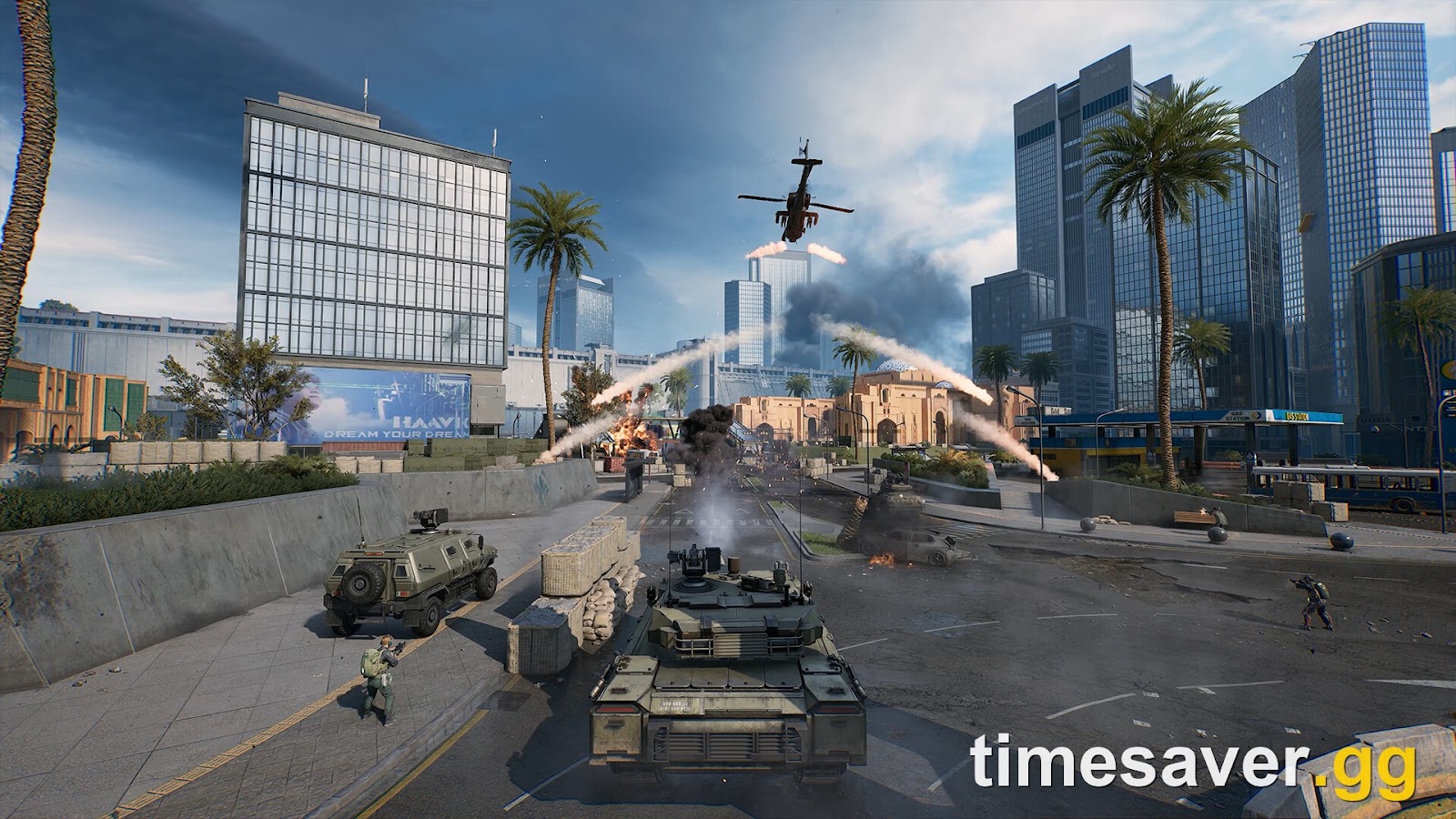
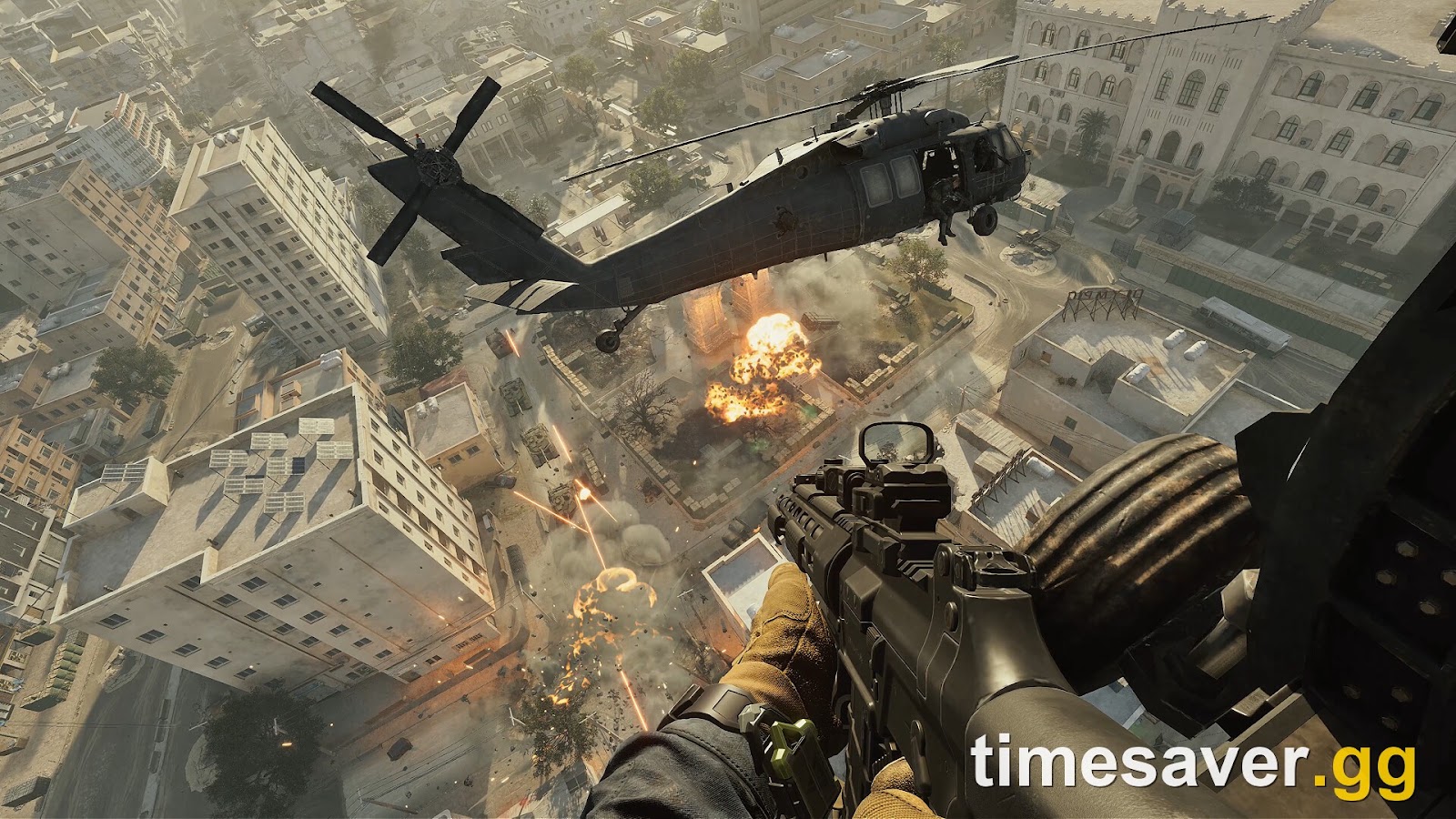
- It's three games in one. Delta Force ships Operations (extraction PvPvE), Warfare (32v32 combined-arms PvP), and the free Black Hawk Down campaign under one launcher. Each has its own maps, assets and audio.
- Seasonal content stacks, it doesn't replace. Every season — War Ablaze, Ahsarah, Morphosis, Echo, Meltdown, and now Reorientation — adds maps, operators, weapon appearances and events. Older assets often stay installed for returning modes and limited-time events.
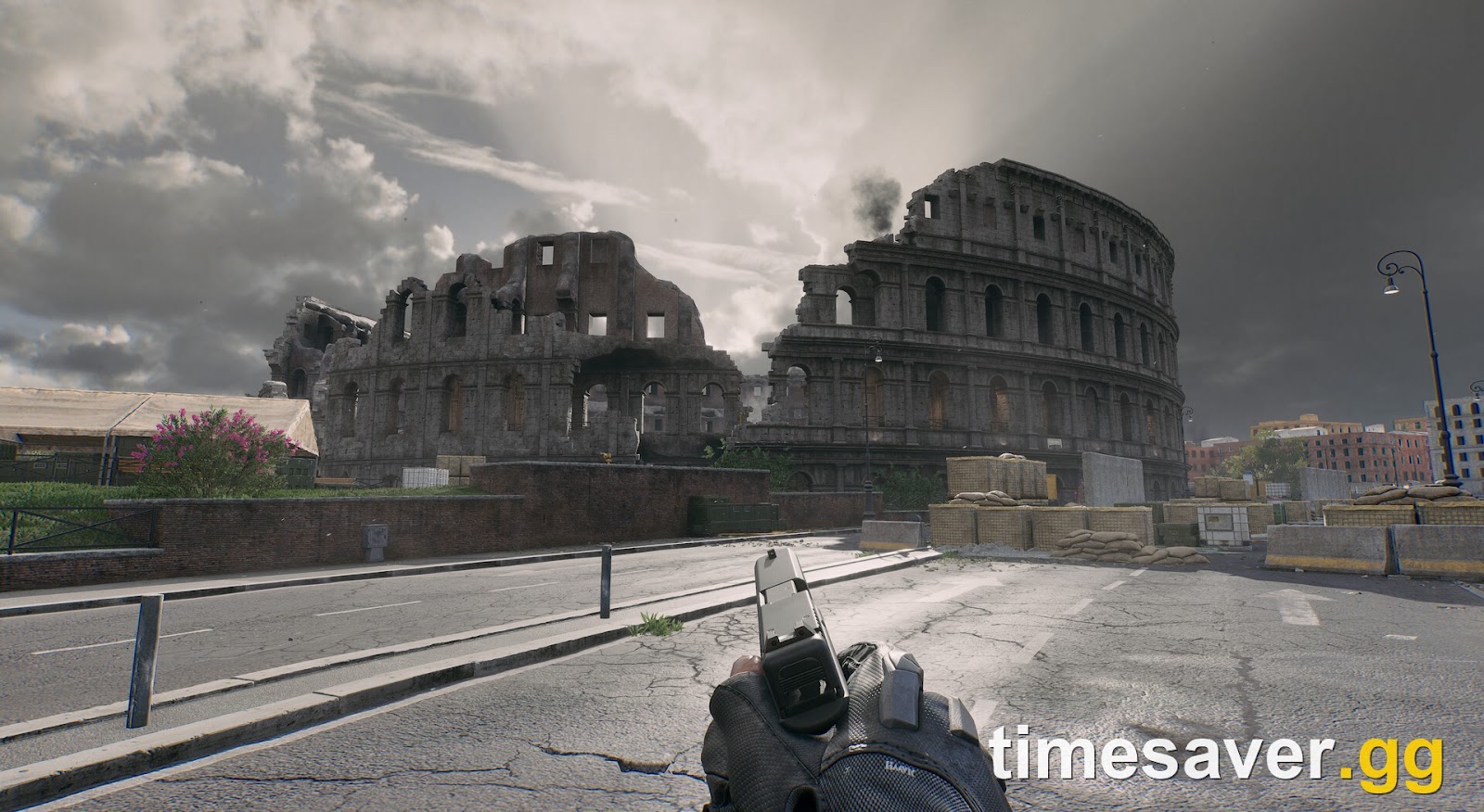
- High-fidelity cinematics and 4K textures. As one PC player put it, "Just the videos alone which people probably only watch once is 9GB." The Reorientation update also added a PC high-fidelity visual upgrade on the new Warfare map The Mog, which pushed texture sizes up again.
None of that is a bug — it's the cost of a live-service game that keeps shipping. But a lot of it is optional for how you actually play.

How to reduce Delta Force file size on PC (Steam)
The #1 fix: remove the Black Hawk Down campaign (~28 GB). Black Hawk Down is a free, standalone co-op campaign — it is not required to play Operations or Warfare. If you only play the multiplayer modes, you can uninstall it and reclaim roughly 28 GB immediately. On Steam:
- Open your Steam Library and right-click Delta Force → Properties.
- Go to the DLC tab.
- Uncheck "Delta Force: Black Hawk Down." Steam will remove the campaign files automatically.
If the DLC checkbox doesn't appear for you (some accounts don't show it), players confirm you can manually delete the campaign folder inside the Delta Force install directory instead. You can always re-check the box later to reinstall the campaign for free.
Other PC levers:
- Verify integrity only if told to. A full "Verify integrity of game files" can temporarily re-download large chunks — useful for a corrupted install, but it won't shrink a healthy one.
- Move, don't duplicate. Use Steam → Settings → Storage to move Delta Force to a larger drive rather than reinstalling, so you don't briefly need double the space.
- Keep ~20 GB of overhead free. Season patches stage files before applying; with no headroom you'll hit the exact "Insufficient Space" error even when the game "fits."
How to reduce Delta Force size on PS5 and Xbox
Consoles don't expose a DLC checkbox the way Steam does, so your options are coarser:
- PS5: Go to Settings → Storage → Games and Apps → Delta Force. Consoles bundle the campaign into the main app, so you generally can't peel off just Black Hawk Down — but you can delete the whole game and reinstall only the modes you want if the title offers a modular download. Rebuilding the PS5 database (Safe Mode option 5) can also clear phantom space that a bad patch left behind.
| - **Xbox Series X\ | S: My Games & Apps → Delta Force → Manage → Saved Data / Installed Items.** Where available, uninstall optional campaign components and keep the multiplayer install. |
|---|
- Both consoles: If an update fails or stalls, a clean uninstall + reinstall is often smaller than the bloated patched install, because it rebuilds from the current base package instead of layering a patch on old files.
Mobile: use on-demand downloads
On iOS and Android, Delta Force Mobile downloads resource packs on demand rather than installing everything up front. In the in-game settings you can usually clear cached resources and re-download only the maps/modes you play. If you're on a metered or hotspot connection, download map packs over Wi-Fi first — one player noted they "gave up after last season" trying to update the mobile client over a hotspot.
What you should NOT delete
- Don't delete anti-cheat components. Delta Force runs ACE (Anti-Cheat Expert) with Secure Boot + TPM 2.0 requirements. Removing or blocking these files will lock you out of matchmaking, not save meaningful space. If your lobby is blocked, that's a separate setup fix — see our Secure Boot and TPM 2.0 guide.
- Don't hand-delete random files in the install folder. You'll trigger a full re-verify (and re-download) on next launch, costing you more bandwidth than you saved.
- Don't fall for "optimizer" tools. No third-party app can safely shrink Delta Force; the only supported levers are the ones above.
Related Delta Force fixes
If your storage problem is actually a crash or launch error in disguise, these cover the usual culprits:
- Delta Force "Out of Video Memory" Crash Fix — VRAM and texture settings, not disk space.
- Delta Force Error 126 / tdatamaster.dll Fix — a missing-file error that looks like a bad install.
- Delta Force Login Failed & Error Code Fixes — 4/35, 5/1200, 126 and more.
FAQ
How big is Delta Force on PC? Steam's listing asks for 88 GB of available storage (the same for minimum and recommended), but the live install has grown past 105 GB in the Reorientation season (October 2026) and keeps rising with each seasonal update. Budget at least 120 GB free for comfortable headroom.
Why is Delta Force 225 GB on PS5? The PS5 build has the largest footprint of any platform, and after a year of seasonal content players are reporting installs as high as ~225 GB in October 2026 — far above the launch download. Consoles also bundle the campaign into the main app, so you can't trim it as easily as on Steam.
Can I remove the Black Hawk Down campaign to save space? Yes. On Steam, right-click Delta Force → Properties → DLC and uncheck "Delta Force: Black Hawk Down" to reclaim about 28 GB. The campaign is free and optional; you can reinstall it anytime, and removing it does not affect Operations or Warfare.
Does Delta Force need an SSD? Steam's listing doesn't strictly require an SSD, but an SSD dramatically cuts load times and map-streaming hitches in Operations and Warfare. Given how large the install is, an SSD is strongly recommended over an HDD.
Why does every Delta Force update download so much? Big season patches are closer to full re-downloads than small deltas, because Team Jade frequently repackages and updates core assets rather than patching them in place. For scale, the previous season (Meltdown) shipped as a ~33.5 GB PC download that unpacked into a ~57 GB Steam package — so a single seasonal update can cost tens of gigabytes even though you already have the game installed.
Will deleting files get me banned? Deleting the optional campaign through Steam's DLC tab is completely safe. Do not touch or block anti-cheat (ACE) or Secure Boot/TPM files — that won't save real space and will lock you out of matchmaking.