Quick answer: Call of Duty: Modern Warfare 4 launches Friday, October 23, 2026. Activision has not published a final launch install size for every platform yet, but the confirmed signposts are clear: the MW4 Beta was roughly 40 GB on all platforms, the Nintendo Switch 2 eShop lists the Standard Edition at about 84.9 GB (estimate, subject to change), and an SSD is required on PC. Plan for a full-game install in the 80–120 GB range and free the space now — because with Campaign Early Access starting October 16 for eligible digital pre-orders, the smart move is to preload the moment it's available so you're dropping into your first match, not staring at a download bar.
This guide separates what's confirmed by Activision from what's still estimated, gives you per-platform storage targets, explains how PC Shader Preloading changes your first boot, and shows exactly what to clear off your drive before launch day. If your goal is to be max rank and fully kitted the second the game unlocks, the download is step zero.
Call of Duty: Modern Warfare 4 - Bot Lobbies
Get bot lobby in 10 minutes
How big is Modern Warfare 4? (Confirmed vs estimated)
Let's be precise, because this is where bad guesses spread. As of publication, Activision has not posted a single official "launch day install size" number for PC, PS5, and Xbox. What we do have is a set of hard reference points:
- MW4 Beta size: ~40 GB, all platforms — the open beta (August 21 – September 1, 2026) downloaded at approximately 40 GB across PC and consoles. Betas are a slice of the full game, so the launch build will be larger.
- Switch 2 Standard Edition: ~84.9 GB — per Nintendo's official eShop listing, the estimated file size is around 84.9 GB. Nintendo notes this is an estimate that can change before the October launch.
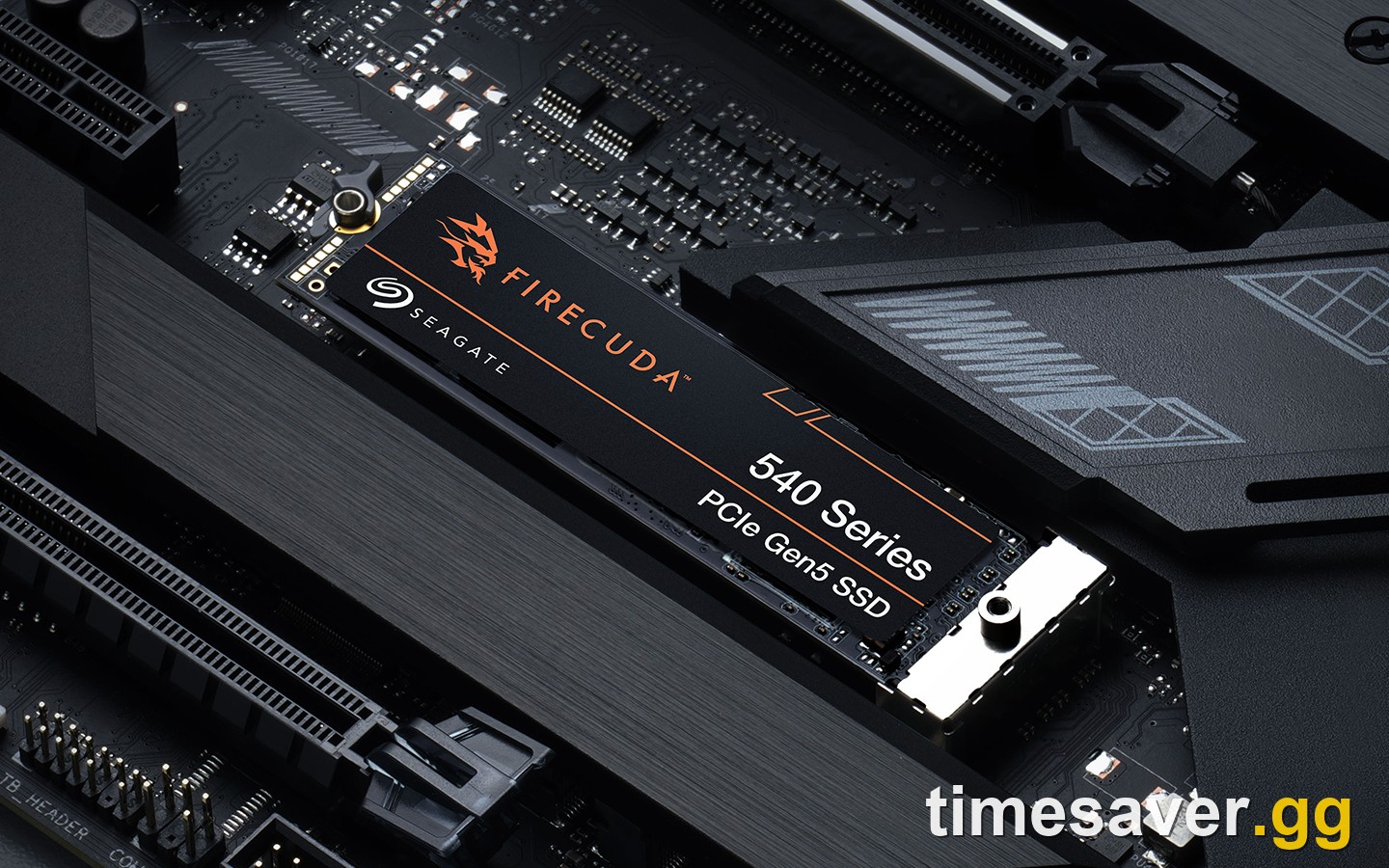
- SSD required on PC — confirmed in the official PC specifications. A mechanical hard drive is not supported; the engine streams assets that a slow drive can't keep up with. Activision's PC requirements list an SSD with roughly 70 GB of available space for the game; your actual download can vary based on existing files.
Put those together and a realistic planning figure for the full game is 80–120 GB depending on platform, edition, and which optional content packs (like high-res texture packs or the Campaign) you install. Treat any specific "it's exactly X GB" claim from a non-Activision source as an estimate until the store pages update closer to launch.
TL;DR on size: Confirmed = SSD required, ~40 GB beta, ~84.9 GB Switch 2 estimate. Everything else is a planning estimate. Free up at least 120 GB and you won't get caught short.
Modern Warfare 4 storage: how much space to free up per platform
Here's a practical, per-platform target. These are recommended free-space figures (install size plus headroom for the day-one patch and shader/asset data), not confirmed final download sizes:
| Platform | Recommended free space | Storage type | Notes | |
|---|---|---|---|---|
| PC (Battle.net / Steam / Xbox on PC) | 120 GB+ | SSD required (NVMe ideal) | HDD not supported; leave headroom for shader preloading + day-one patch | |
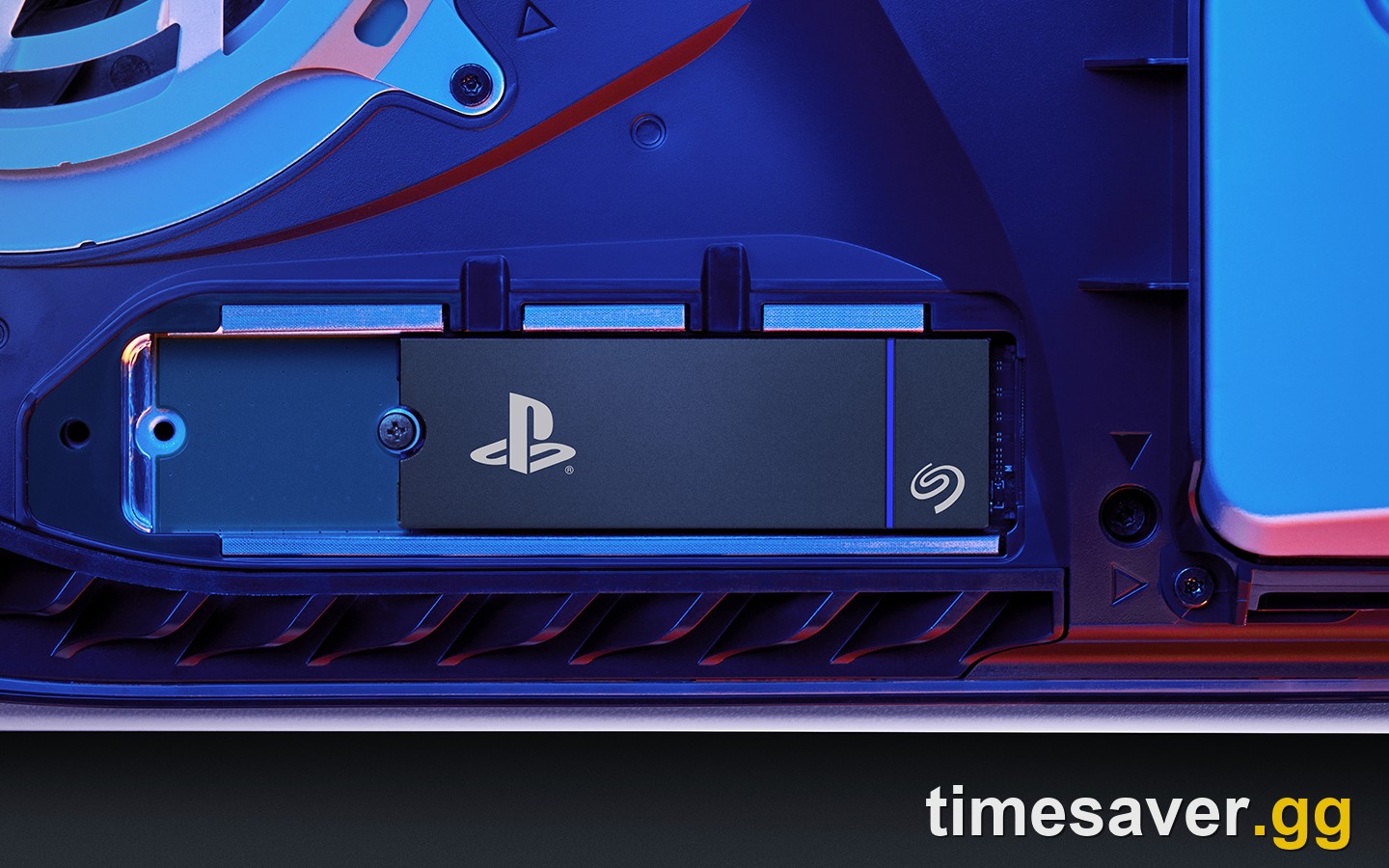
| PlayStation 5 | 120 GB+ | Internal SSD or PS5-compatible M.2 SSD | MW4 must run from SSD storage, not an extended USB HDD | |
| Xbox Series X\ | S | 120 GB+ | Internal SSD or Storage Expansion Card | Playable only from SSD-class storage |
| Nintendo Switch 2 | 90 GB+ | microSD Express / internal | eShop estimate ~84.9 GB; a large microSD Express card is strongly recommended |
| Two things to flag. First, MW4 drops previous-generation consoles entirely — it's PS5, Xbox Series X | S, PC, and Switch 2 only. If you were playing on a PS4 or Xbox One, this is a hardware upgrade, not a download. Second, if you already have a modern Call of Duty install (Warzone / the current seasonal build) on your drive, keeping it updated can reduce your MW4 download because shared engine and asset data may carry over rather than re-downloading from scratch. |
|---|
When can you preload Modern Warfare 4?
Confirmed launch and access dates:
- Full multiplayer + game launch: Friday, October 23, 2026 (global).
- Campaign Early Access: October 16, 2026 — seven days before launch — for players who digitally pre-order or pre-purchase the Standard or Vault Edition. Activision's support page states early access is tied to a digital pre-order, not disc copies.
Activision has not yet published the exact preload start date/time for the full game as of publication. Based on Call of Duty's consistent pattern — and how the MW4 Beta rolled out — expect preload to open a few days before your play date. Two practical rules:
- If you pre-ordered digitally for Campaign Early Access, watch for preload to unlock ahead of October 16, not October 23. Your download window starts earlier than everyone else's.
- If you're playing at full launch, expect preload to open in the days before October 23. The moment it appears in Battle.net / Steam / the PS or Xbox store, start it.
The whole point of preloading is that the game finishes downloading before it unlocks, so at unlock time you press play instead of waiting on a 100 GB download while your friends are already in lobbies.
PC: what Shader Preloading changes about your first boot
MW4 brings Shader Preloading to PC — a big deal if you remember the long "compiling shaders" wait on previous Call of Duty launches. Straight from Activision:
"Shader Preloading gets a head start on preparing your PC's shaders before you launch Modern Warfare 4. The result? Less time waiting. More time playing." — Call of Duty official blog
What it means in practice:
- Battle.net: Shader Preloading is enabled starting when you first install the game — shaders prepare in the background (you may see a "Shader Pre-Loading Will Start" notification in your Windows system tray; that's expected).
- Steam: A one-time shader compile is still needed on first boot, then Shader Preloading takes effect for later updates.
- It uses some system resources while running but is designed to have minimal impact — you can keep using your PC — and it can be disabled or interrupted in settings without breaking anything.
So on PC, "preloaded" means more than the install finishing: let the shader step complete too, and your first match starts faster with fewer early-game stutters.
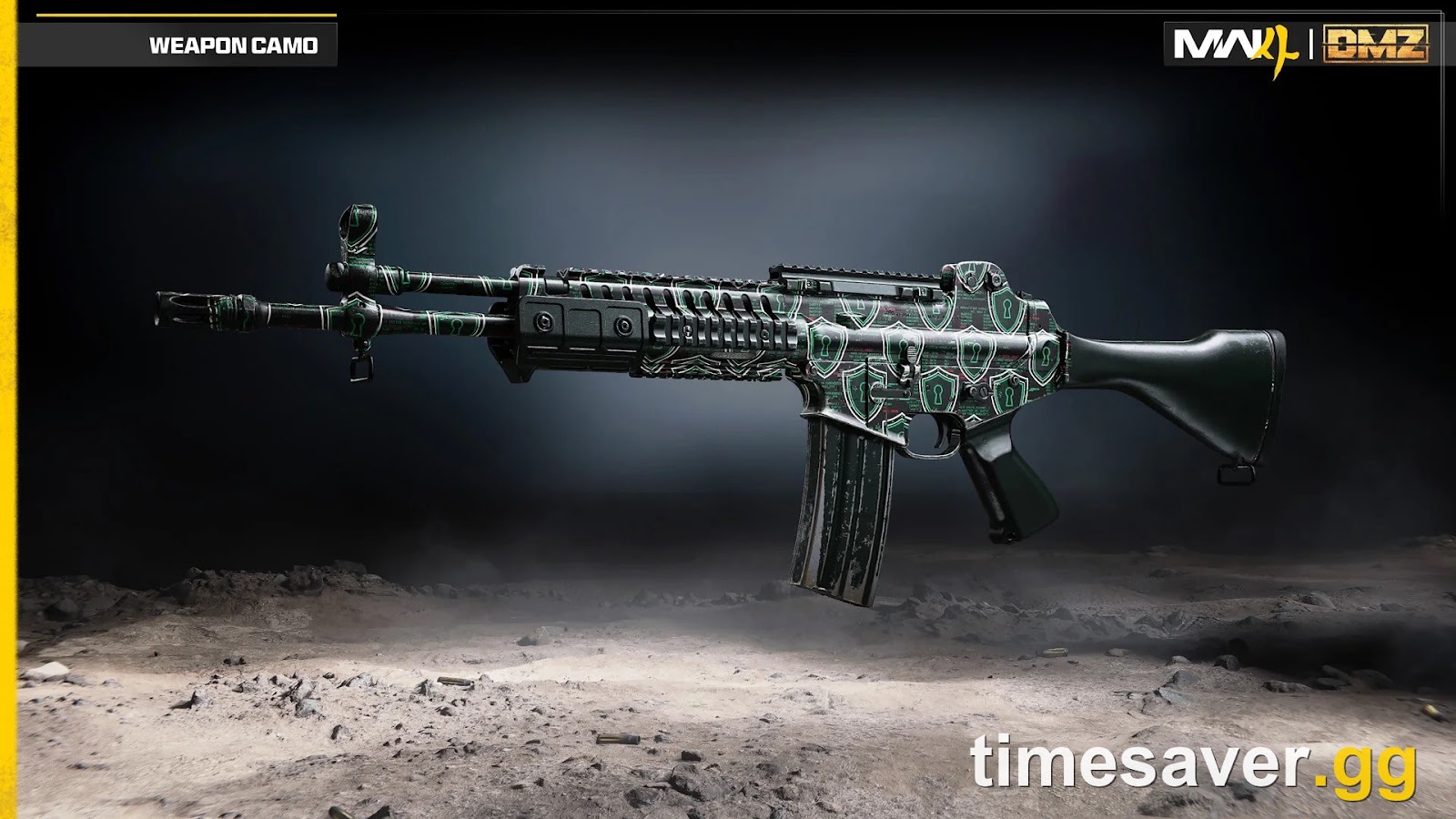
Call of Duty: Modern Warfare 4 - Mastery Camo Bundle
Get mastery camos in 10 minutes
PC specs and security: don't get download-locked out
You can have the game fully downloaded and still be unable to launch it if your PC fails MW4's security check. Two hard requirements confirmed by Activision:
- TPM 2.0 and Secure Boot must be enabled on PC. These support RICOCHET Anti-Cheat; without them you cannot play online. Run Activision's Secure Attestation Wizard to verify before launch.
- DirectX 12 compatible system and an SSD.
For reference, the confirmed Beta PC specs (the full-game specs may differ slightly):
| Spec | Minimum | Recommended |
|---|---|---|
| OS | Windows 10 64-bit | Windows 11 64-bit |
| CPU | Ryzen 5 1600 / Core i5-8400 | Ryzen 5 3600 / Core i7-8700 |
| RAM | 12 GB | 16 GB |
| GPU | RX 470 / GTX 970 or 1060 / Arc A580 | RX 6700 XT / RTX 3060 Ti / Arc B580 |
| VRAM | 3 GB | 8 GB |
| Storage | SSD required | SSD required |
If Secure Boot or TPM trips you up, that's a common launch-week blocker with a clean fix — see our MW4 Secure Boot / TPM error fix walkthrough, and for connection errors on first launch, the Hueneme/Negev networking-failed fix.
What to clear off your drive before launch day
A quick pre-launch checklist so you're not deleting things in a panic on October 23:
- Free at least 120 GB (90 GB+ on Switch 2). Better to over-provision than to hit a "not enough space" wall mid-preload.
- Uninstall the games you're not playing — old campaigns, finished single-player titles, anything you can re-download later.
- Keep your current Call of Duty install updated rather than deleting it; shared data may cut your MW4 download.
- On PC, make room on your fastest SSD (NVMe if you have one) — MW4 is SSD-only and load/stream performance scales with drive speed.
- On PS5/Xbox, confirm you're installing to SSD-class storage (internal or a compatible M.2 / Storage Expansion Card), not an extended USB HDD.
- Pre-order digital for Campaign Early Access if you want to play the story a week early (Oct 16) and preload earlier.
Get the download handled early and launch day becomes about playing, not managing storage.
Ready to grind from the first match?
The download is the easy part. The grind that actually eats your launch weekend is the same as every Call of Duty: climbing rank, leveling every weapon, and unlocking mastery camos while everyone's stomping fresh lobbies. If you'd rather spend your time playing than grinding — or you want to be geared up before the sweats are — timesaver.gg has MW4 covered day one.
Want to hit the ground running on October 23? Lock in your MW4 boosting before launch so you're maxed while everyone else is still downloading:
- MW4 Bot Lobbies — the fastest, calmest way to level weapons and grind camos without brutal SBMM matches
- MW4 Weapon Leveling — every gun maxed and ready for attachments from day one
- MW4 Mastery Camo Unlock — skip the grind straight to the endgame camos
- MW4 Account Leveling — rank up fast and unlock your loadout slots early
- All Modern Warfare 4 services — the full MW4 hub
FAQ
How big is Modern Warfare 4? Activision hasn't posted a final launch install size for every platform yet. The confirmed reference points are a ~40 GB beta on all platforms and an ~84.9 GB Switch 2 eShop estimate, with an SSD required on PC. Plan for an 80–120 GB full-game install depending on platform and edition, and free up at least 120 GB to be safe.
When can I preload Modern Warfare 4? The exact preload start time isn't officially confirmed yet, but preload typically opens a few days before your play date. If you pre-ordered digitally for Campaign Early Access, watch for it ahead of October 16; if you're playing at full launch, expect it in the days before October 23.
| Do I need an SSD for Modern Warfare 4? Yes on PC — an SSD is a confirmed requirement and a mechanical HDD is not supported. On PS5 and Xbox Series X\ | S, the game must run from SSD-class storage (internal SSD or a compatible expansion card), not an external USB hard drive. |
|---|
| Can I play Modern Warfare 4 on PS4 or Xbox One? No. MW4 releases only on PS5, Xbox Series X\ | S, PC (Battle.net, Xbox on PC, Steam) and Nintendo Switch 2. Previous-generation consoles are not supported. |
|---|
Will keeping my current Call of Duty installed reduce the MW4 download? It can. Keeping your existing, updated Call of Duty / Warzone install on the drive means shared engine and asset data may carry over instead of re-downloading, which can shrink your MW4 download versus a clean install.
Why can't I launch MW4 even though it downloaded? The most common cause on PC is TPM 2.0 or Secure Boot being disabled — both are required for MW4's anti-cheat, and without them you can't play online. Enable them in your BIOS/UEFI (or run Activision's Secure Attestation Wizard) and the game will launch.