Put your Cap Breakers on the attributes your build actually uses to win possessions — and confirm the boost is real before you commit, because it's permanent. For most guards that means your shooting number (Three-Point Shot or Mid-Range) and a driving stat; for bigs it's the badge-unlocking finishing, rebounding and interior-defense thresholds. In NBA 2K27 you can apply a Cap Breaker to any single attribute a maximum of 5 times, the change can't be moved once applied, and your build's height, weight and wingspan still cap how high a rating can actually go. Test every placement in the MyPLAYER Builder first, then lock it in.
This guide is current for NBA 2K27 (out September 4, 2026) and Season 1. Every mechanic below is checked against 2K's official Cap Breakers support article (last updated September 7, 2026).
Key Takeaways
- A Cap Breaker raises one attribute's ceiling. You can stack up to 5 on the same attribute, and applying them is permanent — they can't be moved.
- Your height, weight and wingspan still limit the max any attribute can reach, so a Cap Breaker only helps if the build can physically climb that high.
- Cap Breakers earned from Build Specialization are restricted: they must go into the attribute category you specialized in, or into Free Throw.
- Preview every placement in the MyPLAYER Builder (in-game or the NBA 2K HQ companion app) before you commit.
- Prioritize the badge-unlocking thresholds and the attributes your role uses every possession — shooting and a driving stat for guards; finishing, rebounding and rim protection for bigs.
What Are Cap Breakers in NBA 2K27?
Cap Breakers are a way to push a single attribute past its normal cap. 2K's own support article puts it plainly: "Cap Breakers are a way to push your build's attribute potential beyond the cap." Instead of raising your whole overall, they let you spend earned rewards to lift one rating a little higher than the Builder would otherwise allow.
Three rules govern every Cap Breaker, straight from the official page:
- Five per attribute, maximum. "A Cap Breaker can only be applied to an attribute a maximum of 5 times."
- Permanent — no take-backs. "Applying any Cap Breakers is a permanent change to your attributes that can't be moved once applied."
- Your physicals still rule. "The max potential rating of attributes can also be limited by the height, weight and wingspan of your build."
That third rule is the one players ignore and regret. A Cap Breaker will not turn a 7-foot center into a 95 Three-Point Shot — the height/weight/wingspan you chose already set a hard ceiling. The Cap Breaker only helps you climb within what your frame allows.
The One Thing to Do Before You Spend a Cap Breaker
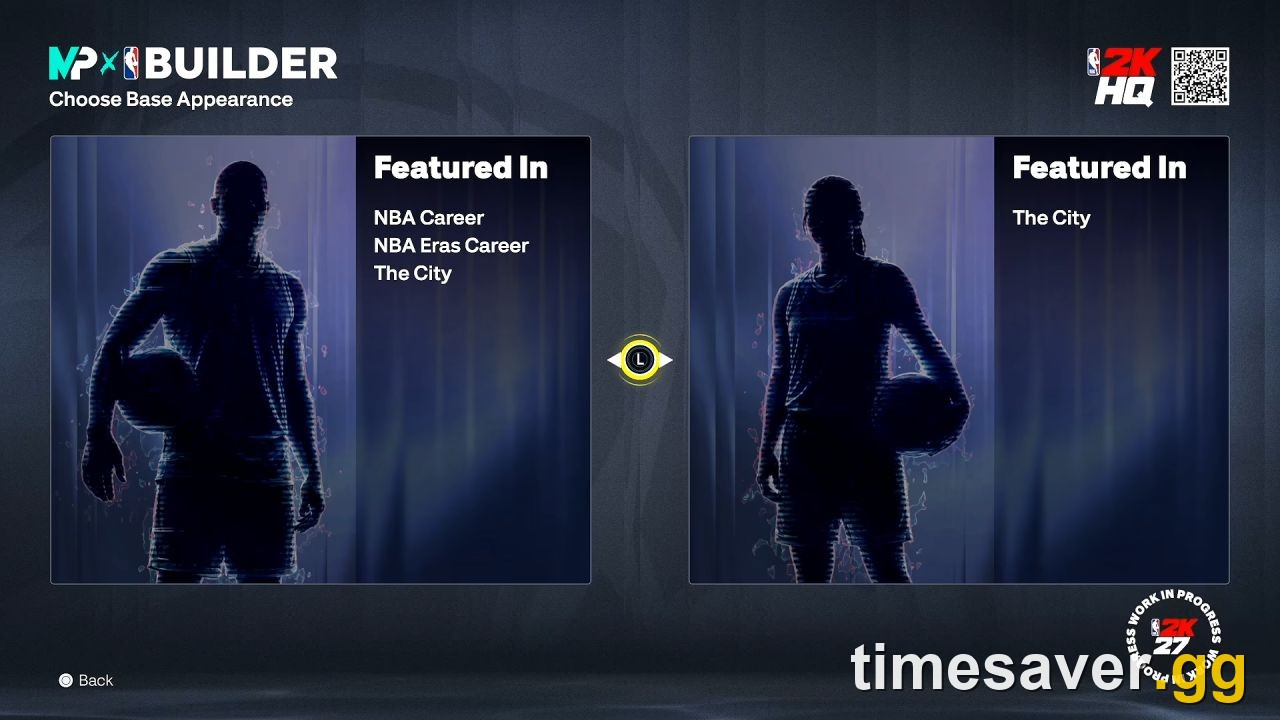
Test it. NBA 2K27's MyPLAYER Builder lets you experiment with a build before you ever step on the court, and — new this year — that includes previewing Cap Breakers. Per 2K: "Cap breakers can be tested in the MyPLAYER Builder both in NBA 2K27 directly and in the NBA 2K HQ Companion app."
Use it like a dry run:
- Open the Builder (on console or the NBA 2K HQ app on your phone).
- Preview adding a Cap Breaker to the attribute you're considering.
- Watch whether the rating actually moves, and whether it crosses a badge or animation threshold you care about. If the number is already capped by your frame, the preview will show you — and you'll have saved a permanent mistake.
Because the change can't be undone, the 60 seconds you spend previewing is the single most valuable habit in this whole guide.
Where Should You Put Cap Breakers by Build?
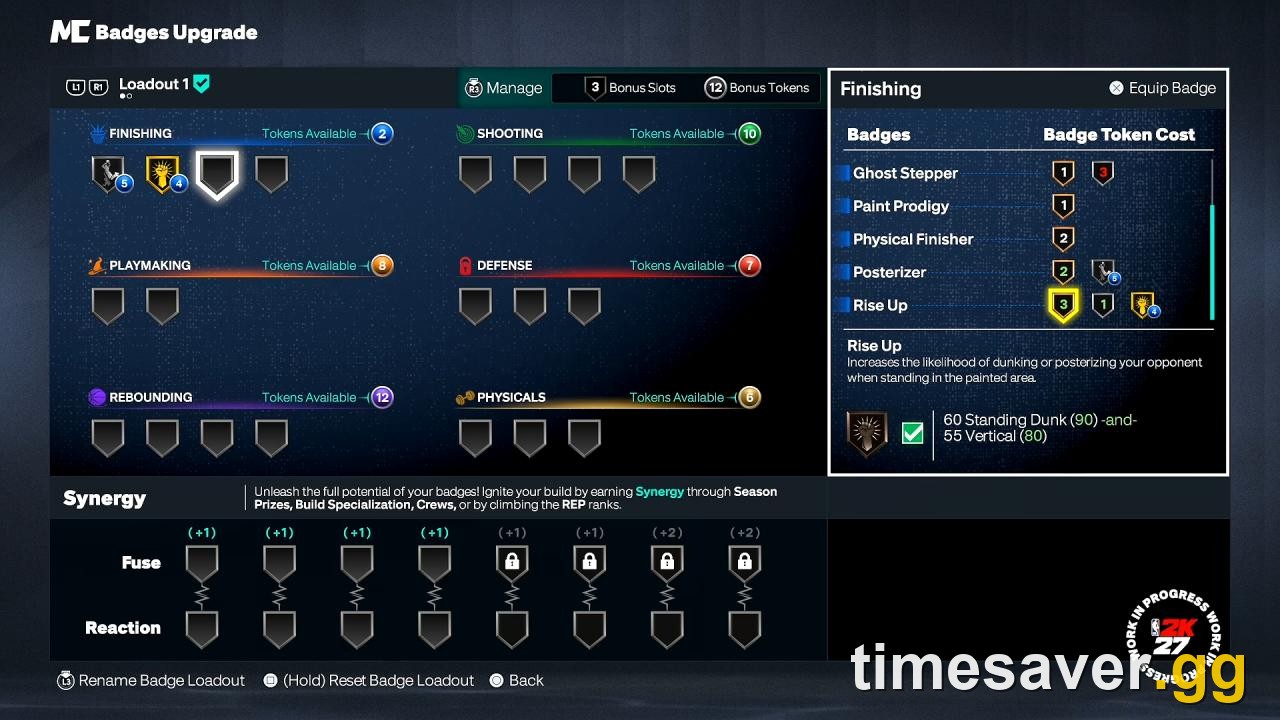
The universal rule: spend Cap Breakers where they either unlock a badge tier or improve an attribute you use on nearly every possession. A +2 that pushes 3-Point Shot from 88 to 90 (a common shooting badge threshold) is worth far more than a +2 buried in a stat your build rarely touches. Below is a role-by-role priority order. Exact thresholds depend on your height/weight/wingspan, so preview each one.
Guards (Point Guard / Shooting Guard)
Guards live and die by their shot and their handle. Prioritize in this order:
- Your primary shooting attribute — Three-Point Shot for a shooter, Mid-Range for a slasher/scorer. Getting this over a green-window badge threshold is usually the highest-value placement a guard can make.
- A driving / finishing stat — Driving Dunk (for lob and contact finishers) or Layup, so you convert the paint touches your speed creates.
- Ball-handling or Speed With Ball if you're a primary creator who needs the extra breakdown on-ball.
Skip pouring Cap Breakers into defense or rebounding on a small offensive guard — the frame caps those low anyway, and the return is poor.
Wings (Small Forward / two-way builds)
Two-way wings want balance, but Cap Breakers reward focus:
- Three-Point Shot to stay a spacing threat.
- Perimeter Defense and/or Steal to justify guarding the other team's best perimeter scorer — the reason a wing gets picked in The REC.
- A finishing stat (Driving Dunk or Layup) for transition and cuts.
Bigs (Power Forward / Center)
For interior builds, chase the badge-unlocking thresholds that make a big matter on both ends:
- Interior Defense / Block — rim protection is the whole point of a big in The REC and Proving Grounds. Push this to the next defensive badge tier first.
- Offensive and Defensive Rebound — securing boards is your job; a Cap Breaker here pays off every possession.
- A finishing stat — Driving Dunk or Close Shot / Standing Dunk so you punish anyone who helps off you.
- Only after those, a stretch big can consider Three-Point Shot — but remember your frame caps it hard, so preview before you dream of a 90.
The Build Specialization Trap (Read This Before You Grind)
Not all Cap Breakers are freely placeable. Cap Breakers you earn from Build Specialization come with a restriction, and it's the single most common thing players get wrong. From 2K's support article, verbatim:
"Any Cap Breakers earned through Build Specialization are limited in that they must be applied within the attribute category you specialized in or applied to Free Throw."
In plain terms: if you grind the Shooting specialization track, that Cap Breaker can only go into a Shooting attribute — or into Free Throw as the universal escape hatch. It can't be moved over to Rebounding. So plan your specialization around the attribute category you actually want to boost. Specialize in Shooting if you want to raise shooting; specialize in Defense if your goal is a defensive Cap Breaker. Picking the wrong track locks that reward into a category your build doesn't need.

Build Specialization in NBA 2K27 runs 10 objective-based quests per track across six disciplines — Shooting, Finishing, Playmaking, Defense, Rebounding, and the new Physicals track — and Cap Breakers are among the rewards. Reaching Level 10 of any track also grants a permanent Synergy slot upgrade, so the grind is worth it regardless.
Where Do Cap Breakers Come From?
You don't buy Cap Breakers with VC — you earn them by playing. In NBA 2K27, Cap Breakers drop from:
- Build Specialization — the 10-quest discipline tracks above (category-locked, as noted).
- Season 1 rewards — the 40-level Season ladder hands out Cap Breakers among MyPLAYER cosmetics, Badge Tokens and Badge Slots as you climb.
- Crew rewards — and here's a useful quirk: if you leave your Crew, you forfeit most Crew awards, but you keep the Cap Breakers. Per 2K: "Leaving a Crew will relinquish all Crew awards from the Crew, except the Cap Breaker rewards." (You won't be re-awarded them at a new Crew, though.)
Because they're earned, not bought, treat each one as scarce. That's the whole reason the "preview first, then commit" habit matters.
Cap Breakers vs. Cap Breakers: A Quick Priority Cheat
| Situation | Best Cap Breaker placement |
|---|---|
| Shooting guard / sharpshooter | Three-Point Shot, then a finishing stat |
| Slasher / scoring guard | Mid-Range or Driving Dunk, then Speed With Ball |
| Two-way wing | Three-Point Shot, then Perimeter Defense |
| Rim-protecting big | Interior Defense / Block, then Rebound |
| Stretch big | Rebound and Interior D first, 3-Point Shot only if the frame allows |
| Build Specialization Cap Breaker | Must stay in that discipline's category — or Free Throw |
Thresholds shift with height, weight and wingspan — always confirm the exact number in the Builder preview.
FAQ
Where should I put my Cap Breakers in NBA 2K27? Put them on the attributes your role uses every possession and on ratings that unlock a badge tier. Guards should prioritize their main shooting attribute (Three-Point Shot or Mid-Range) then a driving stat; wings want Three-Point Shot then Perimeter Defense; bigs should chase Interior Defense/Block and Rebound first. Always preview the placement in the MyPLAYER Builder to confirm the rating actually moves, because your height, weight and wingspan cap how high it can go.
Can you move or reset Cap Breakers in NBA 2K27? No. 2K's support page states that applying a Cap Breaker is a permanent change that can't be moved once applied. There is no reset. That's why previewing each placement in the Builder or the NBA 2K HQ app before you commit is essential.
How many Cap Breakers can you put on one attribute? A maximum of five. Per 2K, a Cap Breaker can only be applied to a single attribute up to 5 times.
Why isn't my attribute going up when I apply a Cap Breaker? Because your build's physicals cap it. 2K notes the max potential rating of an attribute is limited by your height, weight and wingspan — so a Cap Breaker can't push a rating past the ceiling your frame already sets. Preview it in the Builder and you'll see the true ceiling before spending anything.
Do Cap Breakers from Build Specialization go anywhere? No. Cap Breakers earned through Build Specialization must be applied within the attribute category you specialized in, or to Free Throw. Choose your specialization track around the category you actually want to boost.
Do I keep Cap Breakers if I leave my Crew? Yes. Leaving a Crew forfeits most Crew awards, but 2K confirms the Cap Breaker rewards are kept (though you won't be re-awarded them when you join a new Crew).
More NBA 2K27 Guides
Dial in the rest of your build with our companion guides:
- NBA 2K27 Cap Breakers explained — how the system works from the ground up
- Best attributes to spend VC on in NBA 2K27 — where your upgrade points pay off most
- MyPLAYER Builder & Badge Tokens guide — the 2K27 Builder overhaul
- Build Specialization guide — the 10-quest discipline tracks that hand out Cap Breakers
- Best center build and best point guard build — frames that make the placements above shine