If you just picked up Once Human on PS5 or Xbox, the fastest way to stop fighting the controls and start enjoying the game is to fix three things on day one: pick the right performance mode, tune your aim and camera sensitivity, and remap the buttons the 3.0.4 update finally let you change. This guide gives you a working baseline for controller settings on PS5, PS5 Pro and Xbox Series X/S — every claim checked against the official patch notes, with the myths (and the stuff nobody has documented yet) flagged honestly. It is written for the wave of console players who joined after the August 25, 2026 launch on PS5 and Xbox (11:00 PT / August 26 in EU and Asia).
Quick answer: what to change first on console
Set Performance Mode for 120fps, drop your aim sensitivity below your camera sensitivity, and remap Reload and Interact onto separate buttons. Here is the whole setup in five lines:
- Performance Mode (120fps) for fast combat and PvP; Quality Mode (4K/60fps) if you value the visuals over frame rate. You can switch anytime.
- Aim sensitivity lower than camera sensitivity — a fast look-speed for exploration, a slower, steadier speed when you ADS. Tune both under Settings > Controller.
- Split Reload and Interact into two buttons (3.0.4 lets you) so you stop reloading when you meant to loot.
- Custom Button Settings now exist — remap anything that feels wrong, set your Hotbar to Wheel or Horizontal, and adjust the optimized stick/trigger deadzones.
- On PS5, leave DualSense haptics on — adaptive triggers and rumble are tuned per weapon and per boss, and they actually convey information.
There is no single "pro" preset the game ships with; the right numbers are personal. What follows is a sane starting point and the exact menu paths to adjust from there.
Which performance mode should you pick on PS5 and Xbox?
Once Human ships two console graphics modes, and the official launch announcement states them exactly:
"The console version delivers high-definition graphics with a choice between Quality Mode (4K/60FPS) and Performance Mode (120FPS)."
— NetEase Games, official console launch announcement, July 10, 2026
So your two options are:
- Quality Mode — 4K at 60fps. Sharper image, richer detail. Best for PvE building, exploration and screenshots.
- Performance Mode — 120fps. Smoother motion and lower input lag. Best for combat, aiming and any PvP scenario like Evolution's Call or Prismverse's Clash.
Recommendation: Performance Mode for most players. Once Human is a shooter at its core — you are aiming ranged weapons at fast enemies and Deviations — and 120fps makes tracking and reaction time meaningfully better than 60fps. Switch to Quality only when you are settling in to build a base and want the game to look its best. Because you can toggle between them freely, there is no wrong permanent choice.
One honest caveat: the studio has not published per-console targets. The 4K/60 and 120fps figures are the announced modes across the console family — there is no official statement that a specific console SKU hits a specific number, so treat "120fps" as the mode's target, not a guaranteed locked frame rate on every machine and every scene.
Best controller sensitivity settings for Once Human
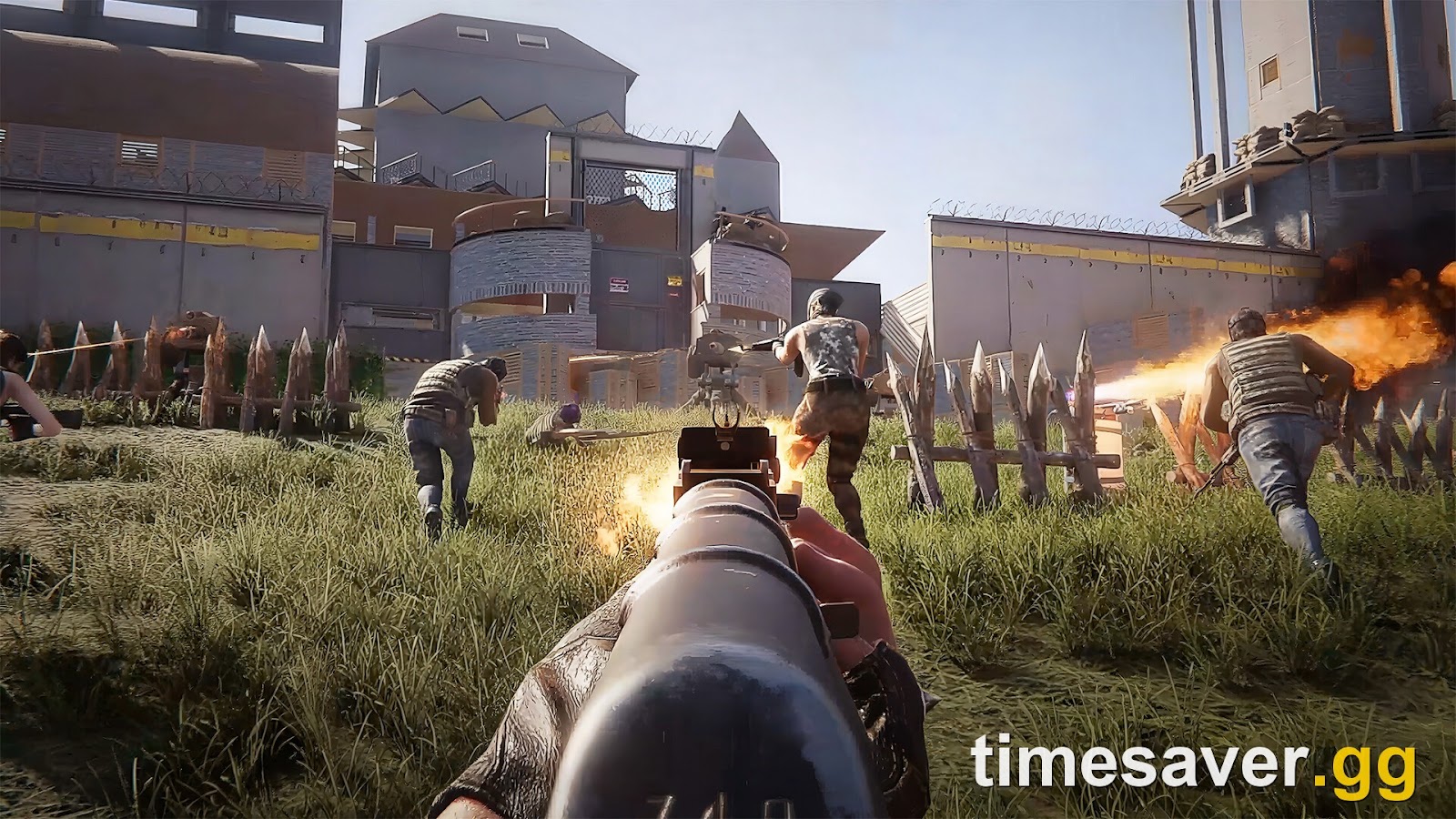
Sensitivity is where most new console players go wrong — they leave everything at default, then wonder why their aim feels twitchy. Once Human exposes two separate sensitivity sliders under Settings > Controller:
- Camera Sensitivity — how fast you look around when not aiming.
- Aim Sensitivity — how fast the camera moves while you are aiming down sights (ADS).
The core principle: keep aim sensitivity noticeably lower than camera sensitivity. You want to whip the camera around quickly while exploring or looting, but you want fine, steady control the moment you bring a weapon up. A good starting split is a medium-high camera speed paired with a medium-low aim speed, then adjust in 5–10% steps over your first few hours until tracking a moving Deviation feels controlled rather than snappy.
Update 3.0.4 also improved the underlying feel:
"Optimized the deadzone ranges of the controller's L/R sticks and triggers for more precise input."
— Once Human update 3.0.4 patch notes, August 24, 2026
That deadzone tuning is why sticks feel tighter than they did at PC-era launch — if you played on cloud or a friend's setup earlier and it felt loose, that has been addressed. A quick honest note on aim assist: Once Human lets you adjust camera and aim sensitivity for controllers, but there is no separately documented aim-assist on/off toggle in the official settings — so don't waste time hunting a menu switch that isn't advertised. Tune sensitivity instead.
How to remap buttons on console (new in update 3.0.4)
This is the single biggest console quality-of-life change, and it arrived days before the console launch. Before 3.0.4 you were largely stuck with the default layout. Now you can rebuild it. The path:
Settings > Controller > Button Details > Custom Button Settings.
The official 3.0.4 notes describe it as letting "each Meta define their own button operations" (Meta being the game's term for a character/profile). Inside, the changes worth making first:
- Reload vs Interact. By default these can share a button, which causes the classic "I tried to open a crate and reloaded my gun instead" problem. Split them onto separate buttons. Reddit is full of new players hitting exactly this — it is the fastest annoyance to kill.
- Hotbar style. Settings lets you choose between the radial Wheel and a Horizontal Hotbar (the classic bar), and the two can coexist. If the wheel feels slow in combat, switch to the horizontal hotbar for instant weapon swaps.
- Cursor sensitivity and snap. 3.0.4 added a cursor-sensitivity setting and a new snap switch for menu navigation — useful when you are managing your backpack, Cradle or base UI with a stick.
- First Person Model Offset. If you play in first person (more on that below), this controls how close your weapon sits to the screen edge.
- Territory shortcut. Controller Y is now a quick shortcut for territory upgrades in your base hub — a small but constant time-saver.
Rebuilding the layout takes two minutes and pays off for hundreds of hours. Do it before you sink time into a scenario.
Should you play Once Human in first person on console?
Yes, if you want to — and it is not a console-exclusive feature, despite how some launch coverage framed it. First-person mode shipped game-wide in update 3.0.1 on July 9, 2026, six weeks before the console launch, and you can switch perspective at any time. Update 3.0.4 then expanded where first person works: underwater diving, high-altitude gliding, several combat Deviations, Aero Leap and slide movement, ladder climbing, ziplines, and card-swiped doors.
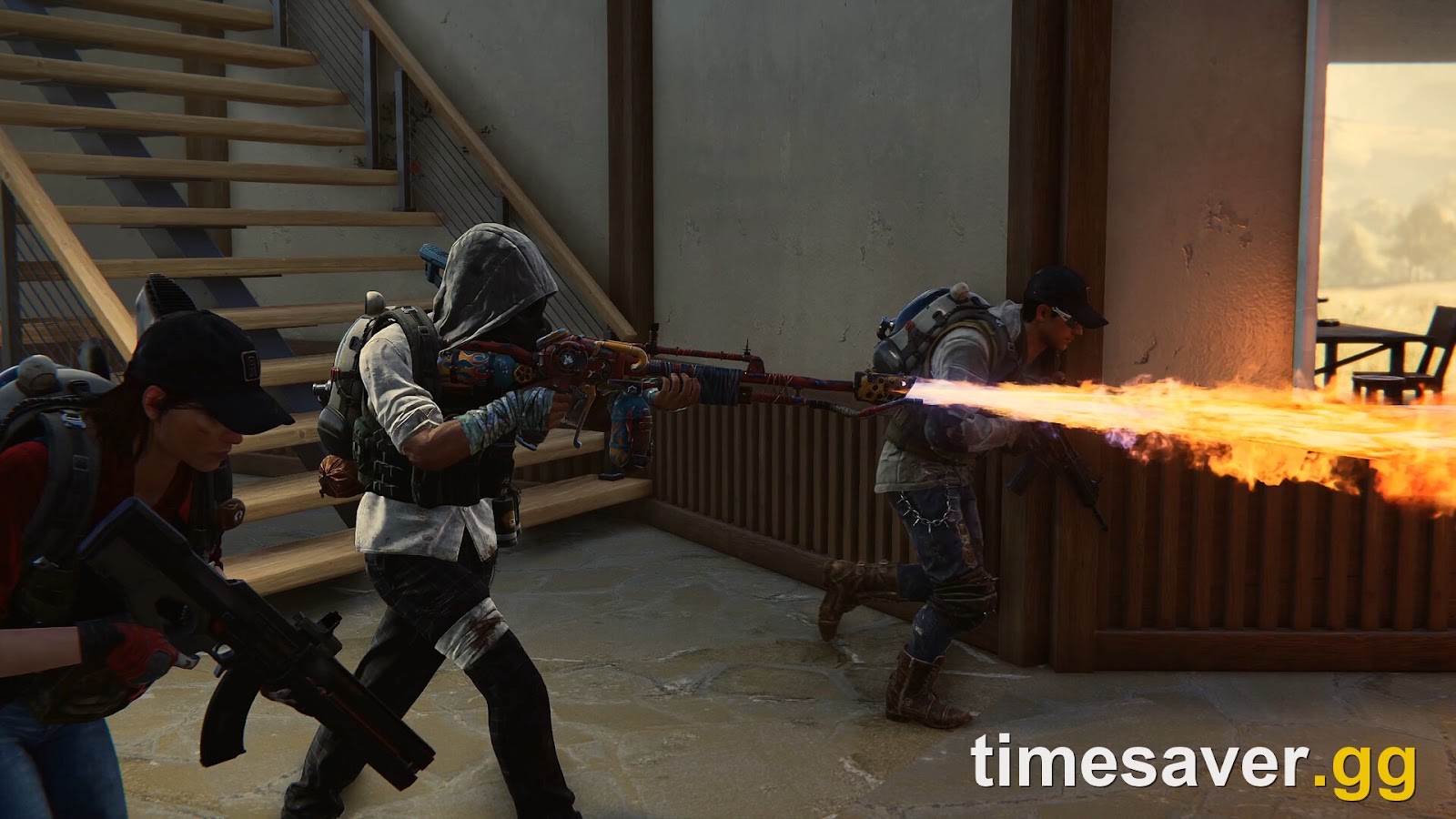
For controller players, first person can make aiming feel more direct, while third person gives you better spatial awareness for melee and base-building. Try both — the toggle is instant, so there is no commitment. If you go first person, set the First Person Model Offset so your weapon doesn't crowd the screen.
DualSense features on PS5: leave them on
If you are on PS5 or PS5 Pro, the DualSense controller does real work in Once Human, and the official announcement spells out the three effects worth knowing:
- Adaptive triggers apply "precise trigger resistance during boss battles" — heavier pull on tough fights.
- Rumble delivers "distinct low-frequency rumbles for giant monsters," so you feel a Behemoth-class threat before you fully see it.
- Loot haptics give "elastic tactile feedback for loot drops" — a small pulse that confirms a pickup.
Different weapon types also carry distinct resistance and vibration profiles. These aren't just flavor — the feedback tells you things the screen doesn't always make obvious, so leave haptics and adaptive triggers enabled unless battery life is a concern. Xbox Series X/S controllers get standard rumble; the adaptive-trigger effects are a PS5 DualSense feature.
The "spacetime vision" question every console player asks
New players hit this within the first hour: the tutorial mentions a scanning vision that highlights loot, recoverable tech and chests — but the prompt shows a PC key (community guides commonly report it bound to Q on keyboard). On console, there is no widely documented dedicated face button for it; community guides map it to the Function / Wheel button (LB on Xbox, L1 on PlayStation), reached through the radial rather than as a standalone press. One veteran put the value plainly:
"Get in the habit of activating your spacetime vision — it highlights recoverable tech items as well as chests and loot which can be picked up."
— player advice, r/OnceHumanOfficial
Treat the exact console binding as community-reported until an official page documents it, but the habit is worth building: scanning constantly is how you stop walking past free materials.
A working starting setup (copy this, then tune)
Use this as a baseline for your first session, then adjust:
| Setting | Starting point | Where |
|---|---|---|
| Graphics mode | Performance (120fps) | Console display/graphics settings |
| Camera sensitivity | Medium-high | Settings > Controller |
| Aim sensitivity | Medium-low (below camera) | Settings > Controller |
| Reload / Interact | Separate buttons | Custom Button Settings |
| Hotbar | Horizontal for fast swaps (or Wheel) | Settings > Controller |
| Deadzone | Leave optimized default, tighten if drifting | Settings > Controller |
| DualSense haptics + triggers (PS5) | On | Console/game settings |
| Perspective | Try first person, set model offset | In-game toggle |
None of these are locked-in "correct" values — Once Human doesn't ship a competitive preset, and your ideal numbers depend on your TV, your reflexes and whether you lean PvE or PvP. The point is to change them deliberately in the first hour instead of grinding for days on defaults that feel wrong.
Where this fits for a brand-new console player
Settings are step one. If you are genuinely new to Once Human on console, two more things will save you real frustration: understanding that the game is crossplay and cross-progression across PS5, Xbox, PC and mobile — and that linking accounts the wrong way can cost you a character — and understanding that Once Human servers don't "wipe every six weeks" the way old guides claim. Get the controls right, then get the account and server model right, and the early game stops feeling hostile.
Frequently Asked Questions
What are the best controller settings for Once Human on PS5? Start with Performance Mode (120fps), a medium-high camera sensitivity, and a medium-low aim sensitivity so aiming down sights feels steadier than free-look. Then open Settings > Controller > Button Details > Custom Button Settings and split Reload and Interact onto separate buttons. Adjust sensitivity in small steps over your first few hours until tracking a moving target feels controlled.
Can you remap buttons in Once Human on console? Yes. Update 3.0.4 (August 24, 2026) added full custom button mapping under Settings > Controller > Button Details > Custom Button Settings, including the ability to split shared actions like Reload and Interact, choose a Wheel or Horizontal hotbar, and adjust cursor sensitivity. Before 3.0.4 the layout was largely fixed.
Which is better in Once Human, Quality Mode or Performance Mode? Performance Mode (120fps) is better for combat, aiming and PvP because of smoother motion and lower input lag. Quality Mode (4K/60fps) looks sharper and suits building and exploration. You can switch between them at any time, so pick per activity. The studio has not published per-console frame-rate targets, so treat 120fps as the mode's goal rather than a guaranteed locked figure.
Does Once Human have aim assist on controller? The game exposes adjustable camera and aim sensitivity for controllers, but there is no separately documented aim-assist on/off toggle in the official settings. Tune your aim sensitivity down rather than searching for a magnetism switch.
Is first-person mode a console-exclusive feature in Once Human? No. First-person mode shipped game-wide in update 3.0.1 on July 9, 2026, six weeks before the console launch, and update 3.0.4 expanded where it works (underwater, gliding, ziplines, climbing and more). You can toggle perspective at any time on any platform.
Do the DualSense adaptive triggers work in Once Human? Yes, on PS5 and PS5 Pro. The official announcement describes precise trigger resistance during boss battles, low-frequency rumble for giant monsters, and elastic haptic feedback for loot drops, with distinct effects per weapon type. Xbox Series X/S controllers get standard rumble instead of adaptive-trigger effects.
This guide applies to Once Human version 3.0.4 (August 24, 2026) on PS5, PS5 Pro and Xbox Series X/S. Settings menus and values may change in future updates — verify against the in-game Settings > Controller menu and the official patch notes at oncehuman.game.