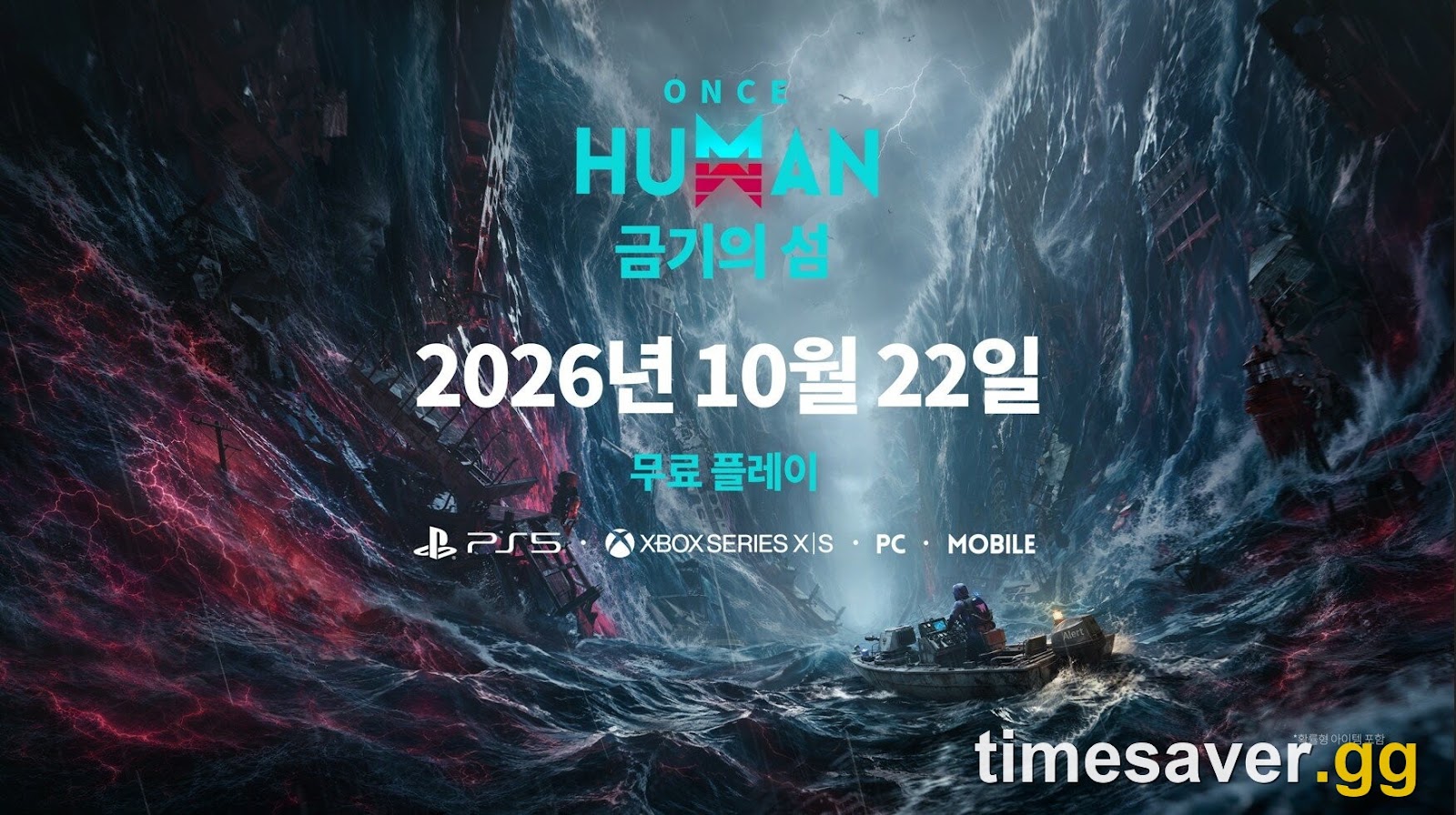
Quick answer: Yes — Once Human server wipe Human has full crossplay and cross-progression. Since the console launch on August 25, 2026 (11:00 PT / August 26 in EU and Asia), players on PlayStation 5, PS5 Pro, Xbox Series X/S, PC (Windows), iOS and Android all share the same servers and can carry one character across every platform by linking their accounts. There is one trap that can cost you a character — linking is not merging — and this guide covers exactly how to avoid it.
Once Human is a free-to-play open-world survival game from Starry Studio (published with NetEase Games). It ran PC-and-mobile only for two years before arriving on console, so most of the crossplay information floating around was written for a different, smaller game. Here is the 2026-accurate version, verified against the official console-launch announcement.
Is Once Human crossplay?
Yes. Crossplay is confirmed, full, and on by default across every platform the game runs on. You do not toggle it, buy it, or opt in — when you drop into a server, you are matched into the same cross-platform pool as everyone else in your region.
That means a PS5 player, an Xbox player, a PC player on Steam and a phone player can all be in the same world, on the same server, building next to each other and fighting the same bosses. The console version was built to slot straight into the existing live game rather than launch a separate ecosystem.
Two things worth stating plainly, because outdated pages get them wrong:
- First-person mode is not a console-only feature. It shipped game-wide in update 3.0.1 on July 9, 2026 — six weeks before console launch — and was expanded again in 3.0.4. Console players inherited it; they did not get it first.
- Once Human Mobile is not a separate game. It is the same game, same account and same crossplay pool as PC and console. There is no "mobile version" to keep separate.
Which platforms is Once Human crossplay on?
The full cross-platform pool is:
| Platform | Crossplay | Cross-progression | |
|---|---|---|---|
| PlayStation 5 / PS5 Pro | ✅ | ✅ (via account link) | |
| Xbox Series X\ | S | ✅ | ✅ (via account link) |
| PC (Windows / Steam) | ✅ | ✅ (via account link) | |
| iOS | ✅ | ✅ (via account link) | |
| Android | ✅ | ✅ (via account link) | |
| PS4 / Xbox One / Nintendo Switch | ❌ not available | — |
There is no PS4, Xbox One or Nintendo Switch version, and nothing for last-gen or Switch has been announced. If you are on an older console, there is no supported way to play. (For the full platform breakdown, see our guide on whether Once Human is on PS5 and Xbox.)
One important nuance: crossplay operates within your region. Once Human runs regional server groups — NA, EU, SEA, SA, HK-MO-TW and JP-KR — so "same servers" means the same cross-platform pool inside your region, not one global shard. A PS5 player in North America and a PC player in Europe cannot share a world unless they deliberately pick the same regional server.
What is cross-progression in Once Human?
Cross-progression (often searched as "cross-save") means your character and progress follow you, not the device. Link your platforms to one account and you can put the controller down on PS5, pick your phone up on the bus, and keep the exact same character.
In the studio's own words from the console-launch announcement:
"Once Human supports cross-platform data interconnection. You can link your console account with an existing PC/mobile account to play on different platforms and share data."
What travels with a linked account is everything tied to your character: your weapon and armor blueprints and their star ratings, Mods, Battle Pass and task progress, Main and Side Story progress, and your key currencies. Purchases follow the account too — premium currency (Crystgin) and anything bought with it are account-bound, so once your platforms are linked, your cosmetics and cash shop items come with you.
The one thing that does not magically appear on a new platform is a character you never linked. Cross-progression is not automatic — it only works after you link, and how you link matters. That is where the single biggest mistake happens.
How to link your account for cross-progression
The safe path depends on whether you already play, and the golden rule is the same either way: link before you create a console character.
If you already play on PC or mobile (recommended by the studio):
- Log in on PC or mobile first.
- Go to Settings → Account and complete the linking there, in advance.
- Then boot the console version and log in with the linked account — your existing character is already there.
Alternatively, you can link at the console itself: on the login screen, before creating a new character, use the link option in the upper-right corner of the screen. Doing it here, before a character exists on the console side, is what keeps your ownership clean.
If console is your first time and you expect to branch out to PC/mobile later:
- On console, go to Settings → Account and complete linking.
- Or use the NetEase Loading Bay, or authorize login on mobile using your console account.
The studio's exact recommendation is to link "in advance… so as to avoid incorrect linking affecting your character ownership or reward claims." Read that as: do it before you have two characters to reconcile.
The account-linking mistake that can delete a character
This is the part every new console player needs to read, because it is not obvious and it is not reversible.
Account linking is not account merging. If you already have a character on PC/mobile and you create a new one on console before linking, you end up with two separate accounts that both have characters — and the system cannot keep both.
Here is the official warning, verbatim:
"Account linking is not the same as account merging. We cannot merge the progress of two accounts that both have characters and retain all characters. If both linked accounts have characters and meet the relevant conditions, the system will display the character information from the account that was most recently played. You will need to choose to keep all characters under one account; all characters under the other account will be discarded. Please proceed with caution."
Translated: when you link two accounts that each have a character, you must pick one account's characters to keep, and the other account's characters are discarded. If your two-year-old PC survivor and your fresh console character both exist, one of them is going away.
How to avoid it: link your accounts first, then log into console with the linked account and continue your existing character. Never create a console character on a blank account and try to link afterward — that is the exact sequence that forces the painful choice. When in doubt, do the linking from your older, higher-progress account's platform.
Can PS5, Xbox, PC and mobile players play together?
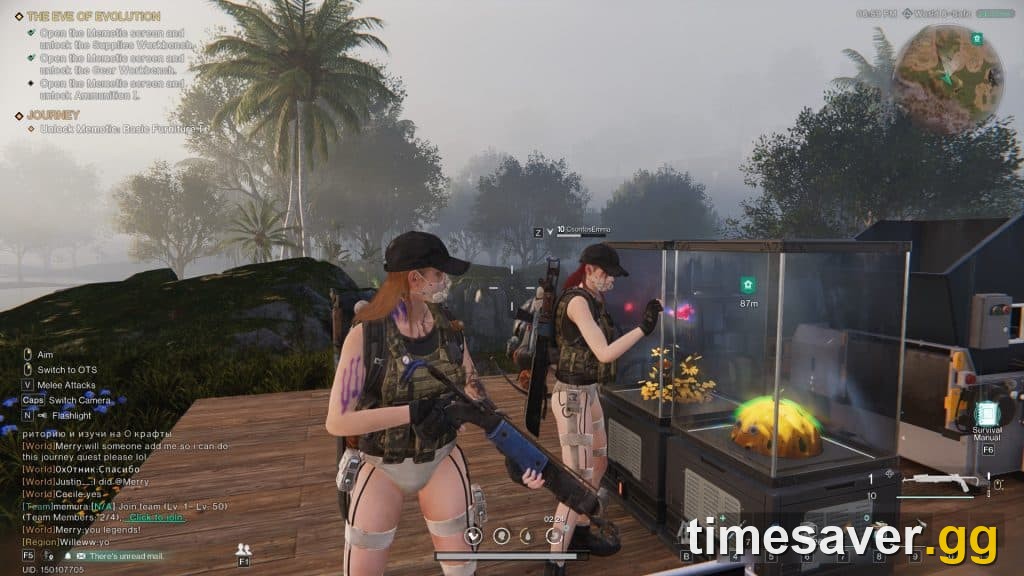
Yes — and because Once Human's world structure trips people up, here is how to actually end up in the same place as a friend across platforms.
Being in the same game is not enough; you need to be on the same server and the same world. Players who "can't find each other" are almost always on different worlds within the same scenario. One player described the fix cleanly on the official subreddit: check the server code (something like `x-0555`) on the enter game screen so you both pick the same one, then confirm you are in the same world, shown in the top-right once you load in. If you are split across worlds, one of you can move using a world stone.
If you want a truly private space for just one or two people, Once Human also supports custom (rented) servers where you can set a password and control who joins — a common request from couples and small friend groups who want to build together without strangers.
What Once Human does not have is local split-screen or couch co-op. If you’re looking for the best approach, our does Once Human have split-screen or couch co-op on PS5 and Xbox guide. There is no two-players-on-one-console mode on PS5 or Xbox. "Playing together" always means online, on the same server and world, which is exactly what crossplay enables.
Does cross-progression include purchases and the Battle Pass?
Yes. Because Crystgin (the premium currency) and Battle Pass progress are tied to your account rather than a device, they carry across every linked platform. Buy a cosmetic on PC, and it is on your PS5 character too, once linked. This is another reason to link before spending on a second platform — you want those purchases attributed to the account you intend to keep.
Note that region still matters for the storefront and top-up: always top up Crystgin through the official Top-up Center, never a third-party reseller. Unofficial top-ups are an account-safety risk and, given crossplay, that risk now spans all your platforms at once.
Common crossplay and account-linking problems
A fresh console launch surfaces a predictable set of issues. The recurring ones:
- "My friend and I are on the same server but can't see each other." You are on different worlds. Match the world (top-right indicator) and use a world stone to move if needed.
- "I linked but my old character isn't showing." Confirm you linked the correct accounts and that you are logging in with the linked credentials, in the right region. The system shows the character from the account most recently played — log into your main account's platform to surface it.
- "Pre-order or launch bundle isn't showing on my console." The studio acknowledged, in an official notice dated August 29, 2026, that some players could not claim console pre-order bundles, received them on the wrong character, or were unsure how to use them, and confirmed rewards are distributed gradually. Give it time and claim from the correct character.
- Console feedback channel. The studio ran a console feedback event at launch specifically for bugs, control issues and compatibility problems, with rewards for valid reports — the fastest official route if something is genuinely broken.
FAQ
Is Once Human crossplay between PS5 and PC? Yes. PS5, PS5 Pro, Xbox Series X/S, PC, iOS and Android all share the same cross-platform servers within a region, with crossplay on by default. A PS5 player and a PC player can play in the same world as long as they pick the same regional server.
Does Once Human have cross-progression / cross-save? Yes. Link your platforms to one account and your character, blueprints, Mods, Battle Pass progress, story progress and purchases follow you across every device. It is not automatic — you must link your accounts first.
Will I lose my character if I link my accounts? Only if both accounts already have characters. Linking is not merging: if each account has a character, you must choose one account's characters to keep and the other account's characters are discarded. Link before creating a character on your new platform to avoid this entirely.
Can I play Once Human with my friend across different platforms? Yes. Make sure you join the same regional server (check the server code on the enter-game screen) and the same world (shown top-right after loading). Use a world stone to move between worlds, or rent a custom password-protected server for a private group.
Does Once Human have split-screen or couch co-op on console? No. If you’re looking for the best approach, our Once Human Console Beginner Guide (PS5 & Xbox, 2026) guide covers everything you need. There is no local split-screen or couch co-op on PS5 or Xbox. All multiplayer is online via shared servers, which is what crossplay is for.
Is Once Human on PS4, Xbox One or Nintendo Switch? No. It is available on PS5, PS5 Pro and Xbox Series X/S only. No last-gen or Switch version has been announced — our Once Human console launch guide covers everything confirmed at launch.
Do my purchases carry across platforms? Yes. Crystgin and anything bought with it are account-bound, so once your platforms are linked, cosmetics, Battle Pass and cash-shop items are available on every linked device. Always top up through the official Top-up Center.