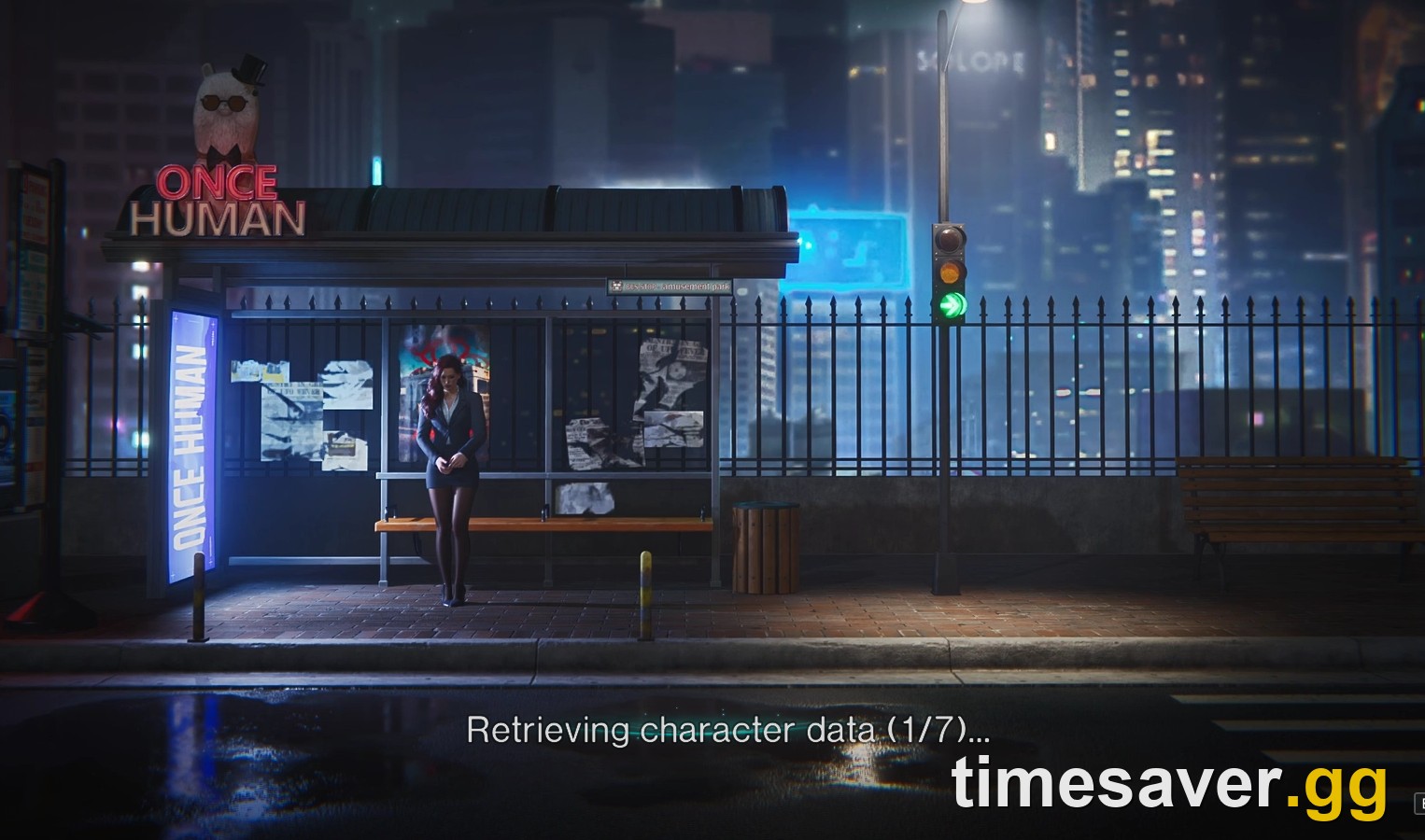
Quick answer: If Once Human hangs on "Retrieving character data (1/7)", "(3/7)" or "(6/7)", first work out whether the problem is the game or your connection. When it hits PS5, Xbox, PC and mobile at the same time, it is a server-side outage. Nothing on your end will fix it, so wait and retry every few minutes. That is exactly what happened on October 17, 2026: players on every platform got stuck at 3/7 from roughly 22:00 to 23:30 UTC (3:00–4:30 PM PT) until the servers recovered. If it's only you, the fixes that actually work are: fully close and relaunch the game, power-cycle your console or PC and router, repair the client or verify game files (on PC this alone has fixed it), clear the console cache, turn off any VPN or antivirus "web shield," and update to the latest build. Expect another wave around the Isles of Abyss launch on October 21, 2026 (PT).
"Retrieving character data" is the step where the game pulls your account and your characters from Once Human's servers before it shows you the character and scenario screen. When that request stalls, the counter freezes and you never get to "Enter Game." This guide is written for PS5, PS5 Pro and Xbox Series X/S players first, with PC and mobile fixes included. It applies to the live 3.0.7 build and the run-up to Isles of Abyss.
What does "Retrieving character data (3/7)" actually mean?
The number in brackets is a step counter for the sign-in sequence. The current build counts seven steps before it loads your character and scenario screen, and the counter shows which step you're stuck on.
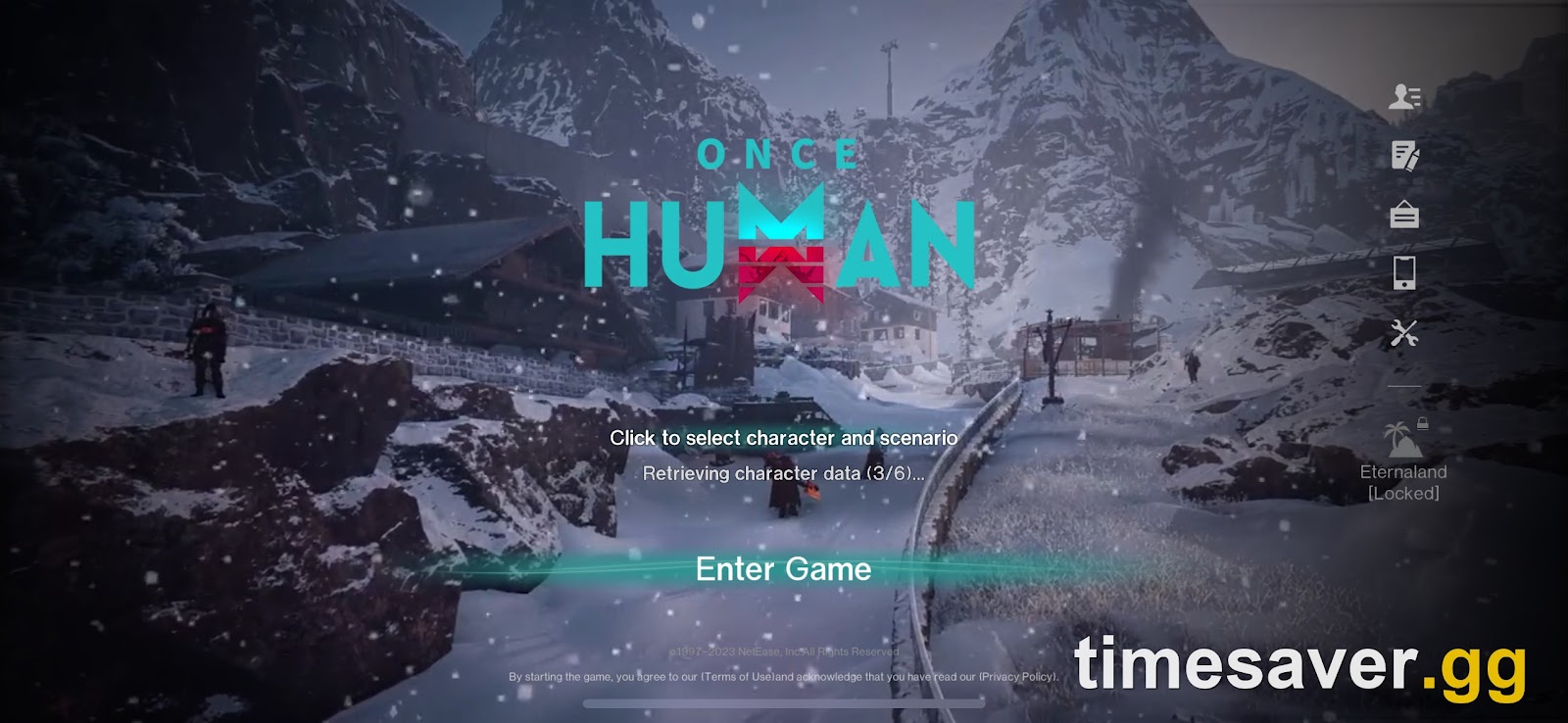
A few things worth knowing before you start trying fixes:
- Older builds counted to six, the current build counts to seven. Screenshots from 2025 show "(3/6)" or "(5/6)". From early 2026 the official patch notes refer to "(1/7)". Same error, different build.
- NetEase/Starry Studio has never published what each step does. Guides that claim "3/7 means your server list" or "6/7 means your inventory" are guessing. The step number tells you where it froze, not why.
- It is a known, acknowledged bug class. The studio's own Version 2.3.2 Bug Fixes (February 4, 2026) note lists it as fix #12:
"Fixed an issue where some Players would experience a long period of no response at the "Retrieving character data (1/7)" ring during sign-in." — Once Human Development Team, official 2.3.2 bug-fix notes
So yes, sometimes it really is the game. The trick is telling a server problem apart from a local one, because the fixes are completely different.
Is it a server outage or just you? (check this first)
Spend 60 seconds on this before you reinstall anything. On October 17, players reported reinstalling, clearing cache, rebuilding their PS5 database and changing DNS, and none of it helped, because the servers were the problem.
| Sign | What it points to | What to do |
|---|---|---|
| Stuck at the same step on PS5, Xbox, PC and mobile at once | Server-side outage | Wait; retry every 5–10 minutes |
| Friends in your region are stuck too, other regions fine | Regional server issue | Wait; don't change region (that means a new character) |
| Stuck right after an update or maintenance | Servers still coming back / client mismatch | Update the game, then wait |
| Only you are stuck, friends log in fine | Local: connection, cache, files, VPN | Work through the fixes below |
| Stuck at every step, game also freezes in menus | Local network or a corrupted install | Network reset, then repair/verify |
Where to check: the official @OnceHuman_ account on X, the official Discord, and the newest posts on r/OnceHumanOfficial. If ten people posted "stuck on 3/7" in the last half hour, you have your answer.
What happened on October 17, 2026
On the evening of October 17, 2026, players across every platform were stuck on "Retrieving character data (3/7)." The first reports appeared around 22:00 UTC (3:00 PM PT). The two biggest r/OnceHumanOfficial threads on the "Retrieving Character Data (3/7)" error and general login trouble drew close to 90 comments between them within about an hour. The reports came from PS5, Xbox, PC/Steam and mobile at once, and several players said in-game chat and Vending Machine purchases stopped working just before they got kicked. By about 23:30 UTC players were posting that they were back in.
Two player comments from those threads sum it up:
"Everyone on console is having this same issue rn" — a player on r/OnceHumanOfficial, October 17, 2026
"I'm getting this on xbox and friend on ps5 is simply freezing at loading screen." — a player on r/OnceHumanOfficial, October 17, 2026
As of the morning of October 18 we found no official explanation on the Once Human news page or its Steam news feed, so we won't guess at a cause. It's still the clearest example of the rule above: when every platform breaks at the same step at the same time, stop troubleshooting and wait.
The 60-second fixes (do these first)
If the servers look fine and it's only you, start here. These solve most local cases.
- Fully close the game, then relaunch. Don't just go back to the title screen. On PS5, highlight the game, press Options → Close Game. On Xbox, press the Xbox button, highlight Once Human, press Menu → Quit. On PC, make sure the process is gone from Task Manager.
- Retry two or three times, a few minutes apart. The sign-in request can fail once and go through on the next attempt, especially at peak hours.
- Power-cycle your console or PC and your router. A full shutdown (not Rest Mode on PS5, not Sleep on Xbox) clears a stale network session. Unplug the router for 30 seconds.
- Switch from Wi-Fi to wired if you can. Dropped packets during sign-in are one of the most common local causes. On mobile, players have had better luck on a password-protected home Wi-Fi than on cellular or public Wi-Fi.
- Check your platform's online status. If PSN or Xbox network is degraded, the game can't sign you in. Check the PlayStation or Xbox status page before blaming Once Human.
Still stuck? Platform-specific fixes
PS5 and PS5 Pro
- Update the game. Highlight Once Human → Options → Check for Update. A client one patch behind the server can hang at sign-in.
- Clear Cache and Rebuild Database. Turn the PS5 fully off, then hold the power button until the second beep to boot into Safe Mode. Connect the controller by USB and choose Clear Cache and Rebuild Database → Clear System Software Cache. Your saves are not touched.
- Reinstall as a last resort. Once Human saves your progress server-side, so deleting and reinstalling doesn't lose your character. It is a big download, though, so only do it after everything above.
Xbox Series X/S
- Hard restart. Hold the Xbox button on the console for about 10 seconds until it shuts down, unplug it for a moment, then power it back on. This clears more than a normal restart does.
- Clear the alternate MAC address. Settings → General → Network settings → Advanced settings → Alternate MAC address → Clear, then restart. It can fix a stuck network session.
- Check for updates under My games & apps → Manage → Updates.
PC (Steam and the official launcher)
- Repair Client. The Once Human main menu has a Repair Client option right under User Center. Run it when you're stuck at sign-in.

- Verify game files on Steam. Right-click Once Human → Properties → Installed Files → Verify integrity of game files. On October 17, one PC player who was still stuck after the outage had two files fail verification. Steam re-downloaded them and the login went through straight away.
- Pause VPNs and antivirus web shields. Security suites with a built-in VPN or firewall can block the sign-in request. Pause them for one launch to test, then turn them back on. Don't use a VPN to "hop" regions: a character is tied to its region and server.
- Try a different DNS. Switching to a public DNS (Cloudflare 1.1.1.1 or Google 8.8.8.8) has helped some players whose ISP DNS was flaky. On October 17 it did nothing, because that was an outage.
Mobile (iOS and Android)
- Make sure the app is on the latest version from the App Store or Google Play. A mismatched build is a classic cause of a hang at "retrieving character data."
- Switch between Wi-Fi and mobile data to rule out your network, then force-close and reopen the app.
Why does it keep happening after updates?
Most "stuck at retrieving character data" reports cluster around three moments: right after maintenance, during peak evening hours, and on big launch days. That's because the step depends entirely on the account servers answering, and those servers are at their busiest exactly then.
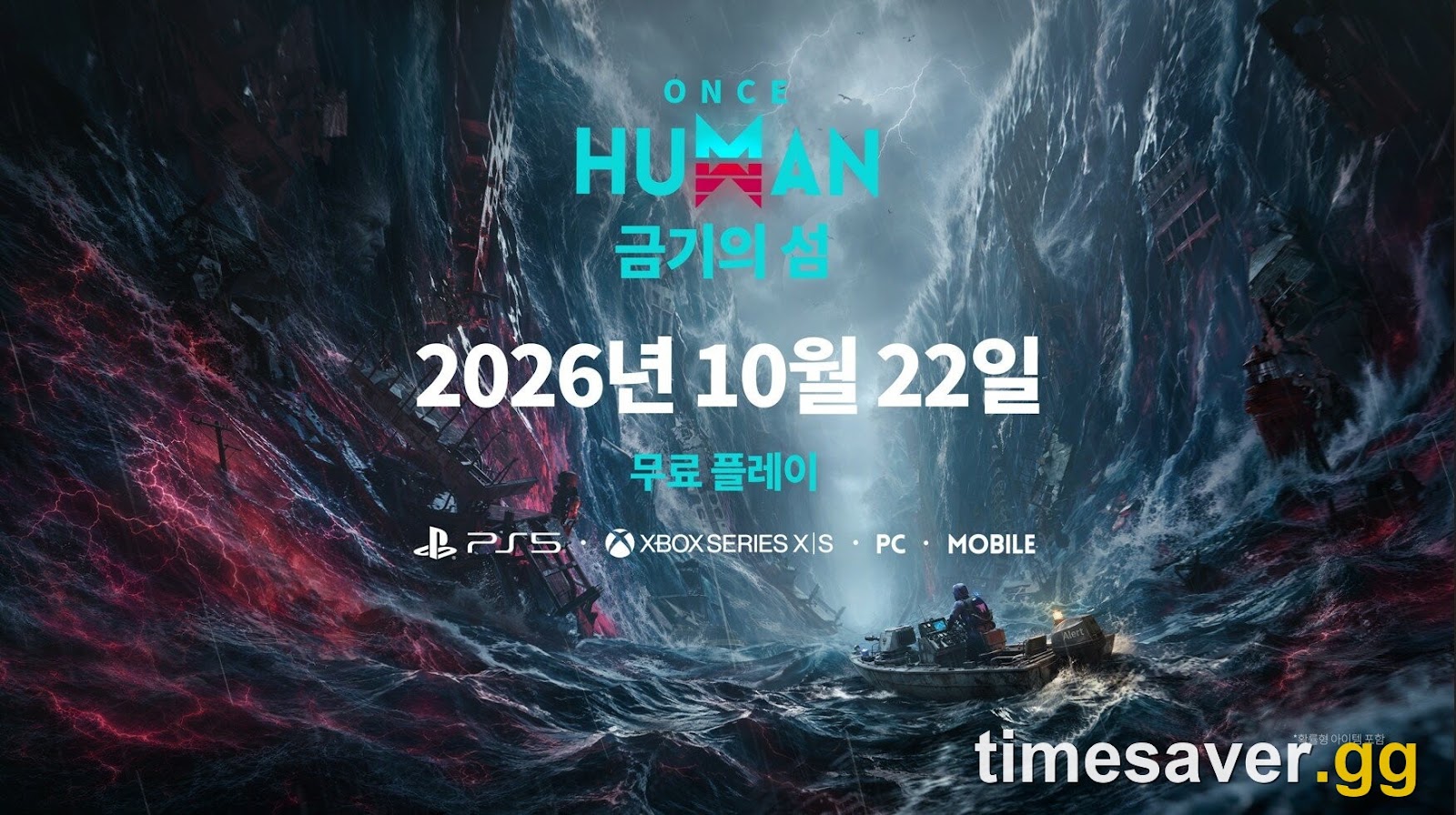
That matters this week. Isles of Abyss, the new ocean survival scenario, launches officially on October 21, 2026 (PT) (October 22 for most of Europe and Asia), on PC, PS5, PS5 Pro, Xbox Series X/S and mobile, per the official Steam announcement of October 16. Launch-day maintenance plus everyone logging in at once is exactly when this error spikes. Our advice for launch day:
- Download the update before the servers open so your client is current the moment they come back.
- Don't panic-reinstall if you hang at 3/7 in the first hour. That's congestion, not a broken install.
- If you're joining the new scenario, read how to join Isles of Abyss on PS5 and Xbox first so you don't burn time in menus once you're in.
"Retrieving character data" vs other login errors
These errors look alike but have different fixes, so make sure you're on the right page:
| What you see | What it usually means | Guide |
|---|---|---|
| Retrieving character data (x/7) hangs | Account/character data request stalled | This guide |
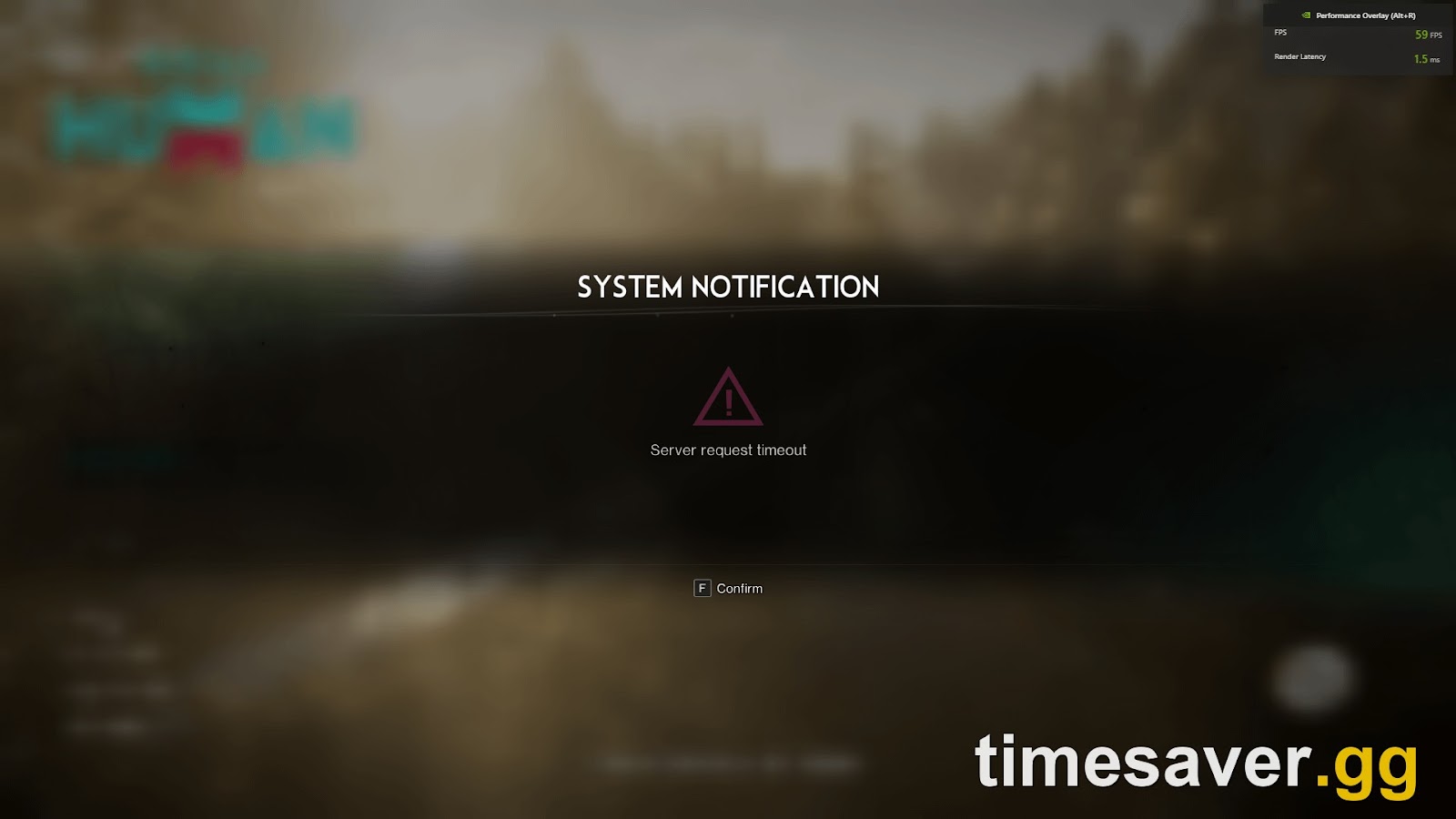
| "Server Request Timeout" pop-up | Servers busy or down for maintenance | Server Request Timeout fix |
| Server full / queue when joining | That server hit its cap | Server full and queue fix |
| You get in but your character is missing or shows Level 50 | Wrong server/region/mode selected | Character missing / Level 50 fix |
| Crashes or freezes after loading in | Client stability | Console errors and crashes fix |
When to contact support (and what to send)
If you alone have been stuck for more than a day while everyone else plays, and you've done the repair/verify and network steps, report it. The official routes, as listed in the studio's own bug-fix posts:
- In game (if you can reach any menu): PC: ESC → Support & Feedback → Submit Suggestion. Mobile: map left-side menu → headphones icon → Suggestions.
- If you can't get in at all: email oncehuman@global.netease.com.
Include your platform, region, the exact step number you're stuck on (for example "3/7"), when it started, and what you've already tried. If you can't see your UID because you can't get past the login screen, say so. A few players on the Steam forums report getting stuck at the same step after every update and having to file a ticket each time, so don't wait weeks hoping it clears itself.
Will I lose my character or progress?
No. Getting stuck at sign-in doesn't touch your saved data, because your characters live on Once Human's servers, not on your console. Reinstalling, rebuilding the PS5 database or clearing the Xbox MAC address won't delete them either. The two things that can put you on a different character are changing region and joining a different server: characters are bound to the server they were made on. See our guide to changing or switching servers before you touch either.
FAQ
Why is Once Human stuck on "Retrieving character data 3/7"? Either the game's account servers aren't answering (an outage or post-update congestion) or something on your end is blocking the request: an unstable connection, an outdated client, corrupted files, or a VPN/firewall. If players on every platform are stuck at the same step at the same time, it's the servers. On October 17, 2026, it was.
Is Once Human down right now? Check the official @OnceHuman_ account on X, the official Discord and the newest r/OnceHumanOfficial posts. If PS5, Xbox, PC and mobile players are all reporting the same "retrieving character data" step within the last hour, the servers are having problems and waiting is the only fix.
Does reinstalling fix "retrieving character data"? Only when the cause is a corrupted install, and on PC, Repair Client or Verify integrity of game files does the same job in minutes. During a server outage, reinstalling does nothing. Players who reinstalled on October 17 were still stuck until the servers recovered.
What's the difference between 1/7, 3/7 and 6/7? They're steps in the same sign-in sequence. The number shows where it froze. The studio hasn't published what each step does, so treat any guide that "decodes" the numbers with suspicion. The fixes are the same whichever step you're stuck on.
Why did it say 3/6 before and 3/7 now? Older builds used a six-step sign-in counter. The current build uses seven. It's the same error.
Will I lose my progress if I keep getting this error? No. Your characters are stored server-side, so sign-in hangs, reinstalls and console cache clears don't delete them. Only changing region or server puts you on a different character.
The short version
- Stuck on every platform at once? It's an outage. Wait and retry every 5–10 minutes.
- Only you? Fully close and relaunch, power-cycle your device and router, go wired, update the game.
- Still stuck? PS5: Safe Mode → Clear Cache and Rebuild Database. Xbox: hard restart + clear alternate MAC address. PC: Repair Client or Verify integrity of game files, and pause VPN/antivirus.
- Isles of Abyss launches October 21, 2026 (PT). Expect launch-day sign-in congestion and pre-download the update.
More Once Human help? Our console-first guides cover login errors, servers and the Isles of Abyss launch.