Quick answer: If your ship keeps taking damage or exploding "for no reason" in Star Citizen Alpha 4.10.2, it is almost never random — it is one of a handful of known causes. The four big ones in the current build are: (1) a docked snub bug where a Skylark or Vulture attached to a larger ship randomly detonates and strips the mothership's armor and hull until it blows up from a light bump; (2) the new Physics Networking Overhaul, where loose objects and bad network state can shove a ship or fling cargo; (3) hangar and pad spawn damage, where a ship clips geometry or another vehicle as it is retrieved; and (4) ordinary collision and soft death you did not notice. Below is how to tell them apart and the exact workaround for each — starting with the one costing people their new Mk V Centaurus right now.
Star Citizen is in Alpha, and 4.10.2 shipped a deliberately experimental rewrite of how loose physics objects sync over the network. CIG said plainly in the patch notes that it kept a kill switch ready: "As this is an experimental update we have safeguards in place that will let us revert this change on LIVE if something goes catastrophically wrong and causes major issues." Translation: some of this is expected to misbehave. That is why your ship can take damage that feels unearned — and why the fix is usually a workaround, not a setting.
Patch note: Everything below applies to Star Citizen Alpha 4.10.2 (build `4.10.2-LIVE.12881860`), the current Live build, which went live on October 9, 2026. Star Citizen is in Alpha; bug behavior and fixes change between patches. The last full wipe was Alpha 4.8 on May 14, 2026 — 4.10.2 is a no-wipe patch, so you keep your earned aUEC and in-game ships, which is exactly why losing one to a bug stings.
Cause 1: Your docked Skylark (or Vulture) is blowing up your ship

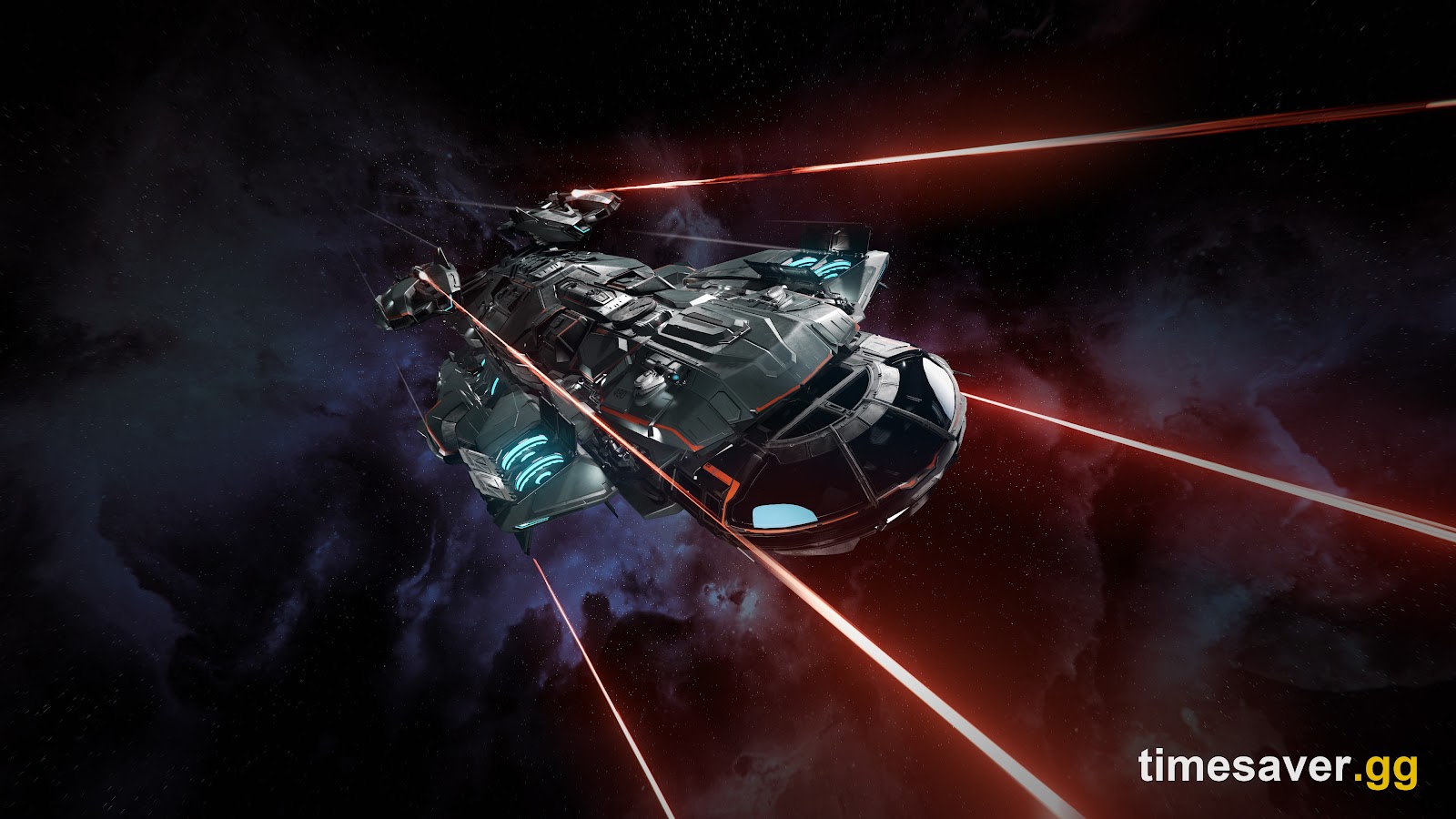
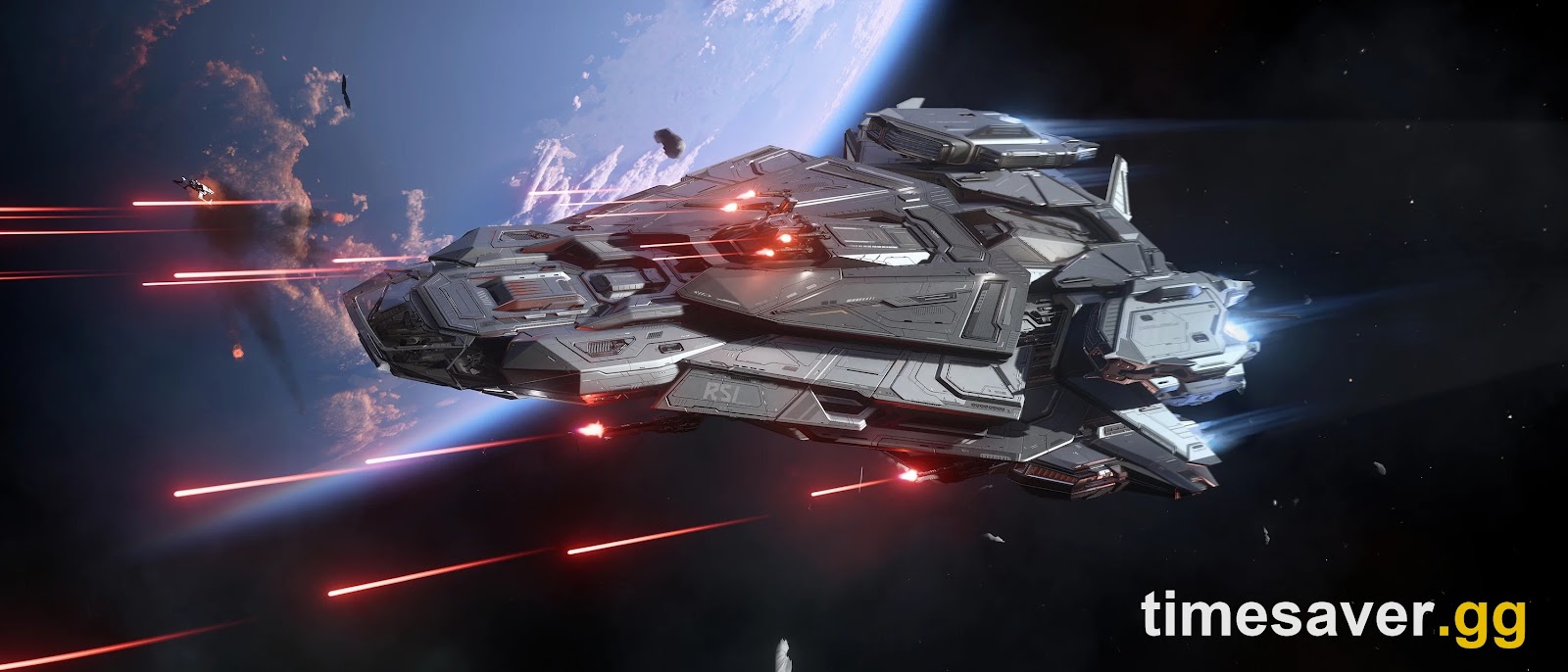
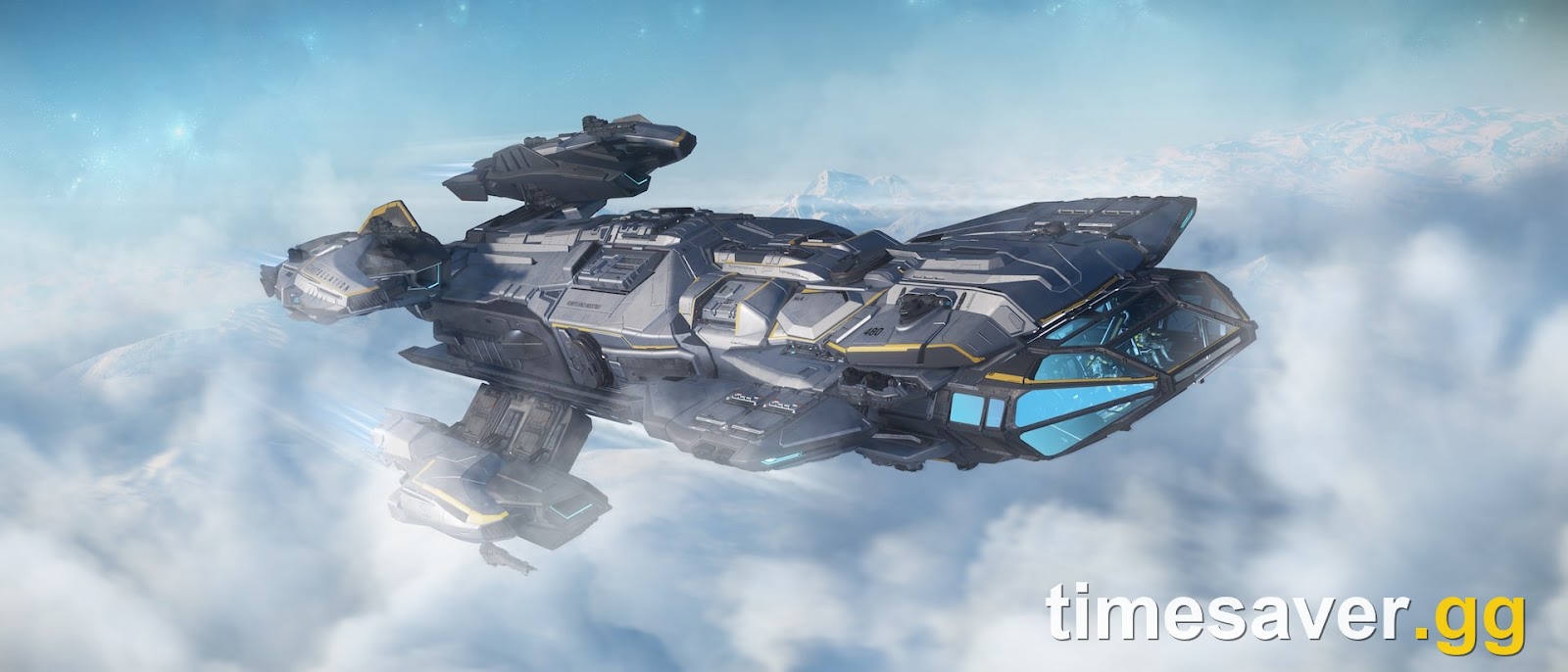
This is the newest and nastiest one, and it is why many pilots opened this guide. The Constellation Mk V Centaurus — the ship RSI is handing out as a five-day rental during Discovery Month — ships with an RSI Skylark snub docked in its bay. In Alpha 4.10.2, players are reporting that the docked snub randomly explodes and, when it does, it tears armor and hull off the parent ship until the Mk V dies from almost nothing.
Players on the r/StarCitizen "ship exploding" thread describe it bluntly: "Undock your Skylark and throw it away on the MK5. It will randomly explode and strip all the armor and HP from your MK5 causing it to blow up from a stiff breeze." Another pilot confirmed the loss pattern everyone fears: "that's why I came back from Battaglia to find my mkV gone and a destroyed Skylark + Nursa on the pad." A third reported the same behavior with the Vulture salvage ship, which also carries a docked element.
Why it happens: it is a docked-entity physics and damage-propagation bug — the snub's physics state goes bad, the game registers a collision or detonation against the parent hull, and the damage cascades. It is not something you did wrong in the loadout screen.
The fix (do this the moment you spawn a Mk V or Vulture):
- Undock and ditch the snub. Enter the Skylark, power up thrusters, target the Mk V, then detach (the keybind pilots are using is right-Alt+N) and move the snub well away before you fly the mothership. With the snub gone, the explosion chain cannot start.
- Do not store the mothership with the snub attached if you can avoid it — the pad-retrieval step is where several people found their ship already destroyed.
- If the ship is a rental you cannot easily re-claim (the Discovery Month Centaurus), treat the undock as step one of every session, before you fly anywhere.
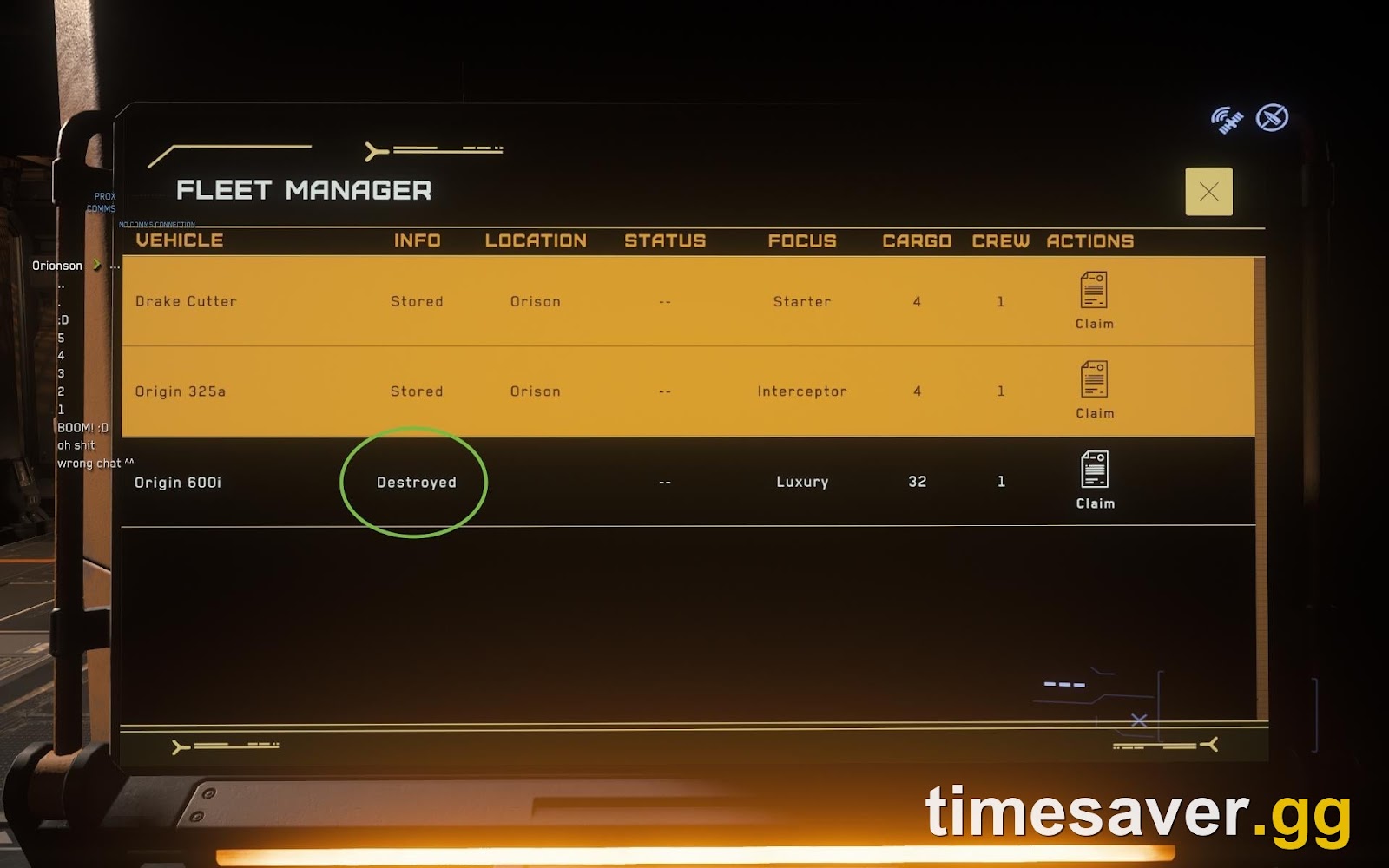
If your ship is already gone, this is a standard claim: see our ship claiming guide to get the hull (and your paint and loadout) back, and the ship-disappeared guide if it vanished rather than exploded.
Cause 2: The 4.10.2 Physics Networking Overhaul
Alpha 4.10.2 rewrote the netcode that governs loose physics objects — cargo boxes, grenades, throwables, and other freely simulated rigid bodies. Per the patch notes transcribed on the Star Citizen Wiki: "Previously the client treated the server's view of an object as either entirely correct or entirely wrong, which meant a single bad state could cascade into persistent desync, rubber banding, and objects sliding or bouncing for no visible reason."
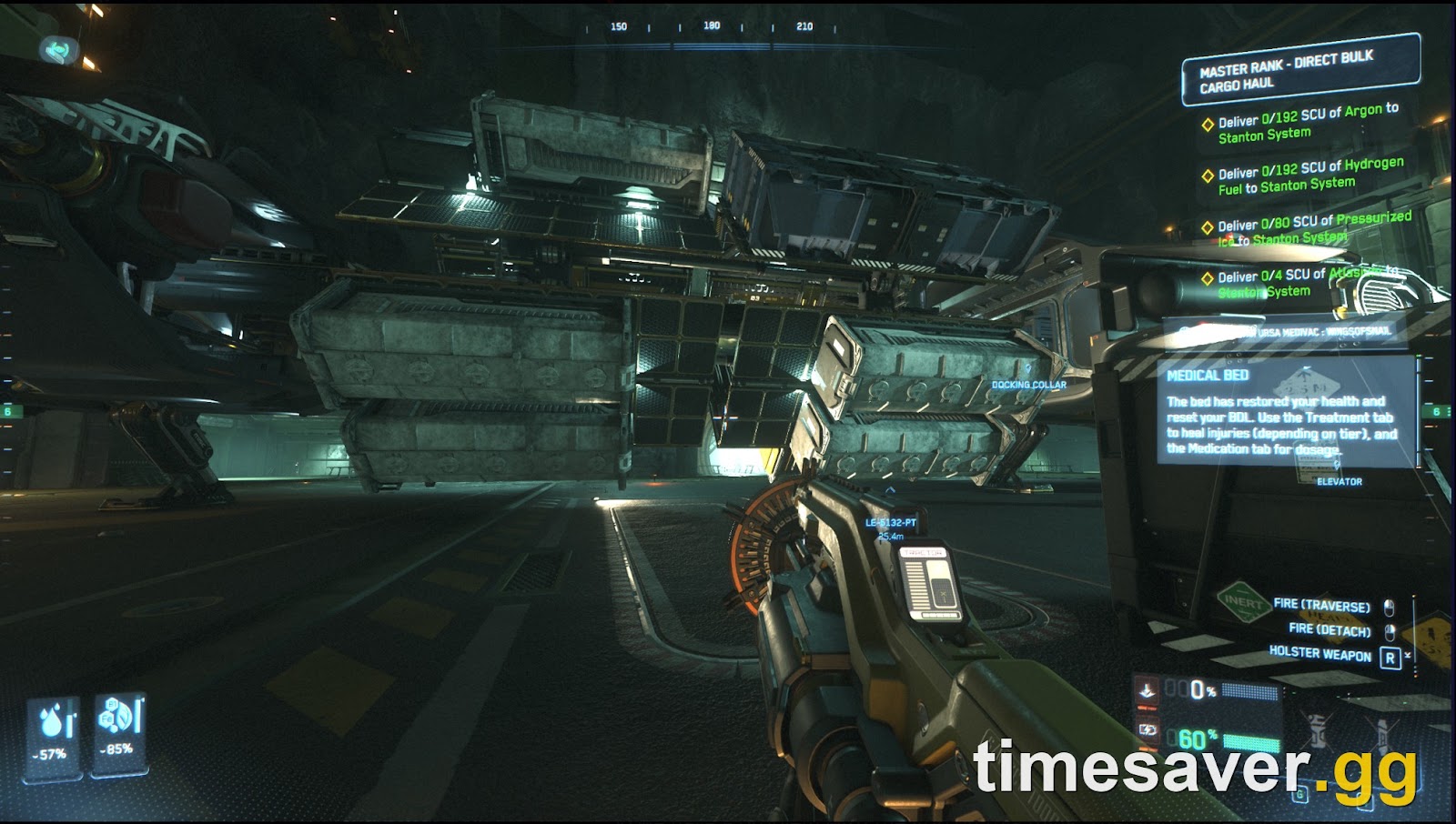
The new system scores how much to trust incoming server state and applies corrections as gentle velocity nudges instead of hard teleports. That is a long-term improvement, but during the experimental rollout it can still produce the exact symptom you are seeing: an object suddenly gaining force and striking your ship, or cargo flinging itself around inside a hold.
One concrete, confirmed example from the 4.10.2 notes shows how this class of bug damages ships: "Resolved an issue where equipment worn by a player could deal fatal collision damage to a snub fighter docked to their ship." The cause was that weapon magazines carried by a seated player were treated as loose objects moving at the ship's speed, so a docked snub could be struck by them at full relative velocity. CIG fixed that specific case in 4.10.2 — but it tells you the category is real: loose objects with bad physics parents can and do deal fatal collision damage.
What you can do:
- Don't leave loose cargo or dropped items rolling around your interior during flight or quantum travel. Stow what you can.
- Expect worse desync at high latency. The 4.10.2 tolerances scale with your ping — a bad regional server makes loose-object behavior worse. Switch servers (see Cause 3's loading fix) if one instance is clearly broken.
- If a whole server is flinging objects and crashing, it is server-side, not you. Check status.robertsspaceindustries.com before you reclaim anything.
Cause 3: Hangar, pad, and retrieval damage
A ship can take damage the instant it is retrieved. The 4.10.2 notes document the pattern: "Fixed an issue where a strip of the landing pad at Orison had no collision" and "Fixed a case where the MISC Prospector could come out tilted when retrieved from a hangar" — the Prospector's landing gear mounts sat at uneven heights, so it settled crooked and could tip. When a ship spawns into geometry, overlaps another vehicle, or lands on a surface with broken collision, the physics system resolves the overlap by ejecting the ship with force — which reads as "my ship exploded on the pad for no reason."
The fix:
- Spawn into an empty pad. If another vehicle or ground loot is on your pad, store it first, or claim to a different hangar/ASOP terminal.
- Retrieve, then wait a beat before boarding or powering up, so the ship settles instead of resolving an overlap under thrust.
- Use a hangar, not an open pad, where you can — the enclosed grid is more stable than contested surface pads at busy landing zones.
- If the ship is simply not appearing or appears broken, that is the retrieval path, not combat — our ship-disappeared hangar fix walks through re-storing and re-claiming.
Cause 4: It's actually combat, collision, or soft death
Before you blame a bug, rule out the boring answers — they are the most common.
- Soft death. Star Citizen can disable a ship instead of destroying it: thrusters die, power cuts, and you drift. That is soft death, a design feature, not a glitch. The ship is not "exploding for no reason" — it took enough damage to be disabled.
- NPC and event combat. In 4.10.2, Discovery Month's Defense contracts (microTech security work against Nine Tails pirates) and ordinary bounty and patrol encounters will engage you. If you are near a security zone or an event beacon, something is shooting you — pull up your HUD threat indicators before assuming it is a bug.
- Atmospheric and terrain damage. Flying too fast through atmosphere, scraping a station, or a hard landing all apply real damage. Fins and protruding geometry on the new Mk V catch more than you think.
- Hydrogen/quantum fuel starvation does not blow you up, but a dead engine mid-atmosphere ends in a crash that looks like a random explosion.
If none of these apply and the ship still died with no visible attacker, you are back to Causes 1–3.
How to tell which cause you have
Use this quick table to triage before you reclaim anything.
| Symptom | Most likely cause | First move |
|---|---|---|
| Mk V Centaurus or Vulture dies on the pad / after a trip, with a wrecked snub nearby | Docked-snub bug (Cause 1) | Undock and ditch the Skylark/Vulture snub every session |
| Cargo or loose items fling around; object hits the hull | Physics Networking Overhaul (Cause 2) | Stow loose items; switch servers if one instance is broken |
| Ship explodes the instant it is retrieved from a pad/hangar | Spawn/collision damage (Cause 3) | Clear the pad, use a hangar, wait before powering up |
| Ship goes dead and drifts but does not blow up | Soft death (Cause 4) | Not a bug — call for recovery or self-destruct and reclaim |
| Whole server stutters, everyone's objects break | Server-side desync | Check status.robertsspaceindustries.com; change server |
Can you get your ship back after it explodes?
Yes. A destroyed in-game ship is reclaimed at an ASOP terminal, and in a no-wipe patch like 4.10.2 you do not lose the ship itself — only time and whatever cargo was aboard. Our ship claiming guide covers the claim timer (it scales with the ship's value in 4.10.x) and how to get your paint and loadout back if they reset. The real cost of these bugs is lost cargo and lost time, which is also why the grind is the bottleneck for most players — if you are trying to bank aUEC fast around these interruptions, see our fastest money loops guide.
A quick reminder on the economy: aUEC is wipeable test currency and CIG does not reimburse it if you lose it to a crash or bug — "players cannot be reimbursed aUEC if lost due to a crash or bugs" is the wiki-documented position. Never buy aUEC or boosting services from a third party: RSI's Terms of Service explicitly prohibit selling in-game currency, selling items, paid power-leveling, and account transfers, and advertising such sales is itself a listed violation with penalties up to account termination.
FAQ
Why does my Mk V Centaurus keep exploding on the pad in 4.10.2? The docked Skylark snub is the most-reported cause in Alpha 4.10.2. When the snub's physics state goes bad it can detonate and strip armor and hull off the parent Mk V until the ship dies from a minor bump. Undock the Skylark and move it away before flying, and avoid storing the Mk V with the snub attached.
Is the physics change in 4.10.2 causing ships to take damage? Indirectly, yes. The 4.10.2 Physics Networking Overhaul rewrote how loose objects (cargo, grenades, throwables) sync over the network, and during its experimental rollout bad network state or a mis-parented object can inject force that damages a ship. Ships, vehicles, and characters themselves still use the old system, so the direct risk is loose objects hitting you, not your hull desyncing.
My ship drifted and died but never exploded — is that a bug? Probably not. That is soft death — a designed state where a ship is disabled (thrusters and power cut) rather than destroyed. Call for recovery, or self-destruct and reclaim at an ASOP terminal.
Do I lose my ship permanently when it explodes in Star Citizen? No. In-game ships are reclaimed at an ASOP terminal, and 4.10.2 is a no-wipe patch, so the hull returns after a claim timer. You only lose the cargo that was aboard and the time to reclaim. Your paint and loadout can be restored — see our ship claiming guide.
Can I buy aUEC to recover faster after losing a ship? No — do not. RSI's Terms of Service prohibit selling or buying in-game currency, items, boosting, or accounts, and the penalty can be account termination. Earn aUEC in-game through missions, hauling, mining, salvage, and the current Discovery Month contracts instead.
How do I know if it's my ship or the server? If loose objects are flinging around for everyone, the instance is stuttering, or you just took a "30k," it is server-side — check status.robertsspaceindustries.com and switch to a different regional server before reclaiming. If it is isolated to your Mk V or Vulture, it is the docked-snub bug.