If your Star Citizen ship came back from the ASOP terminal stripped of its paint, its upgraded components, or its whole loadout, you did not lose it to a bug — you almost certainly claimed the free manufacturer default instead of your insured loadout. This guide explains exactly how ship claiming works in Alpha 4.10.1 (the current LIVE build since 16 September 2026), how to get your paint and gear back, and the one habit that stops it happening again. Everything here is checked against Cloud Imperium's own patch notes and the Star Citizen Wiki — not guesswork from a boosting blog.
Key Takeaways
- "Paint gone after claiming" is usually not a bug. Claiming the free Default Loadout restores the manufacturer-stock ship — no custom paint, no upgraded components. The fix is to claim the saved (insured) loadout instead, for a small aUEC fee.
- Paints live in your local inventory, not on the ship permanently. Re-apply a livery through mobiGlas → Vehicles, and only at the location where the ship is stored — the paint has to be in that spot's Local inventory.
- Imprint your loadout at the ASOP terminal before you fly. CIG's own 4.10 reminder: "Citizens always imprint their ship loadouts before adventuring into the universe." A snapshot saves components, ship weapons, locker contents and wall posters — not ammo or missiles.
- Alpha 4.10 rebalanced claims. Reclaim timers now scale with the ship's value, fitted weapons add to the claim cost, and a paid expedite is capped at a tenth of the standard rate — a convenience fee, not a skip button.
- A limited-edition paint claimed away on Default may be gone until the next patch. There is no refund button for a livery you overwrote — prevention beats recovery here.
Why your ship lost its paint after claiming
First, the reassuring part: your pledged ship itself is safe. In Star Citizen, claiming (or reclaiming) a destroyed or stuck ship at an ASOP terminal gives you a choice, and the default option is the trap.

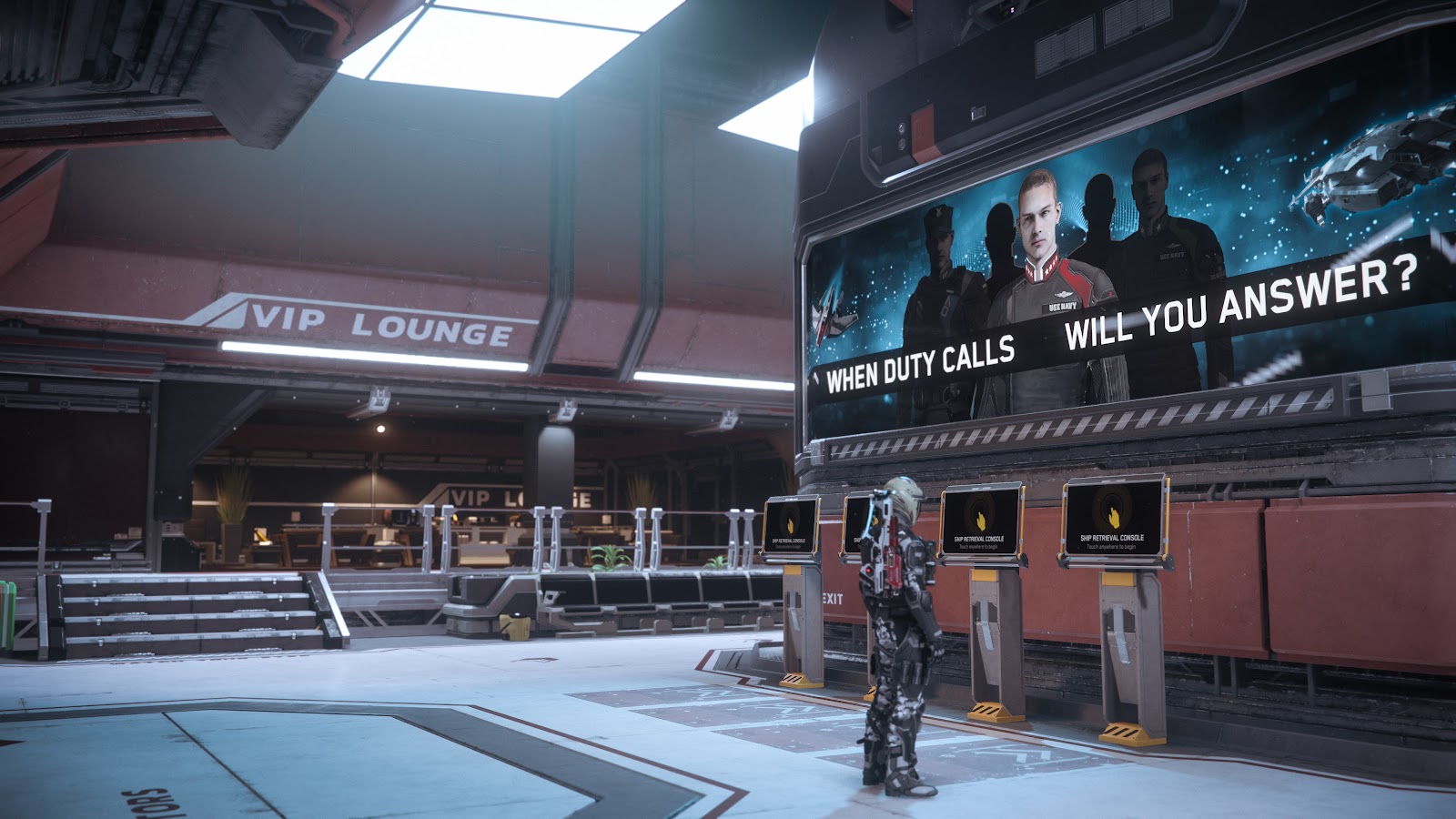
ASOP — the Automated Ship Organization Program — is the ship-management service you use at every major spaceport and station to store and call up your vehicles. When a ship is destroyed, stolen, or glitched, you file a claim at the same terminal. Before Alpha 4.8, a claim always returned the bare manufacturer configuration and any modifications were simply gone. That old behaviour is why so much web advice still says "your paint is lost forever" — it is out of date.
Since Alpha 4.8, you can save a snapshot of your ship's current loadout at the ASOP terminal, and when you claim you pick one of two things:
- Default Loadout (free): the ship as the manufacturer ships it — stock hull, stock components, no custom paint, longer claim cooldown.
- Saved / Insured Loadout (aUEC fee): the ship rebuilt from your snapshot — your upgraded components, ship weapons, locker contents and wall decorations, with a shorter cooldown.
If you clicked the free option in a hurry, that is why your Hornet came back grey and stock. You did not break anything — you took the factory ship.
How ship claiming works in Alpha 4.10.1
Alpha 4.10 ("Siege of Orison") changed the economics of claiming, and those rules still govern the current 4.10.1 LIVE build. Here is what CIG's own patch notes spell out in the Pricing, Claims, & Availability section.
Claim timers now scale with ship value
ASOP terminals "handle claims and deliveries on a reclaim timer that scales with the value of the vehicle, so a light fighter comes back quickly while a capital hull takes considerably longer." A stock Aurora is back almost immediately; an 890 Jump or a Reclaimer makes you wait.
Your fitted gear adds to the claim cost
Weapons and weapon racks now carry prices of their own, "so what is fitted to a ship contributes to its claim cost." A fully-kitted combat ship costs more to reclaim with its insured loadout than a stock one — budget aUEC accordingly.
The paid expedite is a convenience fee, not a cheat
Terminals offer a paid expedite on both claims and deliveries. It "accrues at twice the standard rate per aUEC spent and caps the fee at a tenth of the standard claim cost rate, making it a convenience charge rather than a way to buy past the system entirely." You can shave the wait a little — you cannot pay your way instantly past a capital-ship timer. One piece of good news: repeat claims on the same ship do not cost progressively more, so you are not punished for a bad server night.
| At the ASOP terminal (Alpha 4.10.1) | What you get | Trade-off |
|---|---|---|
| Default Loadout (free) | Manufacturer-stock ship, no custom paint/components | Longer cooldown; you lose your fit |
| Saved / Insured Loadout (aUEC) | Your snapshot: components, ship weapons, lockers, posters | Shorter cooldown; costs aUEC that scales with fitted value |
| Paid Expedite (aUEC) | Faster claim/delivery | Capped at 1/10 of the standard rate — trims the wait only |
How to get your paint back right now

If the paint is a standard livery you still own, recovery is quick. Paints are not welded onto the ship — they are items in your inventory that you apply to a stored vehicle.
- Go to where the ship is stored. Liveries can only be swapped "at the same location where the vehicle is stored," and the paint you want has to be in that location's Local inventory. If your paint is sitting in a different city, move it there first (or have it in your personal/ship storage at that port).
- Open mobiGlas and go to the Vehicles tab. This is the app that manages your vehicle and its appearance.
- Select the ship and apply the paint. Pick the livery from your Local inventory and confirm. Call the ship up from ASOP and it spawns wearing it.
The hard case: if you claimed the Default Loadout on a ship that was wearing a limited-edition or event paint (an Invictus, Foundation Festival, or anniversary livery), that paint can be gone until the next patch restores it to your account. There is no in-game refund button for a livery you overwrote — which is exactly why the next section matters more than this one.
Note too that Alpha 4.10 included a fix for a nastier version of this problem, where naming a ship, melting it, or upgrading its package could delete non-stock items — paints included. If you hit that specific deletion on an older build, 4.10/4.10.1 should have addressed it; a fresh paint application via mobiGlas is still the recovery step.
Prevent it: imprint your loadout before you fly
The real fix is a 30-second habit. CIG put it bluntly in the 4.10 launch notes:
"Reminder. Citizens always imprint their ship loadouts before adventuring into the universe!"
Imprinting (saving a loadout snapshot) is what makes the Insured Loadout option worth claiming. Here is the routine:
- Kit the ship the way you want it — components, ship weapons, and anything you store in its lockers.
- At the ASOP terminal, save the loadout snapshot for that ship before you undock.
- Know what the snapshot does and does not carry. It saves equipped components, ship weapons, locker contents and poster decorations attached to wall slots. It does not save ammo and missiles — you top those up after a claim.
- Re-imprint after every change. Swapped a power plant or a quantum drive? Save a new snapshot, or a future claim rebuilds the old fit.
Do this once per ship and "paint gone after claiming" stops being a problem — you simply claim your insured loadout and fly on.
A word on the aUEC behind all of this
Every one of these fixes costs aUEC — the in-game currency you earn by playing (hauling, bounties, mining, salvage). Insured-loadout claims, expedites, and fitted-weapon costs all come out of that balance, and in Alpha 4.10 the ordnance and claim costs went up (bombs alone rose between 44% and roughly 310%). The honest reality is that the bottleneck in Star Citizen is rarely knowledge — it is the grind to bank enough aUEC to reclaim a kitted ship without a second thought. If a claim leaves you stranded behind a connection error or a stuck session, our Star Citizen 30k error fix and infinite loading screen fix cover the workarounds that actually get you back in.
One caution that is non-negotiable: aUEC is wipeable test currency. CIG's own documentation states it "can be wiped at any point" and that players "cannot be reimbursed aUEC if lost due to a crash or bugs." Alpha 4.8 (14 May 2026) was a full wipe. Never treat an aUEC balance — or an aUEC-bought ship — as a permanent asset, and never buy aUEC from a third-party seller: Roberts Space Industries' Terms of Service explicitly prohibit selling in-game currency, items, boosting services, or accounts, with penalties at RSI's discretion up to account termination.
FAQ
Why did my Star Citizen ship lose its paint after I claimed it? You almost certainly claimed the free Default Loadout, which returns the manufacturer-stock ship with no custom paint or upgraded components. Claim the saved (insured) loadout instead to rebuild the ship as you had it. If the paint was a limited-edition livery, re-apply it from mobiGlas, or wait for the next patch if it was overwritten.
How do I get my loadout back after claiming in Alpha 4.10.1? At the ASOP terminal, choose the Saved / Insured Loadout option (it costs aUEC and has a shorter cooldown) rather than the free Default. This only works if you saved a loadout snapshot beforehand — "imprinted" the ship. Without a snapshot, the only option is the stock default.
How do I re-apply a ship paint in Star Citizen? Open mobiGlas, go to the Vehicles tab, select the ship, and apply the livery. You must be at the location where the ship is stored, and the paint has to be in that location's Local inventory.
What does a saved loadout snapshot include? It saves the ship's current equipped components, ship weapons, locker contents, and poster decorations attached to wall slots. It does not save ammo or missiles — refill those after a claim.
Why is my ship claim taking so long? Since Alpha 4.10, ASOP reclaim timers scale with the ship's value — a light fighter returns quickly, a capital ship takes much longer. You can pay a capped expedite fee (limited to a tenth of the standard rate) to trim the wait, but you cannot skip it entirely.
Is losing my paint a bug I should report? Usually no — claiming the Default Loadout is working as intended. The genuine bug (naming, melting, or upgrading a ship deleting non-stock items like paints) was addressed in Alpha 4.10, so on the current 4.10.1 build a lost paint is almost always a Default-vs-Insured mistake, fixable by re-applying from mobiGlas.
More Star Citizen guides
Flying Alpha 4.10.1? These walkthroughs cover the friction points that cost you the most time:
- Star Citizen 30k Error: How to Fix It and Every Connection Code — recover from the disconnects that strand you mid-session.
- Star Citizen Infinite Loading Screen Fix (Alpha 4.10.1) — six working workarounds when the game won't load in.
- Best Starter Ship in Star Citizen (Alpha 4.10.1) — which ship to buy first before you worry about loadouts.