Most The Blood of Dawnwalker mod lists were written in the first two weeks after launch, so they can't tell you what survived Update 1.1 on October 22, 2026. This guide can. We pulled download counts and last-update dates from Nexus Mods on November 1, 2026, then read each mod page for its stated 1.1 status. One clear winner came out of it: Better Story Timer, with almost 300,000 downloads and a confirmed 1.1 version.
Quick answer (as of November 1, 2026, Update 1.1): Start with Better Story Timer (90-day limit, 298,849 downloads), Better Carry Weight and Item Compare. All three say they're ready for 1.1, and none needs a script loader. Mods are PC only, and Nexus Mods lists 648 of them. Back up your saves first, and don't remove a gameplay mod mid-run.
Compatibility below comes from each mod's own page and last-update date. We did not test all of these in-game, so treat "1.1 ready" as the author's claim, not a guarantee.
What are the best The Blood of Dawnwalker mods right now?
These are the picks we'd install first, ranked by how much they change a normal run. Downloads and dates are a Nexus Mods snapshot from November 1, 2026.
| Mod | Downloads | Last update | 1.1 status | What it does | Needs UE4SS? |
|---|---|---|---|---|---|
| Better Story Timer | 298,849 | Oct 22 | Page says 1.1.0 ready | 90-day limit, optional no time cost for skills | No (optional version) |
| Optimized Tweaks | 94,431 | Oct 22 | Updated on patch day | Reduces stutter and improves frame times | No |
| Better Carry Weight | 48,864 | Oct 22 | Page says 1.1.0 ready | Base limit from 200 to 400, 2,000 or 999,999 | No |
| Better Shadowstep | 37,364 | Sep 10 | Page says 1.1.0 ready | Longer, cheaper Shadowstep upgrades | No (optional version) |
| Fast Travel Anywhere | 25,080 | Oct 22 | Updated on patch day | Travel to unlocked shrines from the map | No |
| Item Compare | 20,988 | Oct 27 | Page says updated for 1.1 | Shows equipped gear beside the hovered item | No |
| Focus Tweaks | 17,519 | Sep 17 | Page says 1.1.0 ready | Longer Focus and smell range, no zoom | Yes, for the main version |
| Better Enemy UI | 14,024 | Sep 7 | Page says 1.1.0 ready | Shows enemy HP numbers and level | Yes |
| Combat Tweaks | 8,885 | Oct 29 | Page says 1.1.0 ready | Makes combat easier or harder | No (optional version) |
| Fast Travel To Any Marker | 8,210 | Oct 28 | Page says 1.1.0 ready | Adds travel to any marker or undiscovered shrine | Yes |
Three of these are worth a note. Optimized Tweaks is incompatible with other performance tweaks, so don't stack it with another `.pak` or `.ini` performance mod. Fast Travel Anywhere warns you to use it only while standing still and not on a tower, or the game can bug out. And Better Shadowstep also removes the Corruption cost of those upgrades, which matters if you care about how Corruption works.

Item Compare by treadpool, one of the few mods with an explicit "updated for Dawnwalker 1.1" note. Image: Nexus Mods page.
Which mod removes the 30-day time limit?
Better Story Timer by Caites is the one almost everyone uses. It has more than three times the downloads of the next most popular mod, and it arrived within hours of launch. It extends the main quest to 90 days, and you can pick a higher or lower number yourself. It doesn't delete the timer outright.
The mod page offers these parts:
- 90 days: the main download. Edit `Game.ini` for a custom number.
- 16 or 32 segments: splits each day and night into more than the standard 8 parts.
- No Time Cost for Skills: an optional add-on, so spending points at a shrine doesn't use up the clock.
Install one of the day or segment versions: 90 days, 32 segments, or 90 days with 16 segments. Caites suggests 90 days plus No Time Cost for Skills. The segment versions carry a real warning, because they "might require renaming game.ini" when a few main quests try to advance time.
On stability, the author's line is confident: "It doesn't cause ANY issues if you use it when timer is on, in the main part of the game." The page also says it "won't break achievements." That's the author's claim. A Steam community modding guide notes that player reports on achievements differ.
If you want other options:
| Mod | Downloads | Last update | Best for | Caution |
|---|---|---|---|---|
| BoDQS Ultimate Gameplay Tweaks | 2,120 | Oct 30 | 84 settings for clock, combat, levels and loot in one window | Newer and much less tested |
| Configurable Extended Days and Time | 12,746 | Sep 6 | Presets from 30 to 9,999 days, plus a prologue patch | Not updated since before 1.1 |
| Timeless Treasure | 11,265 | Sep 17 | Removes time cost from map, Kobold and Wisp chests | Page lists 1.0.5 testing |
Do you need any of this? Probably not on your first run. Rock Paper Shotgun's reviewer reported "having a few different final missions ready to go with eight or nine days to spare," and the clock only moves on actions that cost time. Read what happens when time runs out before you decide. A reply on the Reddit thread that prompted this guide confirms the short version for 1.1: "This one still works: Better Story Timer."
Which mods stopped working after Update 1.1?
The clearest casualty is Dawnwalker Respec, whose page now opens with "NOT WORKING ON PATCH 1.1.0." You no longer need it. Update 1.1 added the Draught of Mind Rebirth, which resets all three skill trees in the base game.
Others are simply unconfirmed. These pages still point at older patches, so they may work or may not:
- Easier Parry lists testing on Patch 1.0.3. Easier Parry and Dodge While Blocking was updated on October 27.
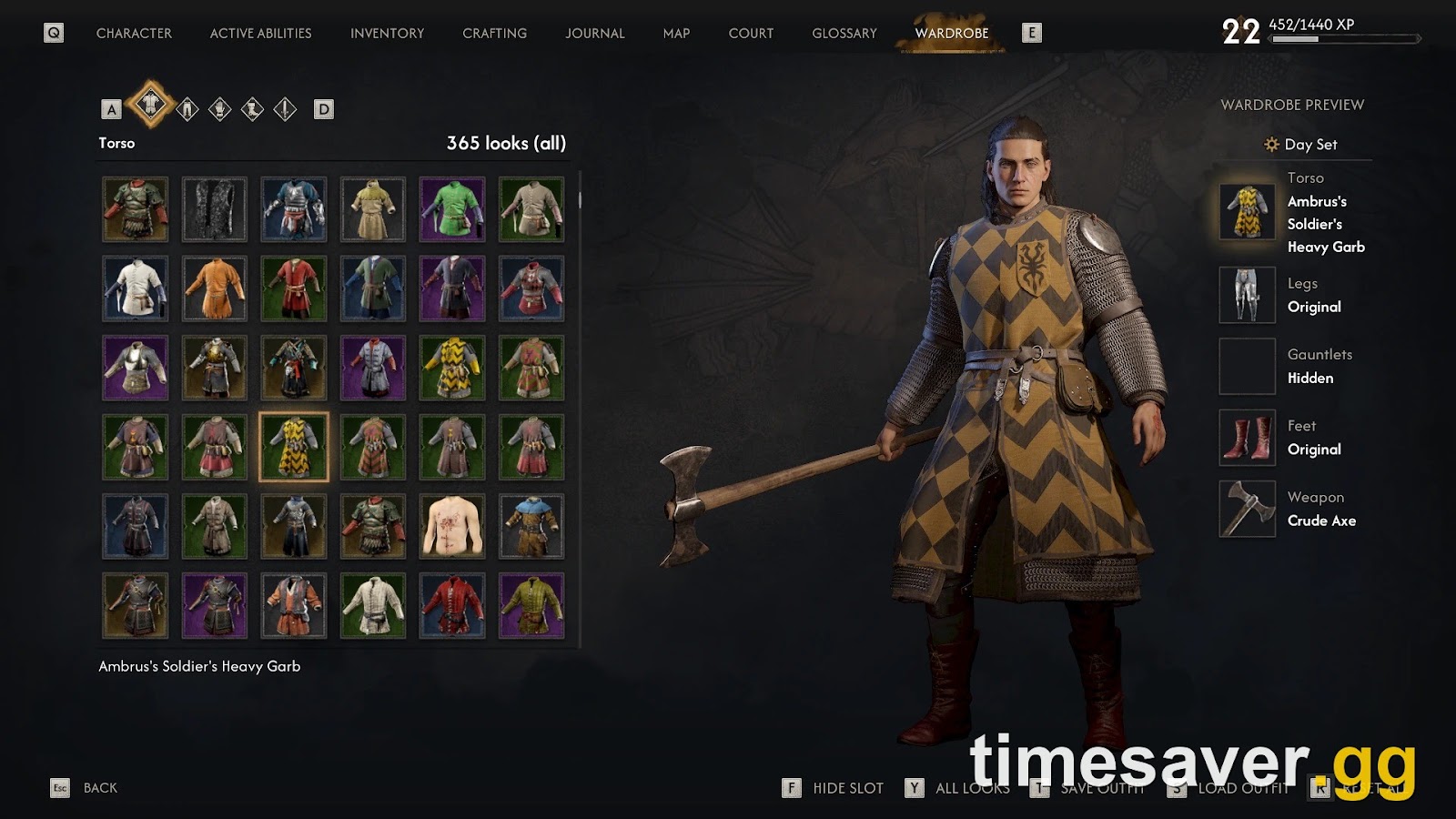
- Dawnwalker Wardrobe lists testing on patch 1.0.3. Style Without Sacrifice is a transmog alternative updated on October 27.
- TimeBarControl lists testing on 1.05.
- Uncapped Cutscenes and Menu FPS hasn't changed since September 9, and its main version needs UE4SS.
"Updated for 1.1" isn't a guarantee either. One player on r/DawnwalkerOfficial reported removing two mods that "both claimed to be updated for 1.1 but they still crashed the game" on startup. If you're mid-run, read the mod's Posts tab before updating anything.
How do you install Blood of Dawnwalker mods?
There are three install types, and the wrong folder fails silently with no error message (Space4Games). Paths below are for a Steam install.
| Type | Where it goes | Key detail |
|---|---|---|
| PAK | `Dawnwalker\Content\Paks\~mods\` | Copy `.pak`, `.utoc` and `.ucas` together. The `~` is required. Create the folder if it's missing. |
| INI | `%LOCALAPPDATA%\Dawnwalker\Saved\Config\Windows\` | Keep the file read-only or the game can overwrite it. |
| UE4SS | `Dawnwalker\Binaries\Win64\` | Extract beside `Dawnwalker.exe`. Mods usually go in `ue4ss\Mods\`. |
The order that avoids most problems:
- Close the game and back up `%LOCALAPPDATA%\Dawnwalker\Saved\SaveGames\`.
- Download from Nexus Mods or CurseForge. Nexus needs a free account.
- Check the mod page for a game version note and any requirements.
- Add one mod, launch, and confirm it works before adding the next.
There's no load-order system, and most PAK mods work together unless they change the same system. Vortex is optional, because most Dawnwalker mods are installed by hand. Mod page instructions override anything here, since a few mods use the main `Paks` folder or a `.bat` installer.
We found no official mod tools from Rebel Wolves as of November 1, 2026. Everything here is community-made.
Which UE4SS should you use after Update 1.1?
Only install UE4SS if a mod requires it. It's the script loader behind many gameplay mods, and PAK and INI mods don't need it. Use a Dawnwalker-specific build, because the standard release can cause crashes (Steam guide).
There are two main options, and this is where the post-launch lists go stale:
- UE4SS for Dawnwalker by Vercadi: 91,775 downloads. Its page still targets Steam build 25232147, last updated September 12, and warns that "a game update can require new compatibility work."
- UE4SS for BoD by Framecore: 28,004 downloads. Last updated September 17. Its page says it detects a game patch and rescans automatically.
We can't confirm either one on 1.1 from the pages alone. Follow the requirement listed on the mod you're installing. Mod Setting Menu, for example, tells you to swap to UE4SS for BoD if its menu doesn't appear.
Why did my mods break, and how do you fix them?
Work through these in order:
- Timer mod stopped working after a patch. Updates can reset INI files and clear read-only status (Steam guide). Check that `Game.ini` is still there and still read-only.
- Nothing changes at all. Check the folder first. The usual cause is a missing `~` in `~mods`, or a file in the wrong place.
- Crash on startup. Move everything out of `~mods` and add mods back one at a time, because there's no load order to blame.
- Crashes began after adding UE4SS. Remove the UE4SS folder and `dwmapi.dll`, then reinstall cleanly. Deleting only the folder leaves a conflict behind.
- Stutter with UE4SS. Set `ConsoleEnabled` to `0` in `UE4SS-settings.ini`.
- Mods are gone and it still crashes. Then it may not be a mod. Our performance guide covers the base-game settings.
Removing a gameplay mod mid-playthrough can corrupt a save, per the Steam guide, so restore your backup rather than stripping mods from a running campaign. Space4Games reaches the same conclusion.
What about visual and cosmetic mods?
Cosmetic mods are the lowest-risk category, because most swap appearance and leave your progress alone. A few that are worth a look:
- Native HDR: 1,282 downloads, updated October 29, real HDR through the engine with no ReShade. Needs UE4SS.
- Natural Image Fix: 12,547 downloads, removes the heavy default sharpening.
- Bearded Coen: 13,792 downloads, 13 facial-hair styles using meshes already in the game.
- Style Without Sacrifice: 1,909 downloads, a wardrobe tab with separate day and night outfits. Needs UE4SS.
If you came for frame generation or upscaling, see our DLSS 5 guide, which covers the mod route and its risks.

Bearded Coen by nectarines reuses meshes already shipped with the game. The banner's "six styles" predates the current 13. Image: Nexus Mods page.
FAQ
| Can you use mods on PS5 or Xbox? No. Mods are for the PC version only, so there's no way to use them on PS5 or Xbox Series X | S (Game Rant). |
|---|
Do mods work on GOG? Often, yes. Guides list Steam and GOG for modding, and some mods name GOG support directly. Others are tested only on Steam, so check each page. Vercadi's UE4SS page lists Xbox PC compatibility as unverified.
Do mods disable achievements? There's no universal answer. Better Story Timer's author says it won't break them, but player reports vary between mods. Back up your save if a Platinum-style run matters to you, and see our trophy guide.
Can you add Better Story Timer to an existing save? Game Rant says the 90-day change applies retroactively, and the author recommends using it in the main part of the game, when the timer is visible. Back up your save first.
Are Blood of Dawnwalker mods safe? Stick to Nexus Mods or CurseForge, read recent comments, and check the last-update date. Nothing here touches online play, because the game is single-player only.
Will the next update break mods again? Expect it. New Game Plus and Photo Mode are planned but undated as of November 1, 2026 (NG+ status), and Update 1.1 shows a big patch can reset configs and break loaders. Back up your saves and keep your mod archives.
More Blood of Dawnwalker guides: see the Update 1.1 patch notes, how the time system works and the best build.