Quick answer: Warzone is not gone and you did not lose it. Battle.net lists every Call of Duty title under one "Call of Duty" tile, and pre-loading the Modern Warfare 4 Open Beta switched that tile's Game Version dropdown — the small selector directly above the blue Play button — over to Call of Duty: MW4 Beta. That makes Warzone look like it disappeared and makes the tile offer the beta as an install instead. The fix takes about ten seconds: click the Game Version dropdown above Play, select the standard Call of Duty entry instead of the MW4 Beta, and hit Play. Do not press Install/Download while the beta is selected — that just starts a ~20 GB beta download you didn't ask for. If the tile is missing from your list entirely, switch the library filter to All Games, then re-scan the install. Full step order below.
You opened Battle.net to drop into a few Resurgence matches, and Warzone simply is not there. In its place the Call of Duty tile is advertising MW4 BETA as something to install. Nothing was refunded, nothing was uninstalled — but the shortcut you have used for months does nothing, and the clock is running on a beta weekend.
This is one of the most common Call of Duty PC problems of the week, and it is almost never a broken install. It is a Battle.net UI selection problem created by the way Activision ships every modern Call of Duty through a single launcher entry. This guide explains exactly what changed, gives you the ten-second fix first, and then works down through the rarer causes if the dropdown alone does not bring Warzone back.

Call of Duty - Bot Lobby
Get bot lobby in 10 minutes
Why did Warzone disappear from my Battle.net library?
Because Warzone stopped being its own Battle.net product. Every current Call of Duty release — Warzone, Black Ops 7, and now the Modern Warfare 4 Beta — is delivered through the shared Call of Duty HQ front end, which Battle.net represents as a single Call of Duty page in your library. Which game that page actually launches is decided by a dropdown, not by separate icons.
Activision's own beta instructions describe the mechanism directly. On the support page for accessing the beta, the Battle.net steps are:
"Go to the Call of Duty page within the Battle.net app." → "Select Call of Duty: MW4 Beta in the Game Version dropdown menu." → "Select Install."
— Activision Support, Accessing the Modern Warfare 4 Beta
That dropdown is the whole story. When the MW4 Beta became available for pre-load at 9:00 AM PT on Wednesday, August 26, 2026, it was added as a selectable version on the Call of Duty page — and for a large number of players Battle.net surfaced the new beta entry as the active selection. The page then shows the beta's Install state rather than Warzone's Play state, and the launcher looks, convincingly, like Warzone was removed.
A player on r/CODWarzone described the exact symptom this week:
"I can't play WZ because it just disappeared from my games library on bnet, it is now showing MW4 BETA as an optional install."
— u/\_iOS, r/CODWarzone

The replies in that thread landed on the same one-click answer covered below, and the original poster confirmed it worked. Expect this to spike hard today: Weekend 2 of the Open Beta goes live at 10:00 AM PT on Friday, August 28 and is completely free with no pre-order on every platform, so a very large number of PC players are about to install a beta into the same tile Warzone lives in.
Fix 1: Switch the Game Version dropdown back to Warzone
This resolves the overwhelming majority of cases and costs you nothing.
- Open the Battle.net desktop app and go to the Call of Duty page in your library (left-hand game list, or Favorites if you pinned it).
- Look immediately above the big blue Play/Install button. There is a small selector showing the currently active title — if it reads Call of Duty: MW4 Beta, that is your problem.
- Click that Game Version dropdown to open the list of installed/available Call of Duty versions.
- Select the standard Call of Duty entry (the one that carries Warzone and Black Ops 7 — not the entry with "Beta" in the name).
- The button should flip from Install back to Play. Press Play.
Critical: while the beta is the selected version, that button is an Install button, not a Play button. Pressing it starts the MW4 Beta download — roughly 20 GB — and does nothing to bring Warzone back. If you already triggered it by accident, pause the download from the same page, switch the dropdown, and Warzone launches normally while the beta sits paused.
If you do want to play the beta as well, this same dropdown is how you switch between them. You never have to choose one or the other permanently — both live under the one Call of Duty page, and you flip between them in two clicks. Our MW4 Open Beta Weekend 2 free-access guide covers the full schedule and what is unlocked.
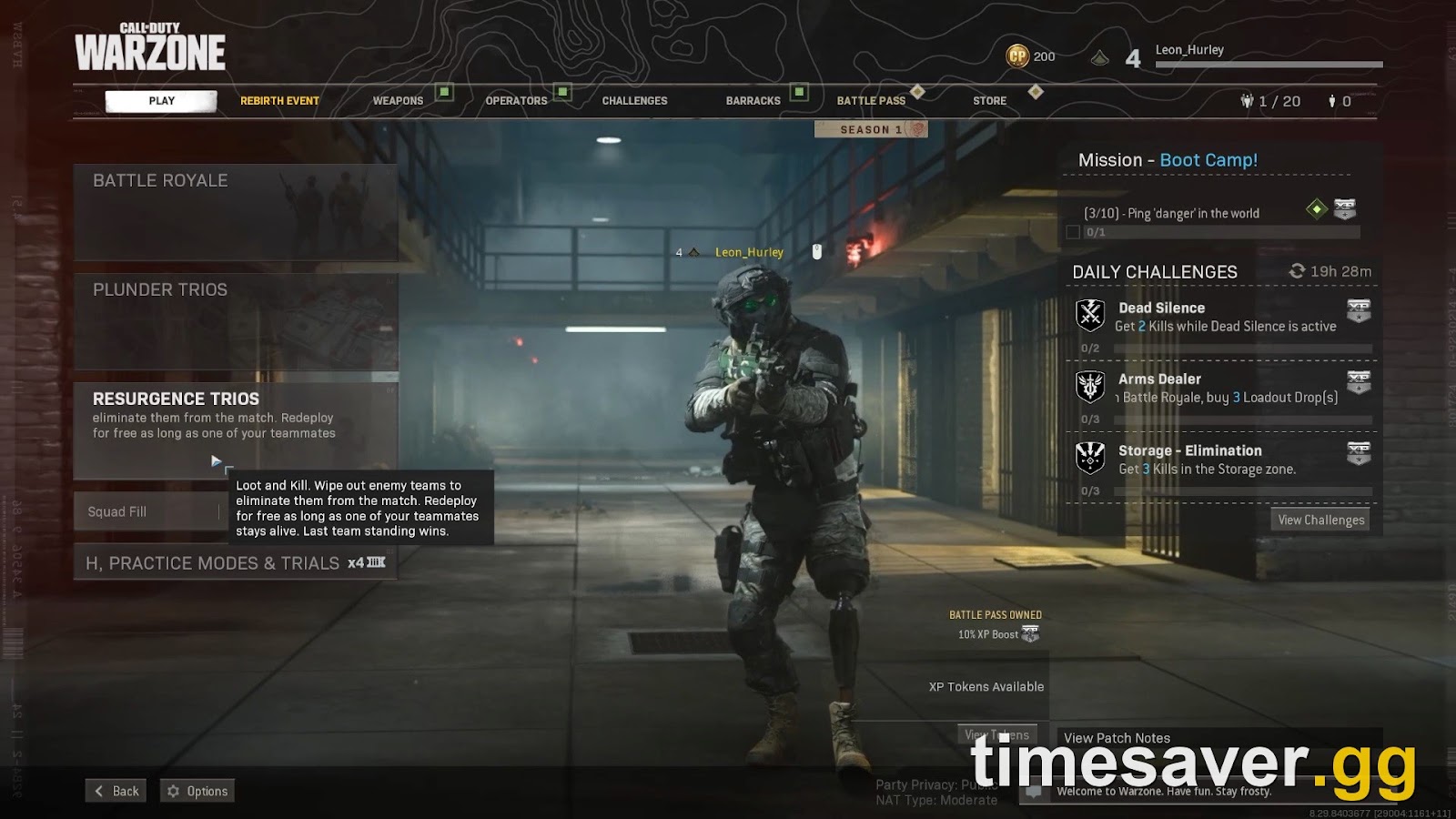
What if the dropdown only shows the MW4 Beta?
If the Game Version list opens but Warzone/Call of Duty is not one of the choices, Battle.net has lost track of your existing install rather than removed it. Two things to try, in order:
- Restart the Battle.net client completely. Not the window — quit it from the system tray so the process ends, then reopen. Battle.net refreshes its product list on launch, and a client that was open through the beta's rollout will often be showing a stale version list.
- Re-detect the existing install. With the Call of Duty page open, use Battle.net's Scan for games / Locate installation option and point it at your Call of Duty folder. On a default Windows install that is `C:\Program Files (x86)\Call of Duty`. Battle.net will re-link the files it already has instead of downloading them again.
A re-detect can briefly show an Update prompt afterwards even when nothing meaningful has changed. Let it finish — it is verifying the manifest, not re-downloading the game.
The Call of Duty tile is gone from my list entirely — now what?
Occasionally the problem is not the dropdown but the library view itself. Battle.net can be filtered down to recently played or installed titles, which hides everything else.
- In the Battle.net library, switch the filter to All Games (Activision's own Warzone setup instructions use exactly this path: "Select All Games. Find and select Call of Duty: Warzone.").
- Confirm you are signed in to the correct Battle.net account. If you have more than one account, or you recently signed in on a different one, an account without your Call of Duty entitlement will show an empty or unfamiliar library. Sign out fully and back in on the right one.
- Check that your Battle.net account is still linked to the Activision account that owns your progression at support.activision.com. A broken link does not delete anything, but it does make the launcher behave as though you own less than you do.
Warzone is free-to-play, so there is no purchase to re-verify here — if the account is right and the filter is right, the tile will be there.

Call of Duty - Ranked Boost
Get ranked boost in 10 minutes
Does this happen on Steam, the Xbox app, or console?
The symptom is Battle.net-specific in its worst form, because Battle.net is the launcher that collapses everything into one tile with a version selector. Elsewhere:
- Steam — the MW4 Beta is added to your library as its own separate entry, so it sits next to Call of Duty HQ rather than replacing it. Activision's instruction is that "Steam will automatically add the Beta to your Library and begin the download." If Warzone looks missing on Steam, check your library filters and the Hidden category rather than a version dropdown.
- Xbox app on PC / Xbox / PlayStation 5 / Nintendo Switch 2 — the beta installs as its own separate app tile. Warzone is not overwritten; you may simply have two very similarly named Call of Duty icons and be launching the wrong one. Check the tile name before you launch.
If Warzone launches but then fails at the connection stage rather than the launcher stage, that is a different problem — see our Warzone "connection to Blizzard server lost" fix and the MW4 beta not-working fixes guide.
Is Warzone even playable during MW4 Beta Weekend 2?
Yes — and this is worth knowing before you spend twenty minutes fighting your launcher, because both things are live at once.
| Item | Detail | |
|---|---|---|
| Weekend 2 start | 10:00 AM PT, Friday August 28, 2026 (1:00 PM ET / 6:00 PM BST) | |
| Weekend 2 end | 10:00 AM PT, Tuesday September 1, 2026 | |
| Pre-load opened | 9:00 AM PT, Wednesday August 26, 2026 | |
| Access | Free — no pre-order and no code required | |
| Platforms | PS5, Xbox Series X\ | S, Xbox on PC, Steam, Battle.net, Nintendo Switch 2 |
| Warzone content | New Zodiac Resurgence map, Weekend 2 only | |
| Approx. download | ~20 GB |
So your Call of Duty page genuinely does have two live things competing for it right now: your normal Warzone install, and a free beta containing a brand-new Warzone Resurgence map called Zodiac, playable only until September 1. The dropdown is how you move between them — details on the map itself are in our MW4 beta Warzone and Zodiac guide, and file sizes and unlock timings are in the preload and download guide.
Still broken? The fallback order
Work these only after the dropdown fix has failed, cheapest first:
- Quit Battle.net from the system tray and reopen it. Clears a stale product list. Costs 30 seconds.
- Reboot Windows. Releases any launcher process holding a lock on the Call of Duty folder.
- Scan and Repair on the Call of Duty entry. This verifies your existing files rather than re-downloading the game — it is slow, but it is not a reinstall.
- Pause any running beta download first. A queued 20 GB beta can starve the launcher's ability to validate your Warzone files and make the page look stuck.
- Check the Activision Online Services status page at support.activision.com before you conclude anything is wrong with your machine. A free open-beta launch at 10:00 AM PT is one of the heaviest traffic events of the Call of Duty year, and launcher weirdness during it is frequently server-side.
- Reinstall last. There is almost no scenario in this specific problem where a full reinstall is the right first move — you would be re-downloading a game the launcher can already see.
Back in a lobby but starting the MW4 beta grind from zero, with a level cap and a hard deadline of 10:00 AM PT on September 1? We can shortcut the boring part:
- CoD Bot Lobbies — easy lobbies, fast levels
- MW Bot Lobby — beta and Modern Warfare leveling
- CoD Account & Weapon Leveling — skip the grind, handled by pro players
FAQ
Why did Warzone vanish from my Battle.net library? It did not — Battle.net puts every current Call of Duty under one "Call of Duty" page, and installing or pre-loading the Modern Warfare 4 Beta switched that page's Game Version dropdown to the beta. Warzone is still installed; the launcher is just pointed at a different version of the same tile.
Where exactly is the Game Version dropdown? On the Call of Duty page in Battle.net, directly above the large blue Play/Install button. Activision's own beta instructions tell players to "Select Call of Duty: MW4 Beta in the Game Version dropdown menu" — the same control switches you back.
Do I have to uninstall the MW4 Beta to play Warzone? No. Both versions live under the same Call of Duty page and you switch between them from the dropdown in two clicks. Uninstalling the beta only means re-downloading roughly 20 GB if you change your mind before it ends on September 1.
I accidentally hit Install and it started downloading — did I break anything? No. That is the MW4 Beta download, not a Warzone repair. Pause it, switch the Game Version dropdown back to Call of Duty, and Warzone will launch normally with the beta download sitting paused.
| Is the MW4 Open Beta actually free this weekend? Yes. Weekend 2 runs from 10:00 AM PT on August 28 to 10:00 AM PT on September 1, 2026, with no pre-order and no code required, on PS5, Xbox Series X | S, Xbox on PC, Steam, Battle.net and Nintendo Switch 2. |
|---|
Does this happen on Steam or console too? Not in the same way. On Steam the beta is added as its own library entry, and on Xbox, PlayStation 5 and Switch 2 it installs as a separate app tile — so Warzone is never replaced, you just have two similar-looking Call of Duty icons. Check the tile name before launching.