Quick answer (updated 30 October 2026): You cancel Fortnite Crew on the platform you bought it on. On PC or mobile through Epic, go to epicgames.com/account → Subscriptions → cog icon → Cancel Subscription. On PS5, Xbox, Switch, iPhone or Android, turn off auto-renew in that store's subscription menu. Cancelling stops future renewals only. Epic's help page puts it plainly: "Canceling turns off future renewals, it doesn't refund the period you're already in." You keep Crew until the end of the period you've paid for. Refunds are the hard part: Epic says Crew bought directly through Epic cannot be refunded. That's why so many players are angry this week. On 29 October 2026 Epic extended the Music Pass to 21 January 2027, and the LEGO Pass was pushed back as well. So anyone who joined Crew for new passes on 1 November won't get them.
Key takeaways
- Where to cancel: the same store you subscribed through: Epic, PlayStation, Xbox/Microsoft, Nintendo, the App Store or ONE store. Source: Epic Player Support.
- When it takes effect: at the end of your current monthly billing period. Crew pass access continues until then, and the rewards you've claimed, the monthly skin you already got and your V-Bucks stay yours.
- Refunds: Epic's support article says Crew bought through Epic "cannot be refunded". A duplicate subscription isn't refundable either.
- Price: $11.99 a month in the US, with 800 V-Bucks a month. That grant was cut from 1,000 on 6 June 2026.
- Why it's trending: two Crew passes were extended on 29 October. Fortnite Underground reports that Epic support is turning down refund requests over it.
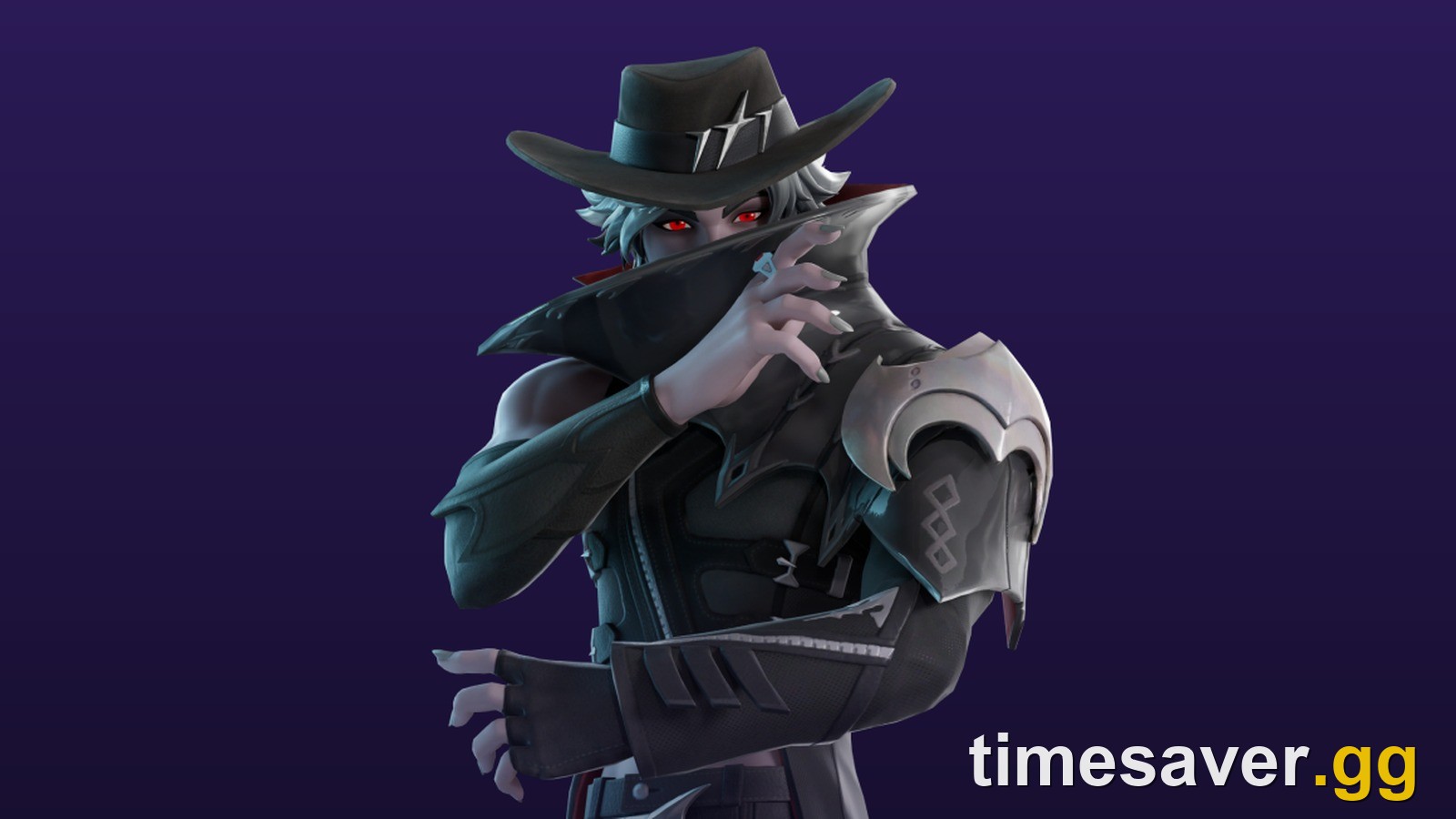
- Timing tip: the November Crew Pack (Monarcha, found in the game files) unlocks at the monthly rollover, about 8 PM EDT on 31 October (midnight UTC on 1 November).
How do you cancel Fortnite Crew? (every platform)
Fortnite Crew renews automatically until you stop it. Epic's rule is simple: cancel through the platform you paid on. Your Epic account page also has a Manage Subscription button on the Subscriptions page. It hands you over to the right store after you sign in with that platform's account.
Not sure where you subscribed? Epic suggests checking your bank or card statement for the merchant name. You can also look at the Subscriptions tab on your Epic account.
| Where you subscribed | Where to cancel | The button you're looking for |
|---|---|---|
| Epic (PC, Mac, Android via Epic) | epicgames.com/account, in-game Passes tab or the Epic Games Store app | Cancel Subscription |
| PlayStation 5 | Settings → Users and Accounts → Accounts → Payment and Subscriptions | Turn Off Auto-Renew |
| PlayStation 4 | Settings → Account Management → Account Information → Services List | Turn Off Auto-Renew |
| Xbox / Microsoft | account.microsoft.com → Services & Subscriptions | Turn off recurring billing |
| Nintendo Switch | Nintendo eShop → account icon → Your Subscriptions | Turn Off Automatic Renewal |
| iPhone / iPad (App Store) | Settings app → your name → Subscriptions | Cancel Subscription |
| ONE store (Korea) | ONE store subscription settings | Cancel |
All the paths above come from Epic's How can I cancel my Fortnite Crew subscription? article, which we read on 30 October 2026. Menu names can vary a little by console firmware and region.
How to cancel Fortnite Crew on PC (Epic account)
Epic gives three routes for subscriptions bought through Epic on PC or mobile.
On the web:
- Go to epicgames.com/account and sign in.
- Select Subscriptions on the left.
- Click the cog icon at the top right of the Fortnite Crew tile.
- Select Cancel Subscription and follow the prompts.
In Fortnite:
- Open the Passes tab.
- Select Manage Subscription.
- Select Cancellation Info.
- Select Cancel Subscription.
In the Epic Games Store app: click your profile, select Account, open the Subscription tab and select Cancel.
How to cancel Fortnite Crew on PS5 and PS4
PS5: Settings → Users and Accounts → Accounts → Payment and Subscriptions → Game and App Services → Fortnite → Fortnite Crew → Turn Off Auto-Renew. The screen then shows the date your Crew expires, so screenshot it.
PS4: Settings → Account Management → Account Information → Services List → Fortnite → Fortnite Crew → Turn Off Auto-Renew.
From a browser: sign in at store.playstation.com, click your profile picture, open Subscriptions Management and turn off auto-renew on Fortnite Crew.
How to cancel Fortnite Crew on Xbox
Xbox Crew is billed by Microsoft, so you cancel it on your Microsoft account rather than in Fortnite:
- Go to account.microsoft.com/account and sign in with the Microsoft account that pays for Crew.
- Select Services & Subscriptions.
- Select Manage next to Fortnite Crew.
- Select Turn off recurring billing and follow the prompts.
Game Pass Ultimate members: Crew has been part of Game Pass Ultimate since 18 November 2025. In that case there's no separate Crew charge to cancel. Crew ends when Game Pass Ultimate ends, or when your Xbox and Epic accounts are no longer linked. Epic also requires you to sign in to Fortnite on an eligible Xbox platform at least once a month to keep it active.
How to cancel Fortnite Crew on Nintendo Switch
- Press Home and open the Nintendo eShop.
- Select your account icon at the top right.
- Select Your Subscriptions.
- Pick Fortnite Crew and select Turn Off Automatic Renewal.
From a browser, sign in at ec.nintendo.com/my/rights and turn off automatic renewal in the same way.
How to cancel Fortnite Crew on iPhone and Android
iPhone / iPad: open the Settings app on the device you subscribed on → tap your name → Subscriptions → Fortnite Crew → Cancel Subscription.
Android: if you subscribed through Epic's own Android app, cancel through your Epic account using the web steps above. If you subscribed in the Korean ONE store, cancel in ONE store's subscription settings. Epic's help page lists both.

What happens when you cancel Fortnite Crew?
You don't lose anything on the day you cancel. Epic: "When you cancel, you keep your Fortnite Crew benefits until the end of your current billing period." After that date:
| Thing | After your Crew period ends |
|---|---|
| Monthly Crew outfits and items you already received | Stay in your Locker |
| V-Bucks already granted (800 a month) | Stay in your wallet |
| Crew Legacy styles already unlocked | Kept. Progress toward the next one pauses and resumes if you re-subscribe (Epic) |
| Music Pass and LEGO Pass premium rewards | Locked. These need an active Crew subscription for every subscriber |
| Battle Pass premium rewards | Locked if you joined or re-joined Crew on or after 1 December 2024 (05:00 UTC) |
| Next month's Crew Pack | Not granted |
The pass lock is the part most people miss. Since December 2024 you can only earn the premium rewards of the passes inside Crew while you're subscribed (Epic's announcement). Epic's announcement also says rewards you've already unlocked but not claimed are claimed for you automatically when the season ends. Even so, claim every premium reward you've unlocked before your period ends. That covers the Battle Pass, the Music Pass and the LEGO Pass. You get them in your Locker now instead of waiting for the season to close, and you can check nothing is missing.
Should you cancel before or after 31 October?
It depends on your renewal date, which Epic says depends on the platform you subscribed on. Two dates matter this week:
- Monthly Crew rollover: Epic's support page puts it at about 8 PM ET on the last day of the month (8 PM EDT or 7 PM EST), which is midnight UTC on the 1st. For November that's 31 October, 8 PM EDT. The November Crew outfit is Monarcha, found in the v42.40 game files. Epic hasn't shown it officially.
- Your renewal date: shown in your platform's subscription screen. PS5 shows the expiry date right after you turn off auto-renew.
If your paid period runs past the rollover, you get Monarcha anyway. So turning off auto-renew today costs you nothing. Any monthly billing period that crosses a rollover gets that month's pack. The safest move is to turn off auto-renew now. You keep everything until your period ends, and you're never charged for a month you didn't want.

Can you get a refund on Fortnite Crew?
Usually not, if you paid Epic directly. Epic's support article "Can I refund my Fortnite Crew subscription?" says Crew subscriptions bought directly through Epic Games cannot be refunded. A second Epic article on duplicate subscriptions gives the same answer: "No. Fortnite Crew subscriptions are non-refundable." Epic recommends cancelling the duplicate so you aren't billed twice. Epic's general store refund policy also lists subscriptions as "usually non-refundable (unless required by applicable law)."
This week's backlash comes from those rules. Fortnite Underground (@FNBRunderground on X) posted on 29 October:
"Epic Games support is reportedly refusing to refund #Fortnite Crew subscriptions. After the Passes scheduled to drop this weekend were delayed by over a month, support agents told upset subscribers that they will not be refunded. No compensation has been promised, either."
The r/FortniteBR thread sharing that post reached 644 upvotes and 193 comments within about five hours of posting. In another thread, a player wrote that they joined Crew "yesterday to get the Lego and Music Pass but now I get nothing", and asked how to get their 12 dollars back. As of 30 October Epic hasn't announced any compensation for Crew subscribers.
What are your realistic options?
- Cancel now and use the time you've paid for. This is the only option that works on every platform.
- If you paid through Apple, PlayStation, Xbox or Nintendo, ask that store. The "cannot be refunded" line is about Crew bought through Epic. Each store has its own refund request process: Apple's Report a Problem page, and PlayStation, Xbox and Nintendo support. None of them promises a refund, but it costs nothing to ask.
- Check your local consumer law. Epic's own policy carves out refunds "required by applicable law". Rules differ by country, so check your local consumer agency rather than relying on forum advice.
- Pass refund if you bought a pass first. Did you buy a Battle Pass or another pass with V-Bucks and then join Crew? Epic gives the V-Bucks back only in one case (Epic Player Support): "You'll only receive a refund if the Battle or Season pass you purchased is still active in-game, and you joined the crew within 14 days of the purchase."
What about a chargeback?
Players in the refund threads warn each other not to do it. One reply reads: "Epic will close your account if you attempt charge backs." Here is what's actually on record. Epic's own chargeback page says that when a card holder disputes a payment to Epic, "we will remove any purchased items that are associated with the chargeback from the account." For Crew, that means the items and V-Bucks tied to the disputed payment. Separately, the FTC's 2022 settlement bans Epic from locking players out of their accounts for disputing unauthorized charges (FTC). A Crew renewal you set up yourself isn't an unauthorized charge, so that protection doesn't clearly apply. A chargeback is a dispute with your bank, not a refund request. Treat it as a last resort, and only after the store's own refund route has said no.
What changed with the Music Pass and LEGO Pass?
Crew's main selling point is "every pass included". The passes run on their own calendars, but the Music Pass and the LEGO Pass were both scheduled to end on 31 October, right as the new Battle Pass arrives. Only the Battle Pass is now changing on schedule:
| Pass | Was due to end | Now ends | Source |
|---|---|---|---|
| Battle Pass (Override → Treasure Hunters) | 1 November 2026 | New pass on 1 November 2026 (v43.00) | Epic |
| Music Pass (Neon Dreams, Lil Tecca) | 31 October 2026 | 21 January 2027 | Epic, 29 October |
| LEGO Pass (Soaring Skies) | 31 October 2026 (first 2 September) | 4 December 2026 per the Fortnite Wiki | Fortnite Wiki; Epic hasn't posted a date |
Epic's Music Pass post, relayed on r/FortniteFestival, reads: "We've extended the current Music Pass to January 21. Stay tuned for more music updates." Soaring Skies started on 16 April 2026, so it'll run for about 232 days. Lil Tecca's pass started on 30 July and will run for about 175 days, the longest Music Pass so far. That's why Crew subscribers who pay $11.99 for "all passes" are looking at two passes they may already have finished.
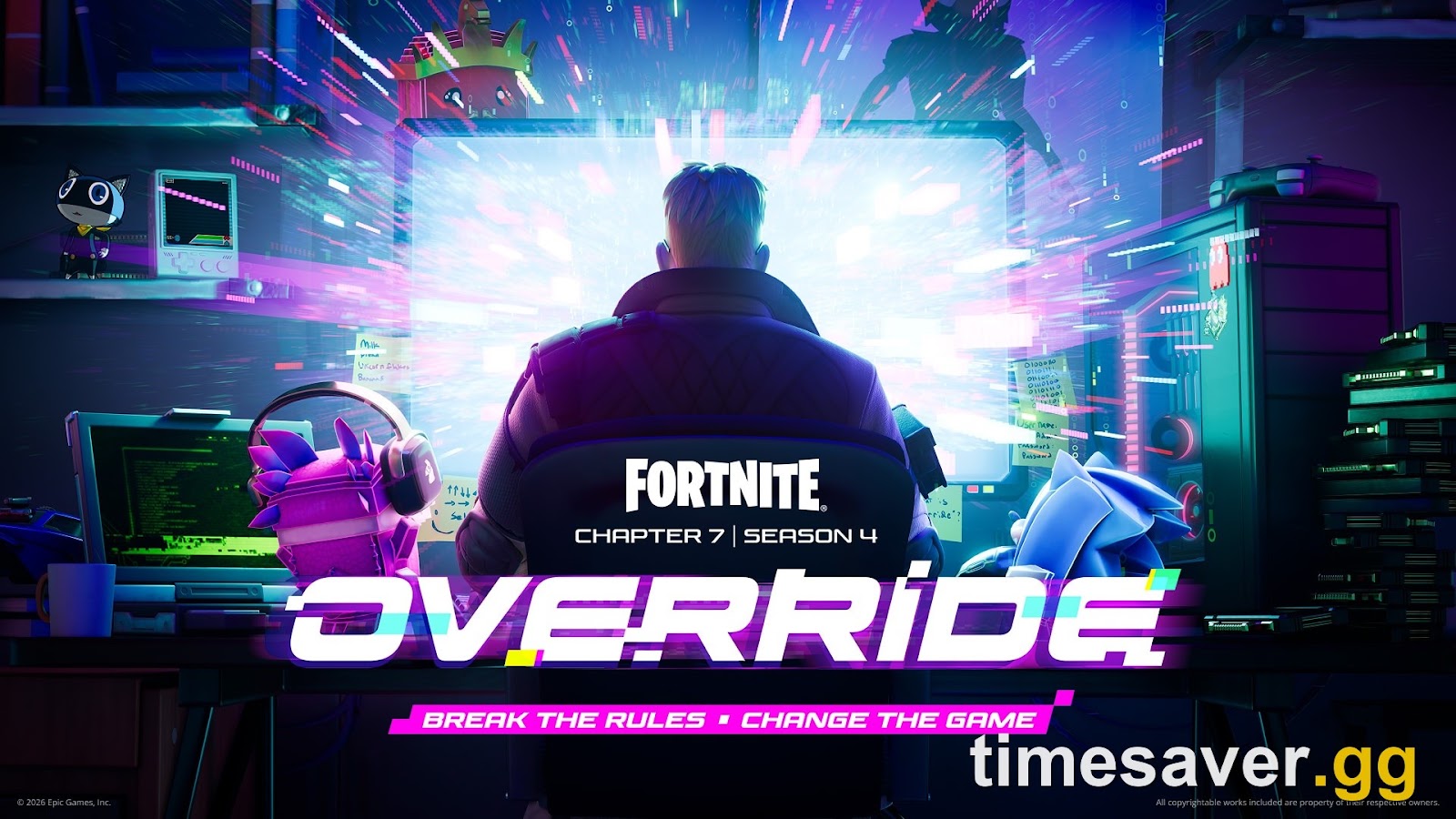
The new Battle Pass is still coming. Treasure Hunters launches with v43.00 on 1 November 2026, and Crew includes its premium track. Epic hasn't published the full pass lineup yet. If the Battle Pass is the only pass you care about, it costs 800 V-Bucks on its own and has 800 V-Bucks spread across its reward tiers. Crew costs $11.99 a month, and that money only buys the extras for as long as you stay subscribed.
Is Fortnite Crew still worth it?
For most players it now comes down to how much you'd spend on V-Bucks anyway.
- Worth keeping if you'd buy roughly 800 V-Bucks a month anyway, you want the monthly outfit and its Legacy styles, or you play the new Battle Pass to the end.
- Worth pausing if you mainly joined for the Music or LEGO Pass and you've finished them. Neither gets a new track before December. You can re-subscribe whenever you like. Each month you skip costs you that month's Crew Pack, and your Legacy style progress pauses.
- Watch out: Crew outfits aren't sold to non-subscribers, so a skipped month means that skin is gone unless Epic brings it back in a later Crew Pack.
FAQ
How do I cancel Fortnite Crew? Cancel it on the platform you subscribed through. For Epic purchases, go to epicgames.com/account → Subscriptions → cog icon → Cancel Subscription, or use Passes → Manage Subscription in Fortnite. On consoles and iPhone, turn off auto-renew in that store's subscription menu.
Does cancelling Fortnite Crew end it straight away? No. You keep Crew until the end of the billing period you've already paid for. After that it stops renewing.
Can I get a refund for Fortnite Crew? Epic says Crew bought directly through Epic can't be refunded, and duplicate subscriptions aren't refundable either. If you paid through Apple, PlayStation, Xbox or Nintendo, you can ask that store, but nothing is guaranteed.
Do I keep my skins and V-Bucks if I cancel Fortnite Crew? Yes. Crew outfits and items you've already received stay in your Locker, and V-Bucks already granted stay in your wallet. What you lose is the ability to earn new premium rewards from the passes Crew gave you, so claim what you've unlocked first.
Why can't I cancel Fortnite Crew on my Epic account? You probably subscribed on a console or through Apple. Use Manage Subscription on Epic's Subscriptions page to jump to the right store, or cancel directly in the PlayStation, Xbox, Nintendo or App Store subscription menu.
Will I still get the November Crew skin if I cancel today? Yes, as long as your paid period runs past the rollover at about 8 PM EDT on 31 October. If it ends before then, you won't get it.
More Fortnite guides
Deciding what to do before the 1 November reset? Start with these.