Quick answer: The best Once Human ship build for most Isles of Abyss players is a small, flat, low-Load hull with electric propellers, side thrusters and three or four cannons matched to the job. Keep it under 3,000 Load, where the first speed and handling penalty is reported to start. A build at 10,000 kg or more is the one the studio has just patched: the November 2, 2026 3.1.1 fixes say an overweight boat now keeps "some steering ability." Save the finished ship as a Design Layout. This applies to Version 3.1.1 on PS5, Xbox, PC and mobile.
Key takeaways
- Pick the job first, then the hull. Calamity Towers, Voyager hunting and farming each want a different ship.
- Load is the number that kills builds. One guide reports penalties of 10%, 40% and 60% to Speed and Handling above 3,000, 7,000 and 10,000 weight.
- The November 2 fix helps, but it does not remove the penalty. It stops a heavy ship from losing all its steering. It does not make it nimble.
- Save the design early. In RaidZone, a ship with no saved blueprint comes back in its initial state after it sinks.
- Starry Studio has not published ship stats. Load figures below come from in-game tooltips reported by players and guide sites, and we label them that way.
What changed for heavy ships on November 2?
Starry Studio's 3.1.1 Bug Fixes post for November 2 lists the change first, with the work expected to finish by 05:00 AM PT:
"Optimized the steering experience when a boat's weight is too high. Now, when a boat is overweight (weight ≥ 10,000kg), it will still retain some steering ability, reducing situations where the boat cannot turn due to being overweight."
Read that wording closely. "Some steering ability" and "reducing situations" are not a promise that big ships now handle well. Before this fix, a ship past the line could stop turning altogether. After it, you should still expect a slow, wide turn, so the build advice below does not change.
The studio gives the line as 10,000 kg. One player on r/OnceHumanOfficial also described 10,000 as their ship's max Load, so treat it as the ceiling for any ship you plan to fight in.
How does ship Load work in Once Human?
Build Mode shows three numbers on the left of the screen, per Once Human Guide's ship designs page (updated October 26 for 3.1.1):
- Handling: how easily the ship turns. Side thrusters raise it.
- Speed: the top speed your propulsion allows. Sails, propellers and boosters raise it.
- Load: the ship's weight. Heavier materials add more than wood.
DQ7 Reimagined's ship guide quotes the thresholds from the Wood Hull 01 build screen:
| Ship weight | Speed penalty | Handling penalty | What it means in practice |
|---|---|---|---|
| Up to 3,000 | None | None | The target for combat ships |
| Above 3,000 | -10% | -10% | Acceptable for work boats |
| Above 7,000 | -40% | -40% | A serious hit, so fight with care |
| Above 10,000 | -60% | -60% | Slow and hard to turn, even after the fix |
These numbers come from one guide's reading of one hull's tooltip, not from an official table. Check your own build screen before you trust them on a steel or alloy hull.
Two practical points come out of this. First, the jump from 3,000 to 7,000 is the costly one: a 10% penalty becomes 40%. Second, one creator cited by Once Human Guide said a ship at around 3,000 Load already felt slow, and called 100 to 500 Load "light." If you want the fastest possible boat, aim far below the first threshold.
Do facilities add Load?
Sources disagree. Once Human Guide says only structural pieces add Load and that facilities and decorations do not. DQ7 Reimagined describes Load as covering construction and equipment. The studio has not settled it, so test it yourself: note your Load, place a heavy facility, and read the number again. It takes ten seconds and tells you what your own version of the game does.
Which ship build is best for each job?
These four templates are our own synthesis of the official part list and the player builds above. None of them is an official preset, and every part depends on your Tech progress.
| Build | Best for | Propulsion | Weapons | Load goal |
|---|---|---|---|---|
| Starter hull | First days, island hopping | Helm, one sail, Fuel Propeller | Harpoon Cannon | As low as you can |
| Tower Breaker | Calamity Towers, Calamity Zones | Electric propellers, side thrusters, Booster | Rapid-fire, Corrosion, Long Cannon | Under 3,000 |
| Voyager Hunter | Voyager ships and fleets | Electric propellers, Booster | Shotgun Turret, Frost Cannon, Ram | Under 3,000 |
| Workshop Trawler | Fishing, crafting, long trips | Electric propellers, large sail, side thrusters | Harpoon Cannon, one Long Cannon | Under 7,000 |

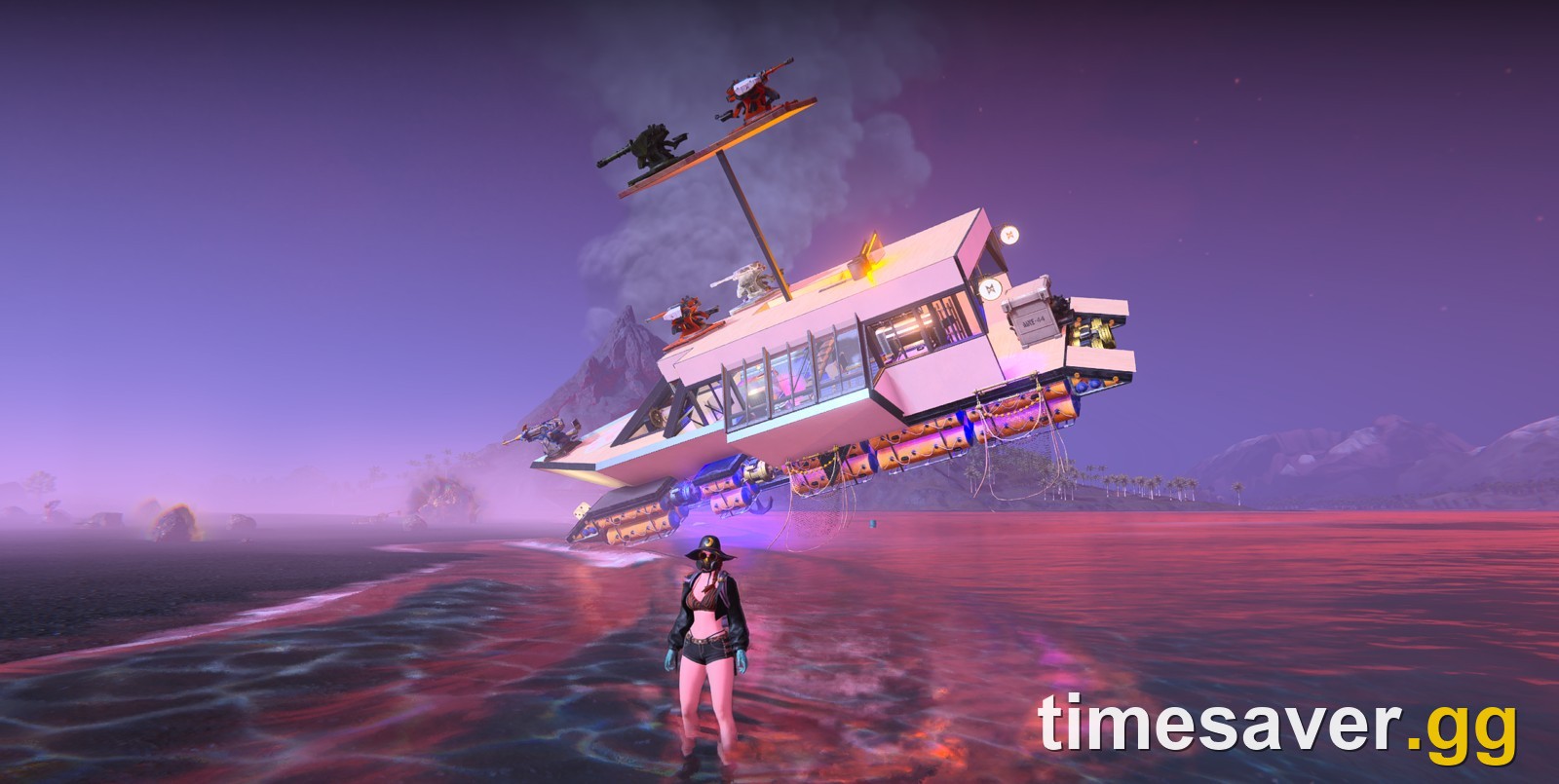
The tall build on the left of that dock is a fun project. The low, flat boat behind it is the shape that wins fights.
Starter hull: your first real boat
Stay small. A hull piece in Wood Hull 01 is reported to cost 25 Wood and 3 Shell, and every extra piece is more to gather and more Load. Fit a helm, an anchor and propulsion, then test it before you add a second floor.
If you would rather not design anything, the game has a built-in preset. Open the build menu, go to House Blueprint, then Presets. Once Human Guide names the Luxurious Cruise, a wooden ship blueprint with 160 structures and 4 facilities. It is a good-looking starting point, but it is big, so treat it as a home and not a warship.
Tower Breaker: for Calamity Towers
This is the build for our Calamity Tower guide. The official dev blog says the Rapid-fire Cannon is "easier to aim at the weakspots of the Calamity Tower," and that the Long Cannon deals additional damage to decks and other buildings. That matters because some tentacles sit behind building protection. Add a Corrosion Cannon, which raises the damage enemies take.
One Reddit player's advice for towers is blunt: the smaller the better. A crowded tower fight is mostly dodging and repositioning, so spend your weight on thrusters and not on a bigger deck.
Voyager Hunter: for ship-to-ship fights
Voyagers bring heavier firepower, mixed crews and naval mine blockades, and they get stronger as the scenario goes on. The Shotgun Turret is officially "effective against enemy ships and patrol boats," the Frost Cannon stops targets escaping, and the Ram closes out short-range fights. In Phase II, swap in the Repeating Shotgun Turret, which the studio says deals "extremely high damage to Voyagers."
One recent rule change affects how you fight here. Since the October 29 fixes, sinking a Voyager drops Voyager Loot Crates that anyone can pick up, so you no longer lose the cabin crate by sinking the ship early. Rewards disappear after 2 minutes, so stay close.
Workshop Trawler: for farming
This is the one build where a bit more weight is fine, because it is not trying to dodge anything. Fit Trawl Nets, since the official dev blog says a net gives your ship "a chance to capture fish while sailing on the surface." The Advanced Trawl adds to the haul and salvages surface supplies. A Drilling Well pulls abyssal sea oil, which feeds into our acid and oil farming guide.
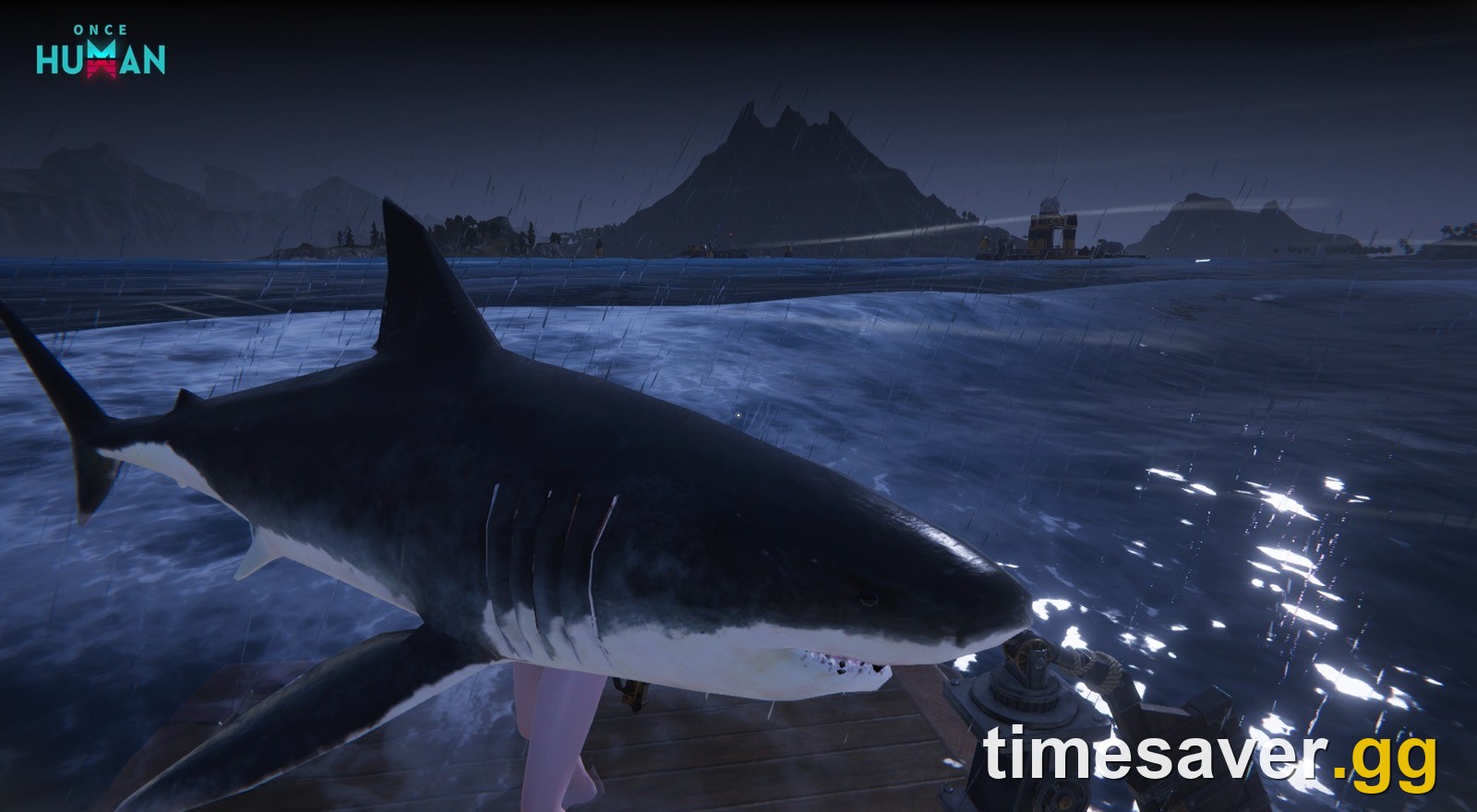
Keep one Harpoon Cannon on board. Giant Squid can latch on and immobilize the ship, and you need to sever the tentacles to make it flee.
Which ship cannons should you mount?
All of these come from the official Isles of Abyss dev blog. More unlock as your Tech advances, and the last three arrive in Phase II.
| Cannon | Official strength | Use it for |
|---|---|---|
| Harpoon Cannon | Penetrates the water surface, good against marine creatures | Sharks, squid, early trips |
| Long Cannon | Additional damage to decks and buildings | Protected tentacles, Voyagers |
| Rapid-fire Cannon | Shorter intervals, faster projectiles | Calamity Tower weakspots |
| Javelin Cannon | Tracking shells | Small moving targets |
| Shotgun Turret | Wide volley | Enemy ships, patrol boats |
| Frost Cannon | Slows enemies hit | Stopping runners |
| Corrosion Cannon | Increases damage enemies receive | Boss damage windows |
| Rocket Launcher (Phase II) | Burst of small projectiles | Sustained damage |
| Oil Drum Launcher (Phase II) | Massive explosion, ignites the area | Area damage |
| Repeating Shotgun Turret (Phase II) | Extremely high damage to Voyagers | Voyager farming |
The studio has not published damage numbers for any of these, so we are not ranking them by DPS. Switch between mounted cannons with the wheel while you sail.
How do you fix a ship that won't move or turn?
Work through these in order before you rebuild anything:
- Check the anchor. Build Mode can lower it automatically. The in-game message is reported as "The vessel cannot move. Raise anchor."
- Check your fuel or power. A Fuel Propeller with no fuel gives no thrust, and electric drives need generator capacity.
- Check the wind. Sails are only fast with the wind behind them. Use a propeller when you are heading into it.
- Check Load. If you are near or past 10,000, remove structure first. Swap hidden inner walls to wood and keep iron or steel on the outer hull and bow, where cannon fire lands.
- Check Handling. Add side thrusters. The dev blog says they make "sailing and turning more flexible."
If your boat dives underwater like a submarine: at least two players reported this on r/OnceHumanOfficial this week, and they treat it as a likely bug. The studio has not acknowledged it in any fix post up to November 2. One creator's all-alloy ship is reported to have sunk at around 10,000 to 11,000 Load, so lower your Load first, then report it through ESC > Support & Feedback > Submit Suggestion on PC or the Feedback Platform on console.
How do you save and share a boat design?
Saving is the cheapest insurance in the scenario.
- Design Layout: select the structures and facilities connected to the core deck and save the ship design. The official notes say you can share it, so squad mates can field the same ship.
- Anchor blueprint in RaidZone: the official dev blog says saving at the anchor after upgrading increases the ship's total HP, and that "Supplies aboard a sunken ship will not be refunded."
- Build space: if you cannot copy someone's design, check your Ship Upgrade unlocks in the Tech tree, as a Reddit thread on exactly this problem found. Players say the Anchor upgrade raises the build area.
On PS5 and Xbox, one thing can get in the way. Controller rotation in Build Mode broke on October 27, and none of the fix posts through November 2 mention it. See our Build Mode rotation guide for workarounds. The next scheduled update is listed for November 4, 3:00 PM PT, so check your build again after that.
FAQ
What is the best ship in Once Human? There is no single best ship. For fighting, the strongest shape is a small, flat hull under 3,000 Load with electric propellers, side thrusters and cannons matched to the target. For farming, a Workshop Trawler with Trawl Nets is the better pick.
What is the max Load on a ship in Once Human? The studio treats a boat at 10,000 kg or more as overweight, and one player reports 10,000 as their ship's max Load. No official table of Load limits has been published.
Why won't my boat turn in Once Human? The usual cause is too much Load, too little Handling, or a lowered anchor. The November 2, 2026 fix lets ships at 10,000 kg or more keep some steering, but side thrusters and a lighter hull are the real fix.
Do sails need to be on the outside of the ship? A player on r/OnceHumanOfficial says no: sails can be hidden inside the ship and still work. We have not tested this ourselves, so check your Speed number after moving one.
Do I lose my items if my ship sinks? The official warning covers RaidZone, where supplies aboard a sunken ship are not refunded. Once Human Guide reports that in PvE the items go into the ship's vault instead, but the studio has not confirmed this for PvE, so keep valuables on land before a risky fight.
Are ship builds the same on PS5, Xbox and PC? The studio has not published any ship differences by platform, and Isles of Abyss launched on all of them with the same scenario. The current exception is the controller rotation bug above.
More Once Human guides
Heading out to sea? These guides cover the rest of Isles of Abyss.