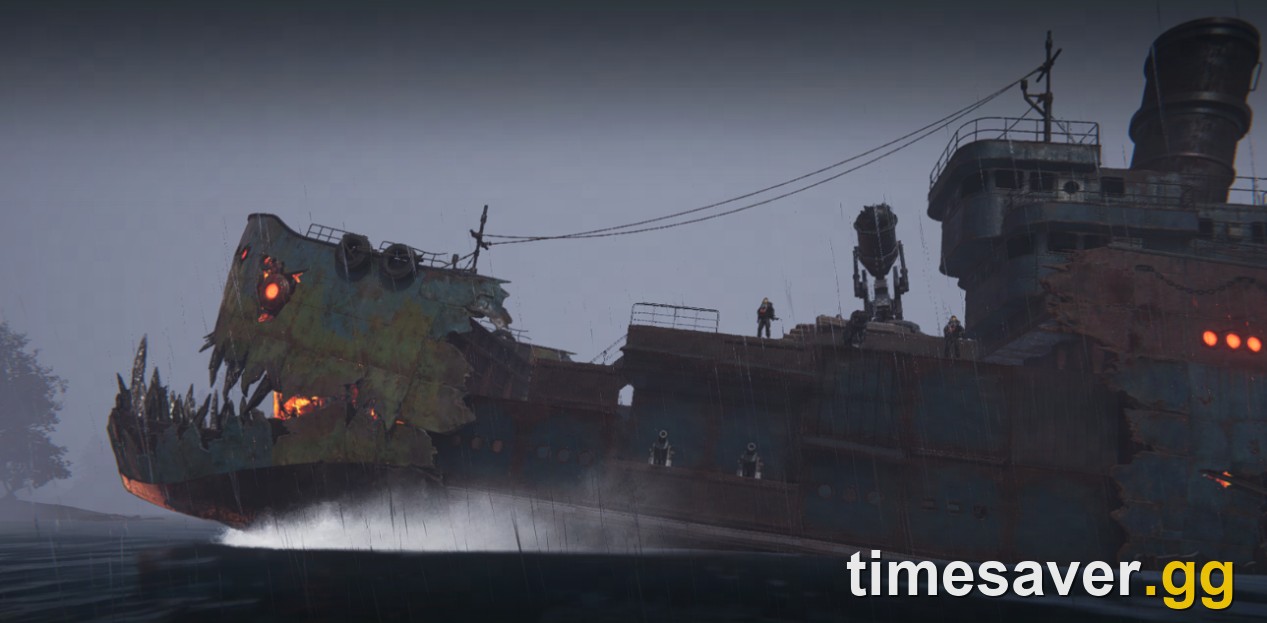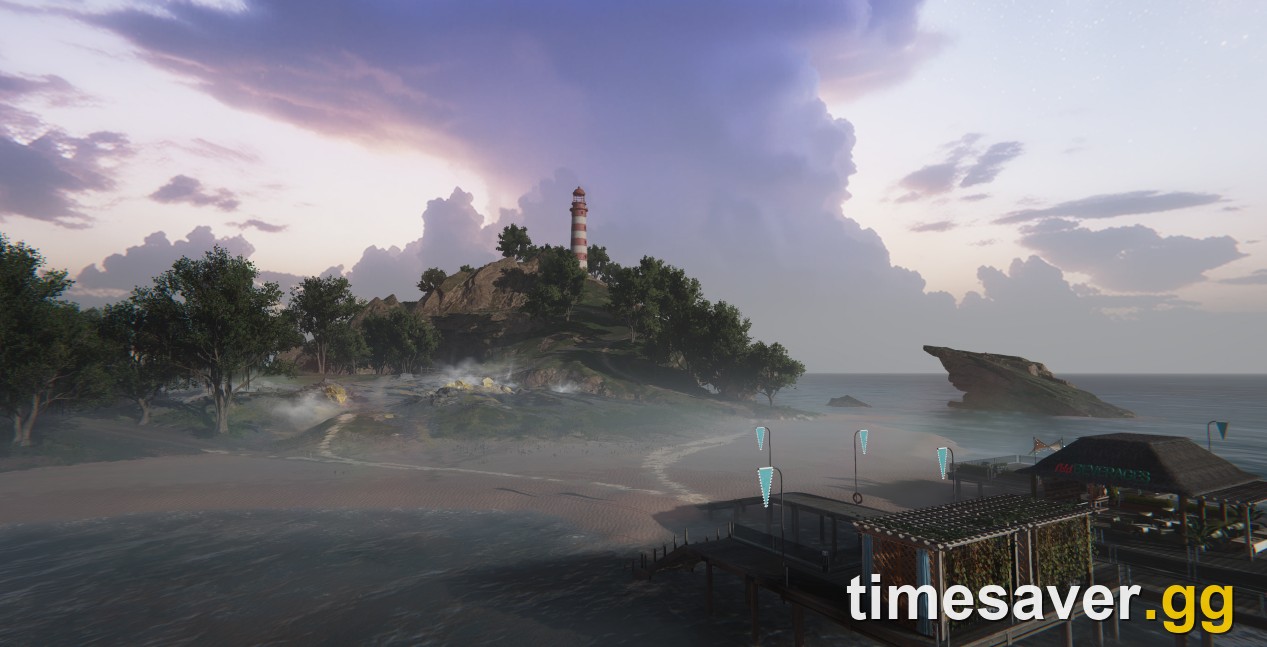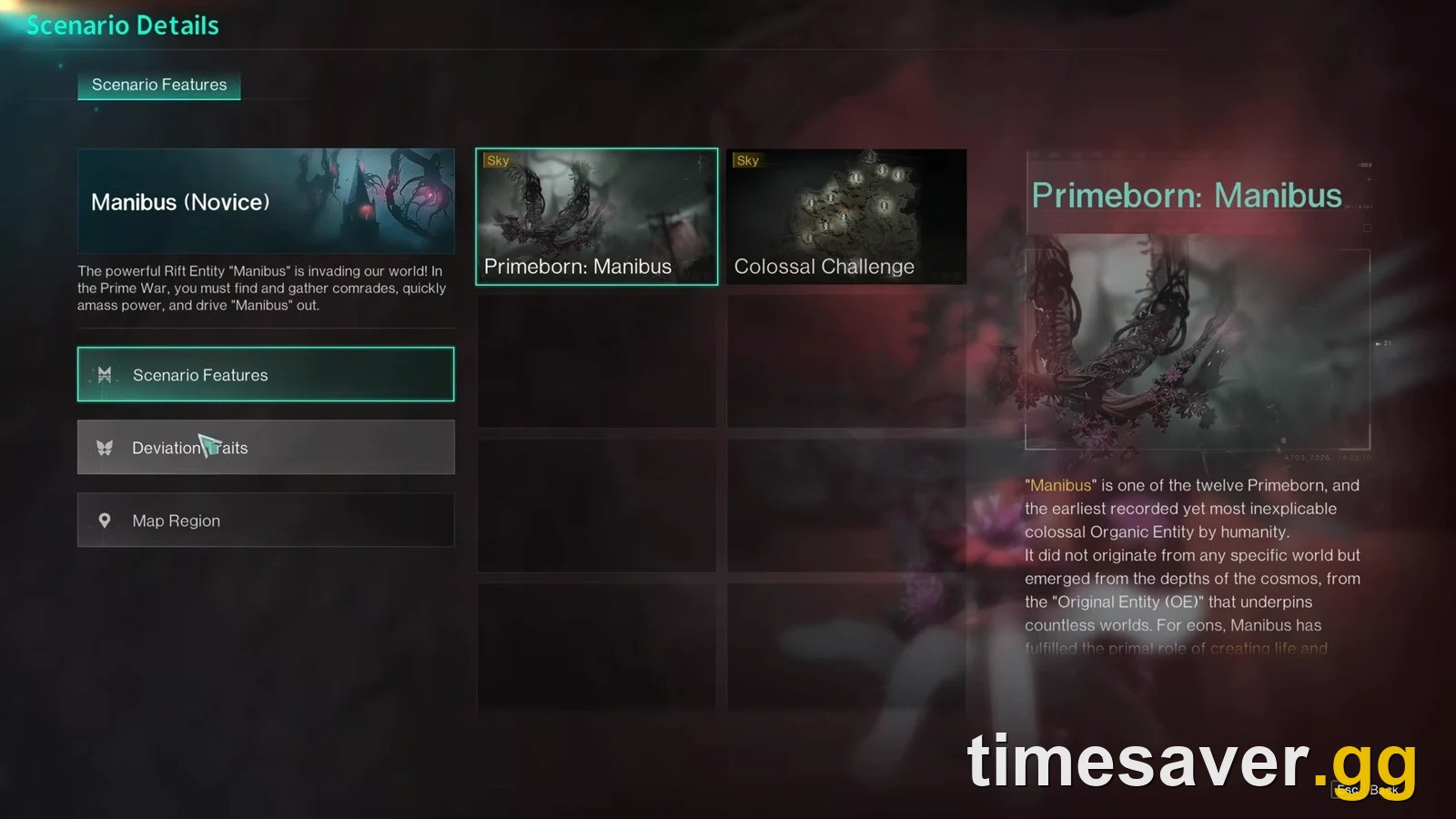
Yes — you can change which server you play on in Once Human on PS5, PS5 Pro and Xbox Series X and S, but "switching servers" does not move your existing character. Each character is locked to the server it was created on. To play somewhere else you either make a new character on the target server, or early-exit your current scenario and sign up for a different one. This guide walks the exact console menu path for both, explains the one rule that trips up every new player, and shows how to get onto the same server as a friend.
Quick answer: how to change servers in Once Human
- You cannot move an existing character to another server. A character is permanently bound to the server it was created on. Switching servers means starting a new character on the server you want — or ending your current run and signing up for a new one.
- To pick a different server for a new character: at the character/login screen choose Create Character → Scenario Selection, then browse the server list and confirm. On console you can also open More Servers → Console-Exclusive Server for the 【Console】 pool.
- To leave the scenario you're in early: press the menu button (ESC / ☰), select the scenario bar (top-right), open Scenario Description → Scenario Sign-Up and use Early Exit. You get 10 Early Exits per month across your whole account; each one spends a Scenario Exit Card or Mitsuko's Marks, letting you sign up for a new scenario/server without waiting for the current one to settle.
- To join a friend's server: you both need to be on the same untagged cross-platform server in the same region. If their server is full, use their Special Invitation Code.
- Region matters and can't be swapped on the fly. Region (NA / EU / SEA / SA / HK-MO-TW / JP-KR) is chosen at character creation. Change region and you start over there — your account allows up to 10 characters per region.
New to the whole system? Read do Once Human servers wipe — seasonal vs permanent servers first, then what carries over and what resets between scenarios. Both explain why servers work this way.
Why "switching servers" isn't what console players expect
Most survival and shooter games let you hop servers freely, carrying the same character. Once Human doesn't work like that, and it catches almost every new PS5 and Xbox player at launch.
In Once Human, a server is a running instance of a scenario — a themed world like Manibus, Evolution's Call, The Way of Winter or Endless Dream. When you create a character, you pick a server, and that character lives on that server for the life of that scenario run. There is no "transfer character" button.
One player put the confusion perfectly on r/OnceHumanOfficial:
"If you want to switch servers you need to start a new character unfortunately. Why this is a thing idk. You can however swap 'worlds', a sub-section of the current server you're locked into. You do this via the fast-travel points. You can also use invitation codes to different servers from friends, but again this will probably lead to a fresh character customisation for that server."
That comment contains the whole mental model, so hold onto it:
- Server = the scenario instance you're bound to. Changing it = new character.
- World = a sub-shard inside your server, reached at fast-travel points. Switching worlds is quick and keeps your character — it just moves you to a less-crowded copy of the same map.
If your real goal is "the map is too crowded" or "I can't find a build spot," you probably want a world swap, not a server change. If your goal is "I want to play with a friend who's on a different server," that's a genuine server change, and it means a new character.
How to change servers when making a new character (PS5 & Xbox)
This is the clean path — you're choosing a server for a fresh character, so nothing is at risk.
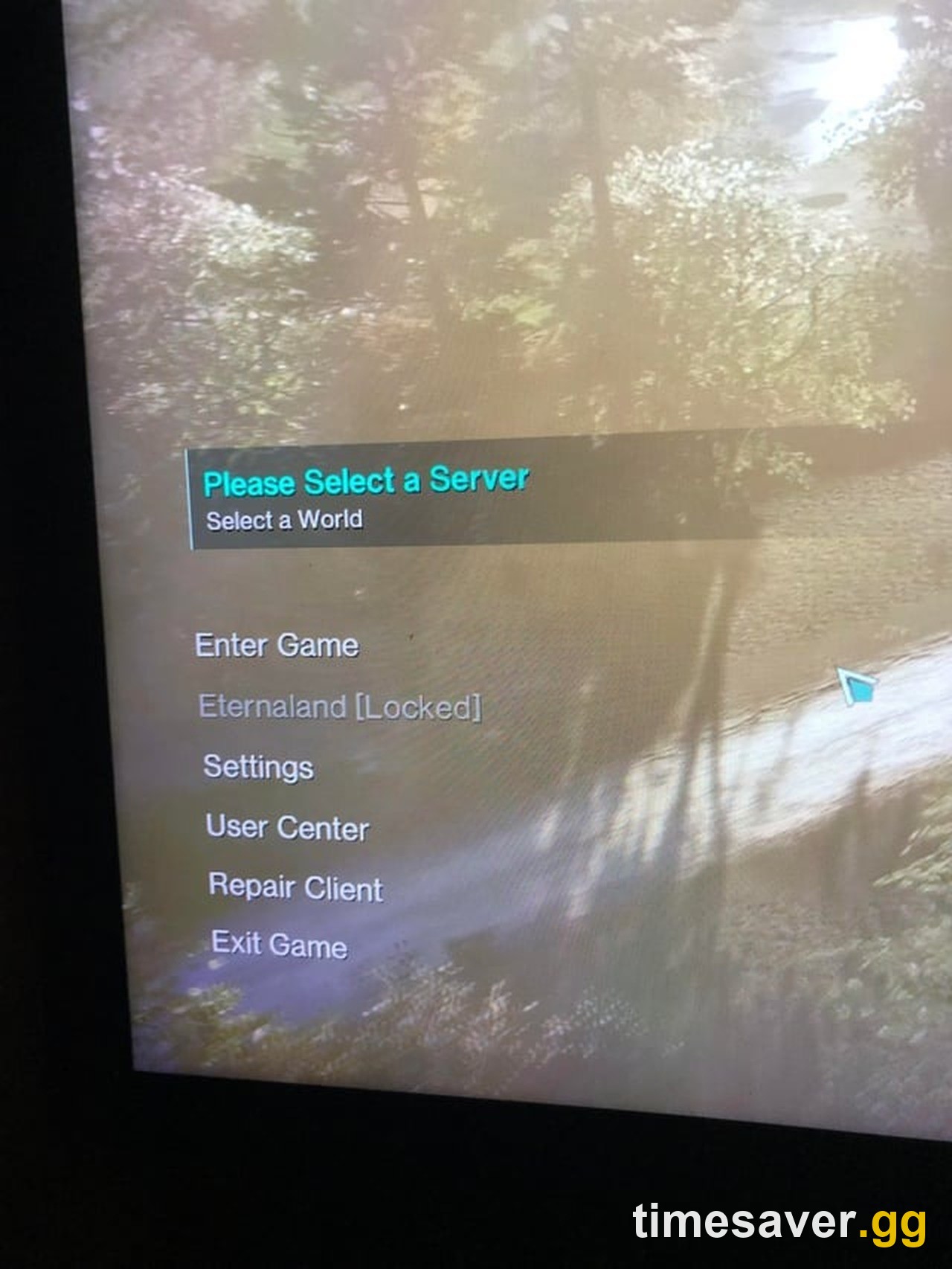
- From the character-select / login screen, choose Create Character. You can hold up to 10 characters per region (one character per server), so you don't have to delete anything — the old "one character per account" launch limit is long gone, and blueprint/Mod progression is now shared account-wide.
- You'll land on Scenario Selection. Each entry shows the scenario name, its phase/opening status, and its region. As IGN notes in its beginner walkthrough, this is the very first choice the game puts in front of you: "The first time you are confronted with the server question will be when you boot up Once Human… it's the first option on the menu."
- Pick the region you want (NA / EU / SEA / SA / HK-MO-TW / JP-KR). Choose carefully — region is set here and effectively locks your matchmaking and friend pool. To play with a specific friend, match their region exactly.
- Choose an untagged cross-platform server if you want crossplay with PC and mobile players. These have no tag in the name and are where PS5, Xbox, PC and mobile share the same world.
- Select the server and confirm. Your new character starts on that server.
Getting onto a full server (Special Invitation Code)
Popular servers cap at 6,000–8,000 players (the studio's official figure), and a full server can't be joined normally. The workaround is a Special Invitation Code:
- Ask a friend already on that server to open their profile and select View Special Invitation Code.
- The code is server- and region-specific and only works while that server is genuinely full.
- Enter it during server selection to slot in alongside them.
For the full walkthrough of full-server errors and invite codes, see the "Server Is Full" and queue fix guide.
How to reach console-exclusive servers on PS5 & Xbox
Console players actually have two server pools, and the menu hides the second one:
- Untagged cross-platform servers — shared with PC and mobile. This is where crossplay happens. Use these to play with PC friends.
- 【Console】-tagged servers — a console-only pool (names look like 【Console】Manibus (Novice)-0001).
To find the console-exclusive pool: from Scenario Selection, open More Servers → Console-Exclusive Server. If you and your friends all play on PS5/Xbox and never touch PC, a 【Console】 server is fine. But remember the trade-off: you cannot play with PC friends from a 【Console】 server — for crossplay you must all be on an untagged server. If crossplay is your goal, read crossplay and cross-progression explained before you commit a character.
How to leave your current server early (Early Exit)
What if you already have a character invested in a scenario and you want out — to join a friend, or because your server's population has died? You don't have to wait weeks for the scenario to settle. Use Early Exit, the feature that replaced the old Scenario Exit Card system in the August 2025 update.
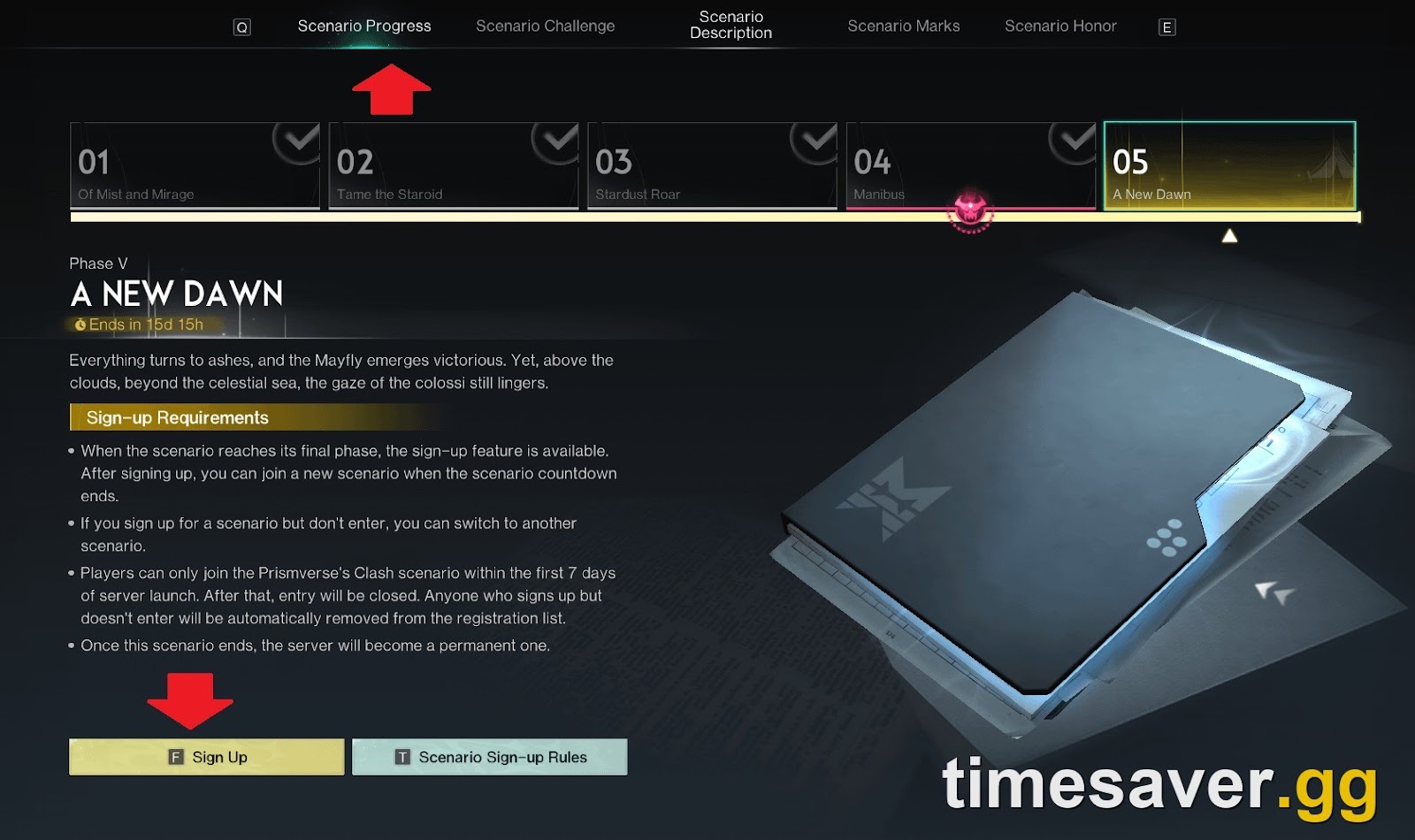
The exact menu path, confirmed on the official forums:
- Press the menu / pause button (ESC on PC, the Options / ☰ button on console).
- Select the scenario bar in the top-right corner (the current scenario/phase name).
- Open the Scenario Description tab, then the Scenario Sign-Up tab.
- Choose Early Exit.
The current rules, straight from the in-game feature description:
- You get 10 Early Exits per month, and that limit is shared across every character on your account — not 10 per character.
- The limit resets on the 1st of each month at 6:00 AM server time.
- Each Early Exit spends a Scenario Exit Card if you have one (bought in the seasonal/challenge shop), otherwise it costs Mitsuko's Marks. Cards are used first.
- The first six Early Exits in a month cost a fixed amount of Mitsuko's Marks; after that the Marks cost rises progressively — so check the price on the Early Exit screen before you confirm. (Older guides quoting a flat "100 Mitsuko's Marks" predate this rework.)
When you early-exit, your character's permanent progress — blueprints, Mods, cosmetics, story progress, and key currencies like Starchrom, Crystgin, Mitsuko's Marks and Silver Keys — is preserved into your account and Eternaland exactly as it would be at a normal scenario end. Your in-scenario level and map progress reset, and you then sign up for a new scenario/server as a fresh start there. This is the same carry-over system that runs at settlement — here's exactly what carries over and what resets. One catch to know: Early Exit isn't available on permanent servers — they have no countdown to leave, so it only applies to a live seasonal scenario.
How to change your region in Once Human (and why it's a hard reset)
Region is the one thing you truly can't hot-swap. It's chosen at character creation, and:
- Each region gives you 10 character slots, tracked separately.
- Switching regions means starting from zero in the new one — a new character, new server, new progress in that region. As a player bluntly noted: "if you change regions you start from zero in the new one."
- Your existing region's characters and progress stay intact; you're just opening a second front, not moving.
The practical takeaway: pick your region deliberately at the very first character-creation screen, based on who you play with and where your ping is lowest. Latency in Once Human is regional, so choosing the region nearest you (rather than chasing a specific server) is the honest fix for lag. Once Human does not support region-transferring an existing character, and we don't recommend third-party region-bypass tools — they violate the game's terms and can get an account actioned.
How to get on the same server as a friend (the actual goal for most people)
Nine times out of ten, "how do I change servers" really means "how do I play with my friend." The clean recipe:
- Match their region first. If they're on EU and you're on NA, no amount of server-switching fixes it — you need a character in their region.
- Both be on an untagged cross-platform server if either of you is on PC or mobile. 【Console】 servers can't crossplay.
- Have them share their Special Invitation Code if their server is full.
- Expect a fresh character. Joining their server almost always means a new character customisation on that server. Your original character isn't deleted — it's still on its own server whenever you want to go back.
The full friends-and-crossplay walkthrough lives in how to play with friends on PS5, Xbox and PC. If you're brand new, the console beginner guide covers your first hours end to end.
Frequently asked questions
Can I transfer my Once Human character to another server? No. There is no character-transfer feature. A character is permanently bound to the server it was created on. To play on a different server you create a new character there, or early-exit your current scenario and sign up for a new one — your account holds up to 10 characters per region, so you rarely need to delete anything.
How do I switch servers in Once Human on PS5 or Xbox? Go to the character/login screen, choose Create Character, then Scenario Selection, browse the server list (untagged cross-platform for crossplay, or More Servers → Console-Exclusive Server for the 【Console】 pool), pick your region and server, and confirm. To leave your current scenario early instead, open the menu, go to the scenario panel's Scenario Sign-up tab, and use Early Exit for 100 Mitsuko's Marks.
What's the difference between switching servers and switching worlds? A world is a sub-shard inside your server — you swap worlds at fast-travel points, it's instant, and it keeps your character. It only moves you to a less-crowded copy of the same map. A server change binds you to a different scenario instance and requires a new character. If your problem is a crowded map, swap worlds; if you want to be with friends on a different server, that's a real server change.
How do I change my region in Once Human? Region is chosen at character creation and can't be swapped for an existing character. To play in a different region you make a new character there and start from zero — your other region's progress stays untouched. Each region gives you its own set of 10 character slots. Pick the region nearest you for the lowest ping.
How much does Early Exit cost in Once Human? Since the August 2025 rework, you get 10 Early Exits per month shared across your whole account, resetting on the 1st at 6:00 AM server time. Each exit uses a Scenario Exit Card if you own one (bought in the seasonal shop), otherwise Mitsuko's Marks — the first six in a month cost a fixed amount and the price rises after that, so check the Early Exit screen before confirming. It lets you leave a live seasonal scenario without waiting for settlement; your permanent progress (blueprints, Mods, cosmetics, story, key currencies) is preserved and your in-scenario level and map progress reset. Early Exit isn't available on permanent servers.
How do I get on the same server as my friend on console? Match their region, both join the same untagged cross-platform server (needed for any PC/mobile crossplay), and use their Special Invitation Code if the server is full — they generate it via their profile → View Special Invitation Code. Expect to create a fresh character on that server; your original stays on its own server.
Can console players and PC players share a server? Yes, on untagged cross-platform servers in the same region — that's where crossplay happens. 【Console】-tagged servers are console-only and cannot crossplay with PC or mobile. Choose an untagged server if any of your group is on PC or mobile.
Do I lose my stuff when I switch servers? Your permanent account progress — character appearance, blueprints and their star ratings, Mods, cosmetics, story progress, and key currencies like Starchrom and Mitsuko's Marks — is retained on your account. What resets on the new server is your in-scenario level and map progress. Energy Links do not carry as Energy Links; they convert to Astral Sand in your Eternaland hub.