
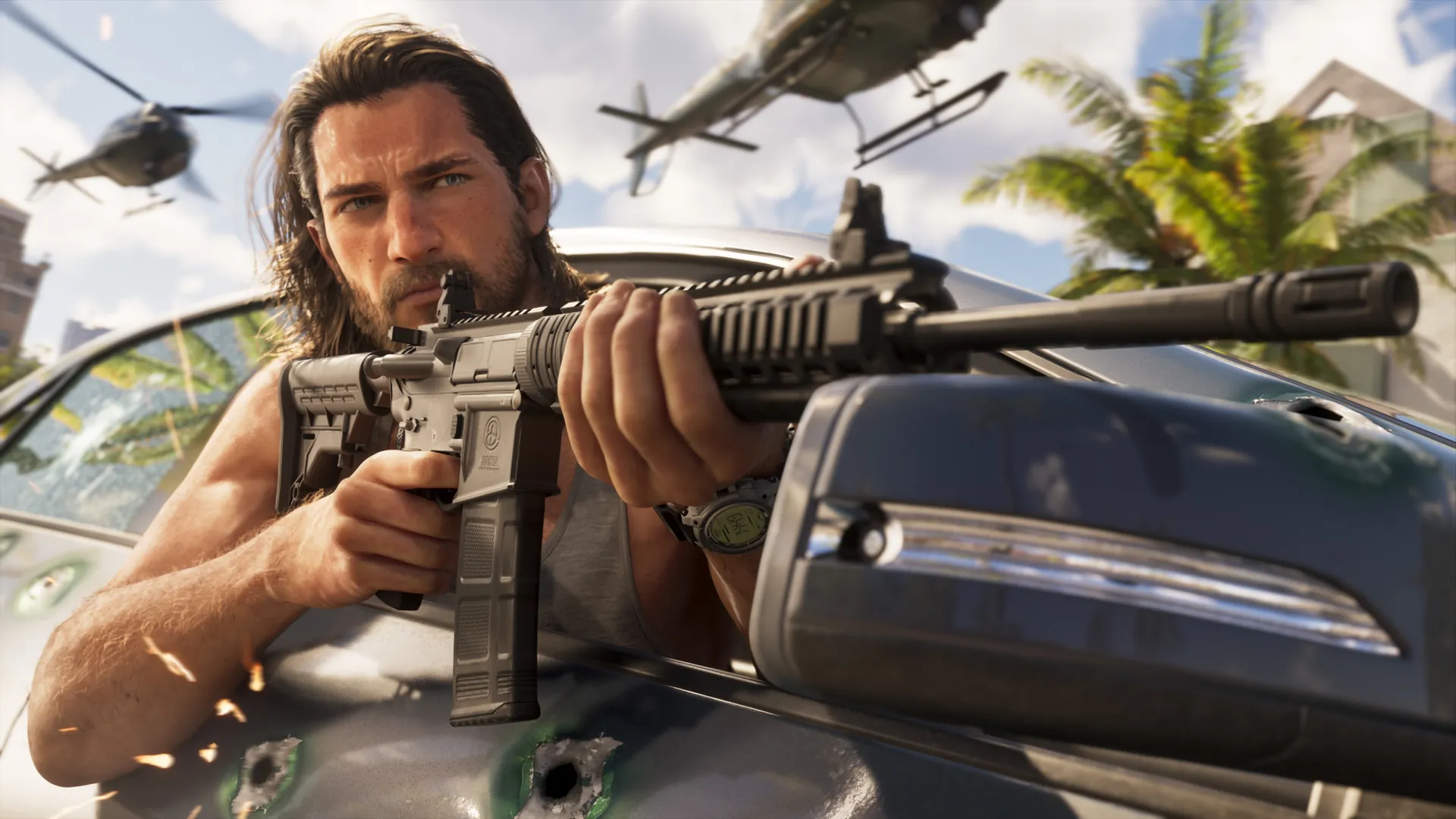
Combat cheat
GTA 6 Infinite Ammo cheat
Code · PS5 and XboxDown, Up, Right, Down, Left, Left, Up, Down, Down, Down



The Infinite Ammo cheat code is Down, Up, Right, Down, Left, Left, Up, Down, Down, Down on the D-pad, the same on PS5 and Xbox. After the story, unlock it with this challenge: win 25 silver medals or better at shooting ranges. Ammo never runs out, but you still reload.
Updated
 phone, hold
 L1 + press
 R1, then the code
Down, Up, Right, Down, Left, Left, Up, Down, Down, Down
Same code on PS5 and Xbox: Down, Up, Right, Down, Left, Left, Up, Down, Down, Down
| Effect | Ammo never runs out, but you still reload. |
|---|---|
| Code (PS5 and Xbox) | Down, Up, Right, Down, Left, Left, Up, Down, Down, Down |
| How to unlock | Win 25 silver medals or better at shooting ranges, after the story |
| Type | Combat cheat |
| Trophies, achievements, saving | Turned off for the rest of the session |
| Guides that agree | PowerPyx, Rock Paper Shotgun, Game Rant, GameSpot, AlcastHQ, Red Bull, PC Gamer |

GTA 6 Online alert
GTA 6 Online is next
One email when Rockstar dates GTA 6 Online and one on launch day. Nothing else.
Questions players ask
- What is the Infinite Ammo cheat code in GTA 6?
- The Infinite Ammo cheat code is Down, Up, Right, Down, Left, Left, Up, Down, Down, Down on the D-pad, the same on PS5 and Xbox. Ammo never runs out, but you still reload.
- How do you unlock the Infinite Ammo cheat in GTA 6?
- Cheats only work after the story. After the story, unlock it with this challenge: win 25 silver medals or better at shooting ranges.
- How do you enter cheats in GTA 6 on PS5 and Xbox?
- Press Up on the D-pad to open the phone, hold L1 and press R1 on PS5 (hold LB and press RB on Xbox Series X|S), then enter the D-pad sequence. The sequences are the same on both consoles.
- Do cheats disable trophies and achievements in GTA 6?
- Yes. Entering any cheat turns off trophies, achievements and saving until you quit that session, so load your last save afterwards to keep playing normally.
Images: official GTA VI screenshots by Rockstar Games. Controller buttons: Xelu's Free Controller Prompts (CC0).