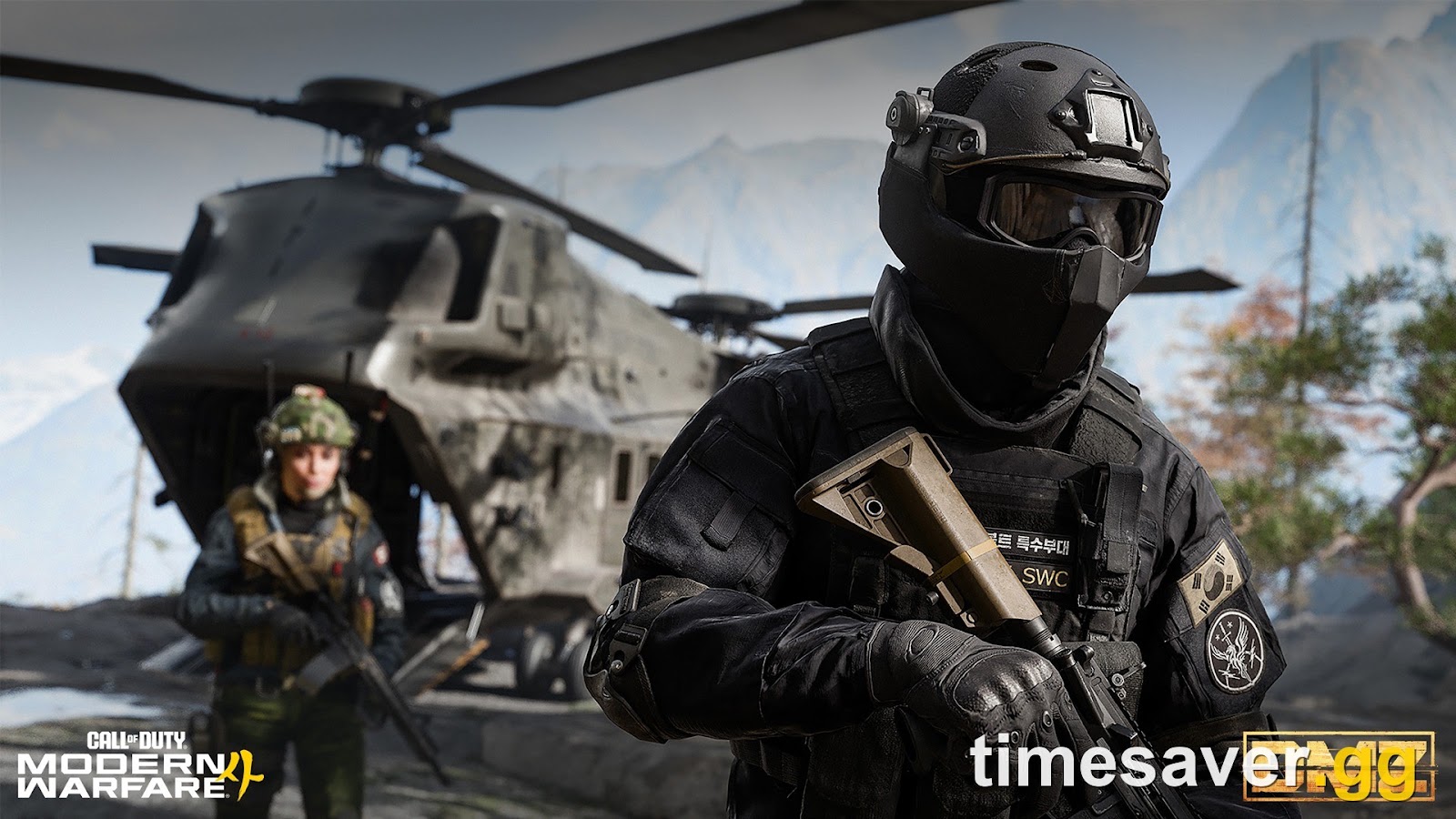
DMZ Early Access for Modern Warfare 4 went live at 10 AM PT on Tuesday, October 20, and the first wave of problems arrived with it. Some players can't finish the very first DMZ Order. Some still see the mode locked. Others are stuck on launch errors or can't connect. Activision has already put one DMZ bug on its official known-issues list, with a workaround. This guide covers that confirmed bug first, then the troubleshooting steps to try, sorted by what you're actually seeing on screen. We mark which steps are official and which are general troubleshooting.
Quick answer (TL;DR): If you can't complete the first DMZ Order, "Gear Up", you probably sold the Backpack, Armor Vest or Medkits it needs. Activision confirms the bug and says to join a friend's squad and deploy into DMZ: "Progress will be restored once you enter Hajin." If DMZ still shows as locked, check three things: you pre-ordered or pre-purchased digitally (Standard Digital or Vault Edition), you installed the required update that went out by 9 AM PT on October 19, and you fully restarted the game after 10 AM PT. On PC, DMZ is online, so TPM 2.0 and Secure Boot must be on even if the offline campaign ran without them. For everyone else, DMZ, Multiplayer and Campaign all unlock on October 23. Source: Activision Support, Known Issues in MW4.
The numbers that matter:
- 10 AM PT, October 20 (1 PM ET, 6 PM BST, 17:00 UTC): DMZ Early Access went live worldwide at the same moment, so there's no time-zone trick to get in earlier
- 9 AM PT, October 19: the deadline Activision gave for the required DMZ Early Access update on every platform
- 3 days of DMZ Early Access before the October 23 global launch
- 1 DMZ bug officially listed so far (the "Gear Up" Order), plus 1 Xbox on PC campaign launch issue
- 2 Active Duty Operator slots to start (3 with the Vault Edition), a Stash that holds 40 items and 12 weapons, and a DMZ progression track that runs to Level 70

Call of Duty: Modern Warfare 4 - Bot Lobbies
Get bot lobby in 10 minutes
Why can't I complete the "Gear Up" DMZ Order?
This is the one DMZ bug Activision has confirmed so far. It sits on the official Known Issues in Call of Duty: Modern Warfare 4 page, flagged for all platforms:
"An issue preventing a small number of players from completing the first DMZ Order 'Gear Up' is under investigation. This issue will occur when players sell the gear required to complete the order, including Backpacks, Armor Vests, and Medkits."
— Activision Support, Known Issues in MW4
The cause is simple. "Gear Up" is your onboarding Order, and it checks for specific gear. New players walk into the FOB, see a full Stash, and sell items for DMZ Cash. If one of those items was the Backpack, Armor Vest or Medkit the Order wanted, the Order can't register as complete.
The official workaround:
- Get a friend who already has DMZ Early Access to invite you to their squad.
- Join their party and deploy into DMZ with them.
- Once you load into Hajin, the fix kicks in. Activision's words: "Progress will be restored once you enter Hajin."
No friend online? Activision hasn't published a solo workaround yet. Until then, the safe move is: don't sell Backpacks, Armor Vests or Medkits until "Gear Up" shows as complete. This matters more than it looks. The FOB's Boss Board only unlocks after you complete your second DMZ Order (callofduty.com FOB guide), so being stuck on Order one blocks that unlock too.
If you haven't sold anything and the Order still won't finish, report it through the MW4 Bug Report form. Activision says it updates the known-issues page "continually," so check it again before you reinstall anything.
Why does MW4 DMZ still say locked?
It came up again and again in the hours before launch. In one r/CallOfDuty thread, a player said they'd logged into MW4 that morning, still saw DMZ marked locked, and asked whether it would open later that day. The reply was simply "10am PT." Here's the full checklist, in order:
1. Did you buy digitally? Activision's wording is exact: DMZ Early Access is for players who have "digitally pre-ordered or pre-purchased" MW4. That covers the Standard Digital Edition and the Vault Edition on Xbox Series X/S, Xbox on PC, PlayStation 5, Battle.net, Steam and Nintendo Switch 2 (callofduty.com). A physical disc pre-order isn't named anywhere in that offer, so disc buyers should plan around October 23.
2. Is it after 10 AM PT? The unlock was global, not rolling by region. If you're reading this after 10 AM PT on October 20, the time isn't your problem.
3. Did the required update install? Activision's official Call of Duty Updates account confirmed that "an update required for DMZ Early Access will be available on all platforms by 9 AM PT on Monday, October 19" (@CODUpdates). If your console was off or your launcher was closed, it may not have downloaded. Open the download queue and let it finish.
4. Did you fully restart? Entitlements are often checked at boot. Quit the game completely, not just to the menu, then relaunch. On console, close the app from the home screen first.
5. Are you signed into the right account? Early Access is tied to the account that bought the game. If you play on a second profile, or bought on Steam but logged into a different Activision account, DMZ will look locked.
6. Is this the "New Zealand trick"? It won't help. That trick works for staggered regional launches, and this unlock happened worldwide at once.
Still locked after all six? Check the MW4 unlock schedule to confirm which wave your edition is in, then contact Activision Support with your purchase receipt.
Is DMZ not working because servers are down?
Before you touch your settings, check Activision's Online Services page. Activision's connection guide for MW4 says: "If the status indicator for your platform is not green or an alert is present, you might encounter connectivity issues until service is restored." Early access launches nearly always bring queues and login errors in the first hour. Our MW4 server status guide explains how to tell an outage from a local problem.
If the status page is green, follow Activision's own network order:
- Use wired Ethernet. Activision "strongly recommends" it over Wi-Fi.
- Restart your router and pause other big downloads or streams.
- Test 1, UPnP: turn off Port Forwarding and turn on UPnP, then test in-game.
- Test 2, Port Forwarding: turn UPnP off, turn Port Forwarding on, and give your console a static IP.
- Test 3, router DMZ (consoles only): turn off Port Forwarding, put the console's static IP in your router's DMZ, test, then remove it afterwards.
A naming quirk worth knowing: when you search "DMZ not working," some results are about the router DMZ network setting, not the game mode. Activision's own support page uses both meanings. Step 5 above is the router setting. It has nothing to do with Hajin.

Why won't DMZ launch on PC when the campaign worked?
This is the trap many PC players will hit today. Without TPM 2.0 and Secure Boot, MW4 locks you out of its online modes, and only offline content stays available (OC3D). The Campaign is the offline part. DMZ is online, and Activision says these features "are required for anti-cheat enforcement in Call of Duty: Modern Warfare 4" (Activision Support, TPM 2.0 and Secure Boot). The MW4 store listing on Xbox Wire puts it plainly: "TPM 2.0 and Secure Boot required for PC" (Xbox Wire).
So a PC that ran the campaign fine can still fail the moment you pick DMZ. Players on r/CODWarzone and r/CallOfDuty were already reporting Secure Attestation messages today, including a "Key failed to be generated" error. Work through these in order:
- Turn on TPM 2.0 and Secure Boot in BIOS. Our MW4 Secure Boot and TPM fix walks through it by motherboard brand.
- Seeing "Key failed to be generated"? Run Activision's Call of Duty Secure Attestation Wizard from the TPM 2.0 and Secure Boot support page. It scans your setup and names the exact failure, including "Authorization Key Failed."
- Already on and still failing? That's the "Failed Attestation" loop. Use our fix for Failed Attestation with TPM 2.0 and Secure Boot on.
- BIOS asks for a firmware update? See the BIOS firmware update guide.
- Launcher sends you to the wrong game, or there's no DMZ button? The shared Call of Duty HQ launcher causes most of these. Our COD HQ shared launcher fix covers it.
On Xbox on PC specifically, Activision lists a separate known issue: some players get no button to launch Campaign from COD Home. The official fix is to make sure "Call of Duty: Modern Warfare 4 - Content Pack 1" is installed before you launch. That fix is documented for Campaign only. If your DMZ tile is missing on Xbox on PC, checking the same content pack is a reasonable first step, but Activision hasn't listed it as a DMZ fix.
What should I do if DMZ crashes or gets stuck on a black screen?
There's no official DMZ crash fix yet. These are general PC troubleshooting steps, not Activision-confirmed DMZ fixes:
- Verify files. On Steam: right-click MW4 > Properties > Installed Files > Verify integrity. On Battle.net: the cog next to Play > Scan and Repair.
- Update your GPU driver, then reboot the PC fully.
- Drop to Borderless Windowed if you Alt-Tab, and lower your settings one step if you crash mid-match.
- Disable G-Sync or FreeSync to test if you get a black screen on boot.
- Send a crash report. Activision runs a dedicated PC Crash Report form for MW4, and those reports feed the known-issues list.
Our campaign early access crash guide goes deeper on PC crash causes. Most of it applies to DMZ too, apart from the TPM step above. For stutter rather than crashes, see the MW4 stutter and FPS drop fix.
Call of Duty: Modern Warfare 4 - Mastery Camo Bundle
Get mastery camos in 10 minutes
How do I fix MW4 DMZ not working on PS5 or Xbox?
Activision hasn't listed a console-specific DMZ issue. These are standard console troubleshooting steps, in order:
- Fully close and relaunch the game from the home screen.
- Check for a game update. On PS5, press Options on the game tile and choose Check for Update. On Xbox, go to Manage game and add-ons > Updates.
- Check your network subscription. DMZ is online. On Xbox, Microsoft's listing says online multiplayer requires a Game Pass Essential subscription. See our PS Plus, Game Pass and internet requirements guide for both platforms.
- Restart the console fully. On PS5 that's a full restart, not rest mode.
- Rebuild the database (PS5) in Safe Mode, then as a last resort reinstall.
- Run the network test from Activision's connection guide: Settings > Network > Test Internet Connection on PS5, or Profile & system > Settings > General > Network settings > Test network connection on Xbox.
Out of space? The DMZ update sits on top of your campaign install. Our file size and storage guide has the numbers.
Quick fix table: what you see vs. what to do
| What you see | Most likely cause | Fix |
|---|---|---|
| "Gear Up" Order won't complete | Sold the Backpack, Armor Vest or Medkits | Join a friend and deploy; progress restores in Hajin |
| DMZ tile locked | Disc purchase, no update, or wrong account | Confirm digital purchase, install the Oct 19 update, restart |
| PC: campaign works, DMZ won't | TPM 2.0 or Secure Boot off | Enable both in BIOS |
| "Failed Attestation" or "Key failed to be generated" | Secure Attestation check failing | Follow the Failed Attestation fix |
| Xbox on PC: no Campaign button | Missing content pack (official) | Install MW4 Content Pack 1 |
| Can't connect, queues | Server load or NAT | Check Online Services, then UPnP, port forwarding |
| Crash or black screen | Files, drivers, VRR | Verify files, update GPU driver, disable G-Sync or FreeSync |
Is DMZ Early Access worth playing through the bugs?
Yes, if you can get in. The bugs so far are narrow, and the head start is real:
- DMZ XP counts toward your main progression. As we covered in what carries over from DMZ Early Access to Multiplayer, weapon levels you earn in Hajin follow you into Multiplayer on October 23.
- The FOB unlocks fast. The 3D Printer opens at DMZ Level 2, the Vendor at Level 5, the Gunsmith at Level 10 and the Dog Tag Case at Level 20 (FOB guide).
- You never deploy empty-handed. Xbox Wire's DMZ primer says you can claim a Free Loadout every time you deploy if you run out of gear.
- Operators take time. Each Operator can earn up to 18 Trait Points from a pool of 66 Traits. Starting three days early is three days of Trait progress.
Not everyone loves it. Under an r/CallOfDuty thread criticizing the third-person FOB, several players said the camera locked to your character's facing direction is the real annoyance. Others said a walkable base is exactly why they're playing DMZ instead of menu-based extraction shooters. If you're new to the mode, start with MW4 DMZ explained and how DMZ progression and gear work.

Turn your DMZ head start into a launch-day lead
DMZ Early Access gets you three days on weapon XP before October 23. Then Multiplayer opens for everyone on launch day, and the camo and leveling race starts for real.
Lock in your MW4 setup before launch: bot lobbies, camos, and weapon and account leveling, ready for day one.
- MW4 Bot Lobbies: low-skill lobbies on launch day for fast weapon XP and stress-free camo challenges
- MW4 Weapon Leveling: finish what DMZ started and max every attachment up to the Apex
- MW4 Account Leveling: skip the 1–55 climb and unlock every gun, perk and killstreak
- MW4 Mastery Camo Unlock: hand off the mastery camo grind once your guns are leveled
Browse everything for the new game on the timesaver.gg Modern Warfare 4 hub.
FAQ
Why can't I complete the Gear Up order in MW4 DMZ? Activision confirms a bug where the first DMZ Order, "Gear Up," can't complete if you sold the gear it needs, such as Backpacks, Armor Vests or Medkits. The official workaround is to join a friend and deploy into DMZ with them. Activision says progress is restored once you enter Hajin.
What time did MW4 DMZ Early Access start? It went live worldwide at 10 AM PT on Tuesday, October 20, 2026. That's 1 PM ET, 6 PM BST and 17:00 UTC. A required update went out on all platforms by 9 AM PT on October 19. Our DMZ Early Access start time guide lists every time zone.
Why is DMZ still locked in MW4? Usually one of four things: you bought a physical copy, which isn't named in the digital pre-order offer; the October 19 update didn't install; you're on a different account from the one that bought the game; or you haven't fully restarted since 10 AM PT. Everyone else gets DMZ at the October 23 launch.
Do I need TPM 2.0 and Secure Boot for MW4 DMZ? Yes, on PC. The offline campaign can run without them, but DMZ is an online mode, and Activision requires TPM 2.0 and Secure Boot for MW4 online play. If the campaign worked and DMZ doesn't, check this first.
Is MW4 DMZ free? No. DMZ is part of Modern Warfare 4, not a free standalone mode. Our is DMZ free or paid guide explains what you need to own.
Will the Gear Up bug wipe my progress? Activision's notice says progress "will be restored once you enter Hajin" using the workaround. Nothing in the notice says progress is lost. Check the official known-issues page for the permanent fix.
Last checked: October 20, 2026, against Activision Support's MW4 known-issues and connection pages, the official callofduty.com DMZ FOB guide, @CODUpdates and Xbox Wire. We'll update this page as Activision adds DMZ fixes.