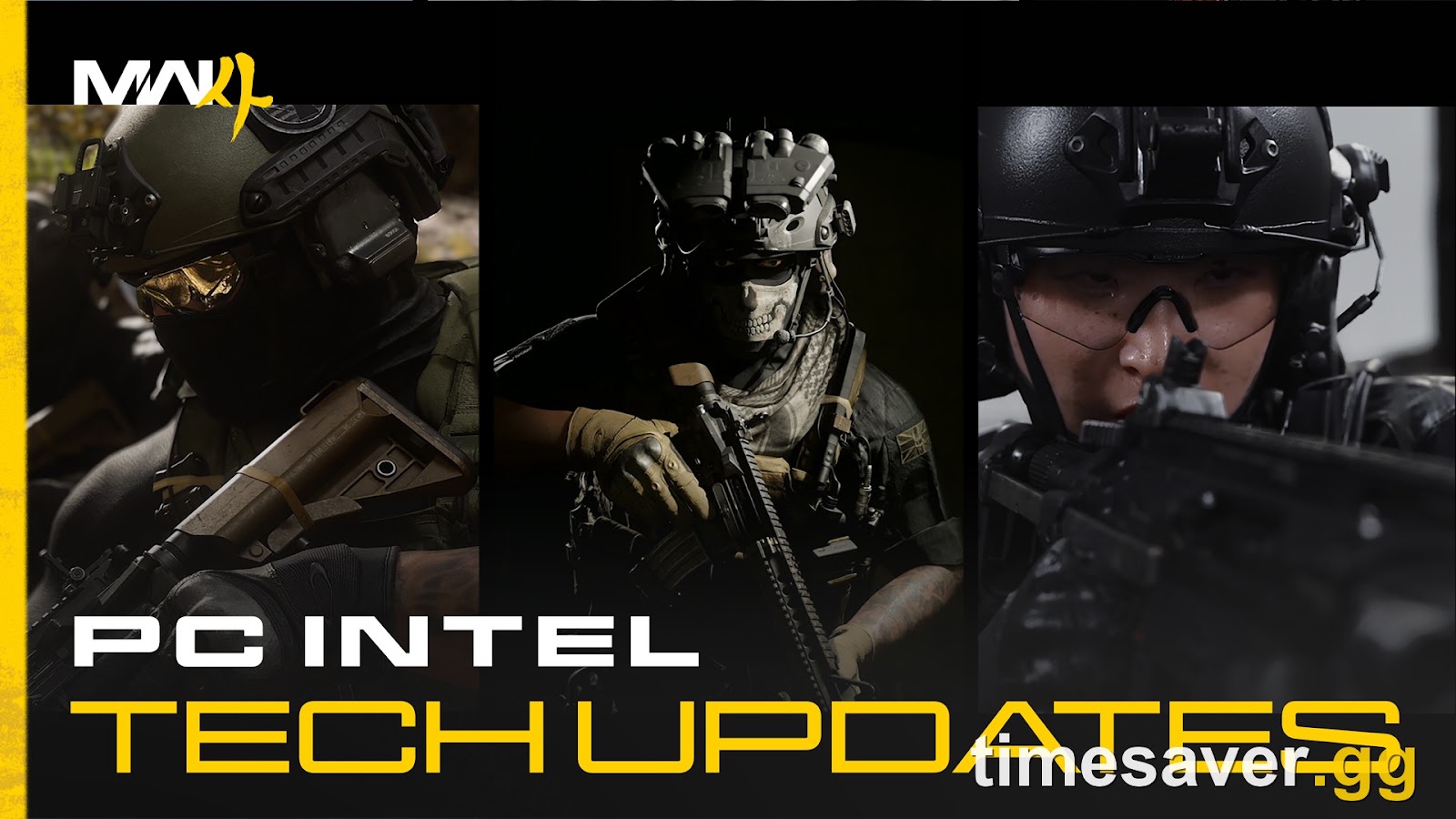
Activision dropped the official Modern Warfare 4 PC trailer and full tech deep-dive on September 29, 2026 — and it's the clearest picture yet of what PC players are actually getting on October 23. This isn't the usual "here are the min specs" post. Beenox and Infinity Ward confirmed a stack of genuinely new PC-only features: Enhanced FOV, four upscalers including DLSS 4.5 and FSR Redstone, Advanced Shader Delivery, a built-in Benchmark Tool, Ray Tracing in every mode, and a target of 90 FPS at Recommended specs — plus the removal of weapon bloom that changes how every gun feels.
Here's every confirmed PC feature, what it does, which ones matter for competitive play, and exactly what you need to set up before launch.
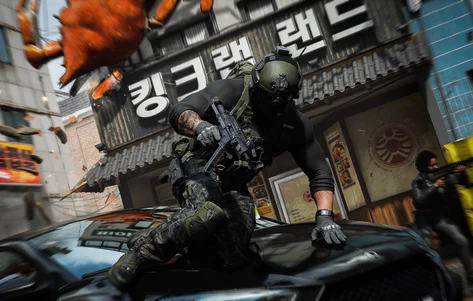
Call of Duty: Modern Warfare 4 - Bot Lobbies
Get bot lobby in 10 minutes
Quick Answer: What's New for MW4 on PC?
Modern Warfare 4 launches on PC (Steam, Battle.net, and Xbox on PC) on October 23, 2026, targeting 90 FPS at Recommended specs with 800+ customization options. The headline PC features are: Enhanced FOV (PC-exclusive edge-of-screen awareness without warping the center), four upscaling/frame-gen options (NVIDIA DLSS 4.5, AMD FSR Redstone, Intel XeSS 3, Filmic SMAA T2X), Advanced Shader Delivery for faster launches, a built-in Benchmark Tool, Ray Tracing across Campaign, Multiplayer, and DMZ, HDR10+ auto-clarity, sub-frame mouse polling, and the removal of weapon bloom so bullets now fire from the barrel instead of scattering randomly. Preload begins October 15 at 9AM PT; Campaign Early Access starts October 16 for digital pre-orders.
- Release: October 23, 2026 (midnight local time); Campaign Early Access October 16
- PC platforms: Steam, Battle.net, Xbox on PC
- Performance target: 90 FPS at Recommended specs, no manual tweaking required
- Install size: 115 GB, SSD required
- Hard requirement: TPM 2.0 and Secure Boot must be enabled
What Is Enhanced FOV, and Why Is It PC-Exclusive?
The most interesting new setting is Enhanced FOV, and it's available exclusively on PC. Per Activision, it "uses physically accurate lens effects to increase the field of view near the edges of your monitor without affecting the center FOV."
In plain terms: you keep a comfortable, non-warped center view (so aiming down sights doesn't feel fish-eyed), but you gain peripheral awareness at the screen edges — where flankers usually appear. It's aimed squarely at players who "prefer a smaller FOV but still want the awareness advantage of a wider field of view." For a fast-TTK shooter, seeing an edge-of-screen push a fraction of a second sooner is a real competitive edge, and console players won't have it.

Enhanced FOV sits inside a broader visibility overhaul that Infinity Ward is shipping across all platforms:
- Greater Player Visibility via HDR10+: the engine reads your screen's brightness in real time and adjusts contrast and lighting automatically — no more fiddling with manual brightness sliders to spot enemies in shadow.
- Weapon VFX Masking: muzzle effects are "dynamically masked at the point of aim," so your own gunfire stops obscuring the target you're shooting.
- Split Depth of Field: it's now two settings — World Depth of Field and Weapon Depth of Field — so you can keep the world sharp while still getting a realistic focus pull when you ADS.
- New sharpness slider that works globally across any upscaler, plus new shading quality and Filmic SMAA T2X options.
The Biggest Gameplay Change: Weapon Bloom Is Gone
Buried in the PC blog is arguably the most important mechanical change in MW4, and it affects every player on every platform. Weapon bloom — the random spread that made bullets land somewhere inside a cone instead of where you aimed — has been removed.
Straight from Activision: "In previous games, bullets fired used to hit randomly within a certain area of effect. In Modern Warfare 4, bullets are now fired based on the weapon's barrel position, leading to more intuitive, precise, and realistic aiming, in both ADS and hipfire stances."
This is a big deal. It means gunfights reward aim consistency instead of RNG, and it's why a Laser Attachment is now a genuine competitive pick — you can read exactly where your shots travel. If you came from MW3 wondering why your centered shots occasionally missed, that specific frustration is gone.
DLSS, FSR, or XeSS? Every MW4 Upscaler Confirmed
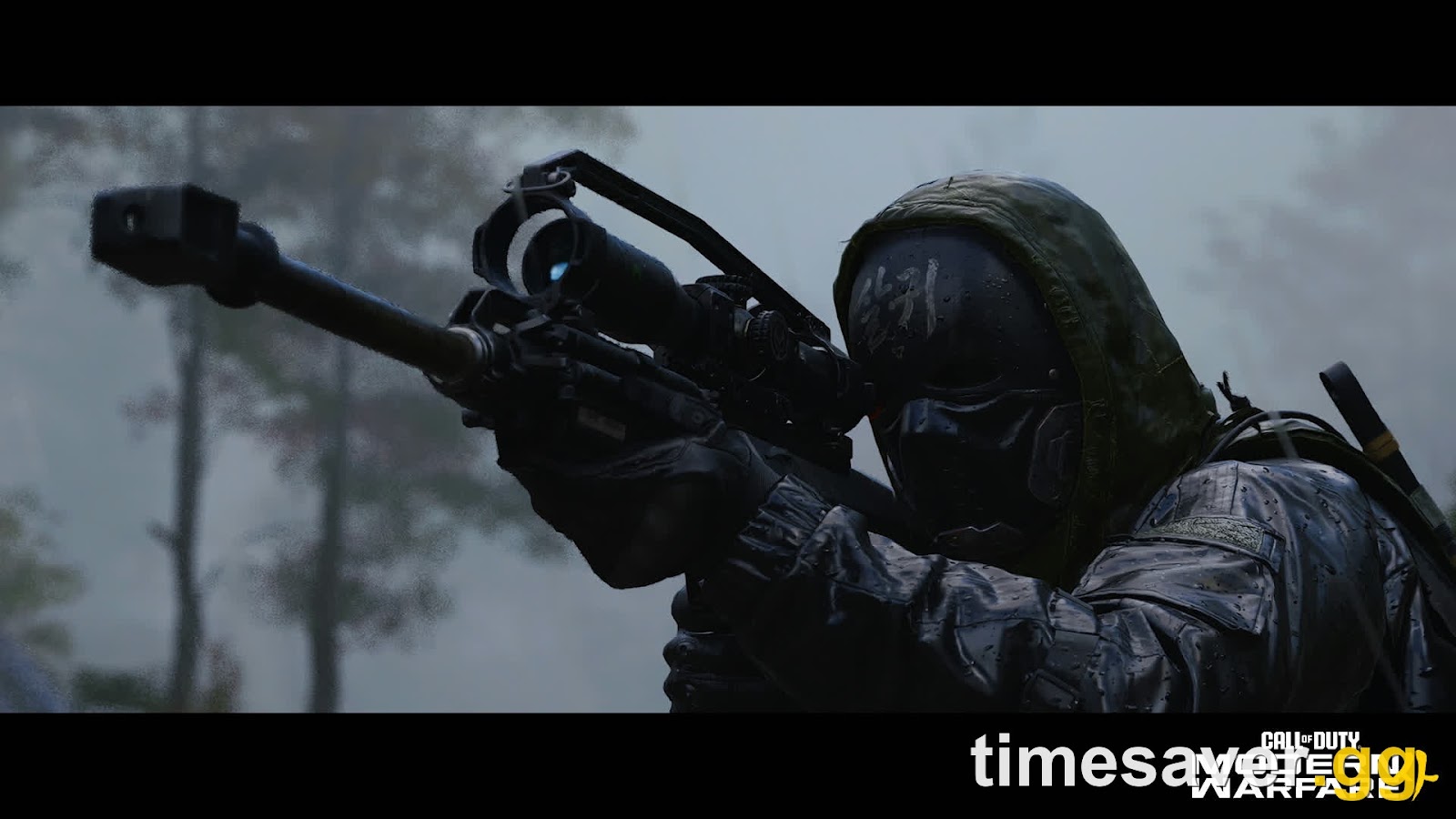
MW4 supports four resolution-scaling technologies, and picking the right one for your GPU is the single fastest way to gain frames:
Upscaling / frame-gen options in MW4 (PC):
- NVIDIA DLSS 4.5 — best pick for RTX cards; deep-learning upscaling plus frame generation for the biggest FPS jump on NVIDIA hardware.
- AMD FSR Redstone — the latest FSR generation, built for Radeon GPUs, producing high-res frames from a lower-res input.
- Intel XeSS 3 — machine-learning super-sampling for Intel Arc cards.
- Filmic SMAA T2X — the default anti-aliasing post-process for reducing jagged edges; no vendor lock, works on anything.
There's also a new global sharpness slider that layers on top of whichever upscaler you choose, so you can dial back the softness upscalers sometimes introduce.
Ray Tracing is supported "in Campaign, Multiplayer, and DMZ" — not just the campaign — for realistic reflections, shadows, and lighting. Competitive players will likely leave RT off for max frames, but it's there across every mode if you want the visual upgrade.
What Is Advanced Shader Delivery, and Do You Need the Xbox App?
Advanced Shader Delivery (ASD) is the rebrand of what used to be called "Shader Preloading," and it's how MW4 avoids the long shader-compilation stutter that plagues most PC launches. ASD delivers precompiled shaders ahead of time so the game boots faster and runs smoother from the first match.
Here's the catch a lot of players will miss: to use ASD on a supported PC platform, Activision recommends you download and install the Xbox PC app ahead of time — no matter which store you bought the game on (Steam, Battle.net, or Xbox). ASD then delivers precompiled shaders at install and through every live update.
Activision is explicit that this is optional — "Installing the Xbox PC app is only necessary if you wish to utilize ASD on a supported PC platform" — but if you want the smoothest possible launch day, install it before October 15. There's also a critical driver note: NVIDIA's ASD-compatible driver (616.56) will be released October 21, two days before launch, so update your GPU drivers that day.
Two more quality-of-life wins tied to faster time-to-play:
- Updates no longer require a restart during game boot (you'll still get a restart if a patch goes live while you're actively in a match).
- Streamlined menus to get you into a match faster.
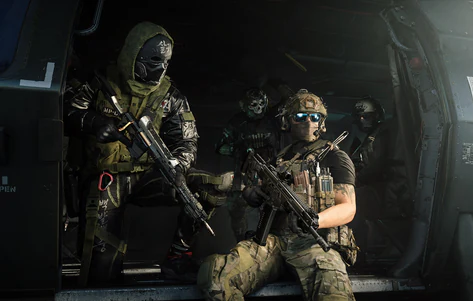
Call of Duty: Modern Warfare 4 - Mastery Camo Bundle
Get mastery camos in 10 minutes
The Built-In Benchmark Tool: Stop Guessing Your Settings
For the first time in a Modern Warfare title, MW4 ships with a built-in Benchmark Tool that "runs a simulated multiplayer sequence" and reports real-time Average FPS, CPU, GPU, Ping, and Input Latency.
After the run, you get a per-zone breakdown of your performance plus setting suggestions to improve your system in different gameplay scenarios. That last part is the useful bit: instead of copying a random streamer's config, you'll get MW4's own recommendations tuned to your exact hardware. If you're on a mid-range rig chasing that 90 FPS target, this is the tool you'll run first. For deeper manual tuning after the benchmark, pair it with our best MW4 PC settings for high FPS guide.
Can Your PC Run MW4? The 90 FPS Target and Official Specs
MW4 is "raising the bar for PC performance, targeting 90 FPS at Recommended Specs without compromising visual quality" — and crucially, hitting that without manual setting tweaks. The game "automatically configures settings based on your hardware" on first launch.
Here's the confirmed hardware ladder (full min/recommended breakdown lives in our dedicated MW4 PC system requirements post):
| Tier | GPU (NVIDIA / AMD) | RAM | Target |
|---|---|---|---|
| Minimum | GTX 970 / 1060 · RX 470 | 8 GB | Playable, low settings |
| Recommended | RTX 3060 Ti · RX 6600 XT | 16 GB | 90 FPS, High settings |
| Ray Tracing (Ultra) | RTX 5070 Ti · RX 9070 XT | 32 GB | High RT at 4K upscaled |
Two non-negotiables for every PC player: install size is 115 GB and an SSD is required, and TPM 2.0 plus Secure Boot must be enabled or the game won't launch. If you've never touched those BIOS settings, sort them before launch day — it's the #1 cause of "MW4 won't start" reports. We break down the exact steps in the MW4 anti-cheat, RICOCHET & Secure Boot guide.
Recommended launch drivers: AMD 26.7.1 · NVIDIA 616.56 (ASD-compatible, out October 21) · Intel 32.0.101.8974. Intel Arc GPUs also require Resizable BAR enabled.
PC Preload and Early Access Timeline
- October 15, 9AM PT — PC preload opens for digital pre-orders
- October 16 — Campaign Early Access begins for anyone who pre-ordered digitally
- October 21 — NVIDIA's ASD-compatible driver (616.56) releases
- October 23, midnight local time — full game (Multiplayer, DMZ, Warzone integration) goes live
If you're planning to grind mastery camos or level weapons the moment servers open, the smart move is to have preload done, TPM/Secure Boot enabled, drivers updated, and the Xbox PC app installed for ASD — so you're shooting, not troubleshooting. For everything else to square away before then, see our MW4 launch-day errors and fixes checklist.
Skip the Setup Grind: Get Launch-Ready the Fast Way
MW4's PC tech is built to get you into matches faster — but the grind that starts the second you're in still takes time. If you'd rather spend launch week playing than farming, lock in your setup before October 23:
Want to hit the ground running at launch? Timesaver.gg has MW4 services live and ready for day one — so your camos, weapon levels, and lobbies are handled while the servers are fresh.
- MW4 Bot Lobbies — the fastest, lowest-stress way to grind XP, weapon levels, and camo challenges without brutal SBMM at launch.
- MW4 Weapon Leveling — max out the launch arsenal fast so you're running the meta from day one.
- MW4 Mastery Camo Unlock — skip the grind and get straight to the endgame camos.
FAQ
Is Enhanced FOV available on console? No. Enhanced FOV is a PC-exclusive feature. It uses physically accurate lens effects to widen your peripheral field of view at the screen edges without warping the center, giving PC players an awareness advantage console players won't have.
Which upscaler should I use in Modern Warfare 4? Use the one that matches your GPU: DLSS 4.5 on NVIDIA RTX cards, FSR Redstone on AMD Radeon, XeSS 3 on Intel Arc, or Filmic SMAA T2X as the vendor-neutral default. DLSS and FSR Redstone include frame generation for the biggest FPS gains on their respective hardware.
Do I need the Xbox PC app to play MW4 on Steam? Not to play — but you need it to use Advanced Shader Delivery (ASD), which precompiles shaders for faster launches and less stutter. Activision recommends installing the Xbox PC app before preload (October 15) regardless of which store you bought the game on, if you want ASD.
What specs do I need for 90 FPS in MW4? The Recommended tier targets 90 FPS on High settings: an RTX 3060 Ti or RX 6600 XT, a Ryzen 5 3600 or Core i7-8700K, 16 GB RAM, and a 115 GB SSD. The game auto-configures settings to your hardware on first launch, and the built-in Benchmark Tool will suggest tweaks.
Does MW4 still have weapon bloom? No. Weapon bloom has been removed. Bullets now fire based on the weapon's barrel position in both ADS and hipfire, so aiming is precise and consistent instead of random. A Laser Attachment helps you read exactly where shots travel.
Is Ray Tracing only in the campaign? No — Ray Tracing is supported in Campaign, Multiplayer, and DMZ. Running it maxed at 4K upscaled needs Ultra-tier hardware (RTX 5070 Ti / RX 9070 XT, 32 GB RAM), so most competitive players will leave it off for frames.