Once Human wipes your map every scenario — but it does not wipe you. The thing standing between a seasonal reset and losing 60 hours of progress is Eternaland: a private realm that permanently stores your gear, blueprints and collectibles, and acts as the hub you pass through between scenarios. New console players hit it around the mid-game and have no idea what they are looking at, because almost every guide ranking for it was written for PC in 2024.
This is the 2026-accurate version for PS5, Xbox and PC: what Eternaland actually is, how to unlock it, what carries over versus what resets, and how Astral Sand works.
Quick answer: what is Eternaland in Once Human?
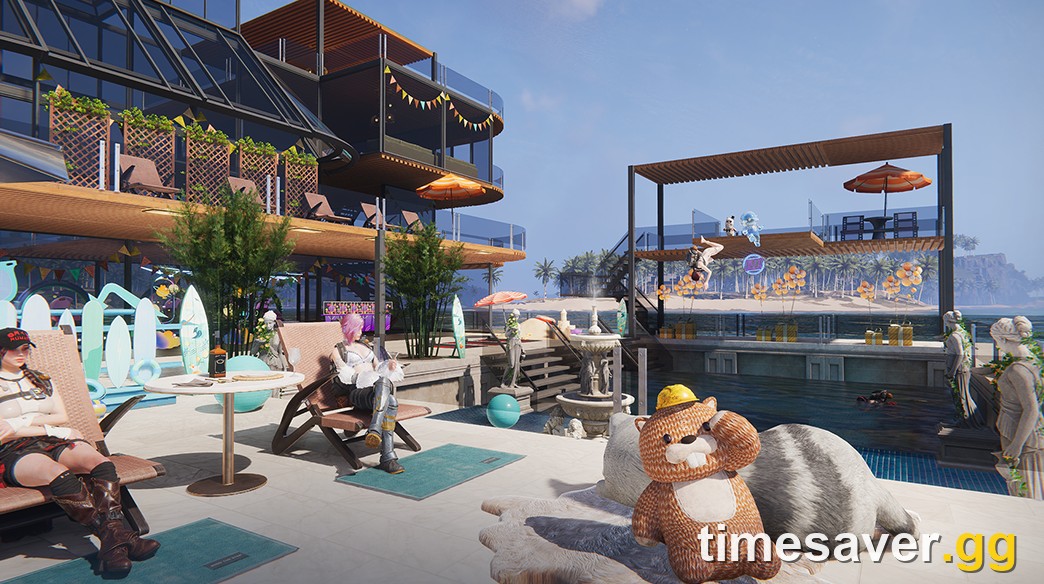
Eternaland is your personal, permanent realm in Once Human — a private island, separate from any scenario server, that stores everything you want to keep across seasonal resets and acts as the lobby you move through when switching scenarios. You unlock it at character level 20, you build in it using a unique currency called Astral Sand instead of wood and stone, and anything deposited there survives every wipe. It is the single most important system for a returning or long-term player, and it works identically on PS5, Xbox, PC and mobile because your account is shared across all of them.
In the studio's own words, from the official Eternaland dev blog: "Eternaland is a private domain belonging just to you. You can enter Eternaland at any time to modify and build within it, and it also serves as a temporary hub when switching between scenarios."
Key facts at a glance
- Unlocks at: character level 20 (a guided quest + tutorial starts automatically).
- Where to find it: the Eternaland button on the main menu, directly below Enter Game — or the palm-tree icon in the in-game Escape menu, next to Friends.
- Build currency: Astral Sand (not regular materials).
- What it stores: weapons, armour, blueprints, blueprint fragments, Mods, account-bound currencies, rare collectibles, territory builds.
- Transfer window at scenario end: 30 days during the Settlement Phase before items auto-move.
- Cross-platform: fully shared — the same Eternaland on console, PC and mobile.
- Applies to: live build v3.0.7 (September 28, 2026); Eternaland mechanics have been stable since the 2025 updates.
How to unlock Eternaland
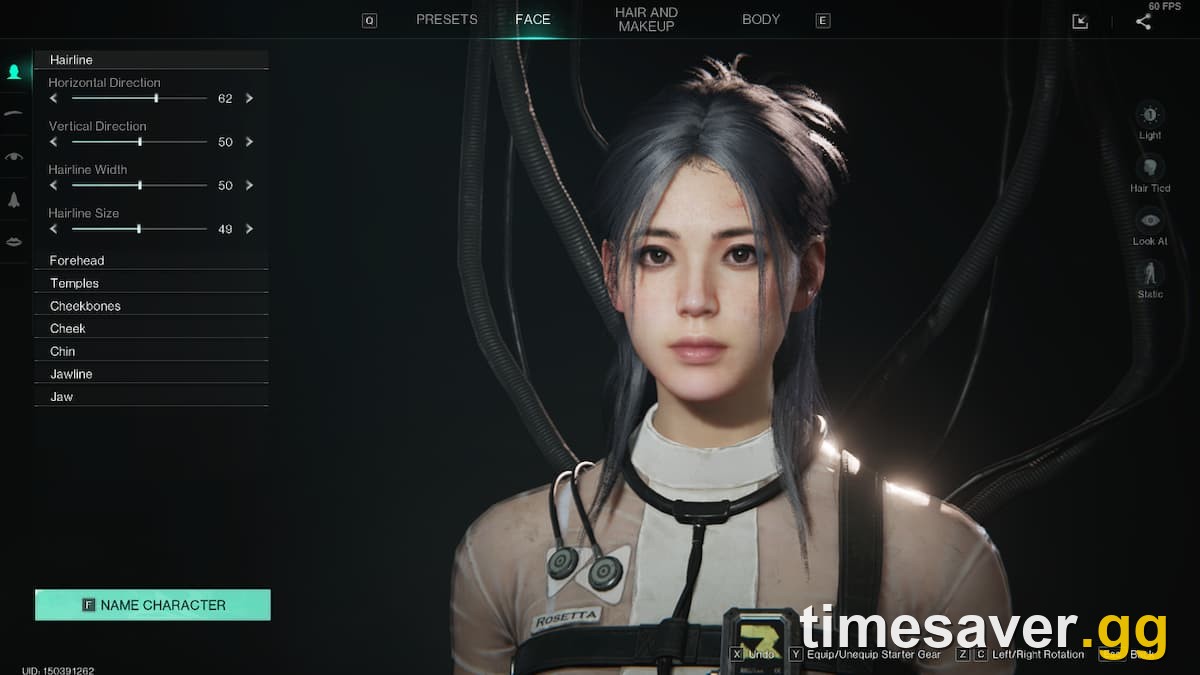
You do not buy or craft access to Eternaland — you earn it by playing. Reach level 20 on a single character and a quest pointing you to Eternaland starts automatically. That quest doubles as the tutorial, so do not skip the dialogue: it walks you through building with Astral Sand and the item-transfer system you will rely on later.
Hitting level 20 is a few hours of normal play. If you want to rush it, lean on main-story quests and clear points of interest — early hubs like Holt Town hand out steady EXP — rather than grinding monsters.
Once it is unlocked, there are two ways in:
- From the main menu: the Eternaland button sits right under Enter Game. Select it, wait for the realm to load, and you are in.
- Mid-session: open the Escape menu and click the palm-tree icon in the upper-right, beside the Friends button.
You can enter and leave Eternaland at any time; it does not cost you anything and it does not interrupt your scenario progress.
What is Astral Sand, and why can't you use normal materials?
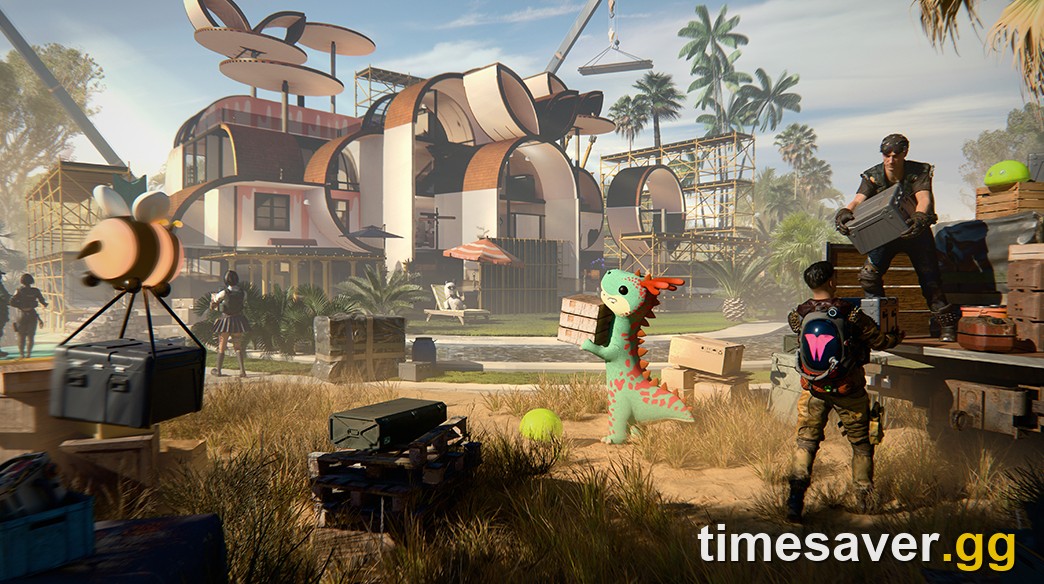
Inside Eternaland, crafting and building cost Astral Sand instead of the wood, stone and metal you gather in a scenario. This is deliberate: it keeps your permanent home economy separate from your disposable seasonal economy, so a wipe never drains the materials you spent building your island.
You get Astral Sand two ways, per the official dev blog:
- Completing Eternaland orders (the realm's own task board).
- Selling items from your Spacetime Backpack to the Eternaland Shop.
There is a third, automatic source that matters enormously: when a scenario ends, any Energy Links you are still holding convert into Astral Sand. That is why veterans do not panic about "wasting" leftover Energy Links at settlement — the currency does not vanish, it changes form into something they can spend on their permanent base.
What carries over vs. what resets
This is the part that confuses every new player, so here is the clean 2026 breakdown. When a seasonal scenario ends (permanent servers never wipe — more on that below), here is what happens to your stuff.
Carries over (kept permanently via Eternaland)
- Weapons and armour you deposit.
- Gear blueprints and blueprint fragments — these are account-wide and permanent, which is why returning players rebuild their loadout so fast.
- Mods slotted or stored.
- Account-bound currencies: Starchrom, Crystgin, Mitsuko's Marks, Stellar Planula and Sproutlets carry directly with your character.
- Weapon accessories and rare collectibles.
- Everything you physically built or stored in Eternaland, including territory builds you moved there.
Does NOT carry over (resets each new scenario)
- Your character level — you start the new scenario back at level 1.
- Your Memetics (the skill tree) — these reset and are re-learned.
- Your scenario map base and its placed structures (unless transferred into Eternaland first).
- Energy Links — these do not survive as Energy Links; they convert to Astral Sand.
A blunt way to remember it: your knowledge and your account wealth carry; your level and your world do not. If you want the full cluster on this, our companion guide on what carries over and what resets when a scenario ends goes deeper on each item class.
How item transfer actually works at scenario end
Eternaland is also the machinery behind the carry-over, and it runs on a clock. Here is the sequence:
- During the Settlement Phase (the ~4-week wind-down after a seasonal scenario's active phases finish), you manually transfer items from your Scenario Backpack and territory storage into your Spacetime Backpack in Eternaland. This is the stage where you decide what is worth keeping.
- You have 30 days in this window to move what you want — or to jump straight into your next scenario and carry items forward.
- When the scenario fully ends, everything still eligible transfers automatically to your Spacetime Backpack. As the dev blog states: "When the scenario ends, all remaining items will be transferred automatically to your Spacetime Backpack." This is also when leftover Energy Links become Astral Sand.
- Starting a new scenario: you spend Supply Points to pull items out of your Spacetime Backpack and into your fresh Scenario Backpack, giving yourself a head start instead of beginning naked.
One trap a lot of players fall into, straight from the official community threads: items sitting in your transit storage are not automatically usable next scenario — you have to move them from transit storage into your Eternaland (Spacetime) backpack before they count as kept. Do not assume "it auto-saved" and log off.
Eternaland and permanent servers — the 2026 reality

Older guides frame Eternaland as "the only way to keep anything because everything wipes." That is no longer the whole picture. Since 2025, Once Human has permanent, no-wipe servers for several scenarios. On those servers your base and progress simply persist — there is no settlement, no reset, no scramble to transfer.
So the correct 2026 answer to "does Once Human wipe?" is: only if you chose a seasonal server. Eternaland still matters on permanent servers — it is your private build space and the hub for trying other scenarios — but the life-or-death "save everything before the wipe" pressure only applies to seasonal servers. If you are a new console player who hates the idea of resets, our full seasonal vs. permanent servers guide covers which to pick.
Smart ways to use Eternaland
Beyond storage, Eternaland is a genuine feature in its own right. There are no build restrictions — you can place structures anywhere on your island, which the scenario map never lets you do. Players use it to:
- Build a permanent dream base that no raid, decay or wipe can touch.
- Ranch animals and cultivate plants in a space that persists.
- Showcase rare collectibles earned across multiple scenarios.
- Stage your next run — you can sign up for your next scenario directly from Eternaland and pre-load the gear you want to transfer.
- Invite friends to build with you, since it supports co-op construction.
Because it is cross-progression shared, the island you build on PC is the exact same island you walk into on PS5 or Xbox. Nothing to re-sync, nothing to rebuild.
FAQ
How do you unlock Eternaland in Once Human? Reach level 20 on one character. A quest pointing you to Eternaland starts automatically and acts as the tutorial. After that you can enter from the main-menu Eternaland button (below Enter Game) or the palm-tree icon in the Escape menu.
What is Astral Sand used for? Astral Sand is Eternaland's exclusive currency — you spend it to craft and build inside your realm instead of using normal materials. You earn it from Eternaland orders and by selling items to the Eternaland Shop, and leftover Energy Links convert into Astral Sand automatically when a scenario ends.
Does your base carry over to the next scenario? Your scenario map base does not carry over on a seasonal server — but any structures you move into Eternaland are permanent, and on a permanent (no-wipe) server your base simply never resets at all.
What carries over when a Once Human scenario ends? Weapons, armour, blueprints, blueprint fragments, Mods, weapon accessories, rare collectibles, and account-bound currencies (Starchrom, Crystgin, Mitsuko's Marks, Stellar Planula, Sproutlets). Your level and Memetics reset, and Energy Links convert to Astral Sand.
Do you lose your Energy Links when the season ends? You do not lose the value — they are automatically converted into Astral Sand and deposited in Eternaland, so you can spend them on your permanent island.
Is Eternaland shared across PS5, Xbox and PC? Yes. Once Human has full cross-progression, so your Eternaland, your stored items and your currencies are the same on every platform you log into with the same account.
How long do you have to transfer items before they're gone? You get 30 days during the Settlement Phase to manually move items; after that, remaining eligible items transfer automatically to your Spacetime Backpack.
The bottom line
Eternaland is not an optional side feature — it is the backbone of long-term progression in Once Human. Unlock it at level 20, treat it as your permanent vault, and learn the transfer rhythm before your first Settlement Phase so you never lose gear you wanted to keep. Build with Astral Sand, let Energy Links convert instead of fretting over them, and remember that on a permanent server the whole wipe question mostly disappears.
Once you understand Eternaland, the seasonal model stops feeling like a punishment and starts feeling like what it is: a fresh start that you get to keep walking into fully equipped.
Mechanics verified against the official Once Human "What Is Eternaland?" developer blog and current v3.0.7 (September 28, 2026) game state. Scenario and carry-over systems have been stable since the 2025 Eternaland and permanent-server updates.