Quick answer (TLDR): Since patch 1.3.5.0 (the Unity 6 update, November 24, 2026), some PC players crash a few minutes into raids, or watch Tarkov's memory use climb all raid until the client dies with an out-of-memory error. Battlestate's own notes say this patch fixed "uncontrolled RAM usage growth", so treat it as a fresh bug, not your hardware. Here's the fix order that's working: 1) restart the client every raid or two — it's the only thing that reliably resets climbing memory, 2) turn on Automatic RAM Cleaner in the game settings, 3) make sure your Windows page file is on (System managed, on an SSD with free space), 4) clear the launcher cache and your GPU shader cache, 5) on AMD, reset Tarkov's Adrenalin game profile and Tuning to default; on NVIDIA, drop any overclock or undervolt, 6) turn off overlays, 7) verify game files. If it still crashes, send BSG your logs — this one needs a hotfix.
Escape from Tarkov - Roubles
Get millions of Roubles in 10 minutes
What's actually breaking after 1.3.5.0?
Patch 1.3.5.0 moved Escape from Tarkov to Unity 6, rebuilt raid loading so the server connection runs in parallel with map loading, and merged the graphics into a new RenderStack platform. It was a big engine-level change, and the first 48 hours brought three kinds of reports on r/EscapefromTarkov:
| Symptom | What players report | First fixes to try |
|---|---|---|
| Memory climbs every raid until crash | RAM or virtual memory grows non-stop in raid and Hideout, then the client dies | Restart between raids, RAM Cleaner, page file |
| Hard crash a few minutes into a raid | Crashes 2–10 minutes in, often on an interaction like opening a door | Reset GPU tuning/profile, clear shader cache |
| Crash going back to menu or stash | Survives the raid, crashes on the post-raid screens | Clear caches, overlays off, verify files |
The memory one is the newest and loudest. On November 26, u/NoAdvertising6637 posted that memory "climbs nonstop to ~250 GB in hideout/raid until crash" on a Ryzen 7 9800X3D, RTX 5080 and 64 GB of RAM — 44 upvotes and 24 comments in under four hours. A PvE player in the same thread, u/Snowi171, said usage goes from 14 GB to 32 GB over a single raid, and the crash error mentions running out of virtual memory.
That lines up with the patch notes, which is the awkward part. Battlestate's official 1.3.5.0 notes list it as fixed:
"Fixed issues that caused uncontrolled RAM usage growth and performance drops during extended gaming sessions."
So if your memory still climbs, it isn't an old leak you missed — it's a new one or a regression in the Unity 6 build. Nothing below is a permanent cure. These steps keep you playing until a hotfix lands.
Here's the fix, step by step
Do these in order and test a full raid after each. Most players are fixed by step 5.
1. Restart the client every raid or two
The thread starter found the one thing that reliably works: after an Alt+F4 and relaunch, memory didn't climb or spike for the rest of that raid. The leak builds over a session, so a fresh client resets it.
- Close Tarkov fully between raids (from the main menu, not mid-raid).
- On PvE, where it hits hardest, restart after every raid.
- Keep Task Manager → Performance → Memory open on a second monitor. If "In use" or "Committed" keeps rising in the Hideout, restart before you queue.
Don't Alt+F4 inside a raid to fix it. The new fast reconnect in 1.3.5.0 only covers network drops. BSG's notes say it doesn't apply when the client closes unexpectedly — "crash, OS failure, PC restart, etc." After a crash, reconnecting takes longer, because the game has to reload the map and the world state.
2. Turn on Automatic RAM Cleaner
Open Settings → Game and enable Automatic RAM Cleaner. u/HSR47's advice in the leak thread:
"Turn on in-game RAM cleaner… watch the task manager while you sit on the main menu & watch the RAM cleaner work (it'll take a bit to 'stabilize'). That won't fix the memory leak, but it may be enough to prevent your client from crashing."
It runs when you load out of a raid and frees memory in the menus. It won't stop memory climbing during a raid, which is why step 1 comes first.
3. Make sure your Windows page file is on
The crash text players are quoting is about virtual memory, which is your RAM plus the Windows page file. If you turned the page file off to "save SSD wear", or capped it small, the leak hits that wall much faster.
- Press Win + R, type `sysdm.cpl`, press Enter.
- Advanced → Performance → Settings → Advanced → Virtual memory → Change.
- Tick Automatically manage paging file size for all drives (or set System managed size on your fastest SSD).
- Leave at least 30–40 GB free on that drive, then reboot.
A big page file buys you time; it doesn't fix a leak that climbs without stopping. With 32 GB of RAM it's the difference between crashing at minute 20 and finishing the raid.

4. Clear the launcher cache and your GPU shader cache
RenderStack rebuilt grass, shadows, decals and optics, so shaders cached under the old build can be stale. On the 1.3.5 crash thread, u/justanavragegamer: "try clearing your driver shader cache and also ur tarkov cache, that seemed to fix it for some people."
- Tarkov cache: Battlestate Games Launcher → Settings → Clear cache, then relaunch.
- AMD: Adrenalin → Gaming → Graphics → Advanced → Reset Shader Cache.
- NVIDIA: close the game, then delete everything inside `%LOCALAPPDATA%\NVIDIA\DXCache` and `GLCache` (skip any file Windows says is in use). NVIDIA's own shader cache guide covers the full method.
The first raid after this will stutter while shaders rebuild. That's expected. Judge the result on your second raid, not the first.
5. Reset GPU tuning (AMD) or remove your overclock (NVIDIA)
This is the fix with the best results so far for crashes a few minutes into a raid. On the crash thread, two Radeon RX 9070 XT owners fixed it the same way:
"go to adrenaline and reset game-properties (specifically for tarkov) and 'tuning' properties… there is a small reset button upper right corner… runs fine. Before that it crashed after 2-10 minutes in raid (mainly when opening a door)" — u/No-Lime-6012 (Ryzen 7 5800X3D + RX 9070 XT)
u/TraditionalRemove713, on a 9800X3D with the same card, got three crashes on patch day. After setting Adrenalin Tuning back to default, they ran five raids without a crash.
- AMD: Adrenalin → Gaming → Games → Escape from Tarkov → reset, then Performance → Tuning → reset to default.
- NVIDIA: remove any MSI Afterburner overclock, undervolt or custom curve and test at stock. An undervolt that was stable on the old build isn't guaranteed stable on Unity 6.
6. Turn off overlays (and undo debloat tweaks)
Close Discord, Steam, NVIDIA app and Xbox Game Bar overlays, plus any FPS or RGB tools hooking into the game. One reply on the crash thread is worth knowing if you've used a Windows debloat tool: u/Subject-Turnover-580 had Hardware Overlays switched off through Winhance, kept crashing, and stopped crashing once they switched it back on.
7. Verify game files
In the Battlestate Games Launcher, run the integrity check. On the Steam version, right-click Escape from Tarkov → Properties → Installed Files → Verify integrity of game files. 1.3.5.0 was a big engine update behind a 5–7 hour patch-day maintenance on November 24, exactly the kind of download where a file can come down half-written.

Why does Tarkov crash after the raid, not during it?
A smaller group crashes on the post-raid screens — after healing, on the XP summary, or going back to the stash. u/Pretty_Wafer4723 (RTX 5080) cleared both game and GPU caches and still crashed there, so caches alone don't fix this one. Patch 1.3.5.0 changed how resources are unloaded after a raid ("unloading resources after a raid now frees up RAM more efficiently"), which makes this transition the likely suspect. Until BSG patches it:
- Do steps 1, 5 and 6 above. Restarting between raids helps most here too.
- Sort, sell and transfer items in the stash before you queue the next raid, so a menu crash doesn't eat your stash time.
Is my PC the problem or is it the patch?
It's the patch if:
- Tarkov ran fine on 1.3.0.x and you changed nothing else.
- The crashes started on November 24 or later.
- Memory rises steadily in the Hideout while you're doing nothing.
Look at your own setup if Tarkov crashes instantly on launch, other games crash too, or you've just installed a new GPU driver. In that case, a clean driver reinstall with DDU (Display Driver Uninstaller, in Safe Mode) is the next step. It's also what the 250 GB thread starter planned to try next.
Escape from Tarkov - Leveling
Get leveled up in 10 minutes
Still broken? Send BSG the logs
This needs a hotfix. The more crash reports Battlestate gets with logs attached, the faster that comes.
- Open the Logs folder in your Escape from Tarkov install directory and zip the folder named with today's date.
- Send it through the support section on escapefromtarkov.com. Include your CPU, GPU, RAM, driver version and when it crashes (in raid, Hideout or post-raid).
- Watch the official Patch 1.3.5.0 announcement and the launcher for a 1.3.5.x hotfix. We'll update this guide when one ships.
Don't let a buggy patch eat the last two weeks of Season 1
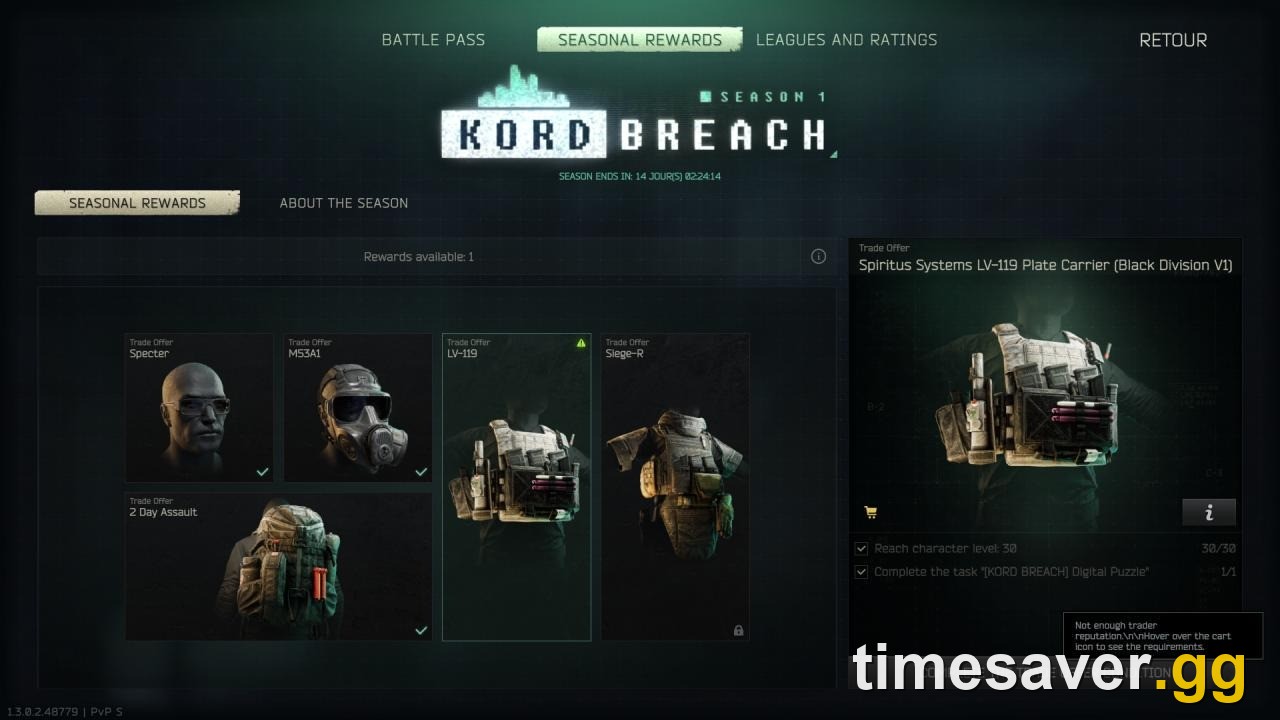
Season 1 seasonal rewards lock when the season ends on December 7. If you're behind on the Kord Breach seasonal rewards and can only manage a raid or two between restarts, our Tarkov Quest & Kappa Boost has a pro player finish the chain on your account. And if a crash cost you a kit, Tarkov Roubles restock you without farming. If 1.3.5.0 also took the Blank RFID keycard off your PvE flea, our Blank RFID keycard guide lists every spawn. For launcher and server errors rather than crashes, see the Tarkov 1000 - Backend Error fix.
Crashing too much to grind? Our pro team runs quests, levels and roubles on your account while BSG fixes the patch.
- Tarkov Quest & Kappa Boost — story chapters, seasonal chain and Kappa, done by pro players
- Tarkov Roubles — rebuild lost kits instantly
- Tarkov Leveling Boost — skip the levels you'd lose to crashes
- All Escape from Tarkov services
FAQ
Did patch 1.3.5.0 fix the Tarkov memory leak? Officially, yes. The notes say BSG "fixed issues that caused uncontrolled RAM usage growth". Since patch day, though, players report memory still climbing every raid until the client crashes, so a new leak or regression is likely. Restarting the client between raids is the workaround that works.
Why does Tarkov say I'm out of virtual memory? Virtual memory is your RAM plus the Windows page file. When the game's memory keeps climbing, it fills both and Windows kills the client. Turn the page file on (System managed), keep 30–40 GB free on that SSD, and restart Tarkov between raids.
Does Automatic RAM Cleaner fix the 1.3.5.0 crashes? It helps, but it doesn't fix them. It frees memory between raids and in menus, which can stop a crash, but it can't stop memory climbing during a raid.
Will I lose my gear if Tarkov crashes mid-raid? Not necessarily. Relaunch fast and you can reconnect to the raid. The new fast reconnect in 1.3.5.0 only covers network drops, so after a crash the game reloads the map first and takes longer to get you back in.
Is the crash AMD-only? No. The clearest fix reports so far come from RX 9070 XT owners (resetting Adrenalin Tuning), but RTX 5080 players report the memory climb and the post-raid crash too.
When will BSG hotfix 1.3.5.0? No date has been announced yet. Battlestate has followed recent big patches with quick technical hotfixes (1.2.0.0 got one three days after release), and those appear in the launcher and on the official news page.