Updated November 19, 2026. Applies to Valheim 1.0, patch 1.0.21. Tombstone behaviour, the death-penalty table and the Corpse run numbers come from the community Valheim Wiki. We checked every Iron Gate patch post on Steam from the 1.0 launch (September 9, 2026) up to patch 1.0.21 (October 28, 2026), which is still the newest patch today. None of the 1.0 hotfixes changed how tombstones work. The 1.0.21 notes have two small death-related fixes. One is for the No Skill Drain buff, quoted from Iron Gate's notes: "Fixed bug where the "No Skill Drain" status effect could get re-applied after the timer ran out." The other: "Fixed a bug where you couldn't filter Boss or Death markers with Gamepad".
Every Valheim run eventually ends in a corpse run. Most of the time it's a short walk back, but sometimes the tombstone isn't where the map says it should be. A thread posted yesterday on r/valheim, "Died and my tombstone is gone", is a good example. Loading an older save didn't fix it, and the player says each check cost more gear. This guide covers what the tombstone keeps, whether it ever despawns, the real reasons one goes missing, and how to get your gear back from lava, deep water or a dungeon. It also covers what to do when the tombstone is truly gone.
Quick answer: On default settings your tombstone never despawns. It holds everything you carried, sits under a skull marker on your map labelled with the in-game day, and anyone can loot it. There's no tombstone if you died with an empty inventory. On the Hard death penalty it holds only your equipped gear, and on Hardcore everything is destroyed. In deep water it floats. In the Ashlands it sits on top of lava, so use Basalt Bombs or a tamed Asksvin to reach it, not your feet. A tombstone that's truly gone usually means a disconnect on death or a server crash before the world saved. In that case, restore a backup from Manage saves. Empty the grave completely to get Corpse run for 50 seconds.
What happens when you die in Valheim?
When your health hits 0, three things happen at once:
- Your items drop into a tombstone with your character's name on it, at the spot where you died. On the default Normal death penalty, that's everything, equipped gear and the rest of your inventory.
- Every skill loses 5% of its current level, and all progress toward the next level is wiped. The wiki estimates that's about 1/8 of the total experience in each skill. Our Valheim skills guide has the exact XP curve.
- You respawn at the bed you last slept in. If that bed was destroyed, or you never slept in one, you respawn at the Sacrificial Stones at the world spawn.
You also get No Skill Drain for 10 minutes. Dying again inside that window costs no extra skill levels, which is why a fast second attempt at a corpse run is cheaper than it looks.
What does each death penalty setting do?
If you created your world with custom world modifiers, the death penalty slider changes what reaches your tombstone. These values are from the wiki's World Modifiers page:
| Death penalty | Equipped gear | Rest of inventory | Skill loss |
|---|---|---|---|
| Casual | Kept on you | Dropped in tombstone | 1% |
| Very easy | Dropped in tombstone | Dropped in tombstone | 1% |
| Easy | Dropped in tombstone | Dropped in tombstone | 2.5% |
| Normal (default) | Dropped in tombstone | Dropped in tombstone | 5% |
| Hard | Dropped in tombstone | Destroyed | 7.5% |
| Hardcore | Destroyed | Destroyed | 100% |
This matters for the "my tombstone is gone" question. On Hard, the tombstone only holds what you had equipped, so your materials won't be in it. On Hardcore, there's nothing to recover. Check your world's settings before you assume a bug.
Does your tombstone despawn in Valheim?
No. The tombstone has no timer. It stays in the world until you or someone else empties it. Logging out, closing a dedicated server or leaving it for days doesn't remove it. That means searches like "valheim tombstone timer" or "tombstone duration" have a simple answer: there isn't one.
A tombstone only disappears in two normal situations:
- It was emptied. Once every item is taken out, the tombstone destroys itself. If you only took some items, it stays.
- Someone else looted it. Any player who finds it can open it. On a shared server, a friend who "tidied up" your stuff is a common reason a tombstone vanishes.
The map marker works differently. The skull-and-crossbones icon never removes itself, even after you've recovered everything. Remove it yourself by right-clicking it on the map. On a controller, Iron Gate's patch 0.220.4 restored the option: "It's now possible to hide boss and death markers via controller again". Uncleaned markers pile up like the map below. Each one shows the in-game day, so the highest number is your newest grave.

Why did my Valheim tombstone disappear?
If the marker is there and the tombstone isn't, go through these causes in order. Start at the top and work down. The causes come from the wiki's notes and from players on r/valheim.
| Cause | What you see | Can you get the items back? |
|---|---|---|
| Already emptied or looted by another player | Marker, no grave | Ask your group; no game fix |
| Grave spawned somewhere unexpected (water, rocks, lava) | Marker, grave not visible nearby | Yes, search wider (see below) |
| Died in a dungeon, grave placed outside the playable area | Marker at the dungeon, grave unreachable | Usually only from a backup |
| Disconnected while dying in multiplayer | Items gone from inventory, no grave was ever created | Only from a backup |
| Server stopped or crashed before the world saved | Grave gone after a restart | Only from a backup |
| Died with an empty inventory | No grave, nothing lost | Nothing to recover |
| Hard / Hardcore death penalty | Grave is missing items, or there's no grave | No, that's the setting |
The disconnect case comes straight from the wiki: "Being disconnected upon dying in multiplayer may cause the player inventory to empty but no tombstone to generate." Players on r/valheim report the crash version too. If the server shuts down before it saves the world, anything that happened since the last save is lost, including your grave. Some players say they've lost chest contents the same way. If your group keeps disconnecting, fix that first with our failed to connect fix guide.
How do you find a tombstone you can't see?
Before you give up, search a wider area. Graves often end up a little away from where you expect.
- Check the far side of nearby water. One r/valheim player described exactly this: "In the past I've died near a lake, and the game decided to put my grave on the wrong side." Walk the whole shoreline.
- Check gaps between boulders and under overhangs. Graves can slip into rock. If it's wedged in a boulder, mine the rock with a pickaxe until you can reach the grave.
- Look up and down. In dungeons, the wiki notes a grave "may... generate outside the accessible area, such as above the ceiling". On steep mountains, check the slope below where you died.
- Check that you're on the right marker. If you have lots of skulls, compare the day labels before you set out.
How do you get your tombstone out of water or lava?
Deep water: the tombstone floats
If you drown or die at sea, the wiki says "dying in deep waters will spawn a floating tombstone instead." It doesn't sink. Sail out on a boat, come alongside, and interact with it. Use a boat with room for your gear. Our boats guide compares the Raft, Karve, Longship and Drakkar by cargo space.

Ashlands lava: the tombstone sits on top
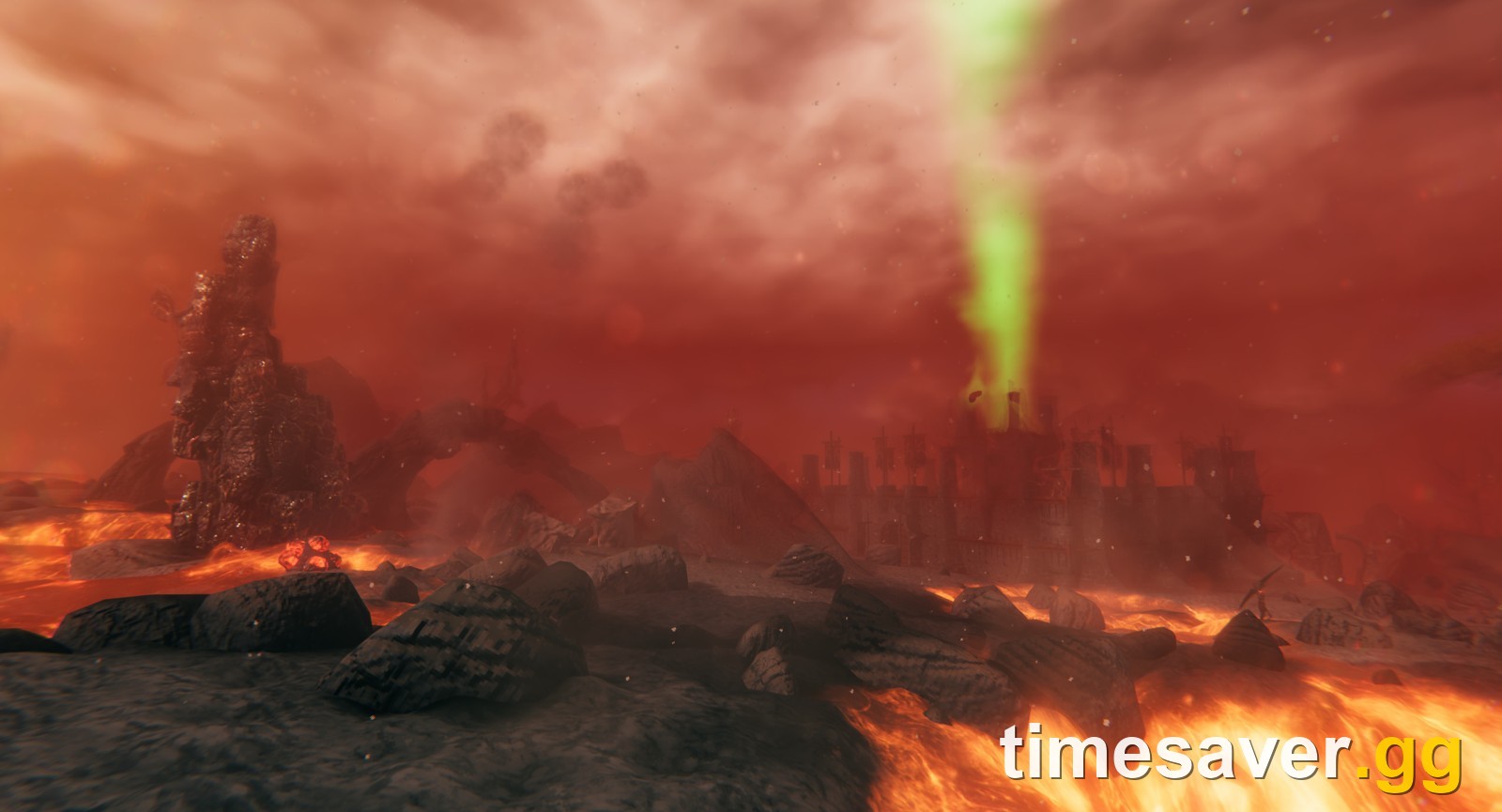
This is the one that catches people in the Ashlands. The wiki's Lava page says "dying in lava causes the tombstone to be left behind on top of the lava." Your gear isn't destroyed, but don't walk in to get it. Lava deals true damage on contact, "being able to kill even a high-health player in just one or two seconds, and regardless of resistances." Fire resistance meads and Fader's power only reduce the burning you take after you step out, not the contact damage. Corpse run's physical resistance doesn't help either.
Safe ways to reach a tombstone in lava:
- Basalt Bombs. Thrown into lava, a Basalt Bomb makes a small platform that floats for 30 seconds before it slowly sinks. One craft at a Workbench costs 1 Asksvin Hide, 1 Asksvin Bladder and 3 Proustite Powder and makes 5 bombs. The wiki's own tip: keep a couple of Basalt Bombs, or their ingredients, at base for tombstone recovery.
- A tamed Asksvin. Asksvin can cross lava safely, so you can ride one out to the grave. Our Asksvin taming guide covers how to get one.
- A fallen Scorched tree log. The wiki notes these logs don't burn in lava, so you can stand on one if it lands near your grave.
After you step back onto solid ground you may still be on fire. That's where fire resistance and Fader's −50% fire damage power help. Empty the tombstone in one go so Corpse run's +5 HP a second kicks in on the way out.
Before your next Ashlands trip, read our Ashlands survival guide. Most Ashlands corpse runs come from an attack on a Charred Fortress or a beach landing that went wrong.
What does Corpse run do in Valheim?
Corpse run is the buff you get when you completely empty your tombstone. It lasts 50 seconds and is designed to get you out of danger with your gear.

| Effect | Value |
|---|---|
| Run stamina cost | −75% |
| Jump stamina cost | −75% |
| Blunt, Slash, Pierce damage taken | 0.5x (Resistant) |
| Health regeneration | +5 HP per second |
| Carry weight | +150 (up to 600 with Megingjord) |
| Duration | 50 seconds |
Three rules trip people up:
- It only triggers when the grave is fully empty. If you leave anything behind, or put items back in, you don't get it.
- Full inventory? Nothing happens. If you don't have room, your items won't transfer automatically. You'll have to move them by hand.
- Combine it with Eikthyr's Forsaken Power. Corpse run's −75% plus Eikthyr's −60% reduces running and jumping stamina cost to zero, so your stamina recovers while you sprint. It does not remove the Encumbered penalty, though, so drop something if you're over your carry limit.
What should you do if your tombstone is truly gone?
If the grave can't be recovered, you have two options.
1. Restore a backup. Valheim keeps automatic backups of your saves, and you restore them from the Manage saves button on the start menu. The wiki recommends this for lost inventories: "it is best to load an automatic backup to at least partially recover the inventory." Character and world backups are separate, and they affect different things:
| What you restore | What it rolls back | When to use it |
|---|---|---|
| Character (Manage saves, Characters list) | Your inventory, skills and map exploration | The grave is gone and only your gear matters |
| World (Manage saves, expand the world's backup list) | Everything built, looted or killed in that world, for every player | The grave was lost in a server crash and the whole group agrees to roll back |
Iron Gate's own instructions for a world backup are to "click on the "Manage saves" button, expand the backup list of your world... select it and then click on the restore button." Before you restore anything:
- Copy your current save folder first. Saves are stored in %USERPROFILE%/AppData/LocalLow/IronGate/Valheim on Windows and ~/.config/unity3d/IronGate/Valheim on Linux. That way you can undo a restore that doesn't work out.
- Pick one backup dated before the death and restore it once. The player in that r/valheim thread loaded old saves several times and says they lost more equipment each time.
- On a dedicated server, only the host can restore the world. Your own Manage saves menu only covers your character and your local worlds. Our dedicated server guide covers server backups.
2. Accept the loss and rebuild. If the gear was low tier, it's often faster to rebuild than to go back to an old save. A backup reverts everything you did since then, not just the death.
How do you stop losing gear on death?
Most bad corpse runs are avoidable:
- Keep a spare kit at home. Store a set of armor, a weapon, a shield and a stack of food in a chest next to your bed. You respawn with nothing on Normal, so this is your corpse-run kit.
- Carry a portal kit. A portal costs 10 Greydwarf Eye, 20 Finewood and 2 Surtling Core. If you place one near a dangerous biome, your corpse run is short. In a r/valheim thread about dying in the Swamp, one veteran's advice was "Find a safer biome next to a swamp and put up your portal there." See our portals guide.
- Sleep in a bed near the front. A bed is your respawn point. Before a boss fight or a big push, build a small shelter with a bed nearby.
- Eat before you leave. In that Swamp thread, one player admits they died because they ate their food too late. Three active foods is your health pool.
- Use the 10-minute No Skill Drain window. If you die again on the corpse run within 10 minutes, you lose no extra skill levels. Go back quickly instead of waiting.
FAQ
Does a Valheim tombstone ever despawn? No. On the default settings it stays until it's emptied. It survives logouts and server restarts. It only disappears when all its items are taken out, by you or by another player.
Why is there no tombstone after I died? Either you died with an empty inventory (no grave spawns), you disconnected at the moment of death in multiplayer (the wiki says the inventory can empty without a grave being created), or your world uses the Hardcore death penalty, which destroys everything.
Can other players take items from my tombstone? Yes. Anyone who finds it can open it. Only the owner gets the automatic transfer of items back into their inventory.
What happens if my tombstone is in lava? It sits on top of the lava, so your items are safe. Don't walk in: lava contact damage ignores resistances and can kill you in a second or two. Throw Basalt Bombs to make a platform, or ride a tamed Asksvin out to it.
Do tombstones float in Valheim? Yes. If you die in deep water, a floating tombstone spawns. Sail out to it on a boat and interact with it from there.
Why didn't I get Corpse run? The grave has to be completely empty. If you left any item behind, or your inventory was full and the auto-transfer failed, the buff doesn't trigger. Make room and take everything.
More Valheim guides
Back on your feet? These guides help you avoid the next corpse run.