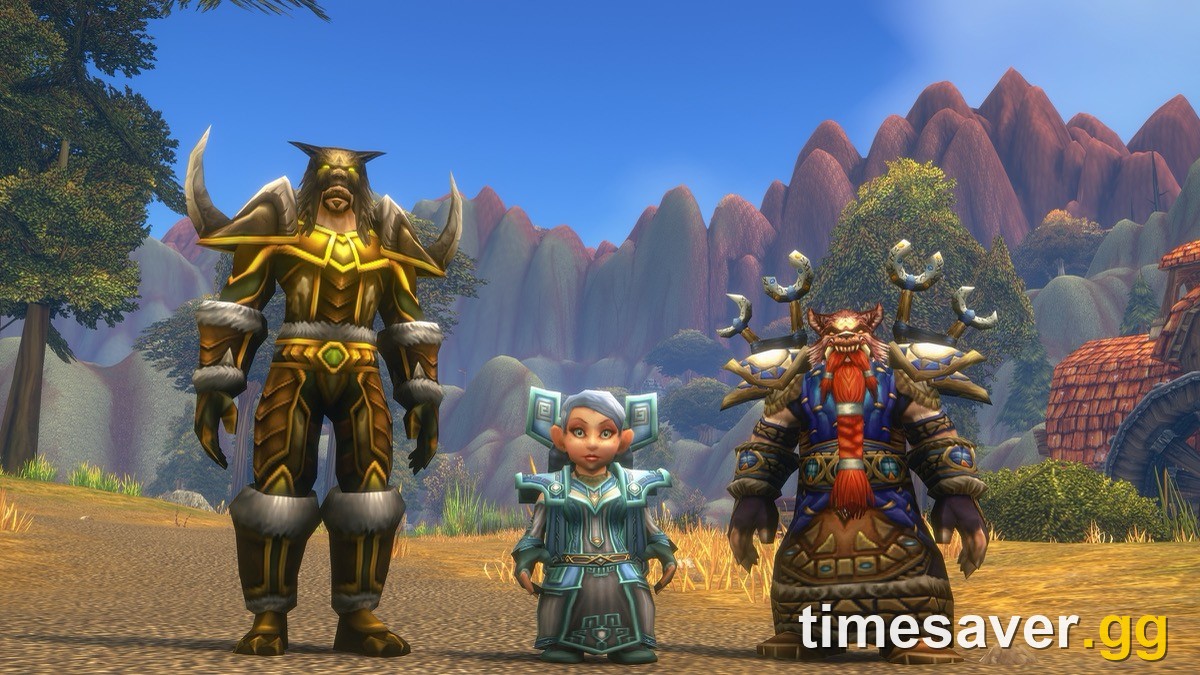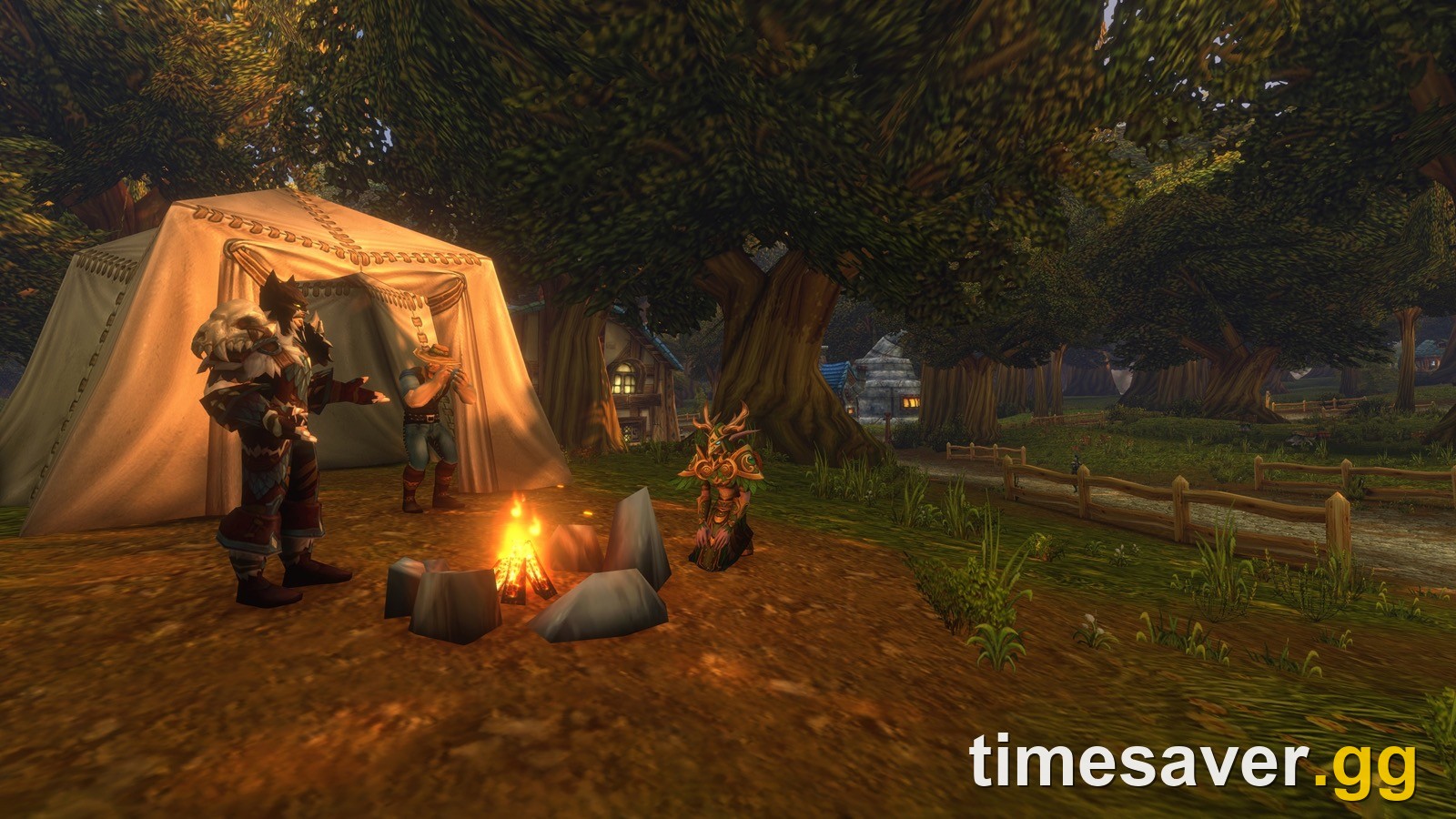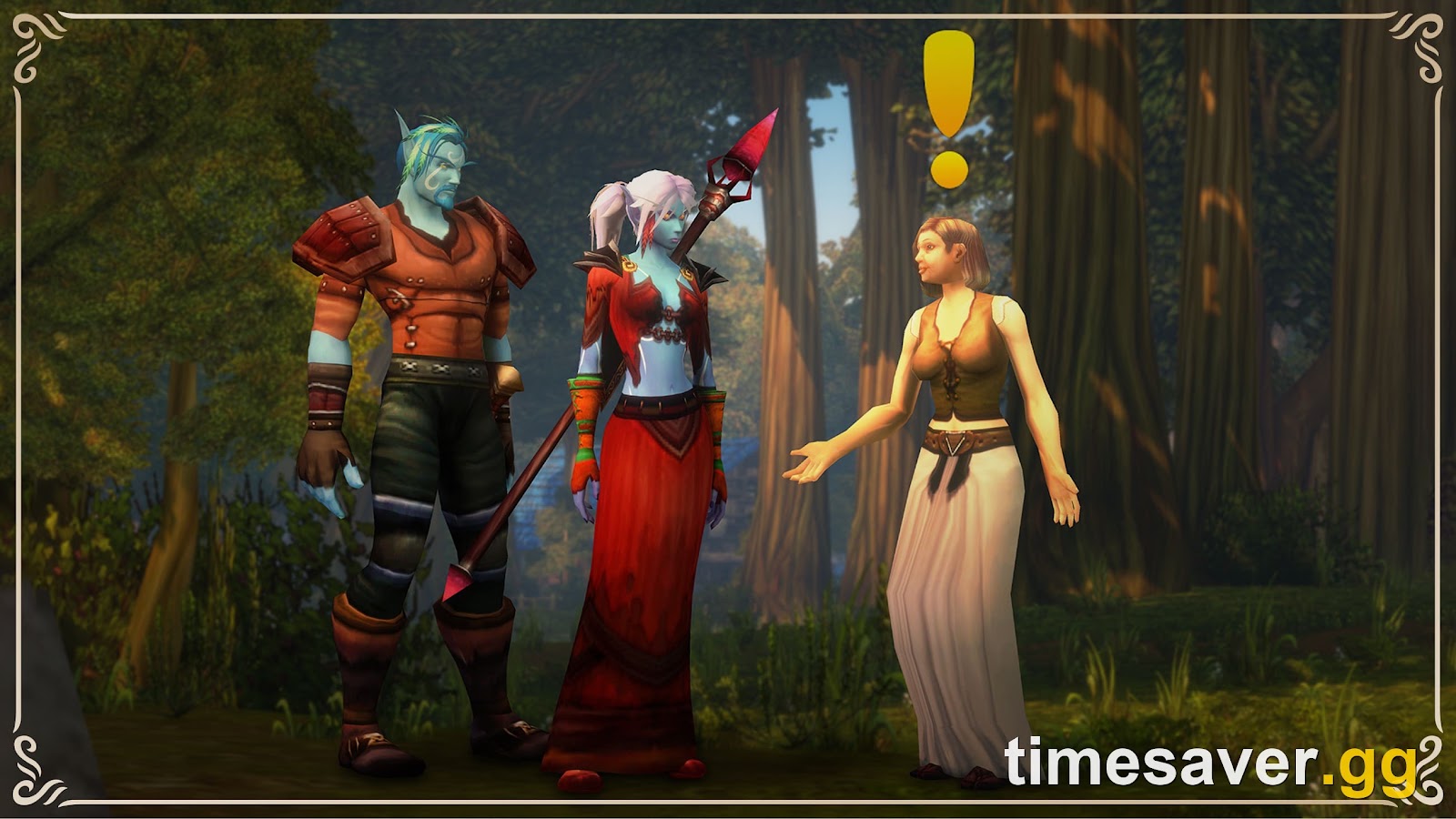
The first time you log in to World of Warcraft: Forever, before you pick a ruleset or make a character, the game asks you to Choose Your Experience Preset: Classic or Enhanced. You only see that screen once. Blizzard explained it in its New Player's Starter Guide, published October 28, and players are already mixing it up with the HD/SD model toggle and transmog.
This guide lists every setting each preset changes, explains how HD vs SD models actually work, and tells you which preset to pick depending on how you want to play when Forever launches on November 4 at 3:00 p.m. PST (23:00 UTC).
Quick answer: Classic and Enhanced are two bundles of default settings. Each one sets six things: character models, quest map markers, one-bag, transmog, keyboard turn/strafe binds and the screen UI layout. Neither one locks you in. In Blizzard's words, the preset is "a convenient starting point rather than locking in your choices", and you can change every setting later under Game Menu > Options. If you aren't sure, Blizzard recommends Enhanced. Purists who want the 2004 feel should pick Classic. HD vs SD is also set separately for each character and can be changed at a Barbershop.
What is the WoW Forever Experience Preset?
It's a one-time choice on your first login that sets the default look and interface. According to Blizzard's starter guide, "The first time you log in to World of Warcraft: Forever, you'll be asked to Choose Your Experience Preset. You'll make this choice before selecting your Ruleset."
The important line comes right after the two option descriptions:
"If you are not sure which to choose, start with Enhanced. The preset gives you a convenient starting point rather than locking in your choices, and you can change its individual settings later under Game Menu > Options. After your initial log in to the game, you will no longer see this screen." (Blizzard, New Player's Starter Guide)
The screen never comes back, but nothing on it is permanent. That's the main thing to know, and it's also what the confused threads keep missing. One r/classicwow user asked whether turning HD on also forces transmog on, after seeing both listed under the same preset. The top reply was that they're independent toggles and the presets only decide which ones start enabled.

A captured Choose Your Experience Preset screen. It lists four starting settings for each preset. Blizzard's October 28 guide also names the keybind and UI-layout defaults, which makes six.
What does each preset change? All 6 settings compared
Here is Blizzard's published list, side by side:
| Setting | Classic preset | Enhanced preset |
|---|---|---|
| Character models | Standard Definition (SD) | High Definition (HD) |
| Quest points of interest + objective blobs | Off | On |
| One-bag | Off | On |
| Transmog | Off | On |
| Keyboard movement binds | Camera turning | Strafe movement |
| Screen UI layout | Classic layout | Centralized layout |
Source: Blizzard New Player's Starter Guide, October 28, 2026.
Blizzard describes Classic as "a more traditional presentation with simpler visuals, standard character models, and fewer modern interface features enabled by default for a cleaner, more original-style experience with less automatic guidance." Enhanced is "an updated presentation with higher visual fidelity and additional interface features enabled by default."
What each line means in practice:
- Character models (SD vs HD). These are the player character models and animations. SD is the original 2004-era look. HD uses higher-detail models. More on this below.
- Quest points of interest and objective blobs. With these on, your map marks quest objectives and shades the areas where they are. Blizzard's guide says pressing M "to open the world map and view quest markers and highlighted objective areas". With them off, you read the quest text and find the spot yourself, which is how it worked in 2004.
- One-bag. Blizzard doesn't define it in the guide. In modern WoW the matching option opens all your bags as a single combined window instead of separate bag frames. It's purely an interface choice.
- Transmog. Enhanced turns the appearance system on. Classic turns it off. According to Blizzard's Deep Dive recap, "opting out means players will only see others around them as they are, in their equipped gear". It doesn't stop you from "configuring and displaying their own transmog", for example to hide a helm or cloak, and you keep collecting appearances. We cover the full rules in our WoW Forever transmog guide.
- Keyboard binds. Classic defaults to "camera turning" binds, the original game's behaviour where the side movement keys (A and D in the standard layout) rotate your character. Enhanced defaults to strafe (sidestep) binds, which is how most modern players move.
- Screen UI layout. Classic uses the original-style "Classic screen UI layout". Enhanced uses a "Centralized screen UI layout". Blizzard gives only these names, so expect the actual differences to be in how the default frames are positioned.
Can you change the preset after the first login?
Yes, setting by setting. You can't bring the selection screen back ("After your initial log in to the game, you will no longer see this screen"), but every setting it controls stays editable in Esc > Options. So if you pick Classic and miss quest markers after an hour in Elwynn Forest, turn just that one back on. If you pick Enhanced and hate strafe binds, rebind A and D under Options > Keybindings.
The real cost of picking "wrong" is a few minutes in a menu. You lose nothing on your character. Blizzard hasn't said whether the preset applies to the whole account or to one PC, so if you play on two machines, check your settings on the second one.
How do HD vs SD character models work in WoW Forever?
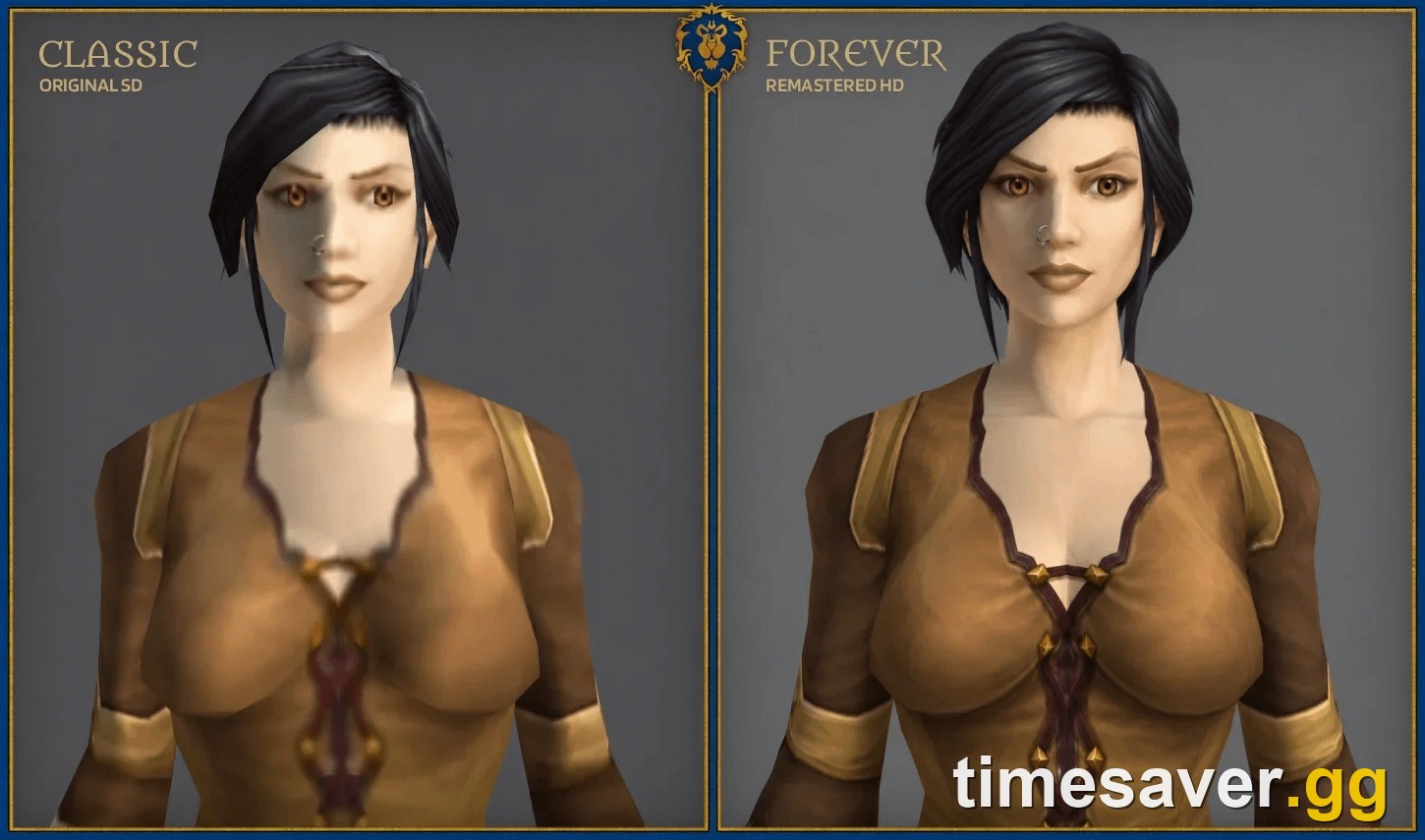
The preset only picks your starting default. HD vs SD is really a per-character choice. According to Blizzard's starter guide:
- "Each time you create a new character, you can select either High Definition (HD) or Standard Definition (SD) character models and animations."
- The choice "affects only appearance—not abilities or progression".
- "You can change it later in the Options Menu or by visiting a Barbershop in game."
There are three things to take from this:
- Your main can be SD and your alt HD. It's set per character, not per account.
- HD/SD has no gameplay effect. No hitbox, stat or animation-speed advantage is announced, and Blizzard explicitly rules out any effect on abilities or progression.
- HD models and transmog are separate. The Enhanced preset turns both on, which is why people think they're linked. You can run HD with transmog off, or SD with transmog on.
The community argument is mostly about taste. A thread on r/wow defending SD models had 200+ upvotes and 100+ comments within hours when we checked on October 29. One side says some Horde races look better in SD. The other says the HD models look out of place next to the original-style world. Neither side affects how you play. Pick the one you like looking at for 60 levels, and remember the Barbershop can switch it.
If you're unsure whether your PC handles HD comfortably, check the numbers in our WoW Forever system requirements breakdown. Blizzard has not published a separate performance figure for HD vs SD models.
Which preset should you pick? Our verdict by player type
Here's the ranking, based on how you plan to play:
1. Brand-new to WoW: pick Enhanced (9/10 fit). Quest markers and objective areas on the map save new players a lot of time, strafe binds feel familiar from other games, and Blizzard itself says to start here. Pair it with our best class for solo players and beginners.
2. Returning player who wants speed: pick Enhanced, then turn transmog off if you want (8/10). If you're going to race to 60 before the December 9 raid unlock, map markers are pure time saved. Turning transmog off means you see everyone else in their real equipped gear, so you can size up other players the 2004 way without giving up quest help.
3. Nostalgia purist: pick Classic (9/10 fit). You get SD models, no quest markers, turning key binds and the original layout. It's closest to how 2004 felt. Add Questie later only if you change your mind. Our addons guide lists what works at launch.
4. PvP-focused player: Enhanced binds, your choice of visuals (7/10). Strafe binds is the modern default for movement-heavy fights, while the SD vs HD choice is just looks. If you're rolling on the PvP ruleset, also read our Horde or Alliance guide, because on the PvP ruleset your account can only make characters of one faction.
5. Controller player: Enhanced, then check bindings (6/10). Blizzard confirms controller support exists "in a beta state". Expect to spend time in Keybindings whichever preset you choose.
What comes after the preset screen?
The preset is the first of several first-login choices. Here's the order Blizzard lays out in the starter guide:
- Experience Preset (Classic or Enhanced). This one is reversible.
- Ruleset: Normal, PvP, Roleplay or Roleplay-PvP at launch, with Hardcore coming later. You can't switch an existing character to another launch ruleset (per Blizzard, dead Hardcore characters may move out to another ruleset once Hardcore arrives). Groups, guilds, dungeons and raids only work with "players on the same Ruleset and faction". The full trade-offs are in our WoW Forever rulesets guide.
- Faction, race and class. Skyborne choose Horde or Alliance at creation (Horde can be Shamans, Alliance can be Mages), and both start on Zephras Isle (levels 1–12). Skyborne needs the Heroic Pack or a higher upgrade.
- HD or SD models for this character. You can switch later.
- Two-part name. The full main + secondary combination must be unique in your region. Our character creation guide covers the choices you can't undo.
Of those five steps, the preset is the only one you can skip thinking about. Steps 2, 3 and 5 are where your launch-day plans with friends can go wrong. If you reserved names during Early Name Reservation (October 27 – November 3), your ruleset and names are already set.
Does the preset make leveling faster or slower?
Not directly. Neither preset changes XP, drops or stats. In practice, though, the quest markers and objective areas that Enhanced turns on cut out the "where is this mob?" time that slowed down Classic. Classic's no-marker setup is slower for most players unless they run a quest addon. If speed is your goal, Enhanced (or Classic with markers turned back on) is the better start. Our WoW Forever 1–60 leveling guide covers the route itself.
The settings menu is the easy part. Forever launches with a fresh economy, and Blizzard has announced no way to bring gold, characters or progress over from Classic Era, Season of Discovery or Anniversary. Every new character starts at level 1, so the first weeks are about getting your 60, your mount gold and your raid gear before the December 9 raids. If you're coming from the old Classic+ rumour cycle, our Classic+ vs Season of Discovery vs Classic Era explainer shows how we got here, and the launch day checklist covers the rest of your prep.
Short on hours for the launch-week grind? timesaver.gg can handle the slow parts while you play the fun ones.
- WoW Forever Power Leveling to 60: any range from 1 to 60, played by hand on the quest route
- WoW Forever Gold, US & EU: startup capital for your mount, training and professions
- All WoW Forever services: gold, leveling, raids and more
FAQ
Should I pick Classic or Enhanced in WoW Forever? If you're unsure, pick Enhanced, which is Blizzard's own recommendation. Pick Classic if you specifically want SD models, no quest markers, turning key binds and the original UI layout. You can change every setting later in Options either way.
Can I change my experience preset later? The selection screen only appears on your first login, but each setting it controls (models, quest markers, one-bag, transmog, keybinds, UI layout) can be changed afterwards under Game Menu > Options.
Does the Classic preset turn off transmog permanently? No. It only sets transmog to off as a starting setting. You can turn it back on at a transmogrifier. While it's off you see other players in their equipped gear, you can still adjust your own look, and you keep collecting appearances.
Is HD vs SD account-wide in WoW Forever? No. Blizzard says you choose HD or SD each time you create a character, and you can change it later in Options or at a Barbershop. It affects only appearance, not abilities or progression.
Are HD models and transmog the same toggle? No. They're separate settings. The Enhanced preset happens to turn both on, and Classic turns both off, but you can combine them however you like. Even with transmog off, you can still set your own appearance, for example to hide your helm or cloak.
Does WoW Forever support controllers? Yes, in a beta state, according to Blizzard's starter guide. It's playable on Windows or Mac with keyboard and mouse, and controller support is available for players who prefer a gamepad.