Applies to: Battlefield 6 and Battlefield REDSEC on PC, PlayStation 5 and Xbox Series X and S, on live build 1.4.3.5 (deployed September 30, 2026) during Season 4: Tidal Strike. EA's server status page and troubleshooting articles referenced here were checked on October 2, 2026.
Quick Answer
- The official page is EA Help's server status page at help.ea.com/en/server-status. Battlefield 6 is listed there by name, and the page also carries an EA-wide Platform Servers section (Xbox, PlayStation, Nintendo, Steam) plus entries for the EA app and EA Play.
- Three different things can be "down," and only one is Battlefield 6. The game service, your platform's online service and the EA app fail independently, which is why the status page splits them out.
- "Matchmaking not working" is two unrelated problems. Either you are rejected with an error message, or you sit in an endless search because your region's pool is too thin. The fixes have nothing in common.
- A long search is not always a bug. EA states that some regions have no servers, and that "if matchmaking is taking too long in your region, you might also play on a server further away."
- A queue is not an outage either. EA's wording: "If Battlefield 6 servers are full, you'll be put in a queue until there's space. The queue service uses rapid processing, so you won't have to wait long."
- Bot-filled lobbies still pay XP, but not stats. EA's site-wide disclaimer reads: "Stats in any Casual or Portal mode that backfill with AI are not tracked." That concerns tracked stats, not progression.
- One real matchmaking change is already live. In the September 30 Community Update, EA confirmed it updated Ranked matchmaking bands to better align players within their intended Rank ranges: "This change is already live."
Most "Battlefield 6 servers are down" posts are not outages. They are a player in a thin region, a platform hiccup, an EA app cache problem, or a specific error string with a documented fix. Waiting out a fake outage costs you an evening of progression. This guide separates the failure modes, gives the exact error messages EA publishes for each, and marks where public information runs out.
Where is the official Battlefield 6 server status page?
EA Help hosts it at help.ea.com/en/server-status. Battlefield 6 appears there as its own entry, separate from Battlefield 2042, and it is the page EA's own support articles point to: both the Battlefield 6 error-message article and the high ping article tell you to "check the server status page to see if servers are down" before anything else.
Three details matter before you use it as evidence:
- It lists the game service and the platforms separately. The Platform Servers section is EA-wide and covers Xbox, PlayStation, Nintendo and Steam. If Battlefield 6 reads fine but your platform's entry does not, no amount of reinstalling will help.
- The EA app and EA Play have their own entries. On PC a failure here looks exactly like a game outage from inside the launcher, while multiplayer itself may be healthy.
- It is not a live incident feed. For breaking issues EA's error article tells you to "check @Battlefield to see if we've mentioned any errors" and to use the EA Forums. There is no official status API, Discord bot or per-region breakdown, and third-party outage trackers aggregate user reports rather than EA telemetry, so a spike there proves other people are complaining at the same moment as you, not that there is an outage.
Is it EA's servers, your platform, or your connection?
Work through it in this order, because each step eliminates a whole category:
- Check the status page. If Battlefield 6 is flagged, stop: EA's error article says that if servers are down, "you might need to wait until they're fixed."
- Check your platform's entry on that same page. EA also sends Xbox players to @XboxSupport for Xbox Live service updates.
- Check whether it is your account. EA lists four states that block online play regardless of server health: banned or suspended, deactivated or deleted, "account already in use" (log out on your other devices and back in), and child accounts with limited online access.
- Check whether it is the launcher. EA's guidance for a PC game that will not download, load or appear in your Library is to clear the EA app cache.
- Only then start on your own network.
This order matters because the two most common wrong moves, reinstalling the game and buying a VPN, both sit at the bottom of it.
Why does "matchmaking not working" mean two different things?
Read any wave of post-patch complaint threads and you will see "matchmaking is broken" used for two completely different experiences, whose fixes do not overlap at all.
Problem one: you get bounced with an error. EA groups these as matchmaking and game join errors and publishes the exact messages: "you can't join this match right now," "this server is full," "global game quota exceeded," "you've already joined this match," and "you don't meet the requirements to join this server." These are rejections with documented causes, and EA's remedies are to refresh your server list or expand your matchmaking filters, install pending updates and restart if your game is out of date, and turn cross-play on when the message says to, which EA notes "can also help you find active servers for different game modes."
Problem two: nothing happens at all. No error, no match, just a search counter climbing. This is usually population, not a bug, and EA is direct about it: "Some regions don't have servers, meaning you'll be connected to a server further away. If matchmaking is taking too long in your region, you might also play on a server further away." A long search followed by a high-ping match is the system working as designed in a thin region.
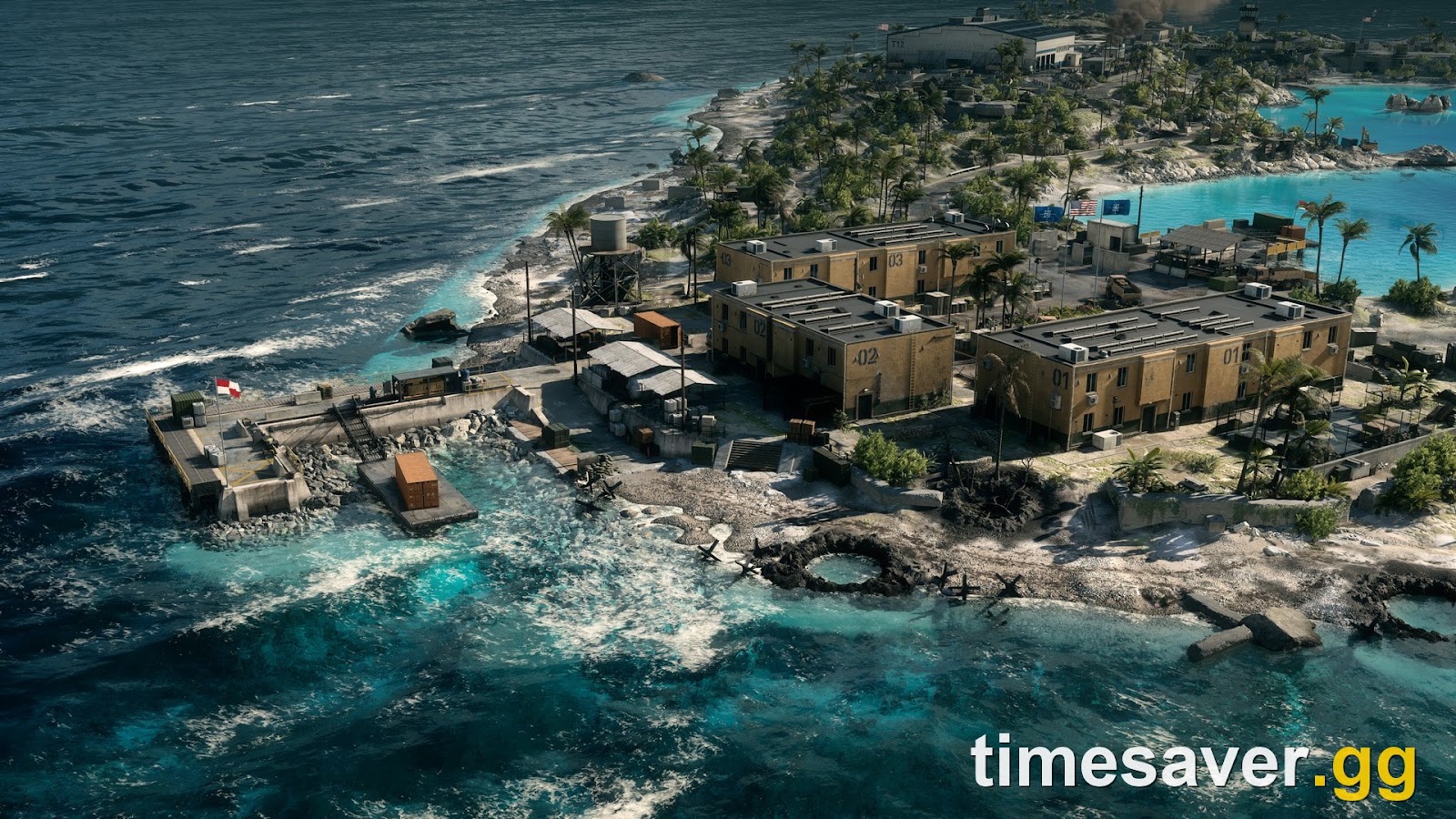
The practical consequence: with problem two the only levers that exist are turning cross-play on, widening your filters, playing a mode with a larger pool, or playing at a different hour. Flushing your DNS will not conjure players into your region.
Queues are a third thing again, and not a fault. EA states that when servers are full "you'll be put in a queue until there's space" and that the queue "uses rapid processing, so you won't have to wait long." A queue number is evidence the service is up and busy.
Why is my lobby full of bots, and does the XP still count?
When matchmaking struggles, lobbies backfill with AI, and the question is always whether the round was wasted. The answer splits in two.
Progression: yes, it counts. EA's documented scope is broad: "All Multiplayer experiences, as well as Verified Community Experiences in Portal, grant full XP towards this progression system." One correction worth stating because it circulates as fact and is not: EA has never published a bot-kill XP multiplier. Bots are easier targets, not a documented bonus. Our bot lobby XP breakdown covers what is verified.
Stats: no, they do not. EA's site-wide disclaimer is explicit: "Stats in any Casual or Portal mode that backfill with AI are not tracked." If you were farming a K/D or accuracy figure in a backfilled Casual or Portal round, that part did not register.

Do not collapse those two into "bot lobbies don't count." Progression and stat tracking are separate systems with separate rules, and conflating them is the most common error in community guides on the subject.
What is EA doing about matchmaking and queue times?
Several concrete things, most documented in the Community Update EA published on September 30, 2026 ahead of Season 5: Siege of Vegas.
- Ranked matchmaking bands have been adjusted, and it is not a future promise. EA says it updated the bands to better align players within their intended Rank ranges, adding: "This change is already live." Context in the Battlefield 6 Ranked guide.
- A mode is being cut to protect queue health. EA is removing Gauntlet from the REDSEC active playlist at Season 5 start because it "currently represents a much smaller portion of REDSEC play, which can make it increasingly difficult to consistently find and fill matches, particularly in smaller regions." Details in Gauntlet removed in Season 5.
- Reconnect is coming to REDSEC, "allowing you to return to an active match after being disconnected" in EA's wording. It is the first first-party answer to dropping out and losing everything.
- Server Browser is planned for later in Season 5. It matters for ping, because EA's ping article already recommends Server Browser for Portal experiences to pick a nearby server, with each experience showing its region.
- Leaving is being penalised harder. Season 4: Tidal Strike added AFK warnings and kicks plus escalating matchmaking restrictions, and in Ranked quitting costs you all your RP for that match and still charges the entry fee.
- One known issue is still open. The known-issues roundup published with Update 1.4.3.0 on September 16, 2026 listed Battle Royale modes matchmaking as under investigation, alongside missing weapon attachments, delayed notifications and Proximity Chat being disabled. No resolution notice has followed.
Note what is absent: EA has published no Season 4 end date and no Season 5 start date, so every circulating estimate is third-party. Our Season 5 release date window post separates confirmed from inferred.
How do I actually fix high ping, lag and disconnects?
These are EA's own recommendations from its Battlefield 6 ping article and its connection article, not community folklore.
First, measure instead of guessing. Pause, select Options, choose System, and under Network toggle Scoreboard Ping on to see every player's ping beside their name. In the same Network menu, open Network Graph, choose Modify, and set Show Network Performance Bar or Graph to Always, Hide, or On Problems; Show Damage Log and Show Event Graph surface client and server problems mid-match. On Problems is worth leaving on permanently, because it stays quiet until something is genuinely wrong, which is how you tell a server fault from your own Wi-Fi.
Then work the network, cheapest first.
- Go wired. EA's phrasing is that hardwired connections "can be much more reliable," and it calls out mobile and satellite as less stable than broadband.
- Fix the router physically, then restart it properly. Out in the open, antenna pointed at your device, as close as possible; EA notes walls and electronics such as microwaves interfere, and Wi-Fi lights that are off or red mean it is not broadcasting. Restart means off, unplugged, a minute's wait, plug back in.
- Change your wireless channel. In an apartment block the channel you are on is probably congested, and EA suggests asking your ISP for help picking another.
- Try a different DNS, check your device's date and time, and close background applications, which EA flags as able to interfere with your connection. EA names Google DNS and Open DNS as free options, with the caveat that it does not operate them.
- Clear your platform cache. EA documents this per platform: a Safe Mode restart on PlayStation, the cache-clear procedure on Xbox, a restart plus cache clear on Switch, and the EA app cache clear on PC. Steam buyers are also pointed at Steam Support.
- Only then touch firewall, VPN or NAT settings. EA lists these last for connection and network errors, and that ordering is deliberate.

If the error is not a network error at all. PC players hit several failure classes that look like outages and are not. EA Javelin anticheat errors, including "EA Javelin anticheat encountered an error (94)," are fixed by relaunching the EA app as administrator, launching the game from the EA app, or reinstalling Javelin. A message that software "cannot be used at the same time as the game" means Javelin detected disallowed software, and EA names Interception, AutoHotkey and ReWASD specifically, warning that unapproved compatibility modes "could result in sanctions against your account." A DXGI_ERROR_DEVICE_HUNG code means a background app is stuck and needs a full system restart. Login failures citing invalid credentials, an account logged in on multiple devices, or a minimum age requirement are account problems, not server problems.
What about known issues after Update 1.4.3.5?
Update 1.4.3.5 deployed at 08:00 UTC on Wednesday, September 30, 2026 as a quality-of-life patch with no weapon balance changes at all, which leaves Update 1.3.3.0 as the governing balance baseline. Full breakdown in our Update 1.4.3.5 patch notes post.
Since that deployment players have reported connection and matchmaking trouble, with European queues and specific maps recurring. Treat all of it as community-reported rather than confirmed: EA has published no known-issues list specific to 1.4.3.5, and a cluster of threads hours after a patch is a signal, not a diagnosis. The only matchmaking item EA has formally acknowledged remains the Battle Royale modes entry from September 16.
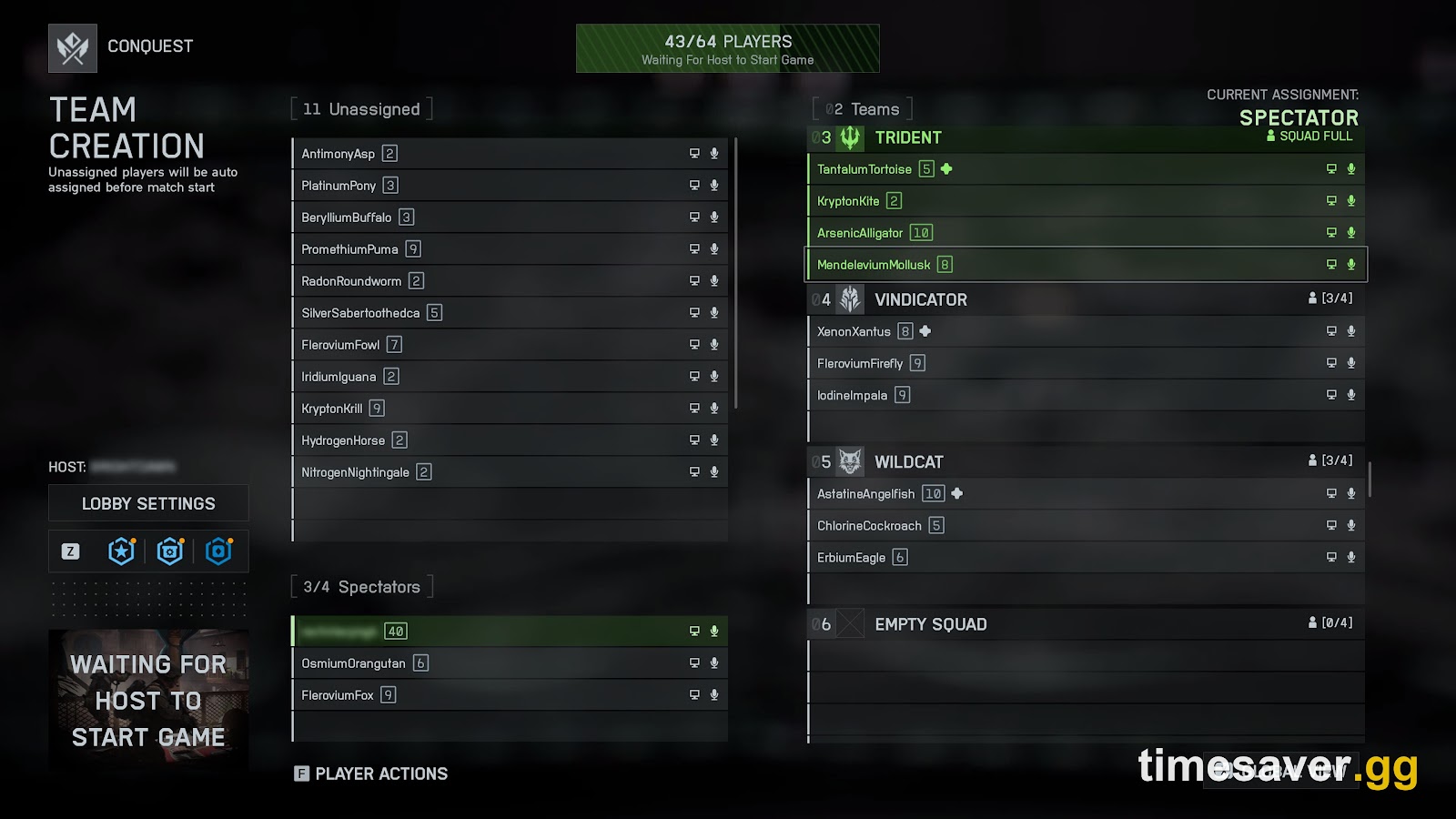
Lost a week of progression to downtime, thin queues and backfilled lobbies? Season 4 has no published end date, so the window to finish anything is unknown. If the clock is the problem rather than the skill, these do the hours for you:
- Battlefield 6 Account Leveling — closes the Career Rank and account level gap you lost while you were stuck in a queue.
- Battlefield 6 Weapon Leveling — unlocks attachments on the guns you want instead of the guns a backfilled lobby handed you.
- Battlefield 6 Career Rank Boost — straight Career Rank progress toward the rank-gated content.
- All Battlefield 6 services — the full list, including vehicles, campaign and bot lobbies.
Frequently Asked Questions
Are Battlefield 6 servers down right now? Only the status page can answer that for the moment you are reading, which is why this guide quotes no status value. If Battlefield 6 is flagged there, waiting is the fix. If it is clear but your platform's entry is not, the outage is on your platform's side.
Why is Battlefield 6 matchmaking not working if the servers are up? Because an empty search and a rejection are different failures. A rejection arrives with one of EA's documented messages such as "this server is full" or "global game quota exceeded" and has a documented fix. An endless search with no error is usually regional population, and EA confirms thin regions get routed to distant servers and longer searches.
Do I still get XP in a lobby full of bots? Yes for progression: EA's documented scope is that all Multiplayer experiences, and Verified Community Experiences in Portal, grant full XP. Stats are a separate system, and EA's disclaimer is that "stats in any Casual or Portal mode that backfill with AI are not tracked." No bot-kill XP multiplier has ever been published.
Will a VPN fix my Battlefield 6 connection? EA does not recommend one. It lists VPN alongside firewall and NAT adjustments at the very bottom of its connection-error steps, after checking server status, restarting your router and going wired. On PC there is added risk: EA Javelin blocks software it has not approved, and EA warns unapproved tooling "could result in sanctions against your account."