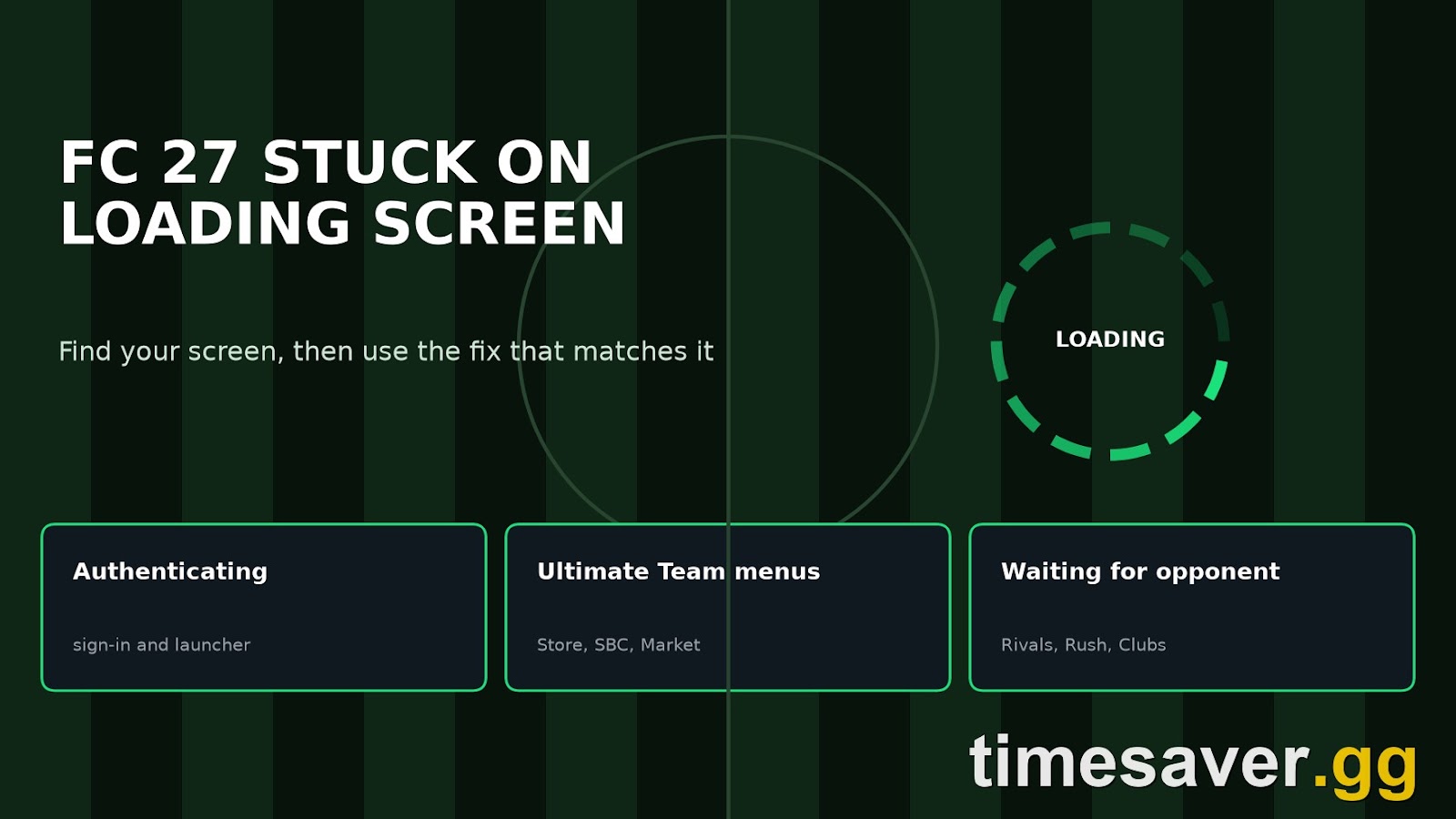
If FC 27 is stuck on a loading screen, the screen you are stuck on tells you what failed. "Authenticating" points to the launcher or sign-in on your side. A spinning Ultimate Team menu is a different problem, and it often survives a full reinstall. "Waiting for opponent" means the queue has hung. These are separate faults, and a reinstall won't help a hung queue.
This guide covers EA SPORTS FC 27 in Season 2 (22 October to 3 December 2026), with Title Update 1.1.0 live since 27 October and EA's next update, 1.2.0, due in mid-November. We went through EA's notes for updates 1.0.3, 1.0.4 and 1.1.0 and counted 12 stuck, freeze or title-restart fixes. Only 3 of them are in Ultimate Team. The rest of this guide tells you which screens are patched, which aren't, and what to try on each. Last checked 31 October 2026.
TLDR: FC 27 stuck screens in 30 seconds. Authenticating or Launching game (PC): open the EA app and sign in before you start the game, then try App Recovery and Repair. Ultimate Team menus spinning: close the game fully, do one hotspot test to rule out your connection, and move SBCs and trading to the Web App. No EA note names this general stall yet. Waiting for opponent: give it about 6 minutes, then back out and restart the game. Clubs lobby loading forever: accept the cross-play prompt, or update to 1.1.0, which fixed it. Black screen during a match: that's a different bug, covered in our FC 27 black screen fix.
EA Sports FC 27 - Coins
Stock up on Coins
Which FC 27 loading screen are you stuck on?
Start by noting exactly where it stops, because each row below has a different cause.

| Where you are stuck | Likely cause | EA fix listed? | Try first |
|---|---|---|---|
| Authenticating, Launching game | PC launcher or sign-in | No | Open the EA app first, App Recovery, Repair |
| Ultimate Team menus, Store, SBCs | General stall, reported most on PS5 | Not named | Full close, hotspot test, Web App |
| Moments, Gallery rewards, Loan to Concept | Specific bugs | Yes | Update, then restart |
| Player Profile, Grounds menus | Specific bugs | Yes | Update, then restart |
| Waiting for opponent (Rivals) | Queue hung | Not for Rivals | Allow 6 minutes, back out, restart |
| Co-op Rivals, blank after kit select | Party state | No | Host fully restarts, re-invite |
| Clubs lobby, infinite loading | Cross-play prompt | Yes, 1.1.0 | Accept cross-play, restart |
| Before the menus, with an anti-cheat crash | Anti-cheat conflict | No | See our FC 27 won't launch guide |
How do you fix FC 27 stuck on Authenticating or Launching game?
This is a PC problem in almost every report, and it usually sits between the game and the EA app rather than in the game itself. We couldn't find an EA statement on this exact screen for FC 27, so treat the first step as a community fix. The nearest public report comes from EA's College Football 27 on Steam: a player got past "Authenticating" by opening the EA app while the game was waiting, and suggested the game was looking for their EA account.
Work through these in order:
- Close the game, open the EA app yourself and confirm you're signed in. Then launch from there. If you own the game on Steam, open the EA app first as well, then launch from Steam.
- Clear the EA app cache. On Windows, open the three-dash menu in the EA app, go to Help and choose App Recovery. EA says this can help with the EA app being stuck in offline mode, but it also warns that clearing your cache can't fix outages or servers going down.
- Repair the game. In the EA app, go to Library, open the menu on the game and choose Repair. This is EA's own step for games that won't load. Steam owners can use Verify Integrity of Game Files.
- Clean boot your PC. EA's crash and freeze guide lists this first after closing background apps. It also lists reinstalling the game and the EA app.
If FC 27 worked for weeks and then stopped, you aren't alone. One EA Forums thread describes the game running fine since release, then failing to start through both Steam and the EA app. If the game closes right after the anti-cheat screen, that's a separate fault, and our won't launch guide covers it.
Why does FC 27 Ultimate Team keep loading in menus?
This is the worst version of the bug because EA's notes don't name a fix for it, and the usual advice often fails. The pattern on the FC 27 boards is consistent: matches play normally, but opening the Store, SBCs or the Transfer Market hangs.
Here's what players report:
- One PS5 player says Ultimate Team freezes on nearly every menu and ends in "There was a problem connecting to Football Ultimate Team servers". They had already reinstalled the game, rebuilt the PS5 database, restored licences, changed DNS and tried both home Wi-Fi and a mobile hotspot. None of it helped.
- Another player reports the game is fine in a match but freezes between the Transfer Market and SBC menus, and a reply says it began halfway through the FC 26 cycle.
- In a launch-week r/EASportsFC thread, a PS5 owner says they had to restart every 5 minutes on FC 26, and that FC 27 does the same. In the replies, one player waits 30 to 40 seconds for a load every 2 minutes. Another says a DNS change helped a little and a phone hotspot stopped it. A third saw no change from a LAN cable.
- One EA Forums report says it started right after a power outage during play.
Those reports conflict, so no single cause fits them all. The route to the servers seems to matter for some players and not for others, so leave the reinstall until last.
Step 1: Close the game fully. Don't just suspend it. On PS5, use Close Game from the options menu rather than returning to the home screen.
Step 2: Power cycle the console. EA's steps for PlayStation are to hold the power button for at least 7 seconds until the system beeps twice, leave it for one minute, then turn it back on. On Xbox, EA also lists clearing the Alternate MAC address, under Settings, Network, Network Settings and Advanced Settings (EA Help).
Step 3: Run one hotspot test. Connect the console to your phone for 15 minutes and open the same menus. If the stall goes away, your home route is part of the problem, so work on that next with our FC 27 connection guide. If it stays, stop changing network settings.
Step 4: Move your admin to the Web App. This is a workaround rather than a fix, but it's the most useful one here. SBCs and Transfer Market trading work in the FC 27 Web App, so your console only has to load matches. If the Web App stalls too, the fault is more likely on EA's side or in your account's connection, not the console.
Step 5: Restore licences, then reinstall, last. EA lists both steps, but given the report above, don't expect them to cure this one.
Why is FC 27 stuck on Waiting for Opponent?
A hung queue looks like a long search, so the trick is knowing when to give up. One PS5 report says a Division Rivals search ran for about 6 minutes before showing "We couldn't find any opponents. Please try your search again later." Rush ran for about 3 minutes before "Couldn't find teammates."
Use that as your rough limit. If there's no message after 6 minutes in Rivals, back out. If backing out doesn't work, restart the game. That's our rule of thumb from one report, not an EA figure.
EA has confirmed one way this happens. Title Update 1.1.0 lists this fix under The Grounds:
"In certain situations, if players lose connection to the game servers while waiting in a matchmaking queue, they may remain stuck on the queue screen indefinitely without receiving a notification." (EA, Title Update v1.1.0, 27 October 2026)
That note sits in The Grounds section, so don't assume it covers Rivals. It does explain why a queue can sit forever with no error: you may already have lost the connection. PS5 players have also posted Rivals getting stuck on "Waiting for opponent" on the EA Forums, and we found no Rivals-specific fix in EA's notes.
A few things are worth checking if it keeps happening:
- Check EA's server status before you change anything at home.
- Check your cross-play setting. Turning it off shrinks the pool you match from. Our FC 27 cross-play guide explains how the pools work.
- In co-op Rivals, restart the host. One player says the host can't search again after a match until they fully close the game and re-invite. Another reports a blank screen after picking kits, with both players having to restart and try again.
Is Ghoul Fest the problem right now? Partly, by the look of it. Since the Ghoul Fest mode arrived on 30 October, r/EASportsFC has had several threads about bad connections and being kicked from it, including one player whose opponent disconnected within 5 seconds in 6 of their last 7 games. EA hasn't commented on these as far as we can find. If only Ghoul Fest fails and Rivals works, the problem probably isn't your setup.
Which FC 27 stuck screens has EA already fixed?
If you're on an old build, one of these may be your whole problem. EA's notes describe several as needing a "title restart", so restarting was the only way out.

| Update | Area | What used to get stuck |
|---|---|---|
| 1.0.3, 2 Oct | Ultimate Team | Loading screen when opening Moments challenges |
| 1.0.4, 7 Oct | The Grounds | Loading screen when viewing your active club from Player Profile |
| 1.1.0, 27 Oct | Ultimate Team | Freeze when converting a Loan Player to a Concept Player |
| 1.1.0 | Ultimate Team | Pressing a new-set notification on the Gallery Show Rewards screen |
| 1.1.0 | The Grounds | Rush party stuck when the leader left the queue |
| 1.1.0 | The Grounds | Queue screen after losing the server connection |
| 1.1.0 | The Grounds | Clubs lobby loading forever after declining cross-play |
| 1.1.0 | The Grounds | Pressing advance before a claimed reward finished showing |
| 1.1.0 | The Grounds | FC Hub after buying an Amp from the Clubs Store |
| 1.1.0 | The Grounds | Objectives tab that would not open |
| 1.1.0 | Gameplay | Game opening tutorial |
| 1.1.0 | General | Second profile linking in Kick Off |
The split matters. Seven of the 12 are in The Grounds, against 3 in Ultimate Team. The nearest thing to a general Ultimate Team fix in 1.1.0 is "Addressed a delay when navigating certain live messages", which is far narrower than what players describe on the boards.
For PC Clubs players, one more report is worth knowing. A Clubs thread describes a black screen with the EA loading icon at kick-off. Closing the game with Alt+F4 let the match start for the rest of the team, which helps your teammates but not you.
EA Sports FC 27 - FUT Champions Boost
Get fut champions boost in 10 minutes
What about Hospitality Settings Synchronising and corrupted settings?
"Hospitality Settings Synchronising" is an old message, and we couldn't find a current FC 27 report that explains it. On FC 25, the EA Forums thread about it describes PS5 players stuck there at start-up. An older r/FIFA tip was to boot the game offline and reconnect at the menu. It's worth one try, but it isn't verified for FC 27.
If the game hangs or crashes in one mode only, a damaged settings file is a reasonable suspect. An EA Forums reply suggests renaming the settings file in your FC 27 folder to settings_backup so the game rebuilds it. That's a community fix, not an EA instruction. You'll also lose your settings and preferences, so keep the backup.
How much does a stuck screen cost you in Rivals and Champions?
A stuck menu doesn't cost you a match, but it does eat the time you had for one. Rivals rewards are based on weekly points, and they land on Thursdays at 06:59 UTC, according to EA Help. Our reset times guide gives that in every time zone. If you lose a night to a hung queue late in the week, you can miss a reward tier you'd normally reach.
If the game drops or freezes once a match has started, the risk changes, because quitting can affect your normalised DNF value. Our black screen guide explains that and what to try before you leave a match.
So test any fix in Squad Battles or a friendly before your main session.
Lost your Champions weekend to loading screens? timesaver.gg's pro players can handle FUT Champions qualification and Finals wins for you, and coins are delivered with a paced Comfort Trade.
- EA FC 27 FUT Champions Boost: Champions qualification and Finals wins, played by pro players
- EA FC 27 Coins: Comfort Trade, paced delivery
- EA FC 27 Evolutions Boost: Pathways cleared for you
- All EA FC 27 services
Will Title Update 1.2.0 fix FC 27 loading screens?
We don't know yet. EA has said 1.2.0 arrives in mid-November, and the October Gameplay Developer Notes cover gameplay balance, such as fullback positioning and kick-off goals, not menu or loading problems. Our 1.2.0 preview lists what EA has confirmed. We'll refresh this guide if the full notes name a loading or menu fix.
FAQ
How do I fix FC 27 stuck on Authenticating? Close the game, open the EA app and check you're signed in, then launch again. If that fails, clear the cache with App Recovery, then use Repair in your Library. Opening the EA app first is a community fix, not an EA instruction.
Why does FC 27 Ultimate Team take so long to load on PS5? Nobody outside EA knows yet. Players report the same stall after reinstalling and rebuilding the database, and network changes help some players but not others. Do a full close, a power cycle and one hotspot test, then use the Web App for SBCs and trading.
Does reinstalling FC 27 fix the loading screen? Sometimes, and EA does list it as a step, but leave it until last. At least one PS5 player reinstalled, rebuilt the database and restored licences, and Ultimate Team still froze. On a hung queue, it has nothing to fix.
How long should I wait on Waiting for Opponent in FC 27? About 6 minutes in Rivals. One PS5 report saw the search end with an error at around that point, so a silent screen past that has probably hung. Back out, or restart the game if you can't.
Is FC 27 down right now? Check EA's server status page first. If it shows a problem, wait it out, because clearing your cache can't fix an outage.