Last checked October 23, 2026 (launch day), against Activision's MW4 PC tech blog, the MW4 Launch Patch Notes, the MW4 Editions support page and the official PlayStation and Xbox pages. Modern Warfare 4 launched at midnight local time on October 23, 2026.
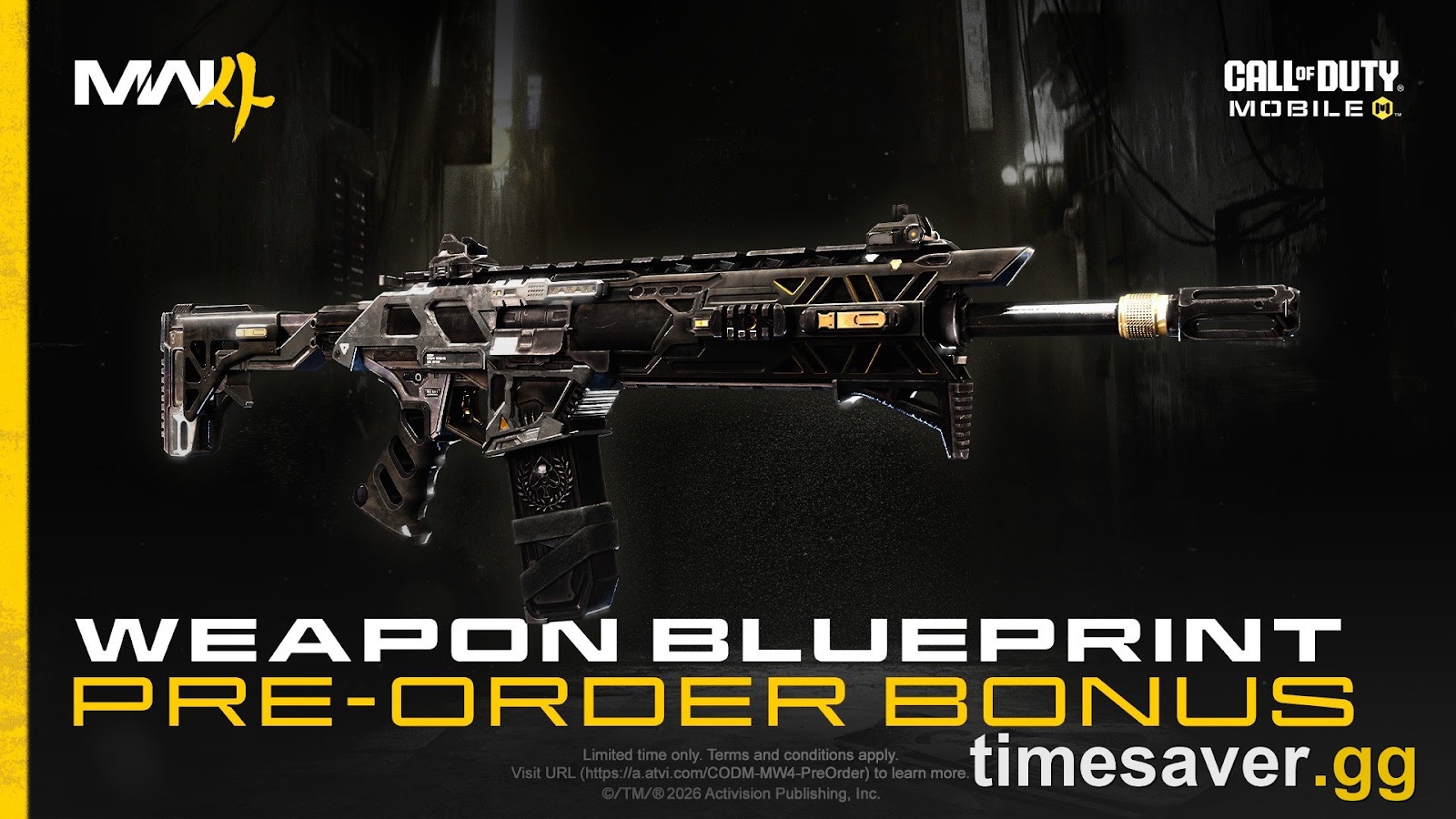
Call of Duty: Modern Warfare 4 - Bot Lobbies
Get bot lobby in 10 minutes
TL;DR: why does MW4 look blurry or grainy?
Most "MW4 looks blurry" reports come from four things, and none of them mean your hardware is broken. (1) Texture streaming: MW4 streams high-res textures over the internet in every mode, so a slow or busy connection leaves faces and walls muddy until the textures arrive. (2) Upscaler presets: DLSS, FSR or XeSS on a "Performance" preset renders far below your screen resolution. (3) Post-processing: motion blur, depth of field, any film grain and the screen-space shadow and reflection effects add softness and shimmer. (4) On console, the 120Hz mode: in Campaign and DMZ it needs a VRR display, and on Xbox Series X it runs at 1440p instead of 4K. Fix order: let textures finish streaming (players report a restart helps) → switch the upscaler to Quality or native (DLAA/Filmic SMAA T2X) → turn off blur and depth of field, plus film grain if your menu has it → try the Sharpness slider at around 50 as a starting point → check VRR and your console's performance mode.
Key numbers from Activision's official pages:
- 4 resolution-scaling options on PC: NVIDIA DLSS 4.5, AMD FSR Redstone, Intel XeSS 3 and Filmic SMAA T2X (the default).
- 8 GB of video memory on the Recommended spec, which targets 90 FPS on High. The minimum spec lists 3 GB.
- 1440p: the resolution Xbox Series X uses in its 120 FPS mode. Its 60 FPS mode runs at 4K.
- 800+ PC customization options, according to Activision. So yes, there's usually a setting behind the blur.
Why do MW4 textures look blurry or low-res?
This is the most common complaint on launch day, and it has an official explanation. Activision's support page says it plainly:
"To deliver the highest-quality visuals while also reducing the game's overall storage space on your hard drive, Call of Duty: Modern Warfare 4 will use texture streaming across all game modes." (Activision Support)
The same page says you need a continuous internet connection for Multiplayer (including Private Matches) and DMZ. (We cover that requirement in our MW4 PS Plus, Game Pass and internet requirements guide.) In practice, the game installs a lower-detail base version of each texture and downloads the sharp version as you play. On launch night, millions of players are pulling those textures at the same moment. In one r/modernwarfare4 thread on blurry textures, a player described seeing square, fuzzy pixels through the whole first campaign mission. Then the image "shifted upwards" in quality after an FPS spike, and after one PC restart "the quality looked great." Another player on the same laptop reported the same low-res faces.
What to do:
- Give it a match or two. Textures that arrive late are normal for the first session after install or after a patch. They aren't a broken setting.
- Restart the game, then the PC or console, once. Activision hasn't documented this as a fix, but it's what players in the thread above say worked for them.
- Use a wired connection if you can. Streaming competes with everything else on your network. If you're also stuck on menus, work through our MW4 "Connecting to Online Services" fix first.
- Check your VRAM budget (PC). Recommended is 8 GB. On 6–8 GB cards, an Ultra texture setting can push the game into its fallback (low-detail) textures. One notch lower often looks sharper because the textures actually load.

Same campaign scene, two results, from a player's texture quality comparison on r/modernwarfare4. Faces, shelves and signage show the difference first.
Which MW4 PC settings cause blur, and what should you change?
Activision's PC blog lists the new clarity settings in MW4. Most of the "MW4 looks blurry on PC" reports come from how these are combined:
"New sharpness slider global to any upscaler · New shading quality · New Filmic SMAA T2X settings" (Call of Duty blog, PC tech specs)
Here's the fix sheet, in the order that gains you the most clarity:
| Symptom | Most likely cause | Fix |
|---|---|---|
| Whole image soft, "low-res" | Upscaler on Performance/Ultra Performance | DLSS/FSR/XeSS → Quality, or run native (DLAA or Filmic SMAA T2X) |
| Soft after enabling DLSS | Sharpness slider at 0 | Try Sharpness ~50 as a starting point, then adjust ±15 |
| Smearing when you move or turn | Motion blur | World/Weapon motion blur → Off (or "cutscenes only") |
| Background out of focus | Depth of Field | World Depth of Field → Off. Weapon DoF is optional |
| Grainy, "noisy" shadows | Screen-space shadows/reflections, film grain | Screen Space Reflections → Off/Low, then try lower shadow settings. Film grain → 0 (if shown) |
| Muddy faces and walls | Texture streaming / VRAM | Let it stream, restart once, lower Texture quality one notch |
| Shimmer on fences and foliage | Low render resolution + temporal AA | Raise the render resolution or upscaler quality before adding sharpness |
Upscaler first. The four options are DLSS 4.5, FSR Redstone, XeSS 3 and Filmic SMAA T2X. Activision describes SMAA T2X as the "default post process effect to reduce perceived jagged edges." These are player reports from launch week, not Activision-tested fixes. In the same blurry-textures thread, a 3070 owner called DLSS on Performance "awful." They moved to Balanced, switched the DLSS model to the newer transformer one, and set Sharpness to 50. Another player got the cleanest image by turning off ray tracing and using native DLAA with no extra sharpening. If your GPU can hold your target frame rate at native, that's the sharpest option.
Grain is often screen-space effects. In the r/modernwarfare4 thread about the "ugly grainy look from all the shadows", the top fixes were to disable Screen Space Reflections and to lower the screen-space shadow settings. One commenter said that fix has worked in every Call of Duty since 2019. Others confirmed the grain was there even with no upscaler, so DLSS isn't the only cause. Activision lists Screen Space Reflections, Shadow Filtering Quality and Occlusion and Screen Space Lighting among the reworked MW4 graphics settings. Those are the three to experiment with.
Depth of field is now split. MW4 separates World Depth of Field and Weapon Depth of Field. Activision says this is so "players who prefer a sharper world can still experience the realistic effects of aiming with a weapon." Turn World DoF off if the background looks out of focus.
Run the built-in Benchmark Tool. It runs a simulated multiplayer sequence and reports Average FPS, CPU, GPU, Ping and Input Latency, plus suggested settings. Use it after each change so you don't trade clarity for stutter. For full FPS-oriented presets, see our best MW4 PC settings for high FPS. If the image is sharp but choppy, follow our MW4 stutter and FPS drops fix.

MW4's PC Display tab (player screenshot from r/modernwarfare4). Check that Display Resolution matches your monitor's native resolution before you touch anything else.
Two quick PC sanity checks:
- Display Resolution must be your monitor's native resolution. A 1440p panel fed a 1080p signal will always look soft, whatever you do with the upscaler.
- Update your GPU driver. Activision's recommended launch drivers are NVIDIA 616.56, AMD 26.7.1 and Intel 32.0.101.8974. Intel Arc cards also need Resizable BAR. Full specs are in our MW4 PC system requirements guide, and the new features are explained in every MW4 PC feature explained.
Why does MW4 look blurry on PS5 and Xbox?
On console, the biggest launch-week surprise is the 120Hz mode. On October 20, Call of Duty's official update account confirmed a new requirement:
"Players on PS5 and XBOX Series X/S must have Variable Refresh Rate (VRR) enabled for Performance Mode support in #MW4 Campaign and DMZ. This will also be required for Performance Mode in Call of Duty: Warzone with Season 1." (@CODUpdates on X)
That causes two kinds of "MW4 looks worse than the beta" reports:
- Locked at 60Hz in Campaign or DMZ, and it feels smeary. If your TV or monitor doesn't support 120Hz and VRR (or VRR is switched off on the console or TV), you won't get Performance Mode in those modes. Warzone adds the same requirement from Season 1. Activision's advice: "make sure your display supports 120 Hz and VRR, and check your settings to ensure VRR is enabled."
- 120Hz on, but softer. Higher frame rates cost resolution. Xbox's official MW4 page lists "60 FPS at 4K and 120 FPS at 1440p on XBOX Series X". If you care more about sharpness than frame rate, the 60Hz mode is the clearer picture.
PS5 Pro owners get something extra. Activision's PlayStation page says the Pro uses "enhanced PlayStation Spectral Super Resolution (PSSR) support and increased graphics quality in 120Hz and 60Hz modes." If a Pro still looks soft, the cause is usually texture streaming or blur and grain settings, not resolution.
Console clarity checklist:
- Console video settings: enable 120Hz and VRR (PS5: Screen and Video → Video Output. Xbox: General → TV and display options → Video modes).
- Turn on Game Mode on your TV, and turn off the TV's own motion smoothing and noise reduction.
- In MW4's Graphics menu: motion blur off and World Depth of Field off. Set film grain to 0 and raise sharpness if your version shows those options.
- Restart once after your first session so texture streaming starts fresh.
Controller-side settings (aim assist, deadzones, sensitivity) are covered in our best MW4 controller settings.
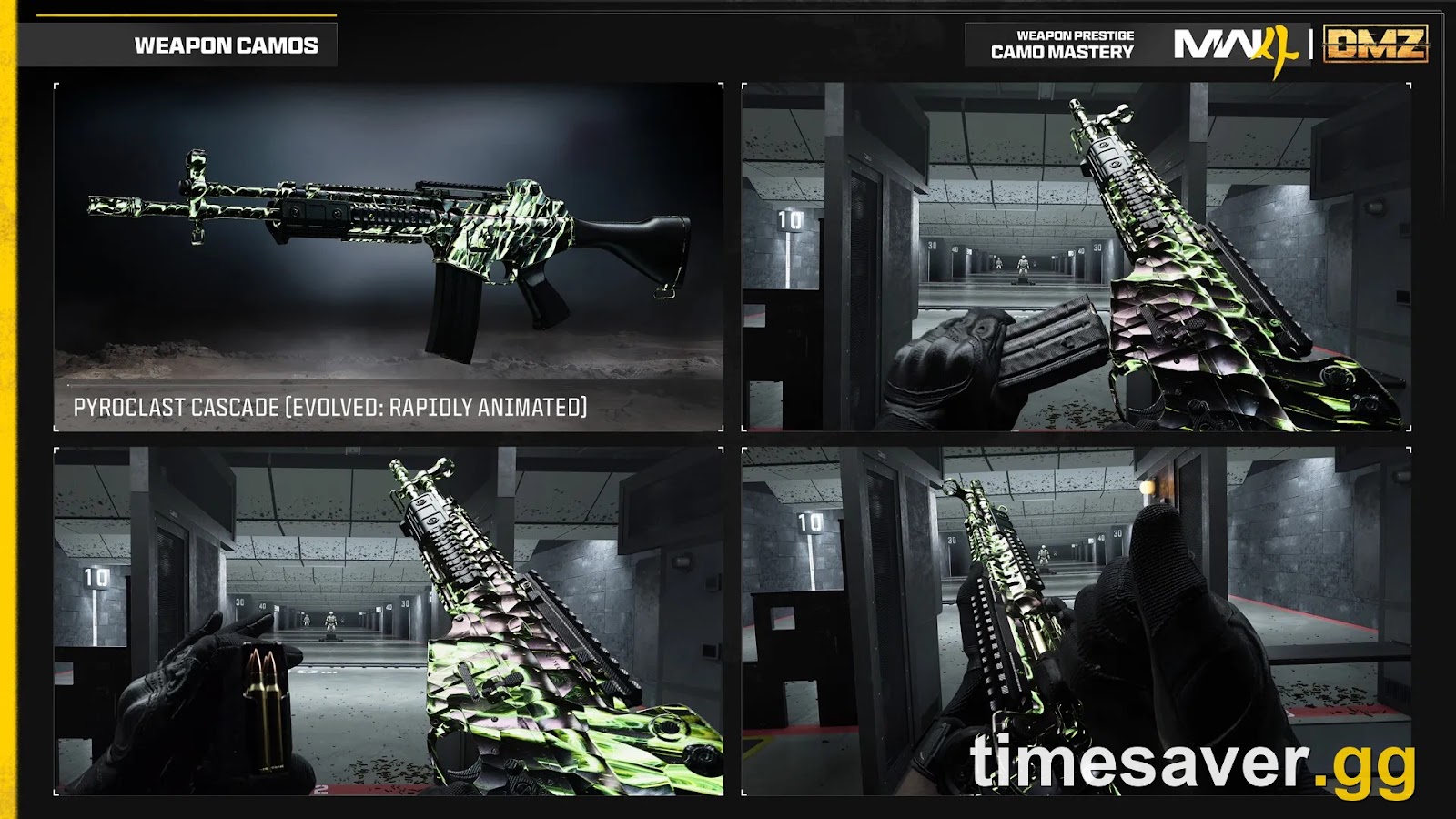
Call of Duty: Modern Warfare 4 - Mastery Camo Bundle
Get mastery camos in 10 minutes
Is MW4 supposed to look blurry on Switch 2?
Partly, yes, and it depends on the mode. MW4 runs natively on Nintendo Switch 2, but the modes run differently. Nintendo Life's review says "the Campaign runs at 30fps." Kotaku and IGN report that multiplayer targets 60 FPS, docked and handheld. Kotaku found the 30 FPS campaign looks better, while multiplayer gives up visual detail to hold its higher frame rate. So if multiplayer looks softer than the campaign on Switch 2, that's the hardware budget, not a bug. You can still remove the extra blur the same way as on other platforms: motion blur off, depth of field off, and a restart after your first session so streamed textures load. More on what the Switch 2 version can and can't do is in our MW4 Switch 2 60 FPS and mouse controls breakdown.
Did the MW4 launch patch fix any visual issues?
Some, but not the general blur. The launch patch notes list targeted visual fixes made since the beta:
- "Reduced blur size on splashes to improve gameplay visibility"
- "Fixed an issue where the Orders rewards section of the End Game Report could appear in low resolution"
- "Fixed various visual issues on Cachette"
None of those notes mention global sharpness. So if your whole image is soft right now, start with your settings and connection rather than waiting on a patch. Keep an eye on Activision's support pages for new known issues. Our MW4 launch-day errors and fixes hub tracks the bigger problems.
What's the fastest way to get a sharp, playable MW4 on day one?
Here's the 5-minute version, in order:
- Restart once after your first session or match (texture streaming).
- Upscaler → Quality, or native (DLAA / Filmic SMAA T2X). Then try Sharpness ~50.
- Motion blur off, World DoF off, plus film grain 0 if shown.
- Grainy shadows? Turn Screen Space Reflections off, then lower the screen-space shadow settings.
- Console: confirm 120Hz + VRR, or pick 60Hz if you want maximum resolution.
Once the image is clean, the next bottleneck is the grind. Every player starts at Level 1 with locked attachments and camos.
Lock in your MW4 setup now: bot lobbies, camo and weapon leveling are ready for launch. If you'd rather spend launch week playing than grinding Level 1 unlocks on a fresh install, timesaver.gg runs MW4 services on all platforms:
- MW4 Bot Lobbies: easy lobbies for camo challenges, streaks and K/D-friendly grinding.
- MW4 Mastery Camo Unlock: skip the multi-weapon mastery grind.
- MW4 Weapon Leveling: max weapon levels and unlock attachments faster.
- MW4 Account Leveling: rank up toward max Soldier Rank and Prestige.
Wondering how bot lobbies actually work and whether they're safe? Read MW4 bot lobbies: how they work, safety and value.
FAQ
Why are my MW4 textures blurry? Modern Warfare 4 uses texture streaming in every mode, according to Activision. It downloads high-resolution textures while you play, so on a slow or busy connection, faces and surfaces stay low-res until they arrive. Play a match or two, restart the game once, use a wired connection if possible, and lower Texture quality one notch if your GPU has 8 GB of VRAM or less.
Does MW4 have film grain, and can you turn it off? Activision's MW4 settings list doesn't mention film grain, but recent Call of Duty menus include a Film Grain slider. If yours shows one in MW4's Graphics menu, set it to 0. Also turn off motion blur and World Depth of Field for a cleaner image. If the grain is mostly in shadows, it's usually the screen-space shadow and reflection effects. Turn off Screen Space Reflections and lower the shadow settings.
Is DLSS making MW4 blurry? It can, if it's on a Performance or Ultra Performance preset, because those render well below your screen resolution. Switch DLSS (or FSR/XeSS) to Quality, or run native with DLAA or Filmic SMAA T2X. Then use MW4's global Sharpness slider, which works with any upscaler. Around 50 is a reasonable starting point.
Why does MW4 look worse in 120Hz mode on PS5 or Xbox? On Xbox Series X, Activision lists 120 FPS at 1440p versus 60 FPS at 4K, so 120Hz trades resolution for frame rate. On both PS5 and Xbox Series X/S, Performance Mode in Campaign and DMZ also requires a VRR-enabled display. Without VRR, those modes are locked to 60Hz.
Why is MW4 blurry on Switch 2? It depends on the mode. Reviewers report that the Switch 2 campaign runs at 30 FPS and multiplayer targets 60 FPS. Multiplayer gives up visual detail to hold that frame rate, so it looks softer than the campaign. Turning off motion blur and depth of field removes the extra softness on top of that.
Will a patch fix MW4's blurry graphics? The launch patch fixed specific visual bugs, such as splash blur and a low-resolution End Game Report panel. It made no global sharpness change. Future patches may still improve image quality, but for now your settings, your connection and a restart are what you can control.