Contact dunks in NBA 2K27 are gated behind your Driving Dunk rating first, your height and standing reach second, and then the specific dunk package you equip in the Dunk Style Creator. The single biggest lever is Driving Dunk: community testing since the September 4, 2026 launch puts the elite one-hand and two-hand contact packages in the low‑to‑mid 90s, with signature contact animations sitting a few points lower. Height matters too — several packages lock out taller builds, so a center chasing a guard's flashy contact dunk can hit the rating and still never see the animation. And in 2K27 every dunk is manually timed: 2K's own gameplay page states that dunk attempts "must now be manually timed using the Dunk Meter," and a new Dynamic Dunk Meter shrinks your green window when a defender closes out late. This guide breaks down the attribute thresholds, the height rules, the badges that keep the animation from clanking, and the exact equip flow.
⚡ TL;DR — NBA 2K27 contact dunk requirements (September 29, 2026)
- Driving Dunk is the master gate. Community testing since launch puts elite contact-dunk packages in the low‑to‑mid 90s Driving Dunk; signature contact animations tend to sit a few points below that. Thresholds are widely reported to have shifted at launch, so treat exact numbers as community-reported, not official.
- Height and standing reach are a hard filter. Some dunk packages will not appear on builds above a height cutoff (commonly cited around 6'10"). A guard-style signature contact dunk can be locked off a big man regardless of rating.
- Every dunk is manually timed now. 2K: "all dunk attempts must now be manually timed using the Dunk Meter." The new Dynamic Dunk Meter "expanding the green window for wide-open lanes and shrinking it for late defensive closeouts."
- Badges finish the job. Slashing-side badges keep contact finishes from bricking under contests; without the animation equipped AND the timing greened, high Driving Dunk alone still clanks.
- You equip contact dunks in the Dunk Style Creator, then re-select your named custom style so the game actually uses it — the step most players miss.
- No product link here: timesaver.gg has no NBA 2K page yet. This is a pure how-to.
What are contact dunks in NBA 2K27?
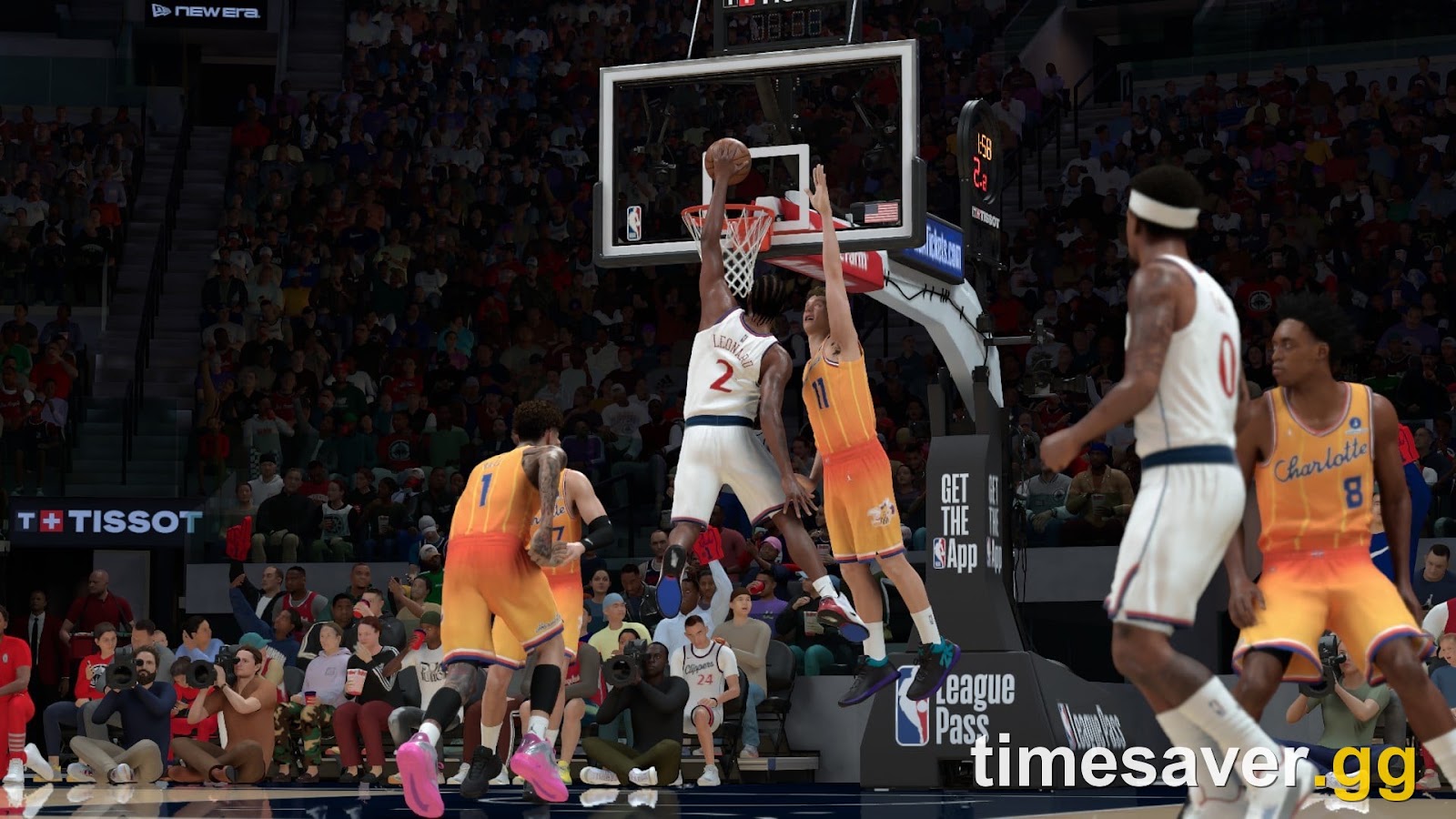
Contact dunks are the finishing animations that trigger when you attack the rim into a defender and win the collision — the posterizers. They are separate from standard dunks: you have to own the package, meet its rating and height requirements, and be in a situation the game reads as "contact" (a defender in the paint, in your landing zone). In 2K27 the finish is not automatic. 2K's gameplay page states plainly that "all dunk attempts must now be manually timed using the Dunk Meter" — so even a maxed-out slasher who mistimes the meter will miss the layup-or-dunk read.
The layer on top of that is the Dynamic Dunk Meter. Per the 2K Newsroom (July 28, 2026): "a new, fully dynamic Dunk Meter now continuously evaluates defensive positioning from the moment players take off all the way through the finish, expanding the green window for wide-open lanes and shrinking it for late defensive closeouts." In practice: an open lane gives you a forgiving green window; a defender rotating into you at the last second shrinks it. That is exactly the situation a contact dunk lives in, which is why contact finishes feel harder to green than a wide-open flush.
What Driving Dunk do you need for contact dunks in NBA 2K27?
Driving Dunk is the primary requirement for every contact dunk package. Community testing after the September 4, 2026 launch consistently ranks it as the master gate: the elite one-hand and two-hand contact packages sit in the low‑to‑mid 90s Driving Dunk, while signature contact animations for specific players tend to require a few points less. As one widely-cited launch guide (games.gg, updated September 2, 2026) put it, contact-dunk access is "driven primarily by your Driving Dunk rating," with the top contact packages reported around the 90–99 band and signatures in the high‑80s to low‑90s.
Two cautions before you spend VC:
- Thresholds are community-reported and reportedly shifted at launch. 2K does not publish a contact-dunk requirement table. The numbers floating around forums come from players unlocking animations on live builds, and guides openly note the values "may shift at or after launch." Treat any specific number as a strong estimate, not gospel — verify on your own build in the Dunk Style Creator, where the requirement is shown next to each package.
- A few points can lock an animation out entirely. The most-repeated launch example is a Ja Morant-style signature contact dunk reported to need around 89 Driving Dunk — players who capped at 87 to save two attribute points found the animation greyed out. When a package sits right at your rating line, that is where a Cap Breaker or a two-point bump pays for itself.
If you are building a slasher from scratch, plan Driving Dunk before you plan anything cosmetic. See our NBA 2K27 how to dunk guide for the meter-timing mechanics and our best point guard build and best center build for where Driving Dunk fits each position's attribute budget.
Does height matter for contact dunks in NBA 2K27?
Yes — height and standing reach act as a hard filter on top of Driving Dunk. Several dunk packages simply do not appear in the Dunk Style Creator for builds above a certain height, with a cutoff commonly reported around 6'10". That means a 7-foot center can meet the Driving Dunk requirement for a flashy guard-style contact dunk and still never see it in the list — the package is filtered out by build height, not by rating.
The practical read:
- Guard and wing builds get the widest access to the flashy one-hand and two-hand contact packages, provided Driving Dunk is high enough.
- Big men lean on Standing Dunk for power finishes and posters at the rim; several of the athletic, off-one-foot contact packages are height-locked away from them.
- Vertical feeds the flashy and alley-oop finishes (the elevation to actually rise into the contact), while Standing Dunk governs the strong, flat-footed poster finishes bigs live on.
So the honest requirement for a contact dunk is a stack: right Driving Dunk (or Standing Dunk for bigs) + eligible height + the equipped package + a greened Dunk Meter in an actual contact situation. Miss any one and the poster never triggers.

Which badges do you need to land contact dunks?
Rating and animation get you the attempt; badges decide whether it survives contact. NBA 2K27 expanded the badge pool from 40 to 53, and 2K has publicly named only a handful of them so far — including Pace, Wall-Up and Flash — so any full "best slashing badge" list you see for 2K27 is community-assembled, not an official tier list. What is reliable is the role: the slashing/finishing badges are what stop a contested contact finish from bricking under a defender's contest.
Prioritise, in order:
- A finishing/slashing badge that reduces the penalty for contact at the rim — the badge family that has historically covered contested layups and dunks. This is the single most impactful badge for actually converting a poster.
- A badge that boosts finishing after a drive or in traffic, so your Driving Dunk plays closer to its true value inside the paint rather than getting discounted by defenders.
- The layup-side safety net for the times the read gives you a layup instead of a dunk — because a mistimed contact attempt often downgrades to a contested layup, not a clean flush.
Because badges cost Badge Tokens in 2K27, do not over-invest before you have the Driving Dunk and the package. A slashing badge on a build that can't equip the contact package is wasted. Read our how to earn Badge Tokens fast guide to fund the slashing tree, and where to put Cap Breakers if you're a point or two short of a contact-dunk rating line.
How do you equip contact dunks in the Dunk Style Creator?
Owning the package is not enough — you have to equip it, and in 2K27 there is a final step players routinely skip that leaves them dunking with default animations. The flow:
- Enter MyCAREER or The City on your MyPLAYER (the Dunk Style Creator lives in the animation menus, not the build screen).
- Open the Animations menu.
- Open the Dunk Style Creator.
- Buy the dunk packages your build qualifies for — each shows its rating and height requirement, and greyed-out packages tell you exactly which requirement you're missing.
- Assign the packages into your dunk style slots (contact one-hand, contact two-hand, flashy, etc.).
- Re-select your named custom dunk style so the game applies it. This is the missed step: creating and saving a style does not automatically set it as active — you have to select the finished style, or the game keeps using the default set and your new contact dunks never trigger.
If the animation still won't fire in-game after that, run down the stack: is your Driving Dunk actually at the package's line (check the requirement text), is your build under the package's height cap, and are you attacking into genuine contact rather than an empty lane? An empty lane pushes you toward a regular dunk, not a contact one.
Why does my contact dunk keep clanking off the rim?
Because the dunk is manually timed now, most "why won't it go in" complaints come down to the meter and the read, not your rating. The most useful launch-community fixes:
- Let go of the sprint trigger before you go up. As one player put it after grinding it out, "letting go of RT/R2 right before you hit the shot button" fixed big-man clanks — sprinting straight into a dunk overloads the timing.
- Don't sprint-dunk with a big. Another common report: "sprinting into a dunk with a big man, they'll just clank it off the rim half the time." Gather under control and time the meter instead of ramming the rim at full speed.
- Respect the shrinking green window. Remember the Dynamic Dunk Meter shrinks your window on a late closeout — if a defender rotates in, your timing has to be cleaner than it would be on an open lane. Greening an open flush and greening a contested poster are not the same difficulty.
In short: high Driving Dunk buys you the chance at the poster; the Dunk Meter timing and the contact read decide whether it drops. If you're greening open dunks fine but clanking in traffic, that's the Dynamic Dunk Meter doing its job — tighten the release, don't just add more Driving Dunk.
FAQ
What is the minimum Driving Dunk for contact dunks in NBA 2K27? There is no official 2K number. Community testing after the September 4, 2026 launch puts the elite contact-dunk packages in the low‑to‑mid 90s Driving Dunk, with player-signature contact animations a few points lower (some reported as low as the high‑80s). Because these are community-reported and reportedly shifted at launch, check the requirement shown next to each package in your own Dunk Style Creator before spending attribute points.
Can centers get contact dunks in NBA 2K27? Partly. Big men can trigger power contact finishes tied to Standing Dunk, but several of the flashy, off-one-foot contact packages are filtered out above a height cutoff (commonly cited around 6'10"). So a center can meet a guard package's Driving Dunk requirement and still not see the animation because of build height.
Do I need a badge to land a contact dunk? You don't strictly need a badge to trigger one, but a slashing/finishing badge that reduces the contact penalty is what stops contested contact finishes from bricking. NBA 2K27 expanded badges from 40 to 53, and 2K has only publicly named a few (including Pace, Wall-Up and Flash), so treat any "best slashing badges" ranking as community-assembled, not an official tier list.
Why is my dunk package greyed out in the Dunk Style Creator? You're missing a requirement — either Driving Dunk (or Standing Dunk), height/standing reach, or both. The Creator shows each package's requirement text; a greyed-out package means your build doesn't meet it. Height caps in particular lock some packages off taller builds regardless of rating.
Why does my contact dunk keep clanking in NBA 2K27? Because all dunks are manually timed now. 2K states "all dunk attempts must now be manually timed using the Dunk Meter," and the Dynamic Dunk Meter shrinks your green window on late defensive closeouts. Common fixes players report: release the sprint trigger just before going up, and don't sprint straight into a dunk with a big man.
How do I actually equip a contact dunk once I own it? Open the Animations menu, then the Dunk Style Creator, assign the package into your dunk slots, and — the step most people miss — re-select your named custom dunk style so the game sets it active. Saving a style does not auto-equip it.
Bottom line
Contact dunks in NBA 2K27 are a stack, not a single stat. Get Driving Dunk onto the package's line first (low‑to‑mid 90s for the elite packages, per community testing since the September 4 launch), confirm your build height clears the package's cap, equip and re-select the style in the Dunk Style Creator, back it with a slashing/finishing badge, then win the timing on the manually-timed Dunk Meter in real contact. Skip any layer and the poster never happens. Because 2K publishes no official requirement table and the community numbers reportedly shifted at launch, always trust the requirement text on your own build over any forum figure.
For more NBA 2K27 guides, see our coverage of how to dunk, how to make layups, the best jumpshot, and Cap Breakers.
Sources: 2K Newsroom (Dunk Meter, July 28, 2026); nba.2k.com/2k27 gameplay features (manually-timed dunks); games.gg NBA 2K27 dunk requirements (updated September 2, 2026); launch-community testing and player reports (r/NBA2k). Attribute thresholds are community-reported and may change with patches; verify in the in-game Dunk Style Creator. Published September 29, 2026.